Power BI lifetime
69ر.س
Product description
[DESC]
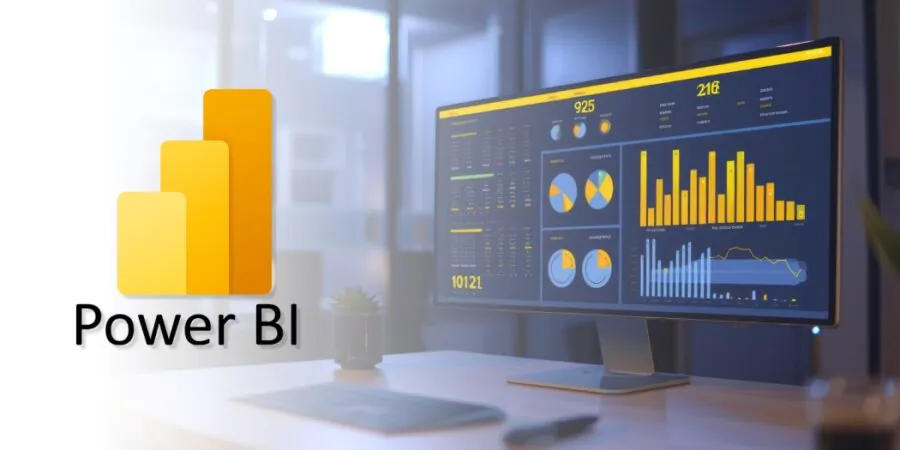
Microsoft Power BI Lifetime — a lifetime ready-made Power BI account with a 1-year warranty. The product is a ready-made account (username and password) — you can only change the password upon first login. At first login, you will be asked to set your own password — make sure to save it. Allows you to create and share reports and analytics.
✅ Lifetime ready-made Power BI account
✅ 1-year warranty
✅ Ready-made account — username and password provided
✅ Password can only be changed at first login
✅ Create and share professional reports and analytics
✅ Global version
[/DESC]
[ACTIVATION]
Installation & Activation
1. Account credentials (username and password) will be sent within 12 hours of payment.
2. Download Power BI Desktop from the official link:
https://www.microsoft.com/en-us/download/details.aspx?id=58494
3. Open the official website to sign in:
4. Sign in with the credentials sent to you. At first login you'll be asked to change your password — save it carefully, the initial password becomes invalid.
5. If you experience login issues, reinstall or restart the application several times. For support:
mailto:supports@softwareteck.com
1-year warranty. Upon first login, you can only change the password — make sure to save it as the initial password becomes invalid. If login issues occur, reinstall or restart the software. If unresolved, contact us.
[/ACTIVATION]
[FAQ]
What exactly is the product?
A lifetime ready-made Power BI account (username and password). Only the password can be changed at first login.
What is the warranty period?
1-year warranty.
What happens at first login?
You will be asked to set your own password. The initial password becomes invalid — make sure to save the new one.
When will the account credentials be sent?
Account credentials will be sent within 12 hours of payment.
Will I get an invoice?
Invoice will automatically generate upon placing an order.
Where can I find my invoice?
Once the order is completed, under 'My Account' (top right corner) → 'Order History'.
Can I edit my invoice?
Contact support: supports@softwareteck.com — include the order number and relevant information.
What payment methods are available?
PayPal, STC Pay, Google Pay, Apple Pay, Visa / Mastercard.
[/FAQ]
