TC-Helicon GoXLR MINI
999.01ر.س
Product description
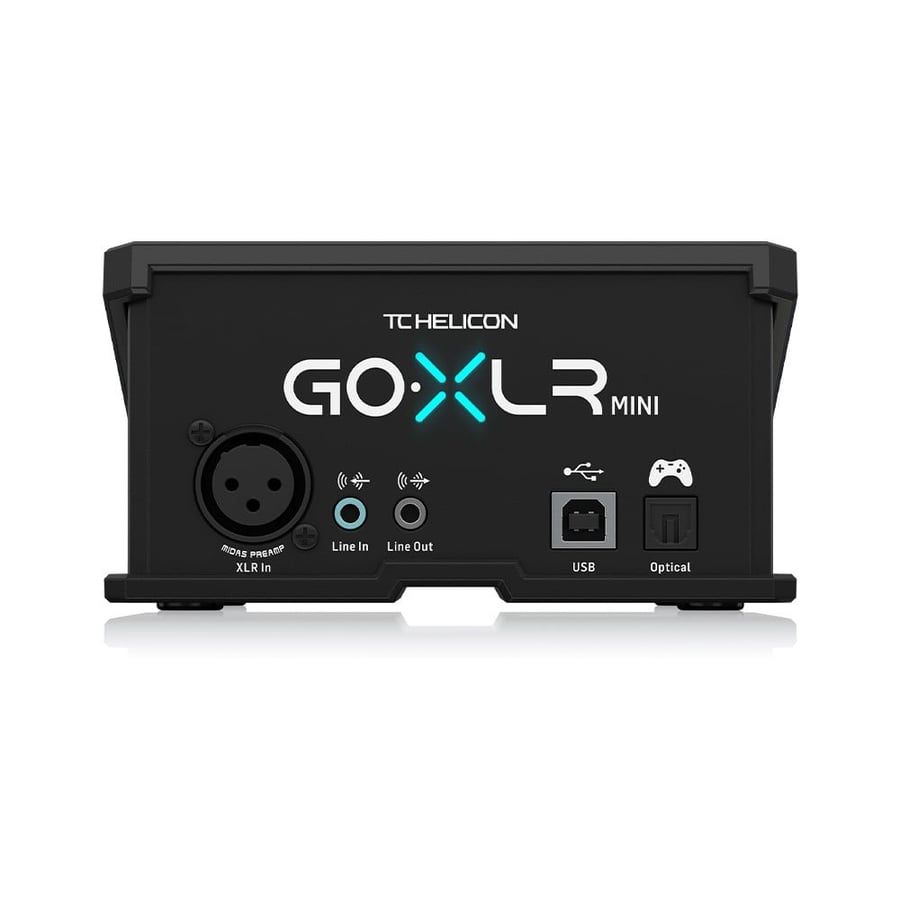
GoXLR Mini – Small mixer with professional capabilities
If you are a content creator or a gamer looking for a professional sound experience, then the GoXLR Mini from TC Helicon is the perfect solution for you. This compact mixer gives you full control over your sound with an easy-to-use interface and powerful performance that meets live streaming and recording needs.
The GoXLR Mini comes with four programmable channels, allowing you to adjust the volume levels for each source individually. Thanks to dedicated mute buttons, you can instantly control the sound, whether you need to mute it completely or hide it with a "tut" encrypted voice for greater privacy. The device also allows connection of professional XLR microphones, providing clear and pure sound quality thanks to advanced audio processing, making it ideal for live streaming and high-definition recordings.
The device features multiple ports, including an XLR input for professional microphones, 3.5mm ports for headphones and microphones, as well as Line In and Line Out inputs for connecting additional devices. It also has a USB port for direct connection to the computer and an Optical input for digital audio, making it suitable for any recording or live streaming environment.
For full control and customization of audio settings according to your needs, GoXLR Mini offers a dedicated software that allows you to adjust levels, modify effects, and manage audio channels easily to achieve the best possible sound experience, enabling you to tailor audio settings to your requirements.
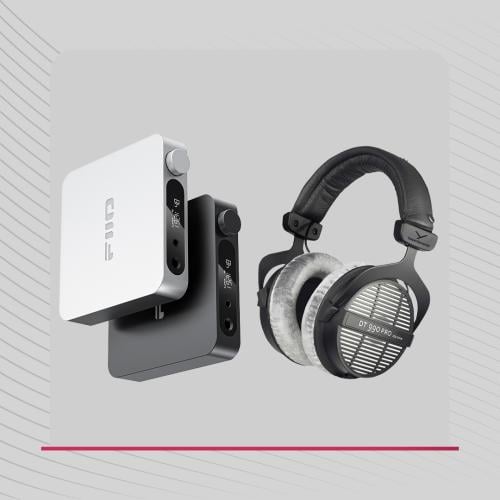
The mixer can be connected with a Dac/Amp speaker amplifier that has an RCA Line in input via an RCA to AUX cable to fully utilize the speaker’s capabilities and quality at high purity, for example:
FiiO K7
FiiO K9
FiiO K19
Get the GoXLR Mini today and enjoy a professional sound experience that gives you full control over all details.
Device accessories: USB cable for connecting the mixer to the computer
Additional files: You can download the mixer software through the Software option here
And you can view the user guide here

From Riyadh