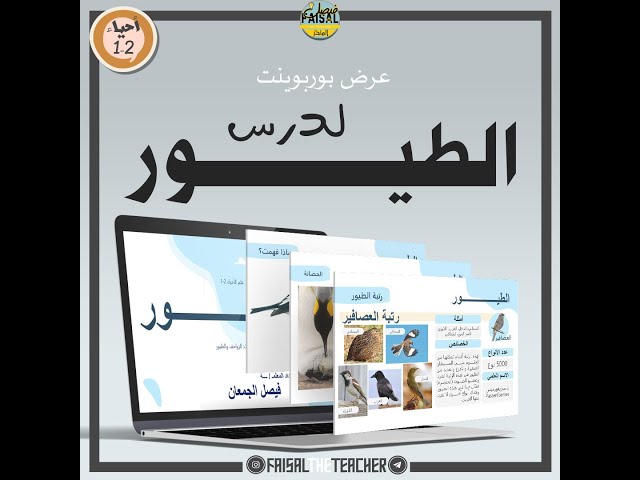


Birds lesson display
50ر.س
Product description
PowerPoint presentation for the lesson on birds in the curriculum #Biology2-1, Lesson 2 from Chapter 3 in the curriculum⚠️ Attention, attention, attention, attention, attention, attention, attention, attention, attention: 📄 Read this message (important) I, Faisal Aljumaan, do not permit or authorize participation in these presentations without prior permission, whether in groups (teachers or female teachers) or sharing the presentations with colleagues at school or in any other way without prior approval. By God, I am accountable to those who do so without permission. 💡 A presentation consisting of more than 170 slides 💡 Lesson content, information, review of the previous lesson, introduction to the lesson, constant temperature, feathers, respiration, circulatory system, digestive system and nutrition, excretion, nervous system, reproduction, bird classification, developmental activities, concluding activities 💡 The lesson is designed in an engaging way to help deliver the information better. 💡 The presentation is detailed to easily convey complex information and will appear professionally to your students. 💡 Embedded strategies within the presentation 💡 Slides dedicated to printing and distribution to students to complete activities in the presentation. 💡 Critical thinking slides 💡 Sequence of ideas to reach the final concept and simplify complex ideas. 💡 Each slide contains notes for the presenter to know what to say on each slide. 💡 A slide to implement the learning table, lesson objectives, main idea, new terms, and a connection to religion and homeland. 💡 The presentation is in PowerPoint format (editable). ⚠️ Set of presentations: 📄 If you want a set of this curriculum's presentations as a package with a discount, click here 📄 If you want the third chapter set as a package, click here ⚠️ Note: 📄 After purchasing the presentation, a link will appear that will take you directly to Google Drive. 📄 Click on the link, and it will direct you to a page in Google Drive saying the file size is large and a button labeled (Download Anyway). Click on it, and the download will start immediately. 📌 Watch the following video to learn how to purchase from the store for free items https://youtu.be/tWKg1OtrEus 📌 How to download the presentations from the folder for editing: https://youtu.be/ongMXe48bW4 ⚠️ Note: 📄 To receive the file via email, add the email to your profile before completing the order so you receive the files directly via email. 📄 Anyway, the download link will appear immediately after completing the purchase. 📄 The presentation does not include technical support for usage.

From Al Ahsa