

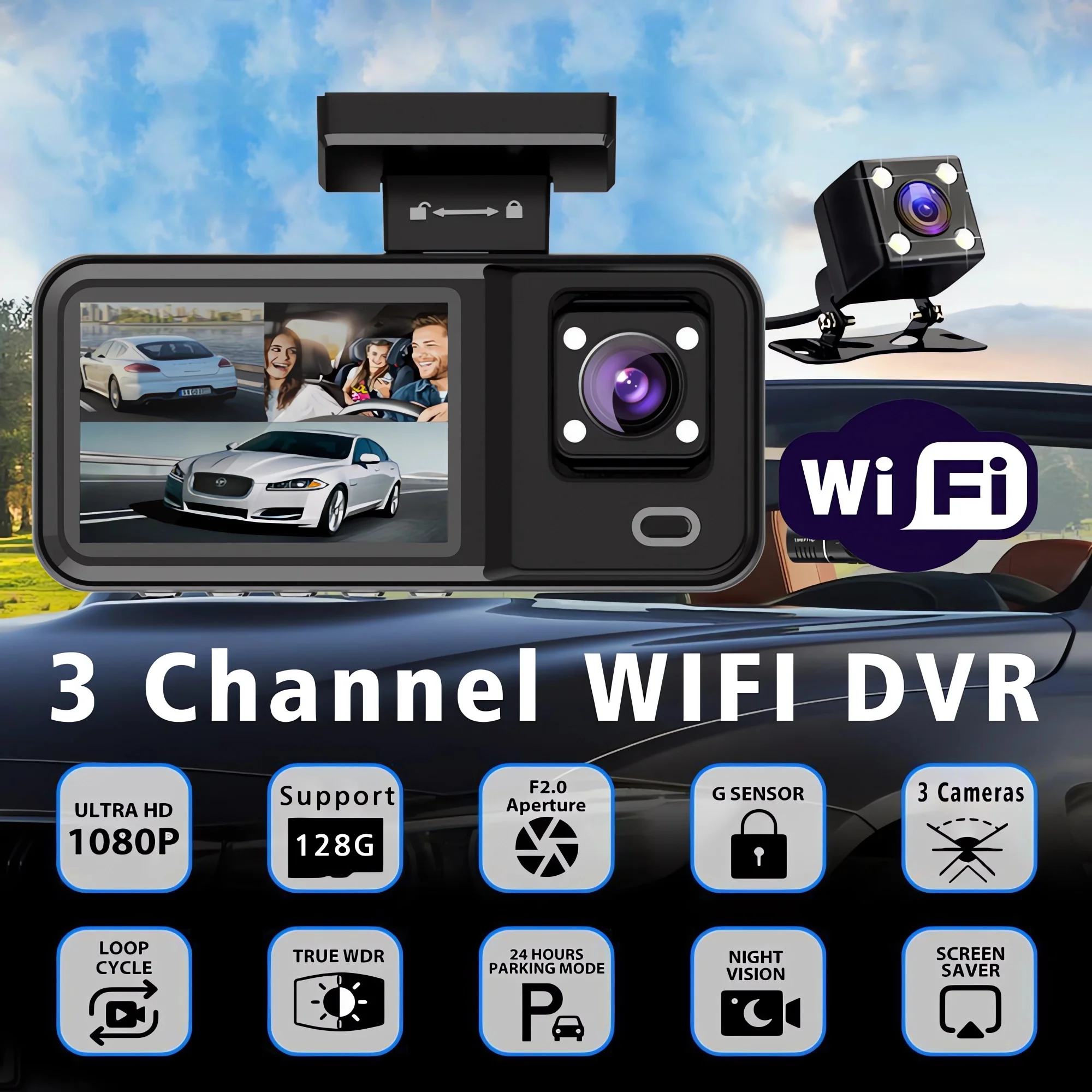



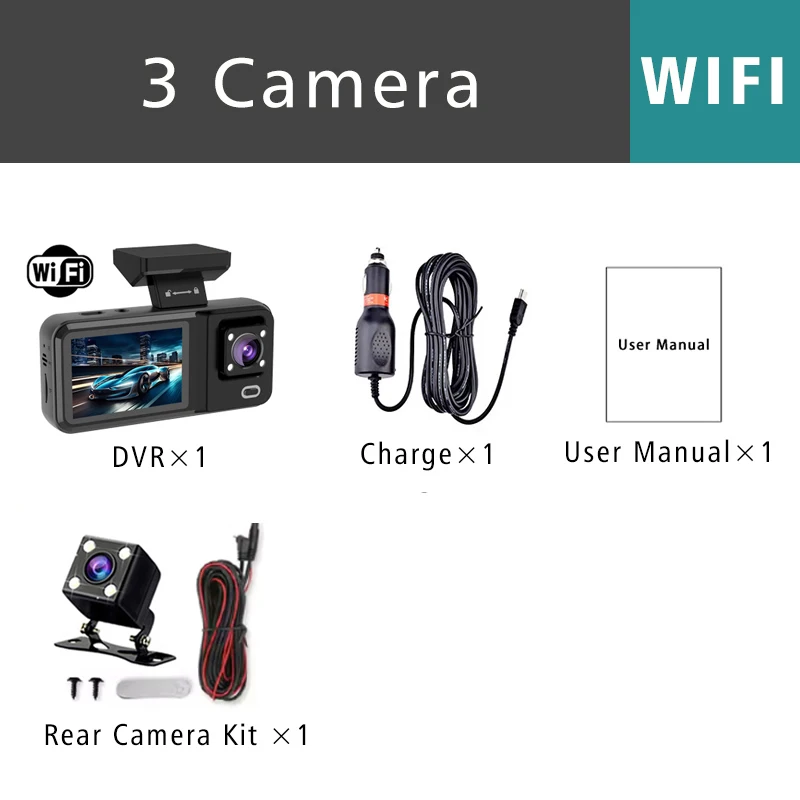
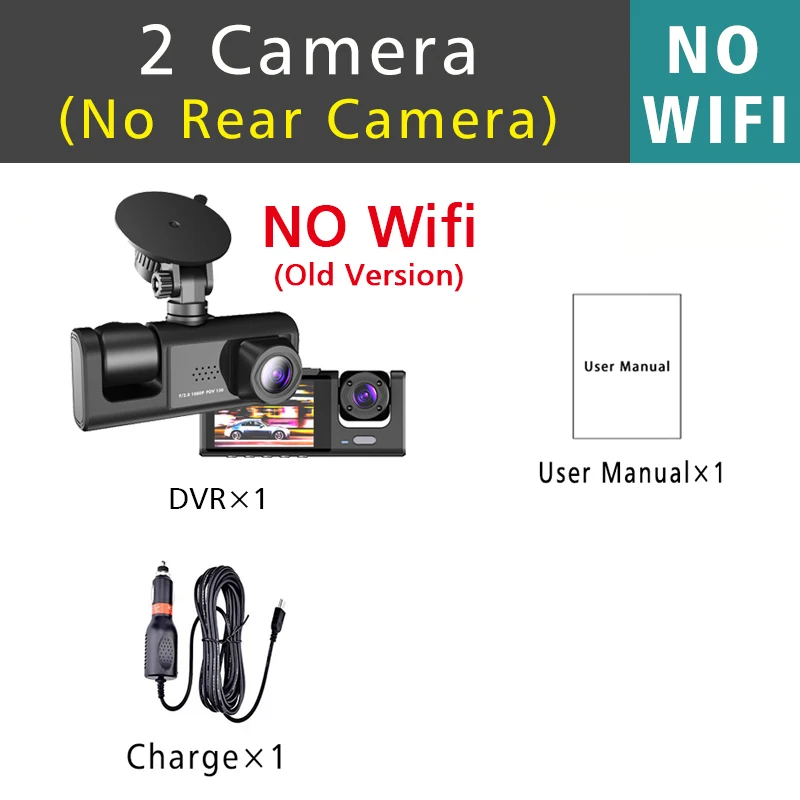

3 Car Dash Camera Channel 1080P Video Recorder Wi-Fi APP Dashcam Car DVR Front and Rear Camera Night Vision Car Accessories
229ر.س
Product description
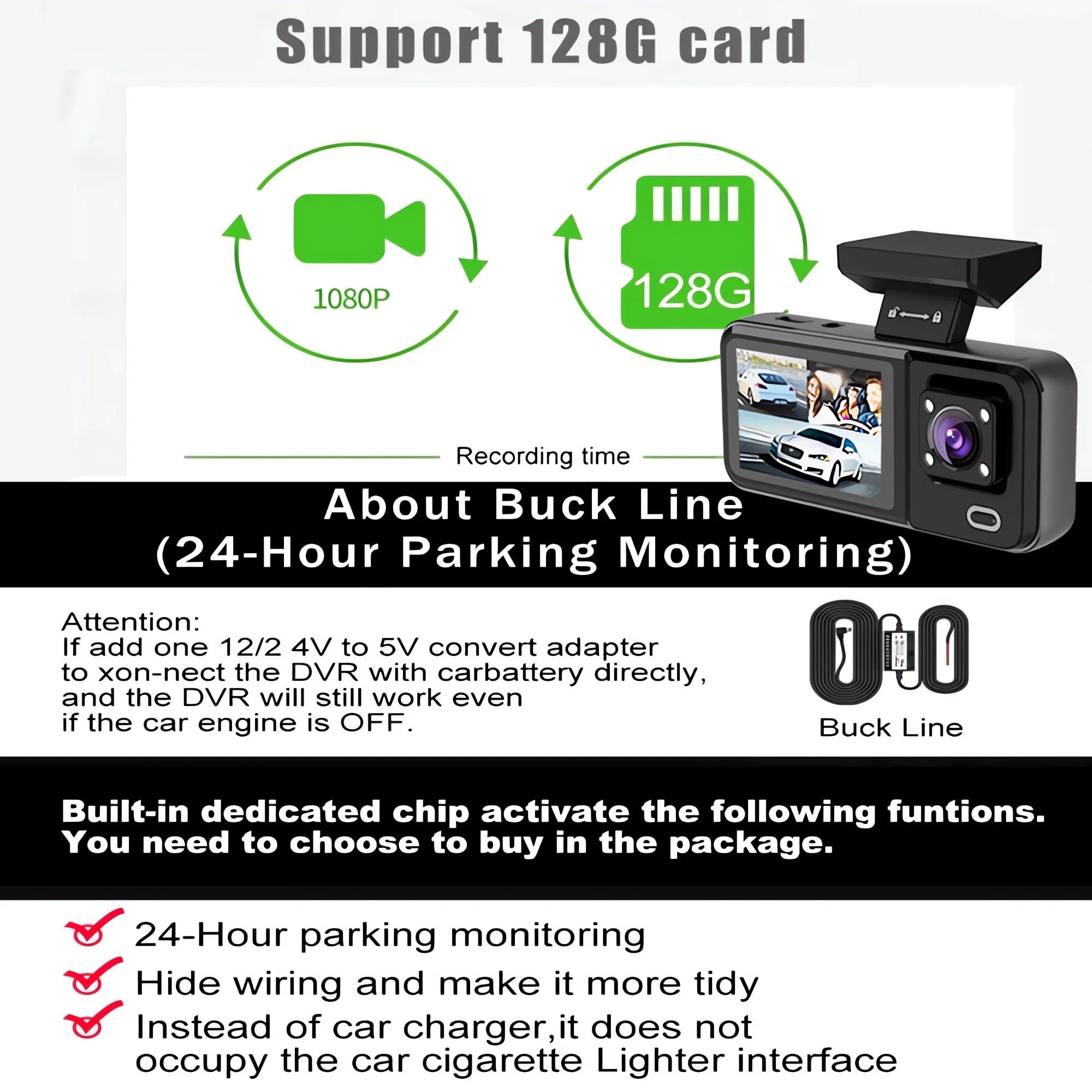
About WIFI connection: Before connecting to the DVR device on the phone, it is necessary to install the WIFI connection app "Viidure APP" in advance. You can search for and install "Viidure" in the Apple App Store or Google Play Market. Steps: (1) In standby mode, press and hold the "M" key for a long time to enter the DVR menu and access the WIFI settings menu; (2) In the DVR's wifi menu, check for the wifi SSID name and password; (3) Open the "Viidure" app on your phone, enter configuration mode, turn on the wifi function on the phone, and follow the instructions to find the SSID wifi signal of the DVR device and enter the password to connect; (4) After successful configuration, you can connect and operate the digital video recorder through the "Viidure" app. About memory card formatting: When installing the memory card for the first time, make sure to format the memory card on the digital video recorder. After formatting, the DVR can properly match with the memory card. Formatting steps: After installing the memory card, please enter the DVR menu, find the format option, and click to format the memory card. (Important: formatting the memory card on a computer is incorrect. Please ensure to format the memory card through the DVR device menu option.) About reverse assistance function: If the set you requested includes a rearview camera and you need to implement the reverse assistance function, you need to connect the red signal wire of the rearview camera to the car's reverse light (the light will turn on when reversing). If you do not need the reverse assistance function, simply disconnect the red signal wire and leave it unplugged. About 24-hour parking monitoring: If you need 24-hour parking monitoring, you can request the corresponding Buck Line accessories to replace the car charger. Through the Buck Line, power can be supplied directly from the car battery or the car's ACC, so the DVR can continue normal recording even when the car is turned off. (Since different car models have different battery or ACC interfaces, it is not recommended to install it yourself. It is advised to find a professional for installation.) > File format: AVI > Voltage 1 current: 5V/1A > Video resolution: 1080P; 720P; VGA > Continuous loop recording: seamless loop recording > Auto on/off: supports automatic ignition and shutdown > Interface: supports USB > Time synchronization: supported > Memory card support: TF card, up to 128GB > Built-in stereo: supported > Frequency: 50Hz / 60Hz Attention: The recorder must be equipped with a high-speed C10 memory card or higher for normal use. It is recommended to purchase memory card packs from this store to avoid negative feedback on the product caused by buying irregular memory cards!
