Lenovo XT53 wireless earphones with Bluetooth 5.4 technology with digital LED screen, waterproof earphones with noise cancellation, gaming headphones
172.24ر.س
Product description
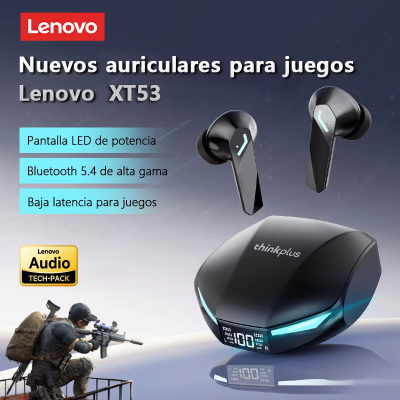
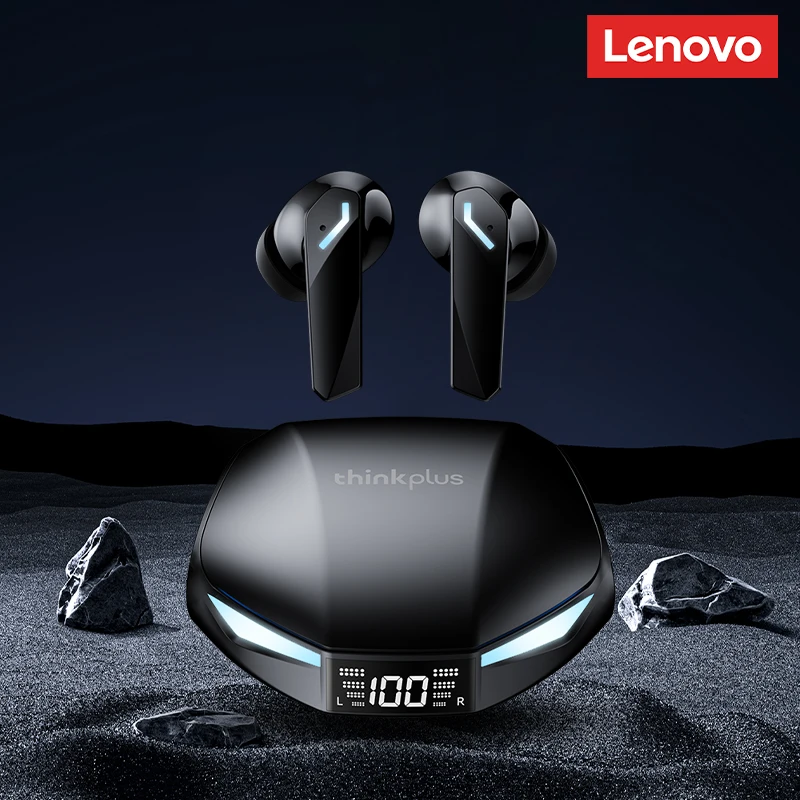
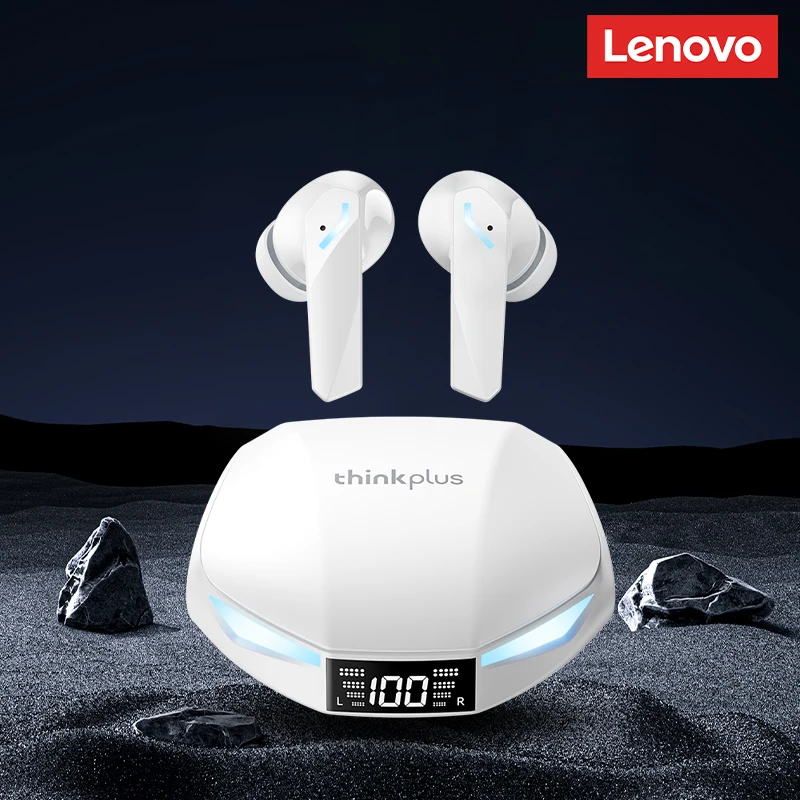
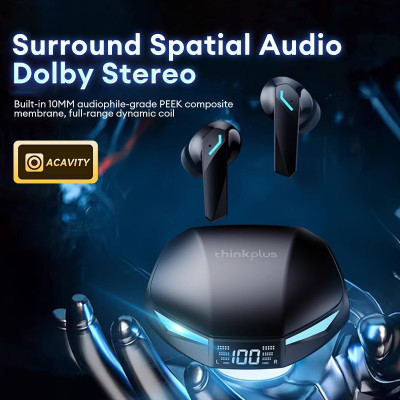
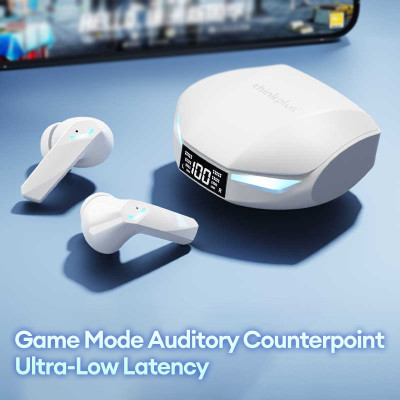
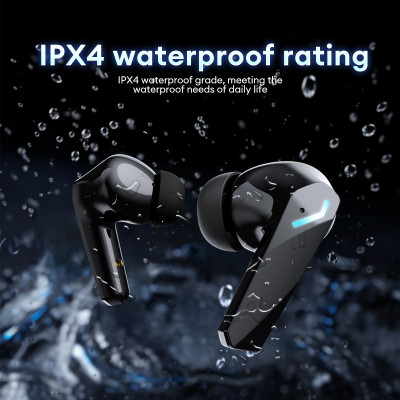
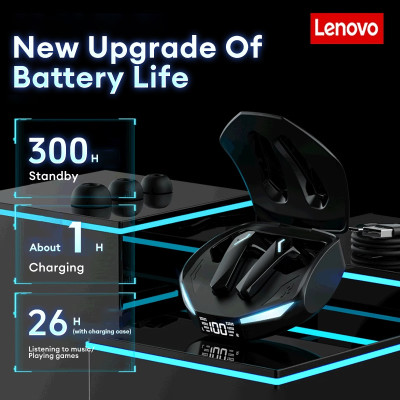
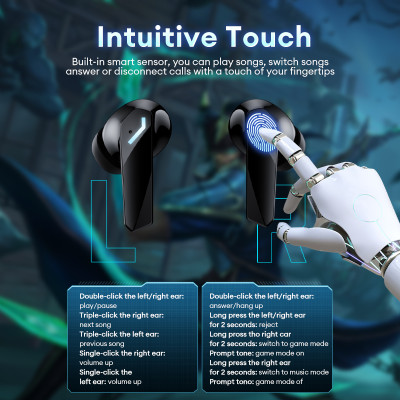
Specifications: [Brand]: Lenovo [Model]: XT53 [Bluetooth version]: V5.4 [Signal-to-noise ratio]: >90 decibels [Earphone battery capacity]: 40 milliamps [Product color]: White/Black [Charging port]: Type-C [Charging time for earphone case]: about 1.5 hours [Charging time for earphones]: about one hour [Frequency response]: 20 Hertz - 20 Kilohertz [Earphone usage duration]: about 5 hours (per battery life) [Working distance]: 10 meters What is in the box: 2 × Bluetooth earphones 1 × charging case 1 × charging cable 1 × user manual Wireless gaming headset with eSports grade electronic effects HlFl / low response time 45 milliseconds / new wireless technology 5.47 Special features: 1. Wireless chip 5.4 faster transfer and lower response time 2. Gaming level low latency chip gaming performance, leap forward 3. 45 milliseconds ultra-low response time gaming genes, no delay long battery life 4. 26 hours play games and listen to music 5. Microphone connection more stable dipole antenna design increases stability by 20%. 6. Real-time power display remaining battery level at a glance 7. Stunning lighting effects eye mamba, production power game mode connection without delay low response time for audio-visual synchronization Dolby stereo spatial sound integrated composite membrane type 10MM PEEK. Better response to low frequencies and better extension of high frequencies High-definition voice calls filter ambient noise in real time and chat happily with friends. Wireless chip 5.4 stable connection dual-mode chip new dedicated to reduce loss of sound quality and delay Dynamic LED battery level display smart digital power display high brightness IPX4 water resistance rating IPX4 water resistance, meets daily life needs intuitive touch built-in smart sensor, you can play, pause, skip tracks, or answer/end calls with a tap Fully compatible compatible with multiple systems and other devices supports multi-device audio streaming Features: 1. [Universal compatibility] compatible with many devices and systems, ensuring smooth audio streaming across different platforms. 2. [IPX4 water resistance] designed to withstand sweat and light rain, suitable for daily use and intense gaming sessions. 3. [Dynamic LED battery display] high-definition LED display for power level, allowing you to monitor the battery status in real time. 4. [Bluetooth 5.4 for stable connection] equipped with dual-mode chip reduces response time and maintains sound quality for a smooth, uninterrupted gaming and music experience. 5. [High-definition voice calls]: real-time noise reduction technology filters background sounds, ensuring clear conversations with teammates or friends. 6. [Intuitive touch controls] with smart touch sensor, you can easily play, pause, skip, or manage calls with a simple tap. 7. [Dolby surround sound]: built-in 10mm PEEK composite membrane driver provides deep sound and extended high frequencies, creating a realistic and immersive sound environment. 8. [Game mode with extremely low response time of 45 milliseconds] experience zero delay for seamless audio-visual synchronization, ideal for competitive gaming. Specifications: [Brand]: Lenovo [Model]: XT53 [Bluetooth version]: V5.4 [Signal-to-noise ratio]: >90 decibels [Earphone battery capacity]: 40 milliamps [Product color]: White/Black [Charging port]: Type-C [Charging time for earphone case]: about 1.5 hours [Charging time for earphones]: about one hour [Frequency response]: 20 Hertz - 20 Kilohertz [Earphone usage duration]: about 5 hours (per battery life) [Working distance]: 10 meters What is in the box: 2 × Bluetooth earphones 1 × charging case 1 × charging cable 1 × user manual FAQs: 1. Are they comfortable to wear? Yes, the headphones are designed to fit most people's ears and provide more comfort while maintaining comfort. 2. Do they pair automatically with the phone or do I need to connect manually each time? Yes, of course. They will connect automatically to your device after the first use. 3. How long does full charge take? Generally, 1.5 hours is enough to fully charge the earphones and one hour for the earphone case. 4. Do they have an integrated microphone? Yes, an integrated microphone is designed for clear conversations. 5. Is sound leakage dangerous? As long as the volume is not at maximum, there will be no sound leakage. For ear health, you should also avoid using maximum volume for extended periods. FAQs: Q: What should I do if the earphone cannot turn on? A: Make sure the charging case has remaining power. If the charging case is off, place the earphones in the case and charge for an hour, then try again. Q: What should I do if sound only comes from one earphone? A: Reinsert both earphones into the charging case and close the lid, then take them out again to check if there is sound in both. If only one earphone still produces sound, reset both earphones to factory settings. Q: How to resolve the message on the phone indicating it cannot connect? A: Delete the pairing record on the phone, then search for pairing and reconnect. Q: How to fix no sound when listening to music or making calls? A: There is a settings icon on the right side of the Bluetooth connection name on Android phones. Tap to enter, then turn off mobile phone sound and media sound, then turn them back on. If there is still no sound, re-pair the earphones with the phone. Q: Why is there delay in video or games? A: It is affected by factors such as usage environment, network, and the phone's audio encoding, leading to varying degrees of delay when transmitting audio data to the earphones. Q: How to solve the stuck or intermittent sound issue? A: If there are many Wi-Fi, 5G, or 4G signals, or high-power electrical devices nearby, this may cause sound cutouts or disconnections. Please change location or re-pair to resolve the issue. Other tips: 1. Before using the earphones, please read the manual carefully and keep it for future reference. 2. Fully charge the earphones before first use. 3. If you leave the earphones unused for more than two weeks, recharge them. 4. Use chargers made by qualified manufacturers. 5. If the phone does not find the earphones, restart them to make them discoverable or restore factory settings. 6. If there is a software error on the phone, turn off Bluetooth and turn it back on or restart the phone.
