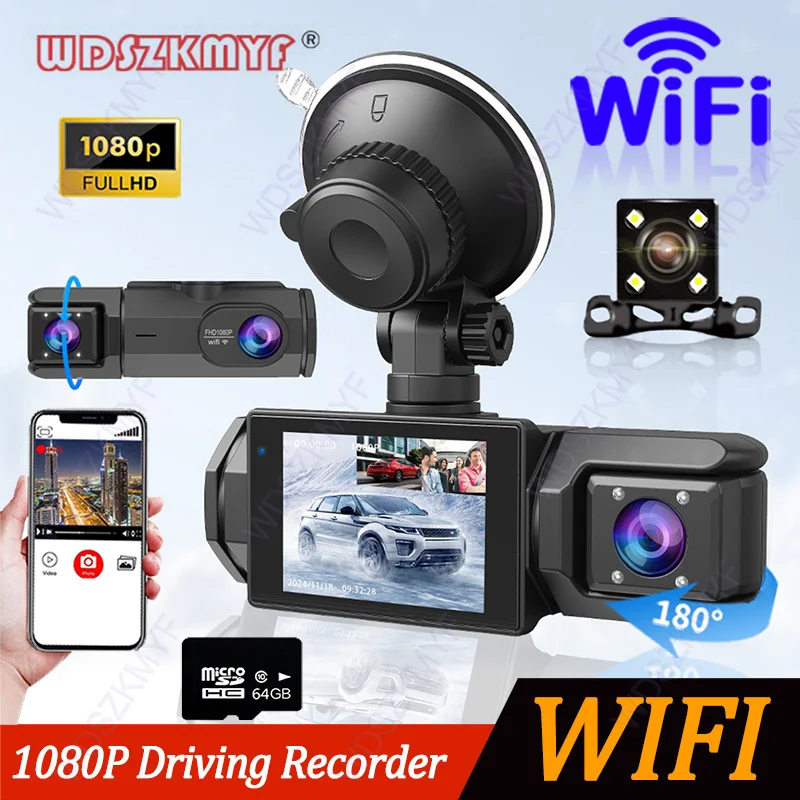


Wi-Fi dash cam for the car 2/3 front channel rear camera 1080P video recorder dashcam black box digital video recorder for cars optional rear view camera
167ر.س
Product description
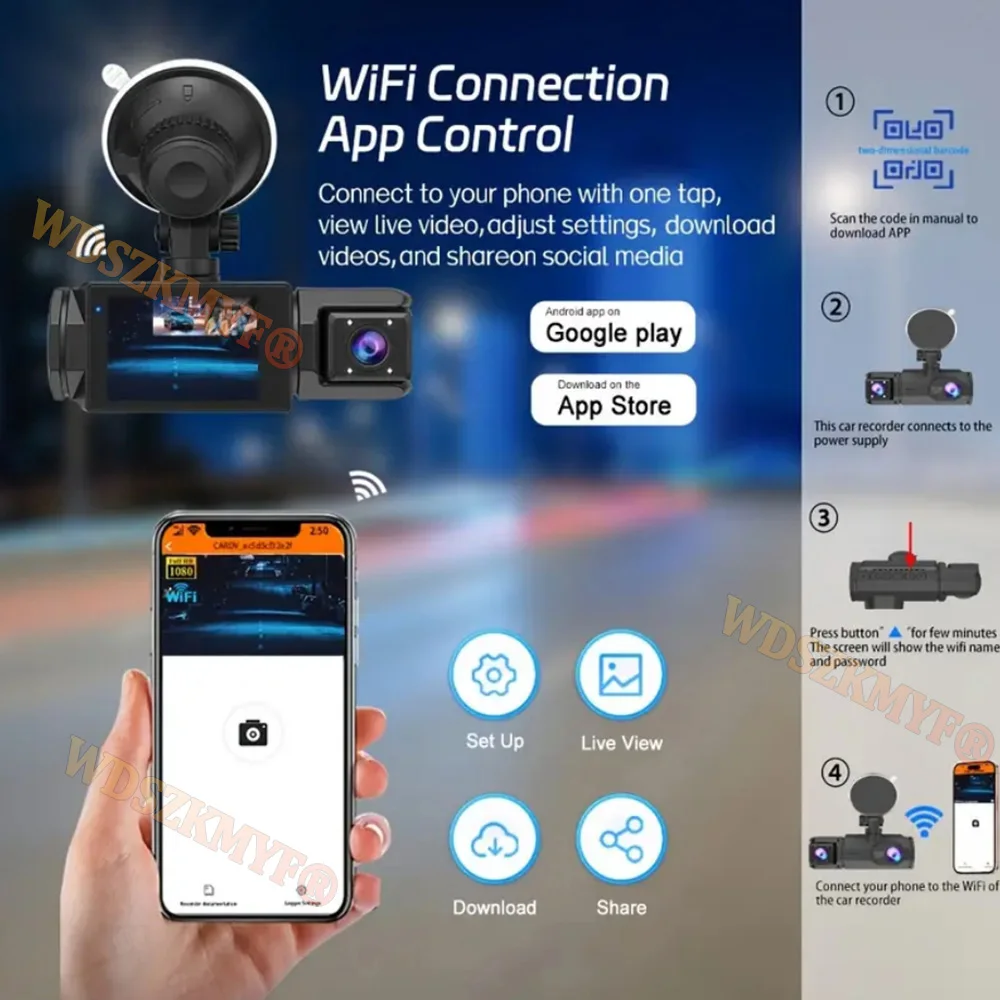
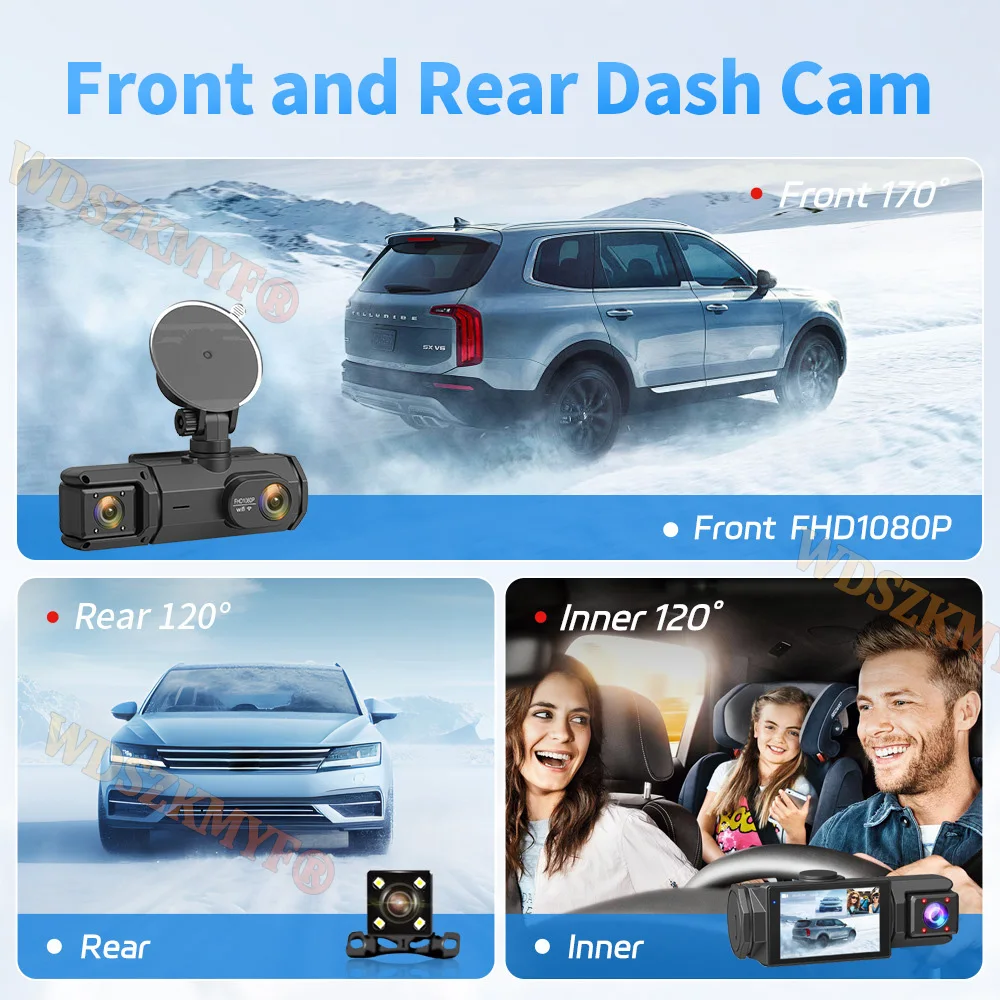
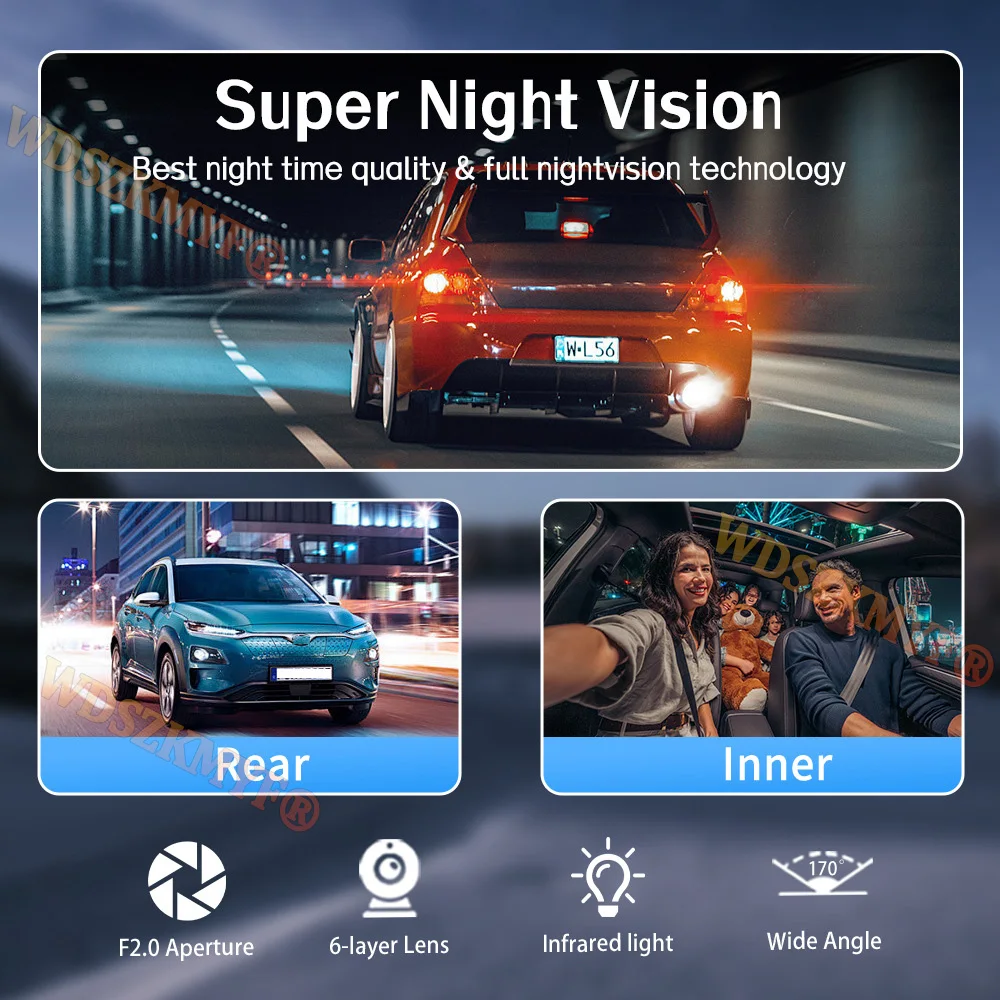
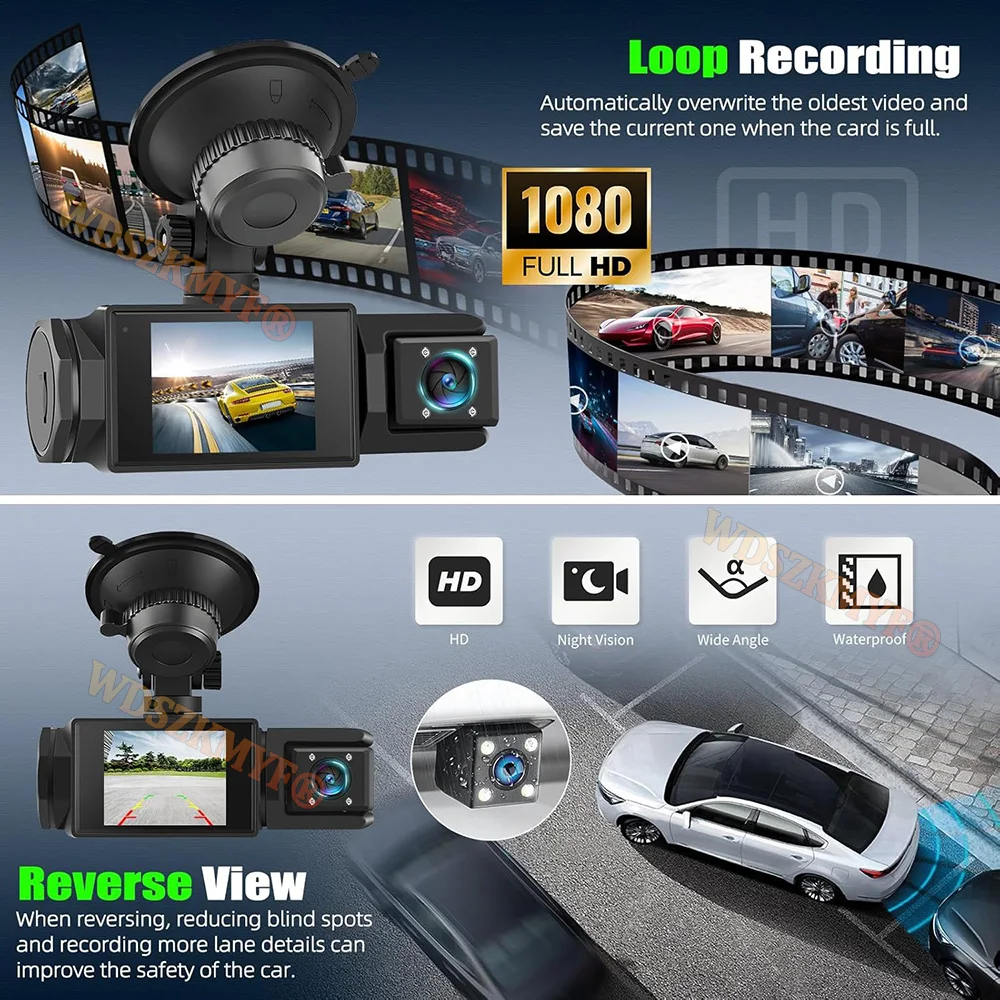
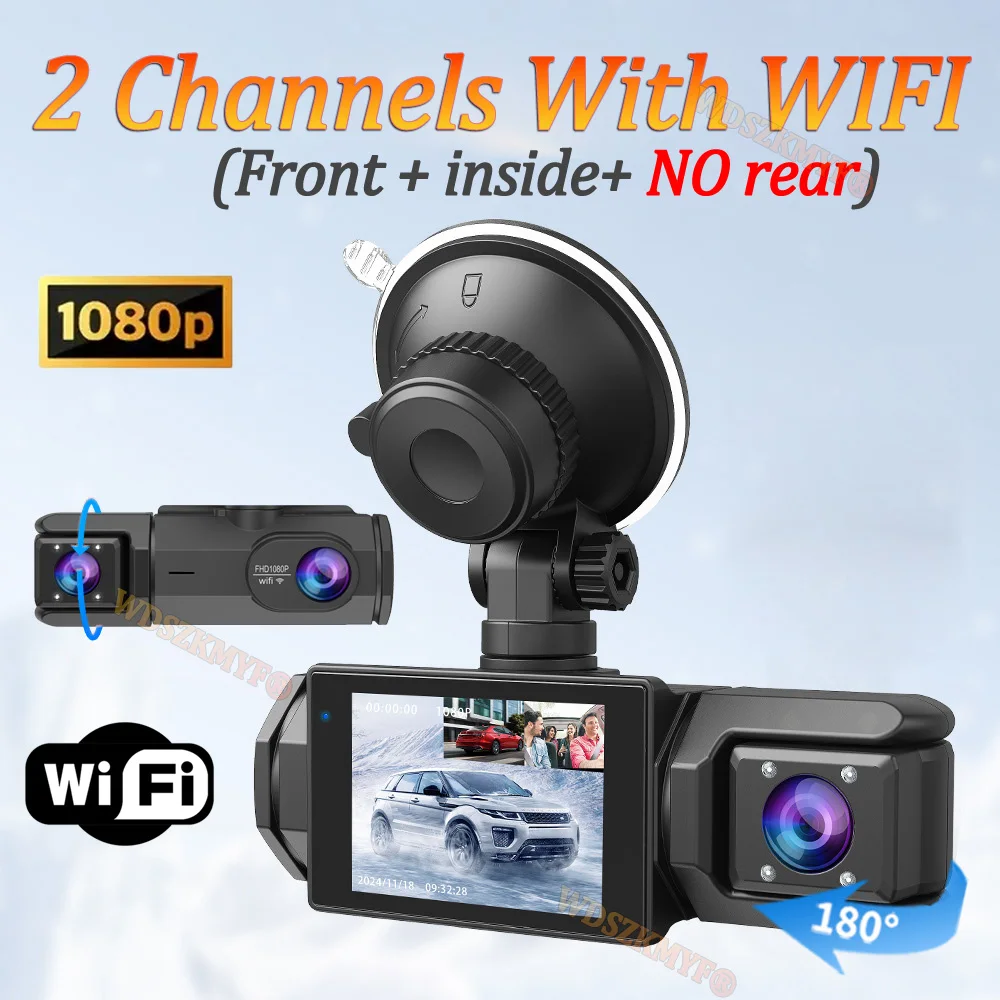
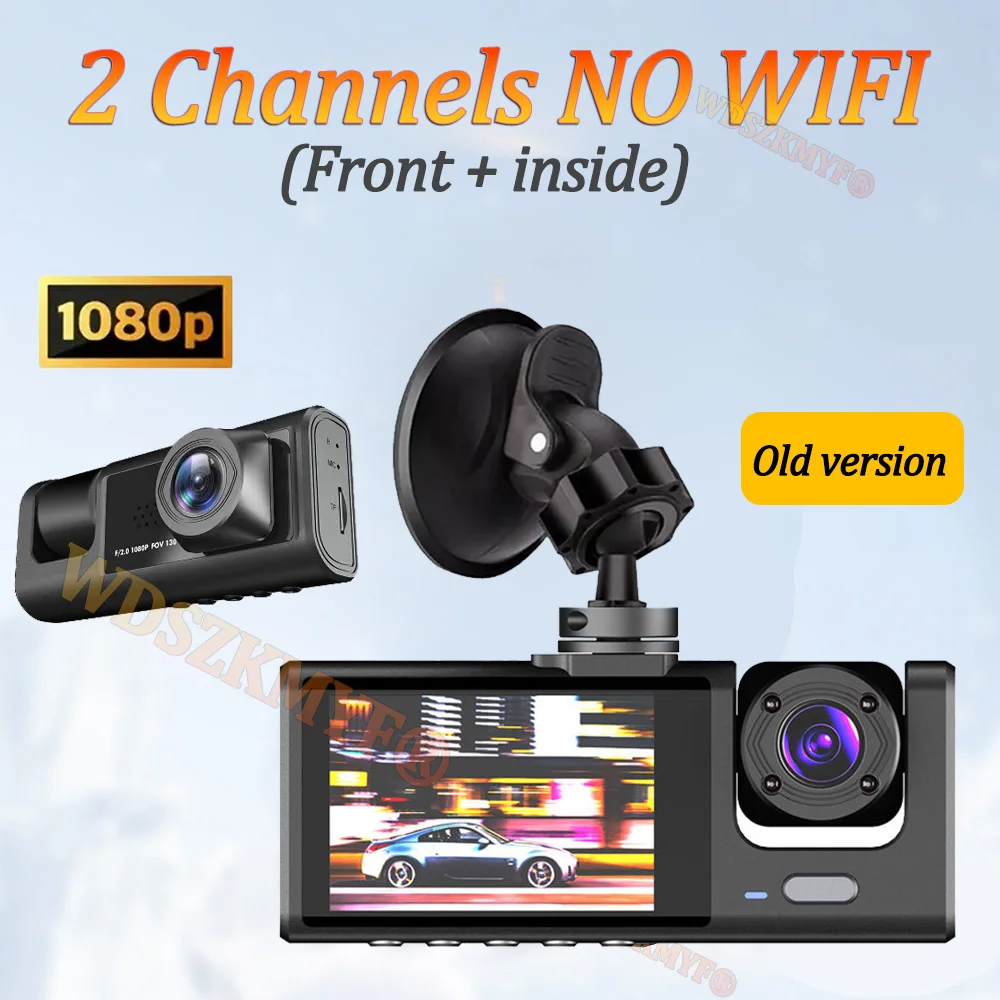
Please note that we have two versions: the old version without WIFI and rear camera, and the new version with WIFI function and optional rear camera. Product specifications: > 3 channels [Front 1080p + Interior 720p + Rear 720p] > Two channels: [Front 1080p + Interior 720p] > Screen size: 2 inches > File format: AVI > Voltage and current: 5V/1A > Video resolution: 1080P; 720P; 720P > Continuous loop recording: seamless loop recording > Auto on/off: supports auto ignition and auto shutdown > Interface: supports USB > Time synchronization: supported > Memory card support: TF (up to 64GB support) > Built-in stereo: supported > Frequency: 50Hz / 60Hz > Supported languages: Chinese, English, French, Russian, Japanese, Spanish, Korean, and others. New high-definition WiFi dash camera with 3 lenses Front camera only: 1080P Front + rear camera: 1080P+1080P; Front and interior: 1080P+720P; Front, interior, and rear: 1080P+720P+720P Night vision with starlight aided by wide aperture F2.0 and decent low-light performance, the car camera can capture details such as license plates at night. Built-in WiFi download the app from Android and iOS systems, connect your phone to the dash camera via WiFi, then you can view recordings in real time, also download, play, and share recordings via your phone. Warm tips customers who use the recorder to connect WIFI, please enter the recorder menu to turn on WIFI and connect your mobile phone to use it! Image reversal (optional rear camera). When the car is in reverse, the DVR will automatically switch to rear camera view with guiding lines, ensuring parking safety. Loop recording all details will be automatically recorded and no second will be missed, and unsecured data will be automatically overwritten when TF card storage runs out. G sensor in case of collision or impact, the built-in G sensor will lock the video and save it, preventing overwriting through repeated recording. 24-hour parking monitor when someone approaches your car or your car starts to move, turn it on and start recording automatically upon impact or collision, the device will record automatically for a few seconds, ensuring 24-hour parking protection. Note: it must be connected via exclusive power cable DVR. (Friendly reminder: parking monitoring must be configured with a special cable for use, otherwise 24-hour monitoring will not work) Installation image the car recorder should be installed in the car's power charging pack during use, please do not use a mobile phone charger or install a power source. To protect your privacy, the TF card must be formatted for the first time. There are two ways: 1. Insert the TF card correctly into the dash camera, open the camera settings, find the storage card formatting option, ensure formatting is complete, then restart the camera for use. 2. Connect to the mobile app, find the settings in the app, format the memory card, ensure formatting is complete, then restart the camera for use. Sincere wishes to you and your family.
