




4 channels 360° car dash cam video recorder 1080P car DVR 3/4 front lens optional rear view night vision black box
189ر.س
Out of Stock
Product description
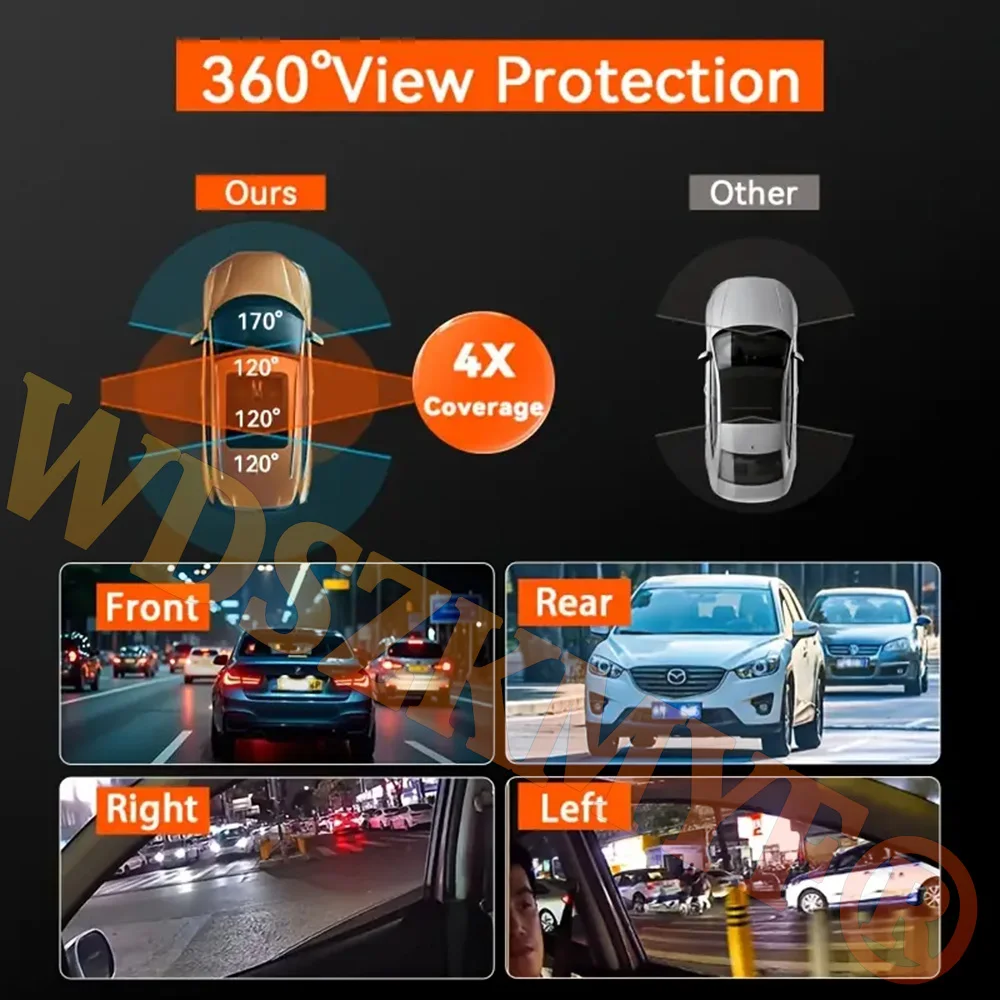
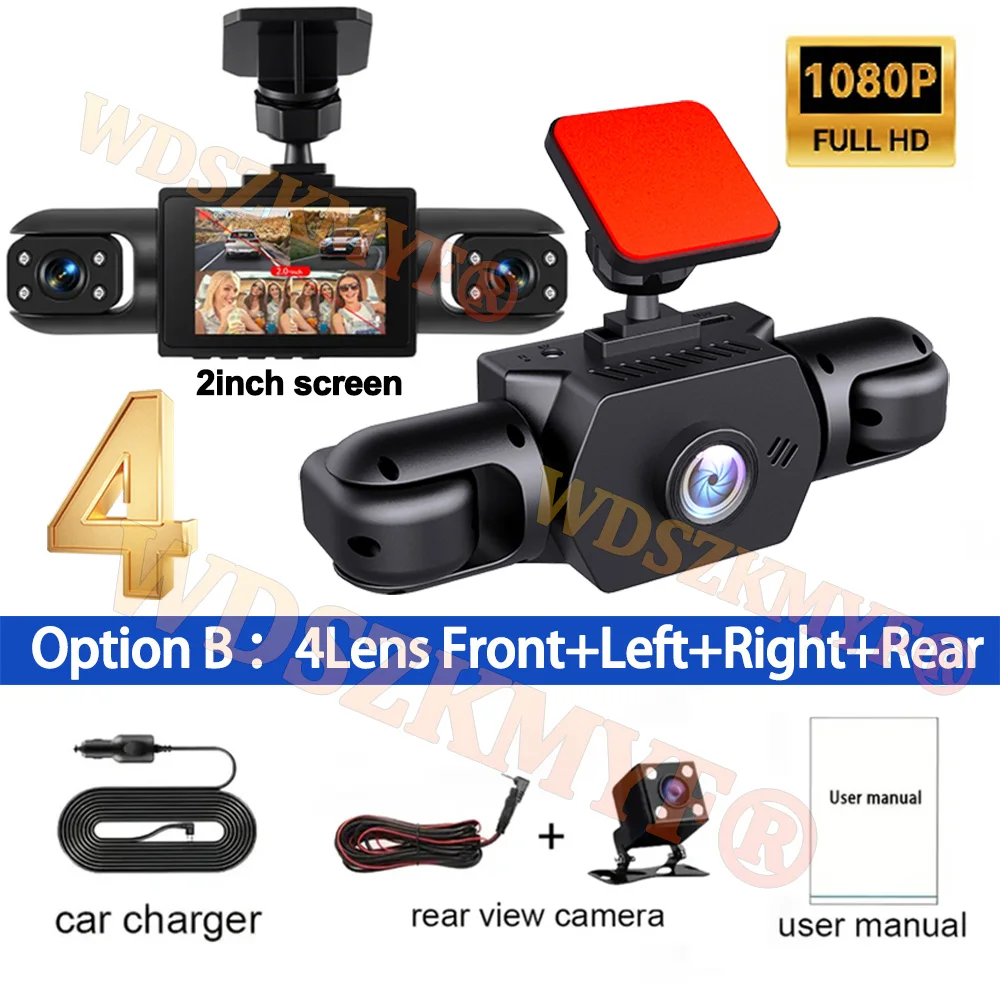
Please note: 3 lenses: the front left and right lenses; lenses: the front and rear left and right lenses, this product can display 4 images at the same time by selecting 4 lenses. Please order according to your needs; the image upon ordering contains all accessory information as a reference! 2025 model 4-channel car dash camera with 2-inch screen 4-channel 1080P dash cam 4 cameras display at the same time. Front camera only: 1080P; front, left, and rear cameras: 1080P+720P+720P; front, right, left, and rear cameras: 1080P+720P+720P+720P. Night vision with star light aided by wide aperture F2.0 and decent low-light performance, the car camera can capture details such as license plates at night. Support reverse camera. Built-in G sensor: when your car is hit or in an emergency, the G sensor is activated, so the recorder immediately records and locks the video. Loop recording: when the TF card is full, it will automatically delete the previous video and continue recording all the time. Installation diagram: 1. Install the recorder on the car's windshield, recommended near the rearview mirror area. 2. Hide the power cable in the gap of the window along the red line in the above diagram. 3. Insert the car charging cable into the cigarette lighter, connect the power source, and complete the installation. Please note: testing power with the car charger included in the package; do not use a mobile phone charger or rechargeable power bank. When replacing the converter, match the car's charging voltage in the package; mismatched voltage may cause malfunction. To protect your privacy, the TF card must be formatted for the first time. There are two solutions: 1. Correctly insert the TF card into the dashboard camera, open the camera settings, find the storage card formatting option, ensure formatting is complete, then restart the camera for use. 2. Connect to the mobile app, find the settings in the app, format the memory card, ensure formatting is complete, then restart the camera for use. Sincere wishes to you and your family. The memory card is consumable and requires regular maintenance; please format it 1 to 3 times a month. Do not remove it while the recorder is on, as this may damage the card and cause file errors. Replace the memory card if this occurs.
