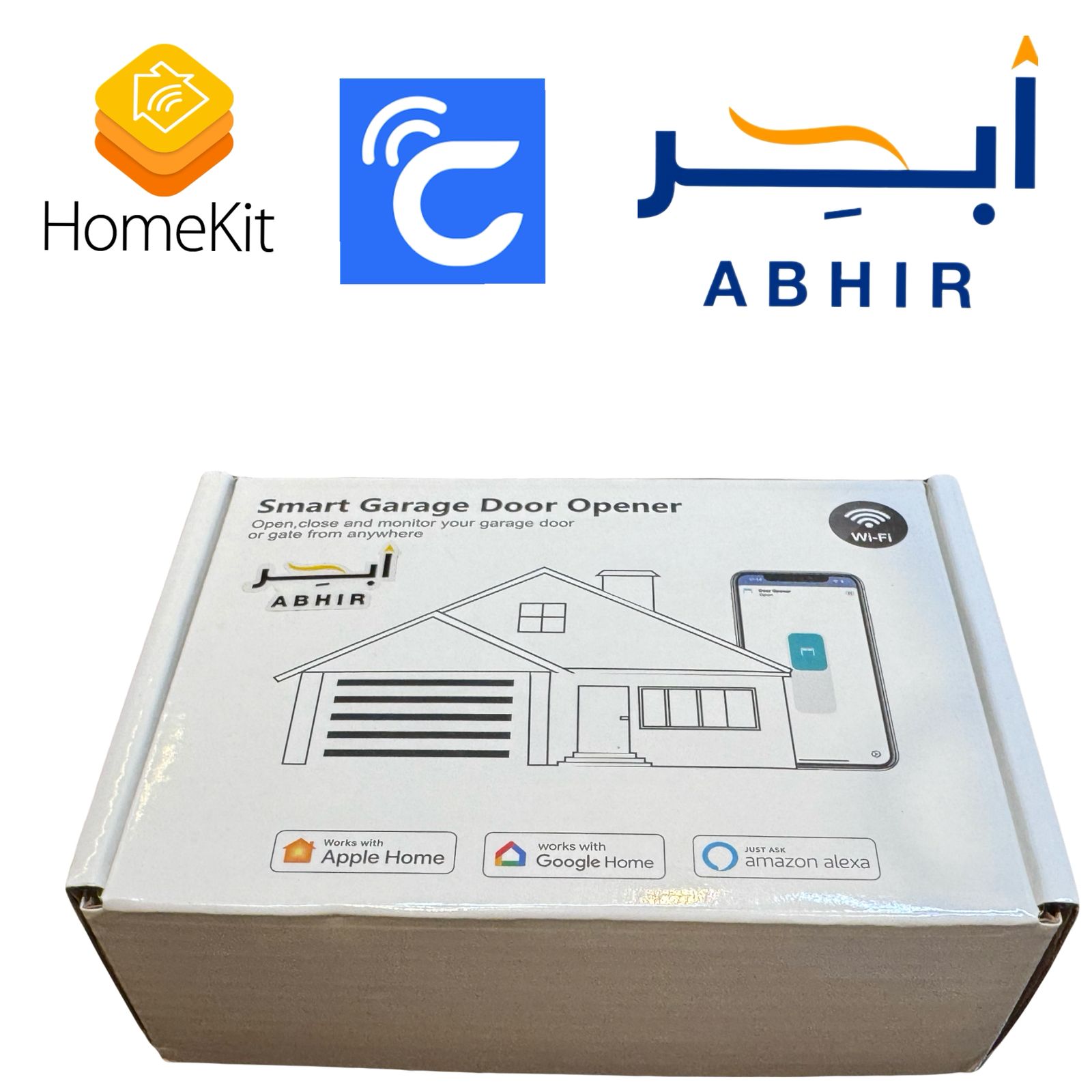




Homekit Smart Garage Door Opener Controller Works with Apple Homekit, Siri Voice Control, Remote/Timer control
197ر.س
Product description
Homekit Smart Garage Door Opener Controller Works with Apple Homekit, Siri Voice Control, Remote/Timer control
HIGHLIGHT
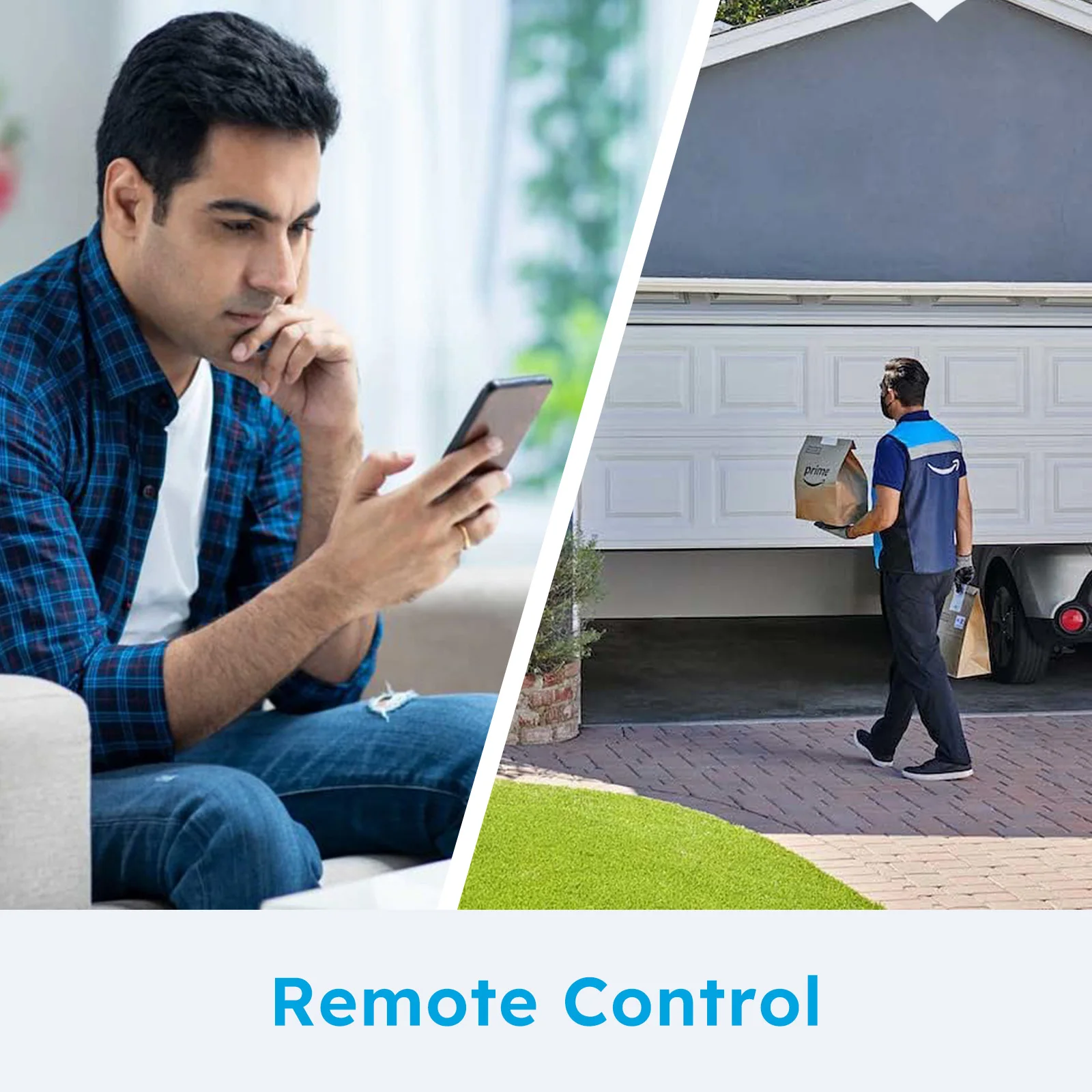
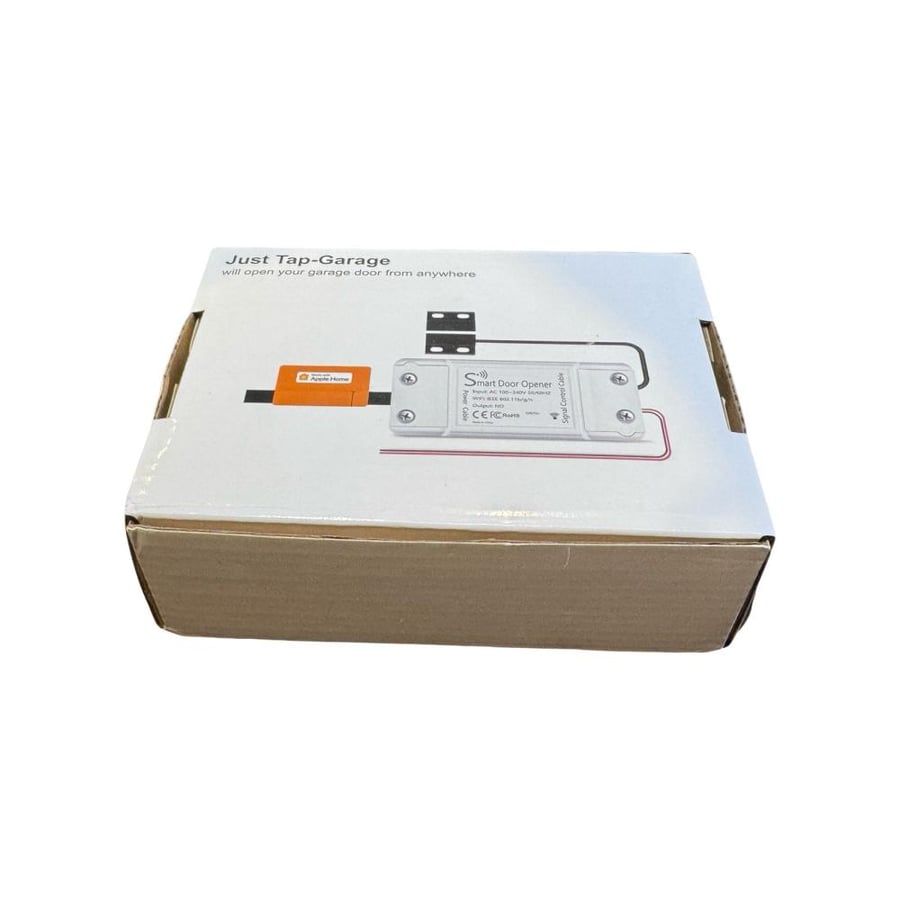
【Remote Turn on/off】Turning your existing WiFi network and garage door opener into an single integrated smart device, then you can open & close your garage door by a simple clicking on your smartphone.
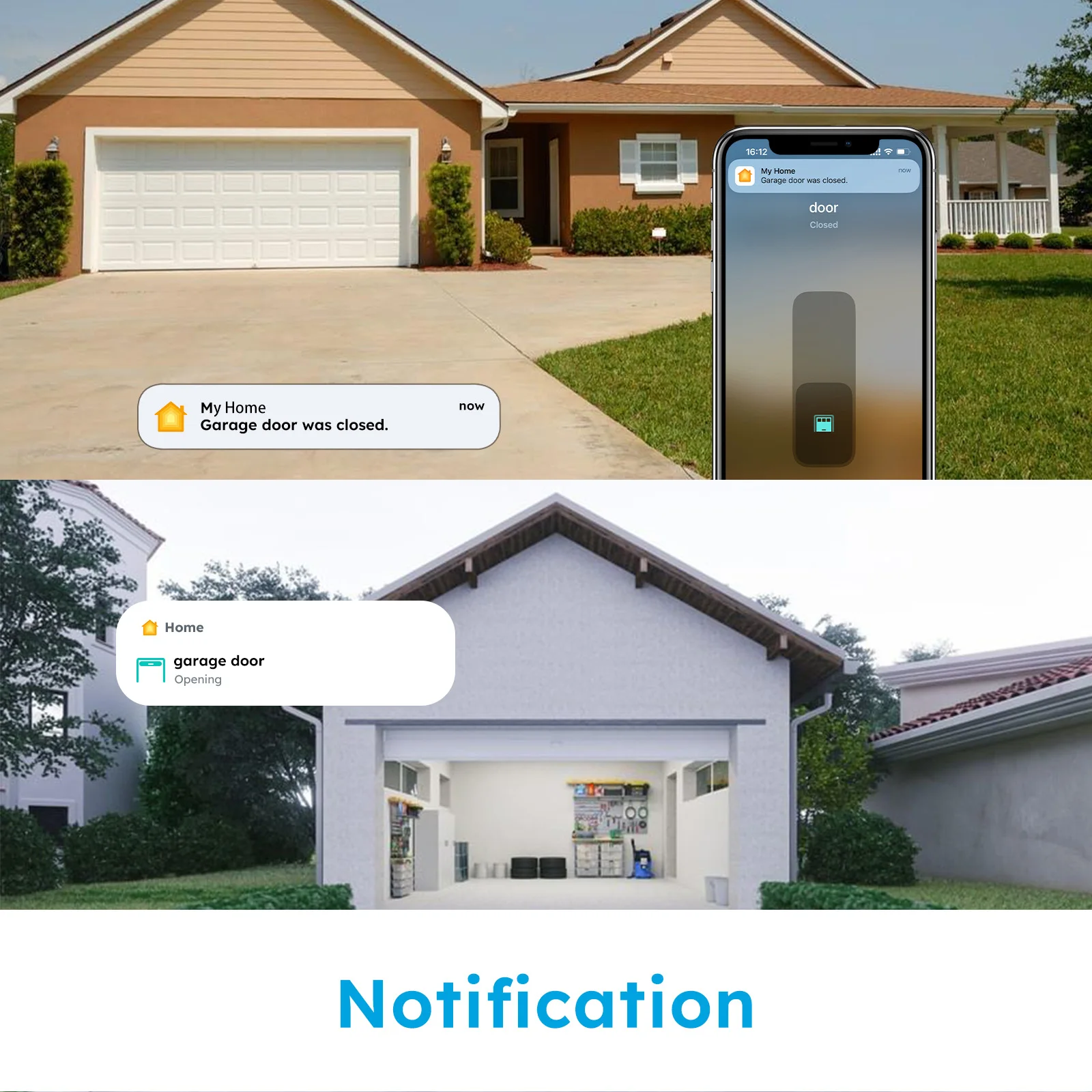
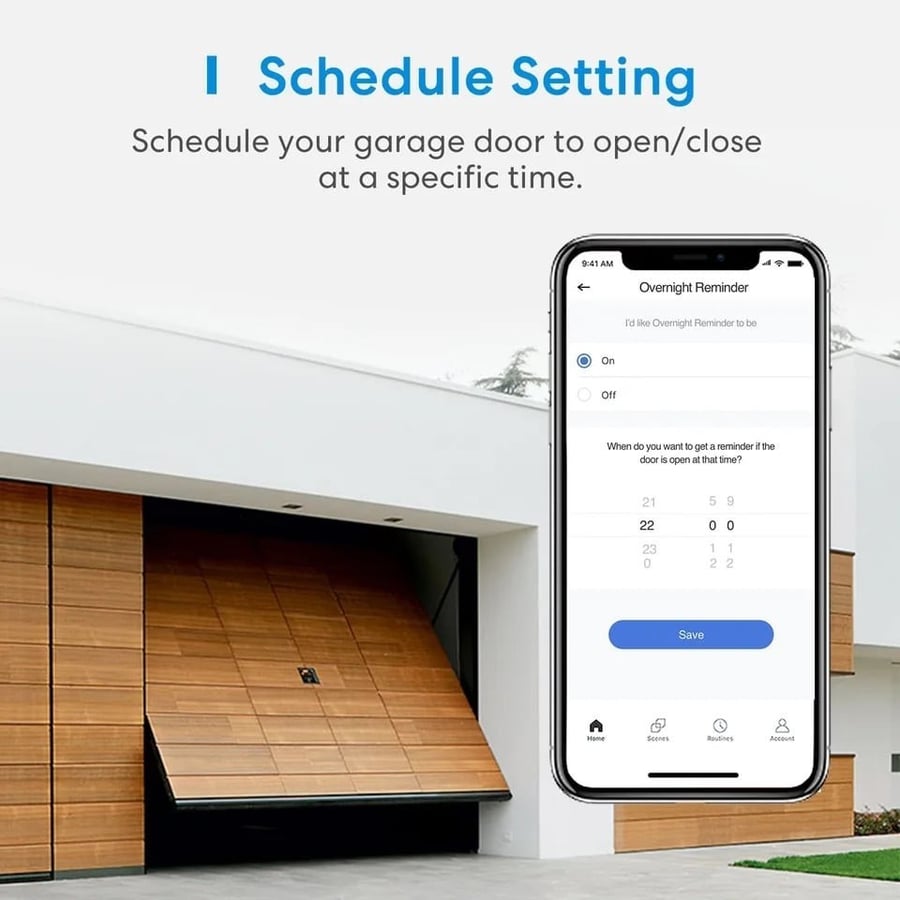
【Reminder】Ever left the house and forgot to close the garage door? No worries, You can check the records open/close , and then open /close on your smartphone.
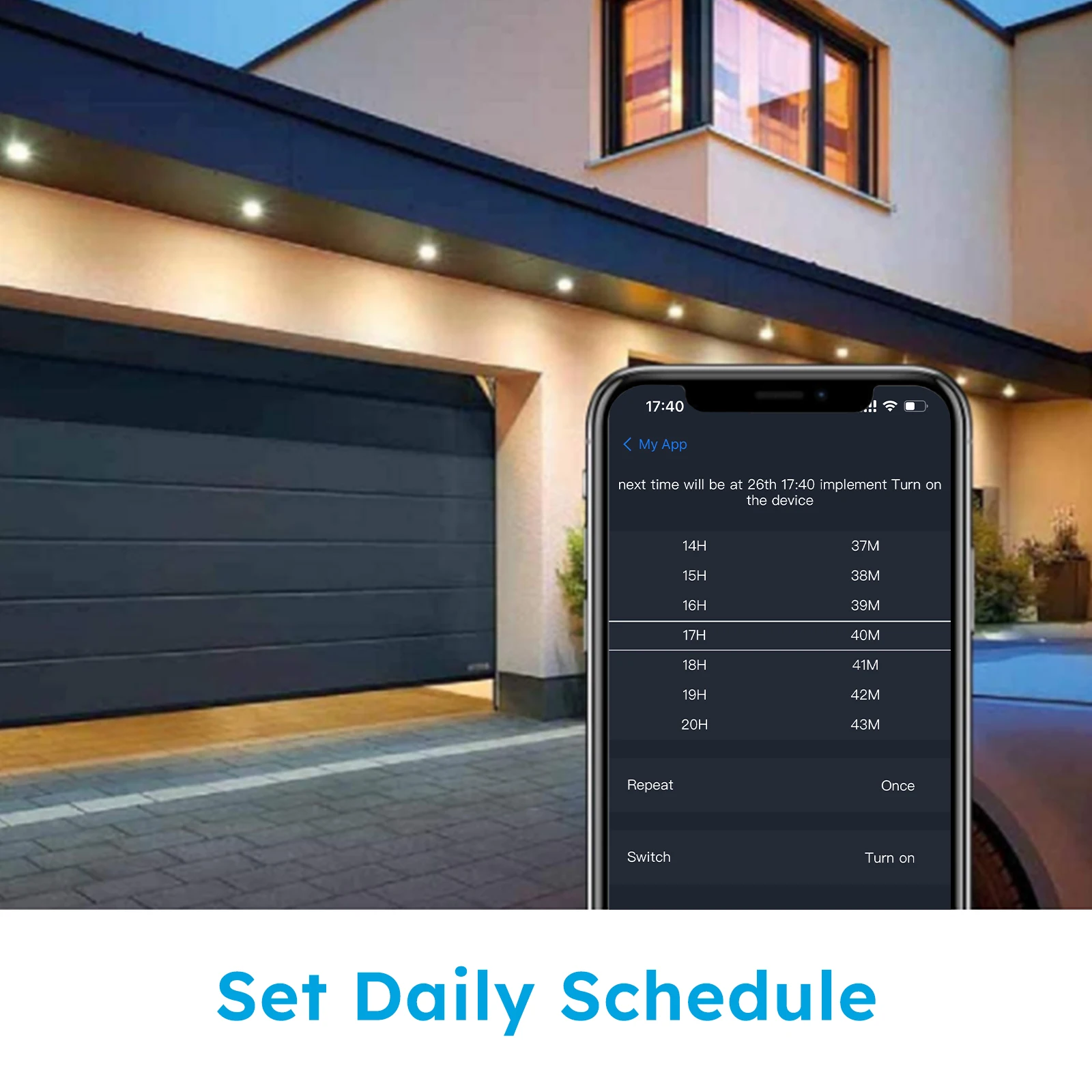
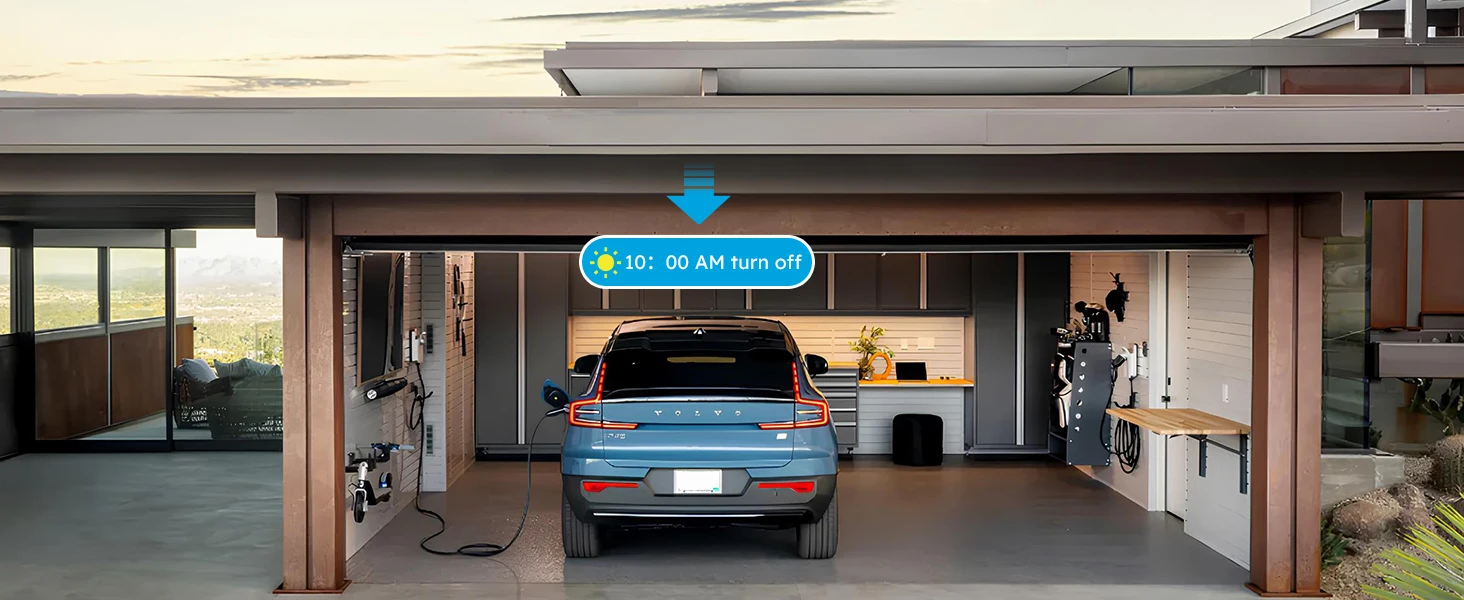
【Timing Schedules】You can set schedules to open & close your garage door. Manage garage door easily.
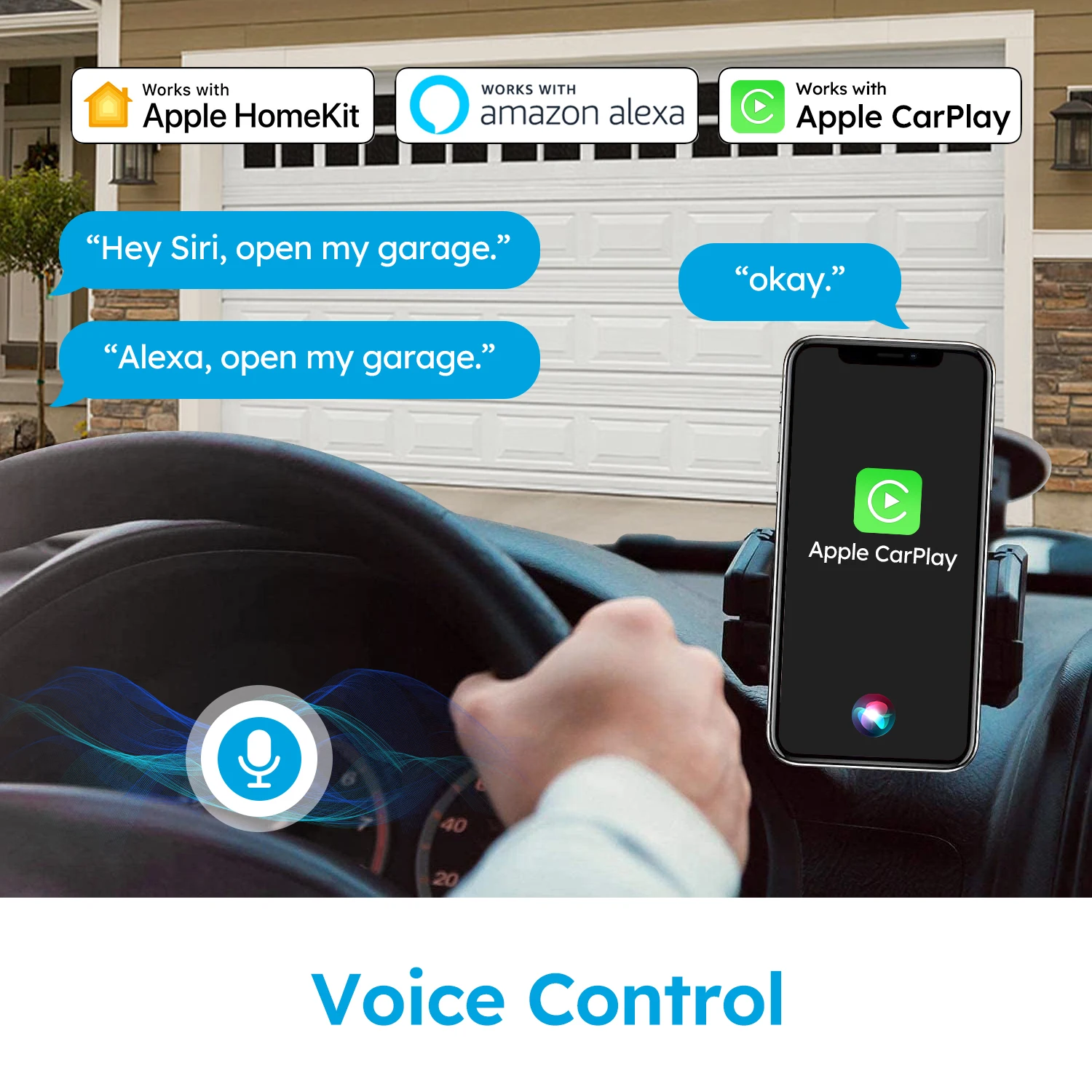
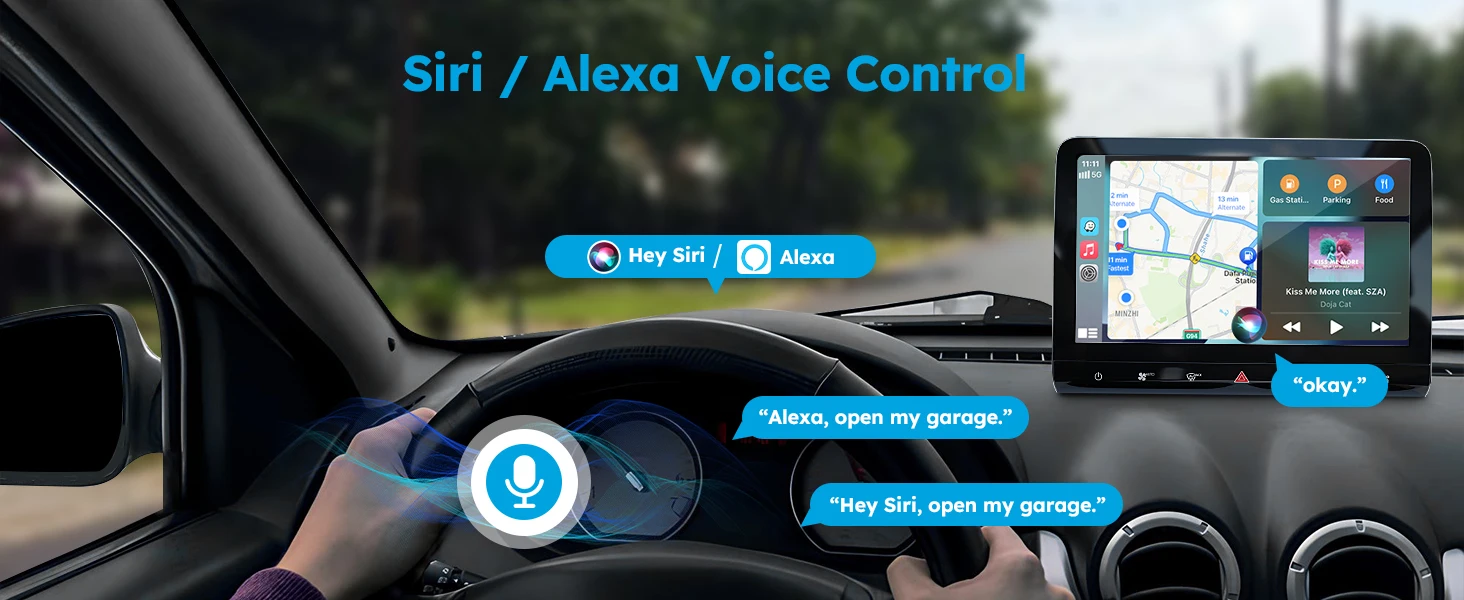
【Voice Control】Compatible perfectly with Siri Alex, Google Home.
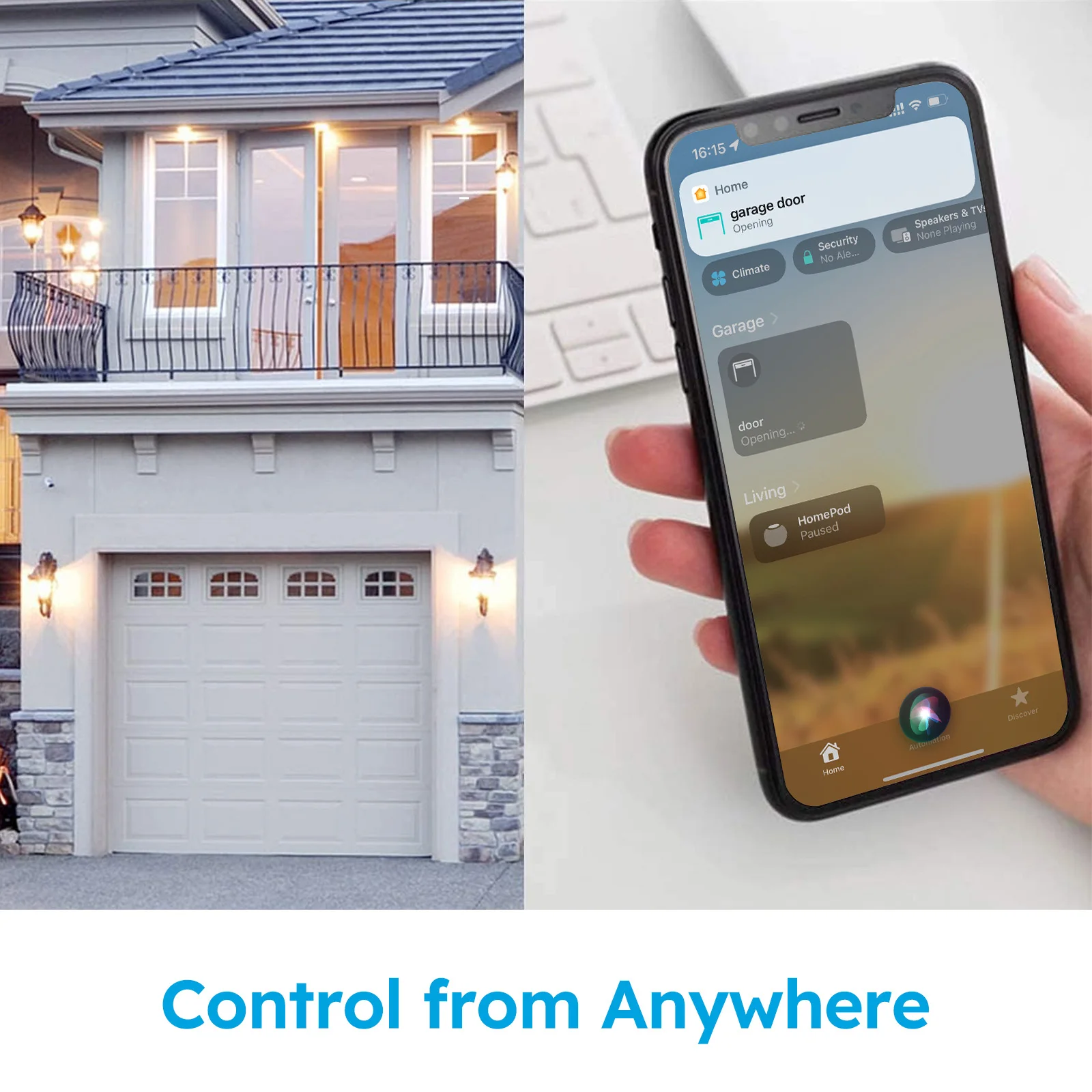
【APP remote control】 Control the switch anytime, anywhere through the mobile HomeKit APP
【Device Sharing】You can share it to your family or visitors, OF COURSE, you can take back the permissions at any time.
【History Record】You can check the garage door opening or closing history records on your APP to ensure the safety of your garage.
📲 The App & Platform Experience
Designed to act as a seamless extension of your smartphone ecosystem. Once wired to your garage door wall button dry contact terminals, the module handles actions natively through the app.
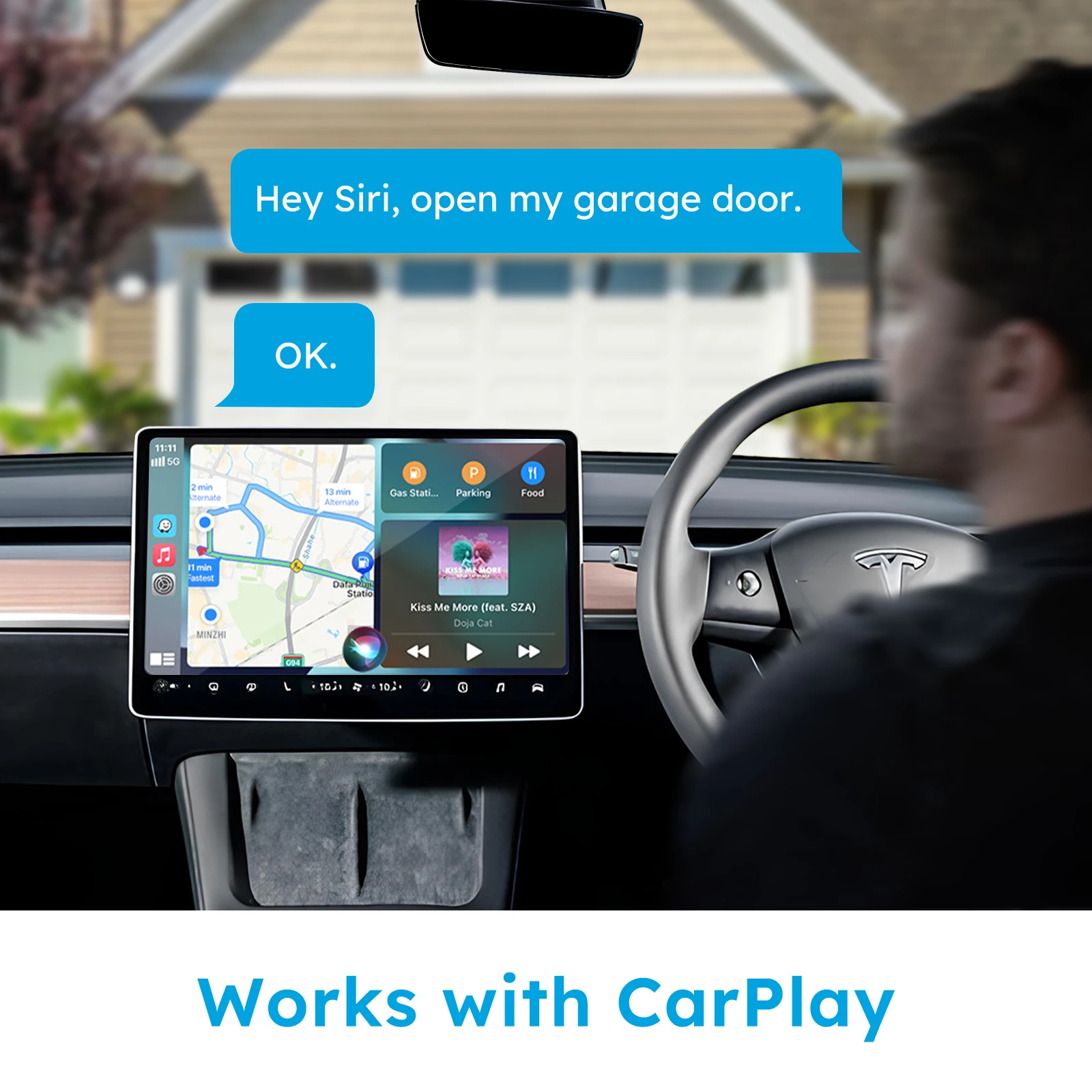
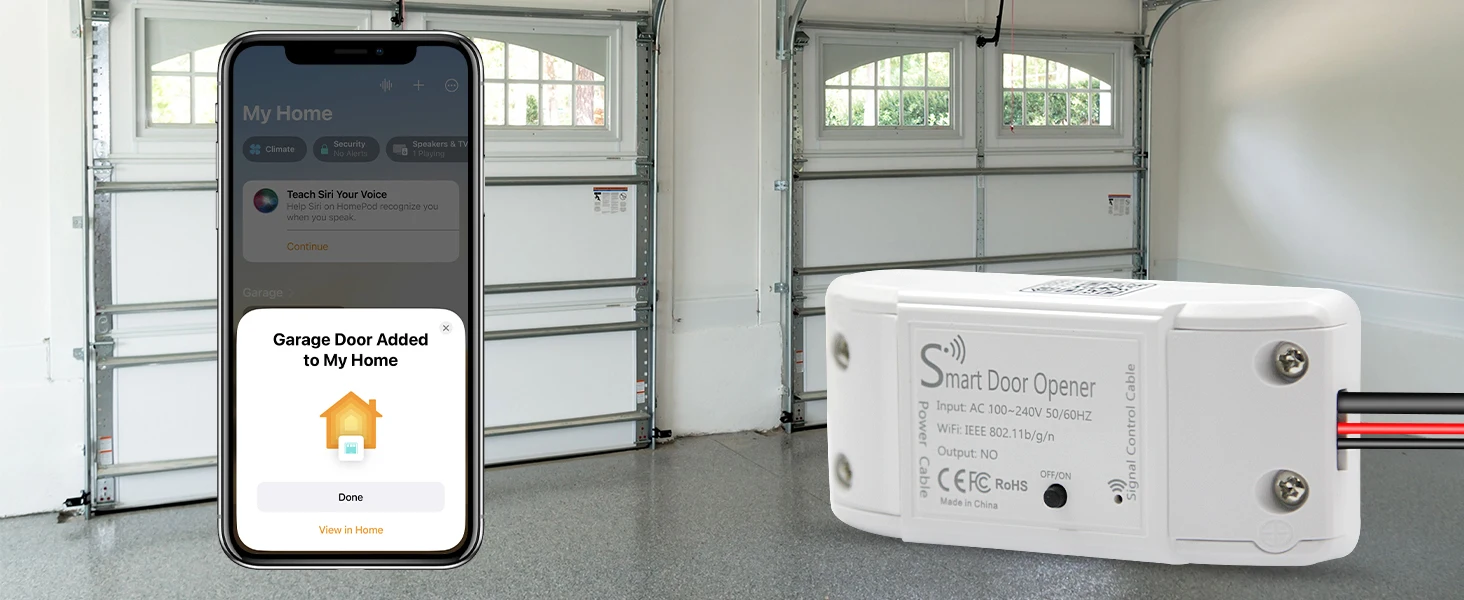
- Apple Home Ecosystem: Features direct HomeKit pairing codes. View your garage status right from the Control Center or your Apple Watch, or automate it to flip open when your CarPlay enters the driveway.
- Tuya & Smart Life Core Frameworks: Provides adjustments for automated timing control loops, specific device notifications, and logic commands through alternate smart life rules.
Product Features and Advantages
- Direct Universal Upgrade: Upgrades almost any standard motorized mechanical garage gate into an internet-connected, automated system without requiring a costly core assembly swap.
- Cross-Ecosystem Native Command: Operates natively inside Apple HomeKit (Siri), Amazon Alexa, and Google Assistant for a unified, modern home experience.
- Real-Time Magnetic Status Monitoring: Features an inclusive 5-meter wired magnetic sensor kit that detects the door's exact positioning, sending instantaneous "Left Open" push notifications directly to a mobile device.
- Historical Access Auditing: Automatically stores a digital timeline tracking opening and closing times, increasing home protection and oversight.
- Secure Multi-User Share Profiles: Grants individual access permissions to multiple family members, delivery drivers, or houseguests with revocable network credentials.
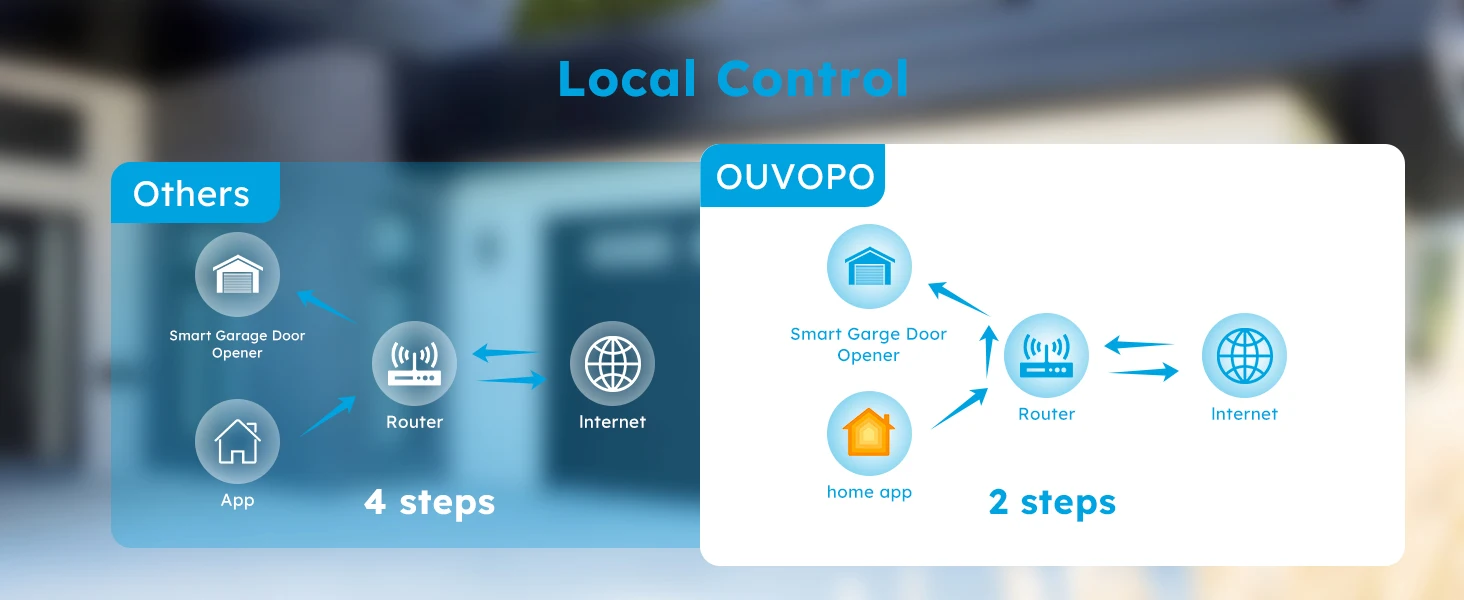
- Zero Additional Hub Requirements: Connects straight to a standard 2.4GHz home Wi-Fi network router, removing the cost or power consumption of proprietary hubs or bridges.
📊 Technical Specifications
- Wireless Protocol: Wi-Fi IEEE 802.11 b/g/n 2.4GHz
- Operating Voltage: AC 100V–240V, 50/60Hz
- Power Plug Type: Standard Type G (UK/Saudi 3-Pin) power adapter
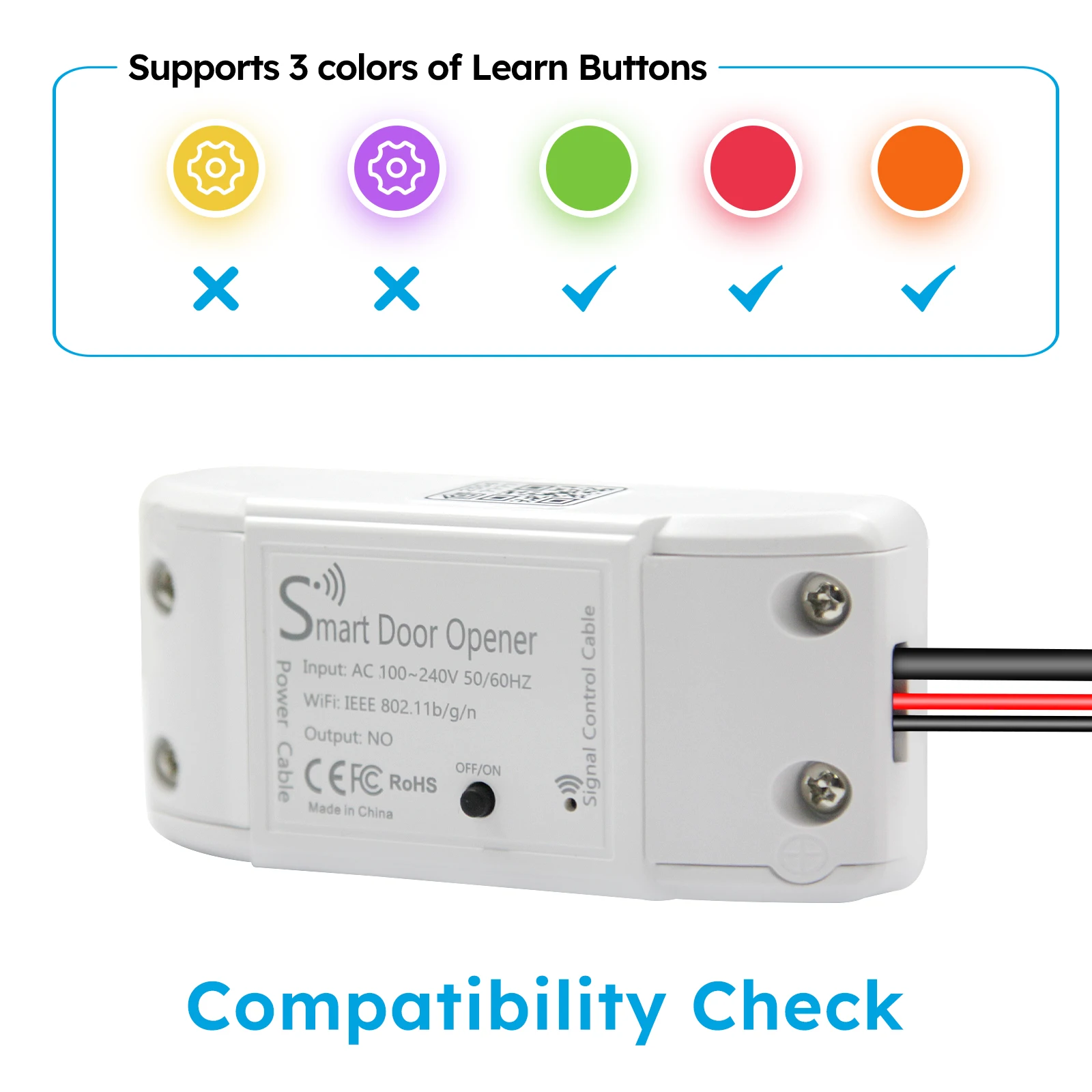
- Signal Relay Type: Momentary dry contact switch
- Ecosystem Compatibility: Apple HomeKit (Siri), Amazon Alexa, Google Assistant
- Mobile Management Applications: CozyLife Smart App (iOS & Android) / Apple Home App (iOS Native)
- Sensor Wire Length: 5 Meters (16.4 feet)
- Encryption Protocols: WPA-PSK, WPA2-PSK
📦 Physical Specifications
- Device Dimensions: 95 mm × 45 mm × 23 mm
- Casing Material: Flame-retardant ABS + PC composite
- Device Color: Clean White
- Status Indicators: Integrated LED network link light
- Mounting Options: Double-sided adhesive pad or screw brackets
- Product Weight: 54 grams
- Net Weight (Product Only): 164 grams (Includes the 54g controller, 95g heavy-duty 5m sensor cable, and 15g bracket hardware).
- Gross Weight (Actual Shipping Weight): 199 grams (Includes product hardware plus the standard retail box, internal protective inserts, and the instruction booklet).
- Volumetric Weight: 176 grams (Calculated using a standard retail box dimension of 16cm × 11cm × 5cm
Features & Specs
Additional Features: Voice Search
Maximum Number of Supported Devices: 1
Compatible Devices: Garage Door with Momentary dry contact switch
Connectivity Technology: HomeKit, Wi-Fi
Controller Type: Android App, iOS App
Smart Home Compatibility: Smart Home Compatible
📱 Applications & Practical Uses
- Legacy System Retrofitting: Converts standard motorized garage doors into internet-connected systems without replacing the existing motor.
- Hands-Free Vehicle Entry: Opens the garage door automatically using Apple CarPlay or voice commands as you pull into the driveway.
- Remote Delivery Access: Allows you to open the garage door safely from anywhere in the world to let couriers drop off packages.
- Multi-User Permission Management: Grants secure, digital access codes to family members, bypassing the need for physical remote clickers.
🎬 Real-World Operational Scenarios
- The "Forgot to Close" Scenario: You leave for work in a rush and forget to close the door. The system detects the issue and sends a smartphone alert after 15 minutes, allowing you to close it remotely.
- The "Hands-Full Delivery" Scenario: You arrive home with arms full of groceries. You tell your Apple Watch or phone, "Siri, open the garage," and the door opens without needing a physical key.
- The "Guest Arrival" Scenario: A relative arrives at your home while you are stuck in traffic. You quickly check your live app status and trigger the door to let them wait safely inside.
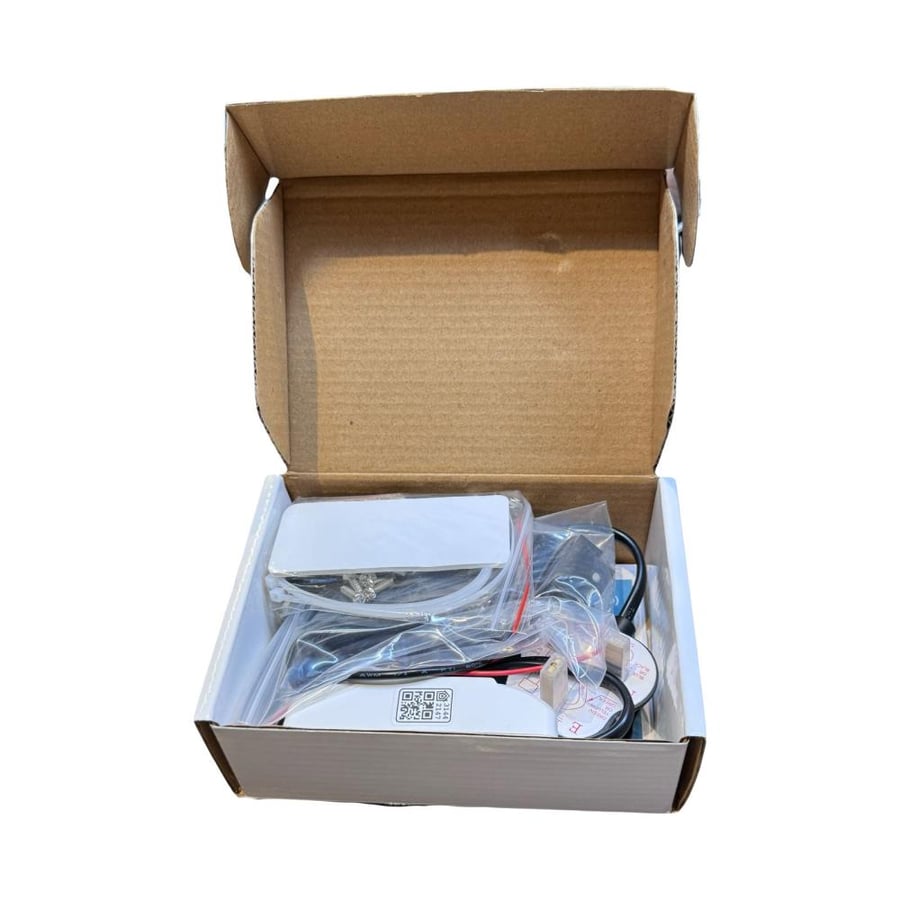
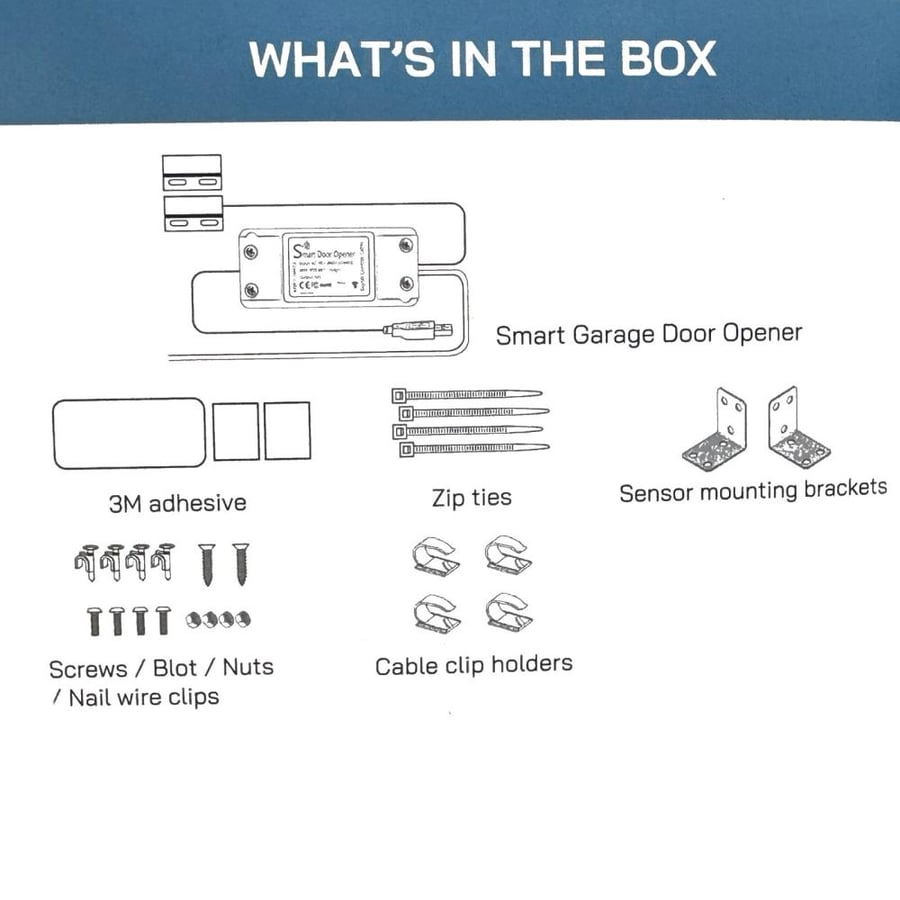
📦 Package Contents
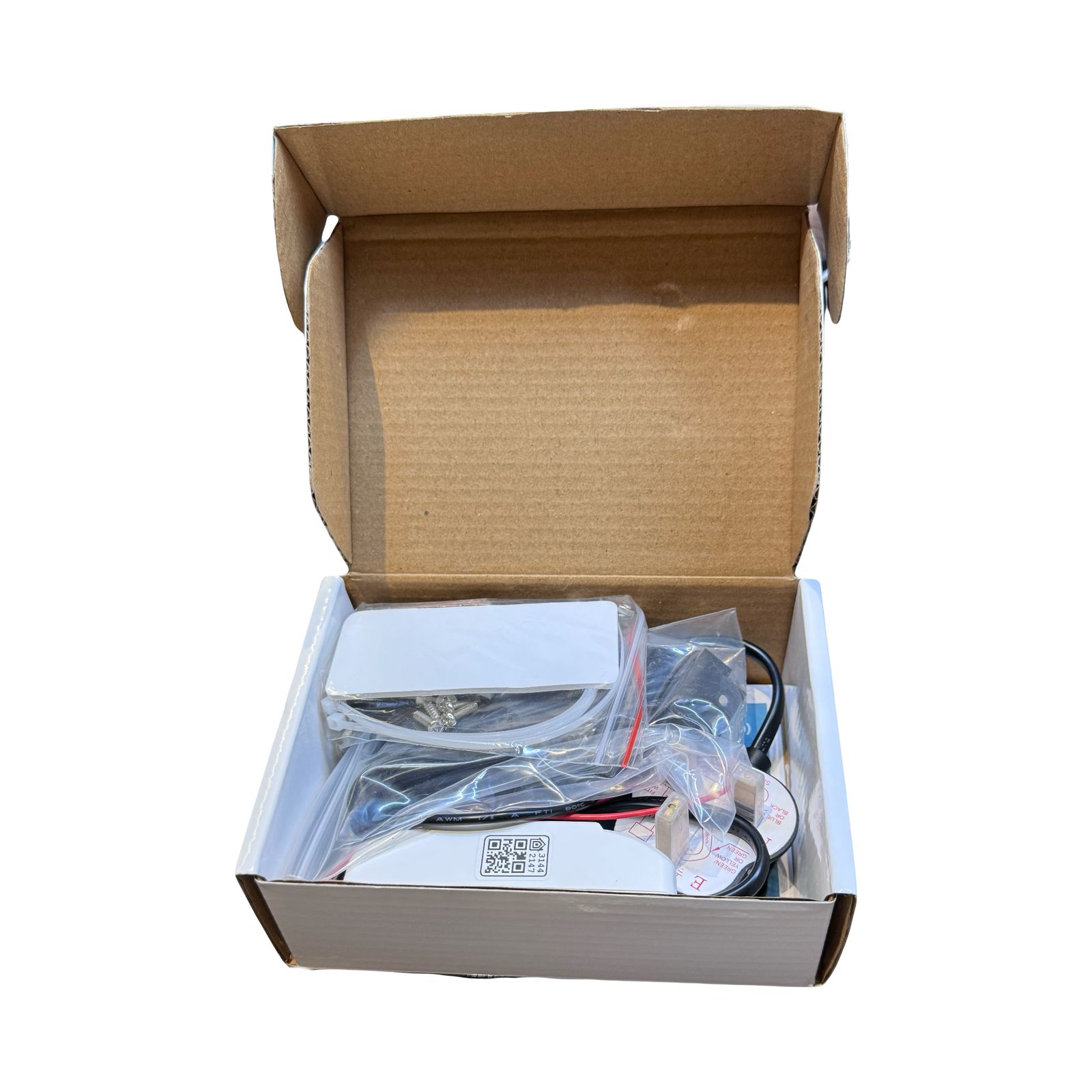
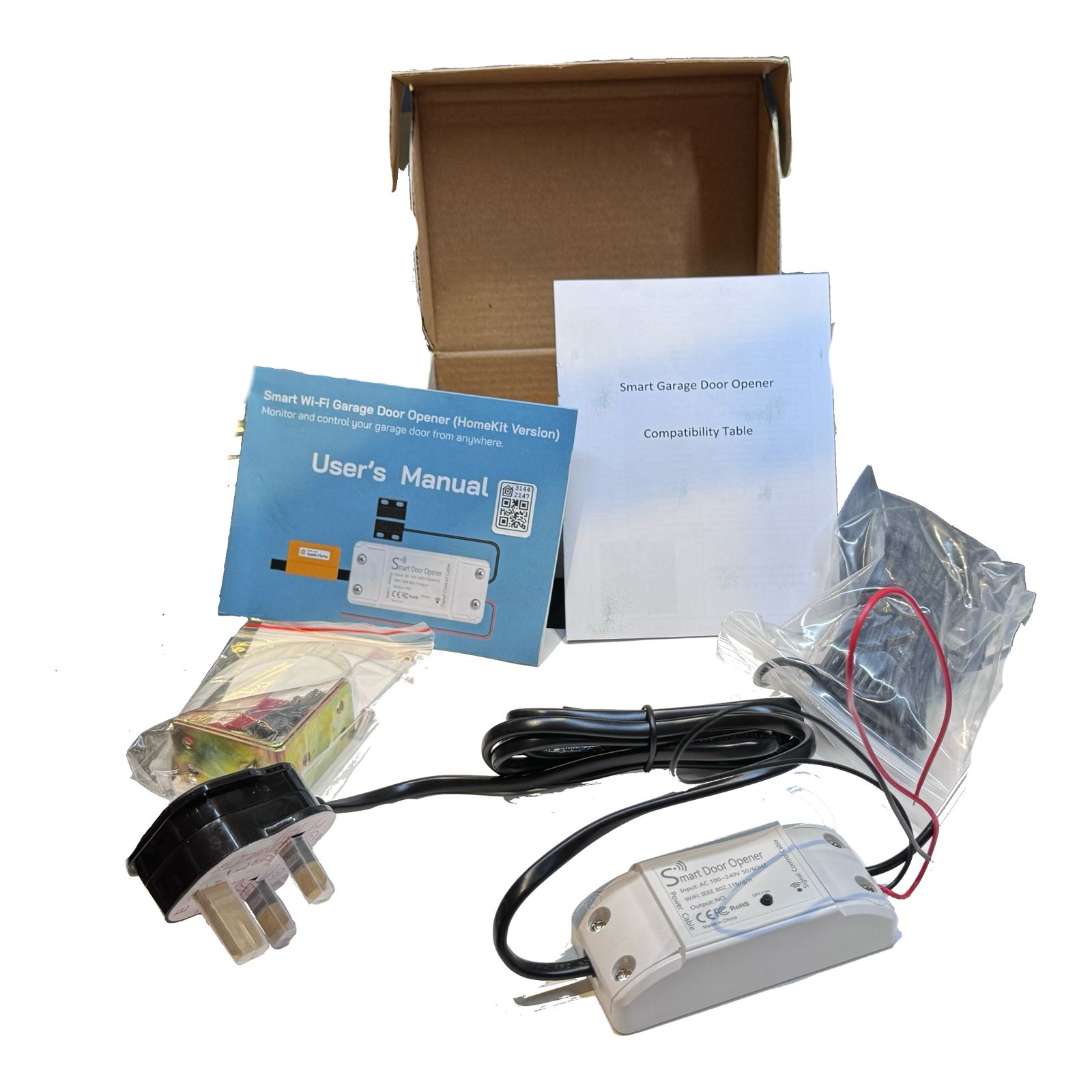
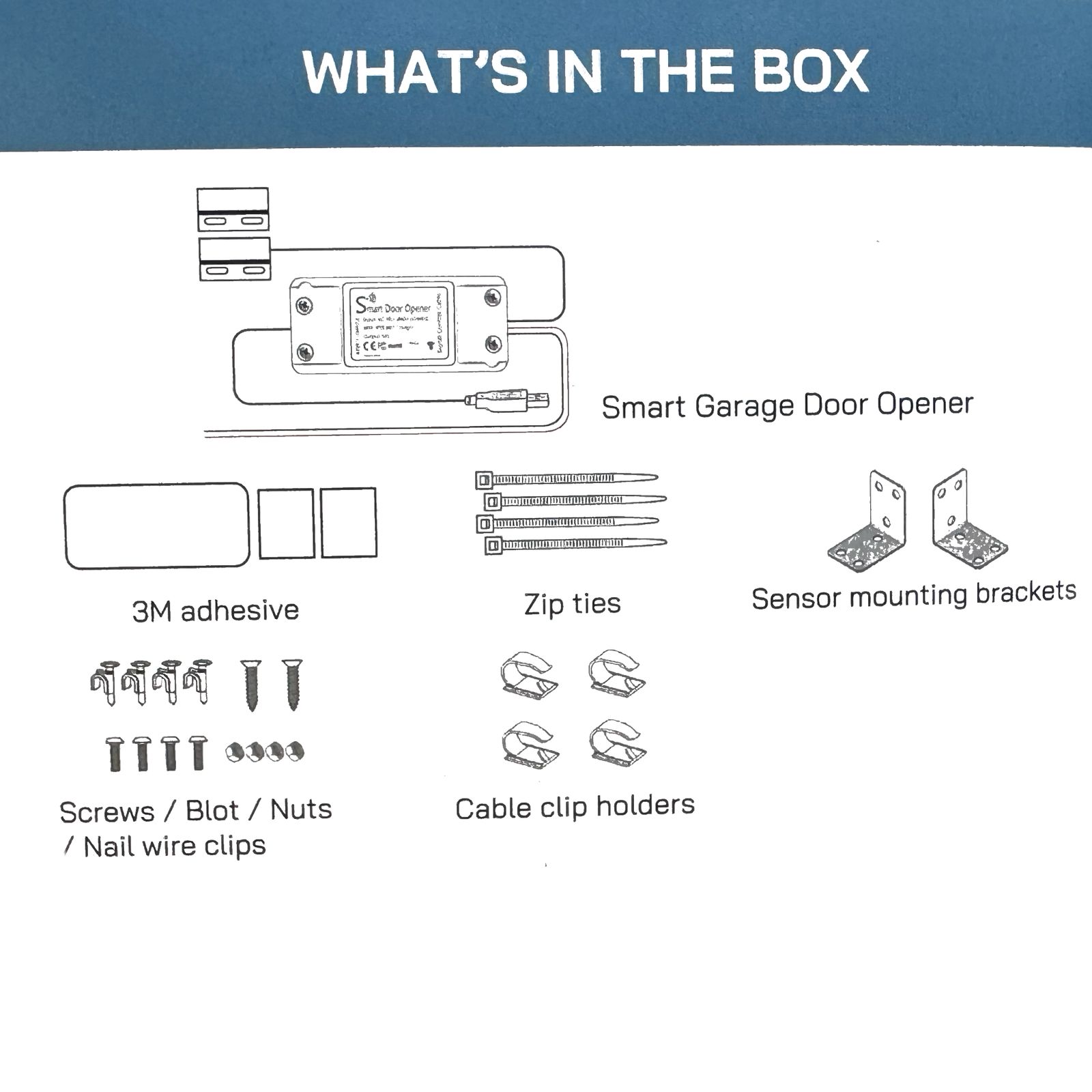
1 × Smart Wi-Fi Controller Module (With attached power/signal wires)
1 × Wired Magnetic Status Sensor Kit (With 5-meter connection cable)
1 × Type G (UK/Saudi standard) Power Adapter
1 × Double-Sided Adhesive Mounting Strip
1 × Metal Fixing Bracket Set & Screws
1 × Apple HomeKit QR Setup Guide & CozyLife Manual
🛠️ Installation Guidelines
Our structured instructions ensure a secure, straightforward configuration:
- Power Interruption: Always isolate the main AC breaker feeding power to the primary garage door motor prior to touching low-voltage electrical systems.
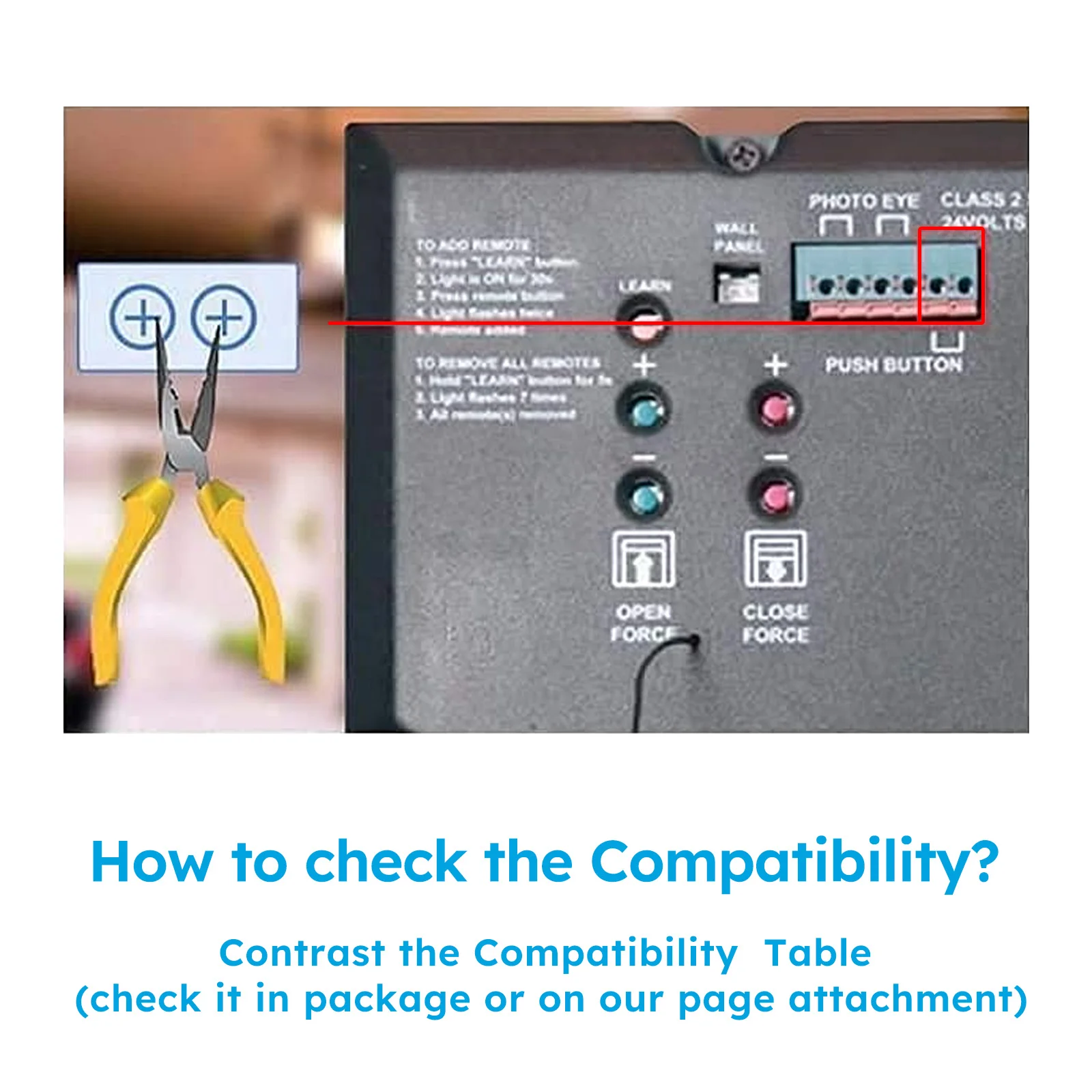
- Dry Contact Wire Insertion: Connect the dual signal command wires from the smart switch module directly into the matching wall button terminals on the garage motor.
- Magnetic Alignment: Securely mount the wired sensor array along the top rail track. Ensure the two physical magnetic pads line up within a 15mm gap when closed.
- Network Verification: Ensure your mobile device is temporarily locked onto a dedicated 2.4GHz Wi-Fi band frequency (5GHz bands are completely unsupported) during initial setup and registration phases.
🎥 CozyLife Platform Configuration Video Guides
These specific video clips walk your store customers through the exact interface screens mentioned in your manual:
- Easily Turn Your Old Garage Door Smart with:
- step-by-step guide on installing smart garage controller. Learn how to transform your traditional garage door into a smart system, allowing for remote control via smartphone apps and voice commands with virtual assistants.
- How to connect CozyLife WiFi Smart Garage Door Controller to smartphone?
- CozyLife Smart App Account & Wi-Fi Sync Guide: Demonstrates downloading the app, basic pairing workflows, and transitioning the module into its active pairing state.
- CozyLife HomeKit Direct Integration Tutorial: A visual look at scanning codes, adding custom garage shortcuts to the Apple Control Center, and managing native iOS smart actions.
- How to find the HomeKit code via our CozyLife app.
Keywords:
Smart garage door opener controller - HomeKit garage door opener - Wi-Fi garage door switch - GD-DC5 controller KSA - GTIN 0793169229695 - Universal smart garage module - Tuya smart life garage door
How to make old garage door smart - HomeKit garage opener no hub - Smart garage controller Saudi Arabia - Garage opener compatible with Siri Alexa
❓ Frequently Asked Questions (FAQ) & Troubleshooting
Q1: How do I use smart speakers like Amazon Alexa or Google Assistant to control the device?
A: To clear the memory and link third-party smart speakers, long-press the device "OFF/ON" button for 5 seconds until the red light flashes quickly. This restores factory settings and prepares the controller to broadcast its pairing signal to your smart assistant accounts through the CozyLife integration panel.
Q2: What if I can't control the smart device with the CozyLife Smart app?
A: If the app loses connection, troubleshoot with these three manual steps:
- Check if your home Wi-Fi network is working properly and broadcasting an active internet signal.
- Make sure that you have disabled access control features in your router configuration settings so the smart device is not blocked by your router's firewall firmware.
- Perform a factory reset on your smart device (hold the power button for 5 seconds) and try to add it back to the app from scratch.
Q3: I can't pair my device with Apple HomeKit anyhow. How do I fix this?
A: First, ensure your iOS device is actively connected to the 2.4GHz band of your home Wi-Fi network during setup (5GHz bands will fail pairing). Second, make sure your iPhone or iPad is updated to iOS 13 or later. If it still fails, restart your iOS device to clear temporary system cache issues that might be blocking the HomeKit handshake.
Q4: How do I add the garage door controller to the CozyLife Smart app using AP Mode?
A: If the standard configuration fails, you can connect manually via AP Mode. Press and hold the "OFF/ON" button on the physical controller until the built-in LED light shifts into a slow blinking pattern (flashing roughly once every 2 seconds). Open your app and select AP Mode to continue the network link.
Q5: What should I do if I forget, misplace, or lose the physical HomeKit pairing setup code?
A: If your physical setup sticker is lost, your manual provides an advanced built-in network recovery shortcut using AP mode:
- Put the device into AP mode (slow blinking light) and open your smartphone's Wi-Fi network list.
- Find the device hotspot named CozyLife_XXXX and note down the specific 4 letters/numbers after the underscore.
- Open the CozyLife app interface, navigate to your shortcut settings, find the MFI section, and enter those 4 specific characters (
XXXX) to instantly display your official replacement HomeKit code on your screen. - Return to the Apple Home app, tap "I don't have a code or cannot scan", and manually type in the recovered HomeKit code to complete the pairing.
Q6: Where can I find deeper support for unique technical questions or hardware bugs?
A: Open the official CozyLife Smart application on your phone and navigate straight to the "Discover" tab or the "Help and Feedback" center directly inside the app interface for updated troubleshooting documents.