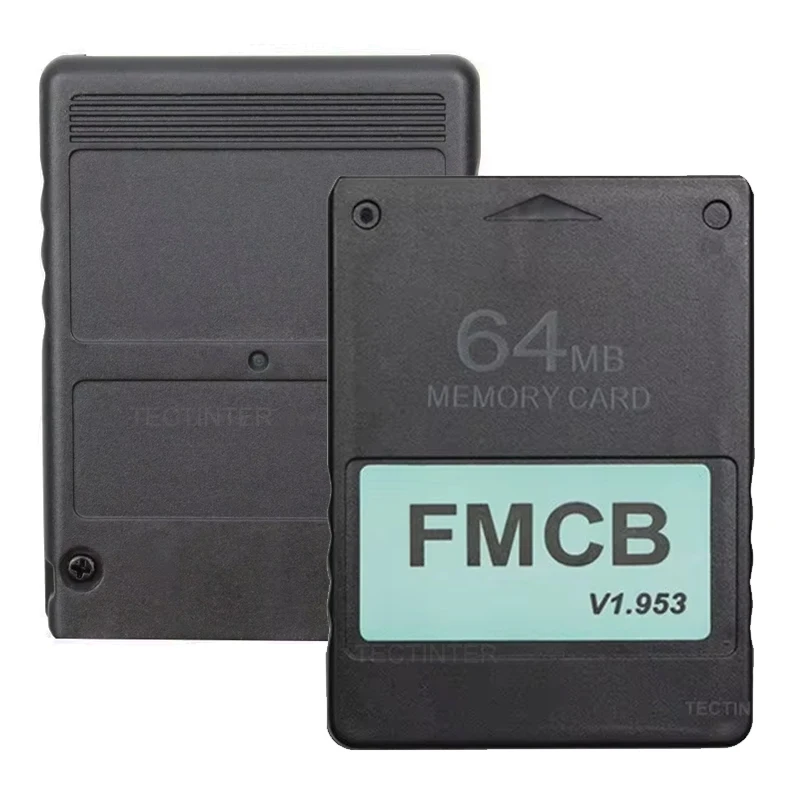


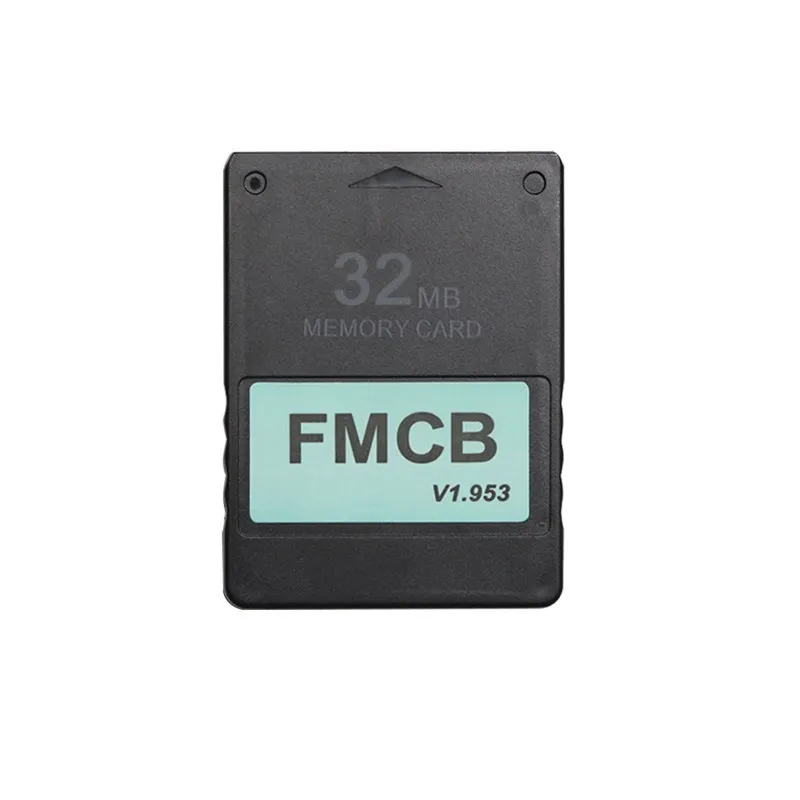

Free FMCB card McBoot for PS2 console PlayStation 2 8MB/16MB/32MB/64MB memory card v1.953 OPL MC boot card for PS2 accessories
48.38ر.س
78.96ر.س-39%Product description
The advertisement is a leather silicone cover for the Sony PS3/PS2 game controller, a protective case for the gaming console made of high-quality silicone material, easy-to-use design, you can use the equipment to rotate vertically and horizontally without pressure easily, preventing scratches, shocks, and dirt. For the Sony PS2 Sata / IDE network converter, use a high-quality IDE network converter for the fat PS2 console model. 100% quality guarantee, tested one by one before shipping. All items will be packed in a specific package to protect them from damage during shipping. Both IDE and SATA interfaces are available with us. Features: The completely new MagicGate card with 8MB/16MB/32MB/64MB free from McBoot (FMCB) sample, easy and quick connection to your PS2 console and operation. Support with CHIP MOD or without CHIP MOD on your PS2 console. No region restriction, compatible with all PS2 controllers (except SCPH-9XXXX models with v230 BIOS). Drivers: LaunchELF, also known as uLaunchELF or uLE, is an open-source file manager and executable launcher for the PlayStation 2 based on the original LaunchELF. It has many features, including a text editor, hard disk manager, network support, and more. OPENPS2Loader v0.9.3 [OPL v0.9.3] is an application designed to allow you to run your backup PS1/PS2 games from an internal hard drive, local hard disk, connected USB drive, or USB hard disk. ESR (Launch Disc) is a homebrew application specifically designed to work with FMCB to allow playing backup games on self-created DVD discs. You will need to patch the game before burning it onto a DVD. Note: CD formatting is not supported. CodeBreaker version 10 is an accessory that changes video game codes, giving the user many cheats and other advantages. HD Loader 0.8c allows you to play backup games from an internal hard drive. uLaunchELF v4.4.2d, also known as uLE, is an open-source file manager and executable launcher for PS-2 based on the original LaunchELF. It has many features, including a text editor, hard disk manager, network support, and more. Advanced USB: If you want to use a USB disk or USB hard drive to run games, USB Advance is a good choice. Media system model: With this software, you can view multimedia files including DIVX, AVI, XVID, MPEG, MP3, etc., on the PS-2 console. GSM v0.38: GSM technology aims to perform conversion during flight from the original graphical mode of the games (or the application) chosen by the user, to the mode they want. PS2infoGB (GameBoy Emulator) (only 32MB and 64MB versions): PS2InfoGB is a GameBoy emulator for the PlayStation 2. It is recommended to use a USB storage device for your ROMs. PS2FCEUltra 0.9.3 (NES emulator) (only 32MB and 64MB): NES emulator supports playing games from USB, MC, and hard drives. For more information, please visit the website. PGEN v1.5.1 (Genesis/Mega Drive emulator) (only 32MB and 64MB): Questions/Answers: Q1: When I connect it to the PS2 and turn it on, it doesn’t work. The PS2 controller cannot find FMCB. A: This usually happens due to a poor connection between FMCB and the PS2 console, meaning the golden finger of the FMCB card and the PS2 controller are not in good contact. There are two steps to fix it. Step 1: Open the FMCB card with a Phillips screwdriver and clean the circuit board on the golden fingers on the PCB. Step 2: Fix the PCB in the case, ensuring the PCB is flat and not crooked. Then reassemble and test again. Q2: I want to play PS1 games, do I need an emulator? A: No, you do not need another PS1 emulator, you can use OPL to play PS1 games. Q3: What is OPL? What can I do with OPL? A: Open PS2Loader (OPL) is an application designed to allow you to run your backup games from an internal hard drive or connected USB drive or USB hard disk. Q4: How to install backup games on the internal IDE HDD? A: The internal hard drive is a standard 3.5 IDE hard drive. If you use a SATA network converter, you can use a 2.5-inch or 3.5-inch hard drive. If you have a PS2 SPCH-3xxxx or SPCH-5xxxx console, congratulations! Using a network converter, you can use OPL installed on FMCB to run backup games from the internal hard drive, and the games run quickly and smoothly. But how are games installed on the hard drives? First, connect the IDE/SATA HDD to your computer, then use Windows software WinHIIP to install the PS2 games onto your hard drive. Q5: How to burn backup games onto a USB disk or USB hard drive? A: Format your USB disk, run FMCB card on your PS2, connect your USB disk to the console, then open the USBAdvance program installed in FMCB, select your USB device, and click the format button on the right side of the screen. Burn the games onto your formatted USB disk. Open USBAHD_GameInstall.exe (you can find it on Google), select ISO games, and burn them onto your USB disk. Connect the USB disk to your console and use USBAdvance or OPL to run the games.

From Riyadh