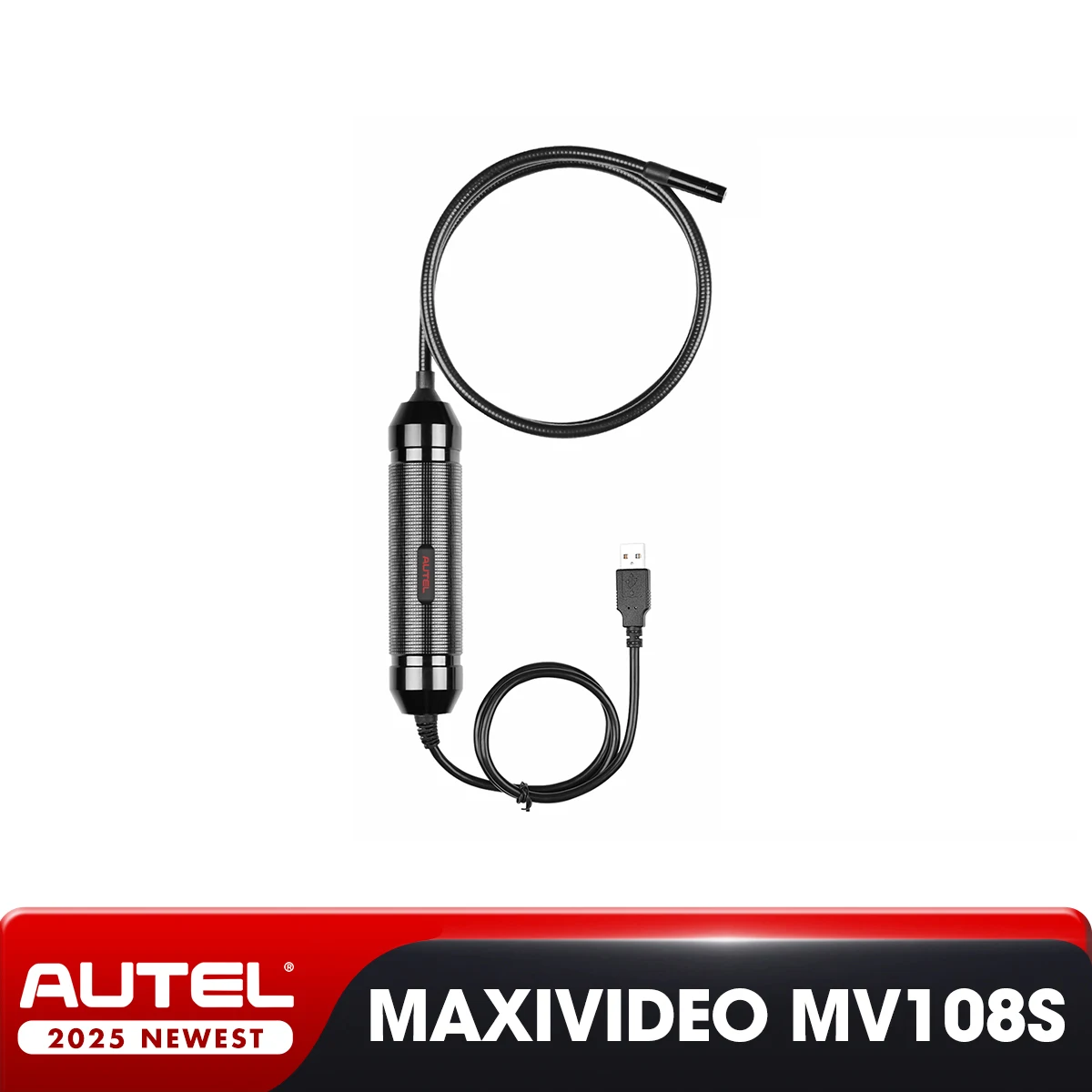
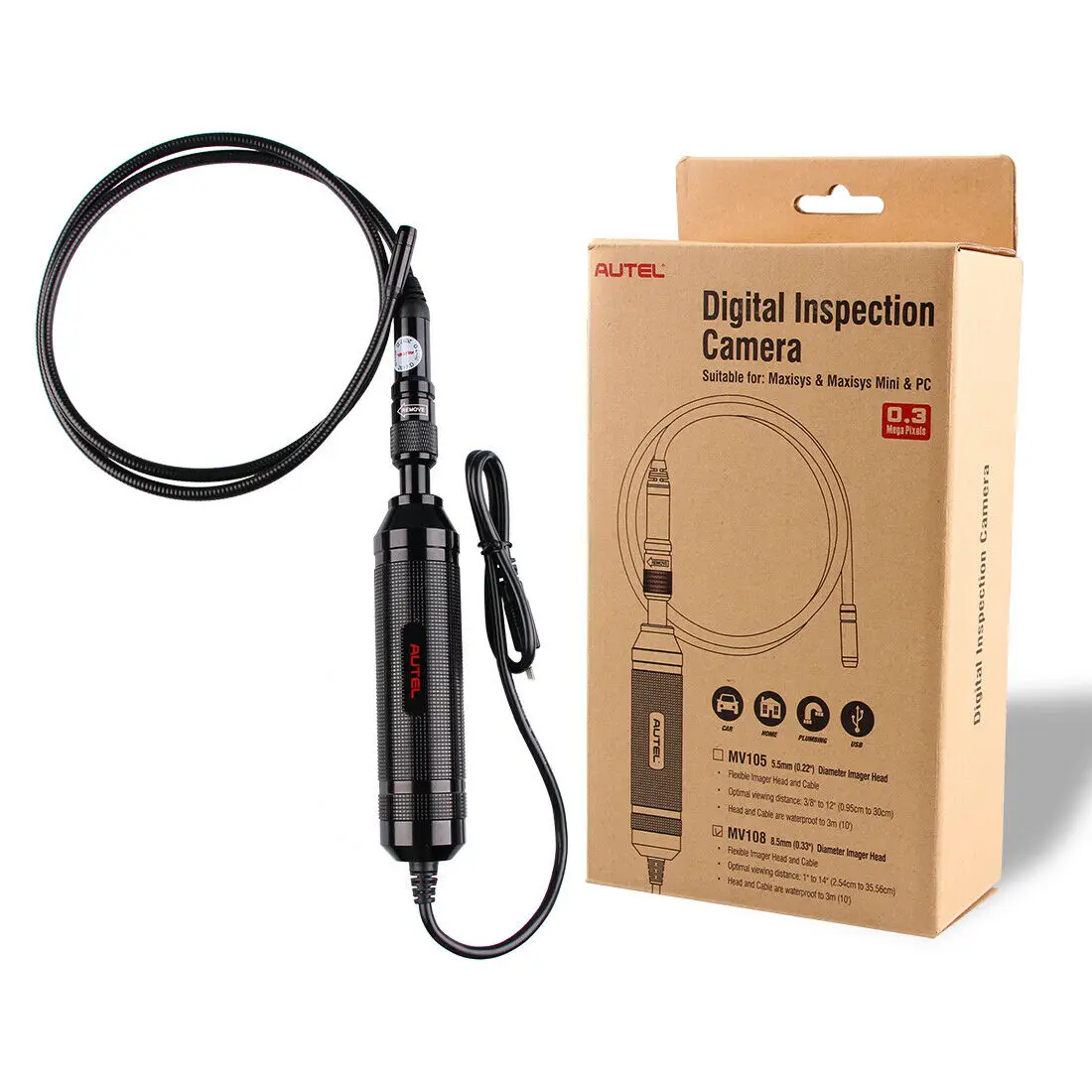
High-definition digital inspection camera from Autel-MaxiVideo MV108S, supports electronic video image head, strong inspection, from outside, used with MaxiSys Pro and PC
162.74ر.س
235.87ر.س-31%Out of Stock
Product description
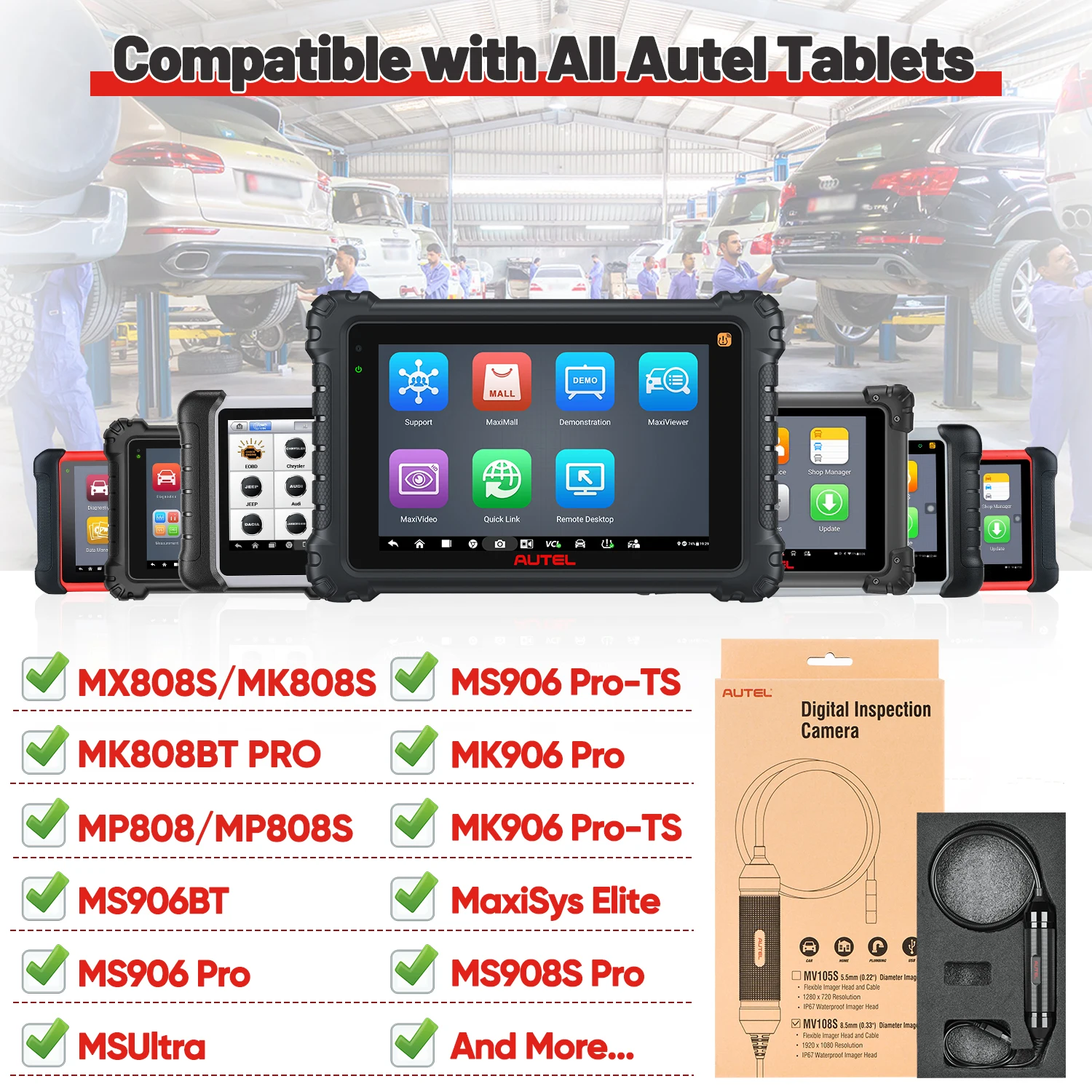
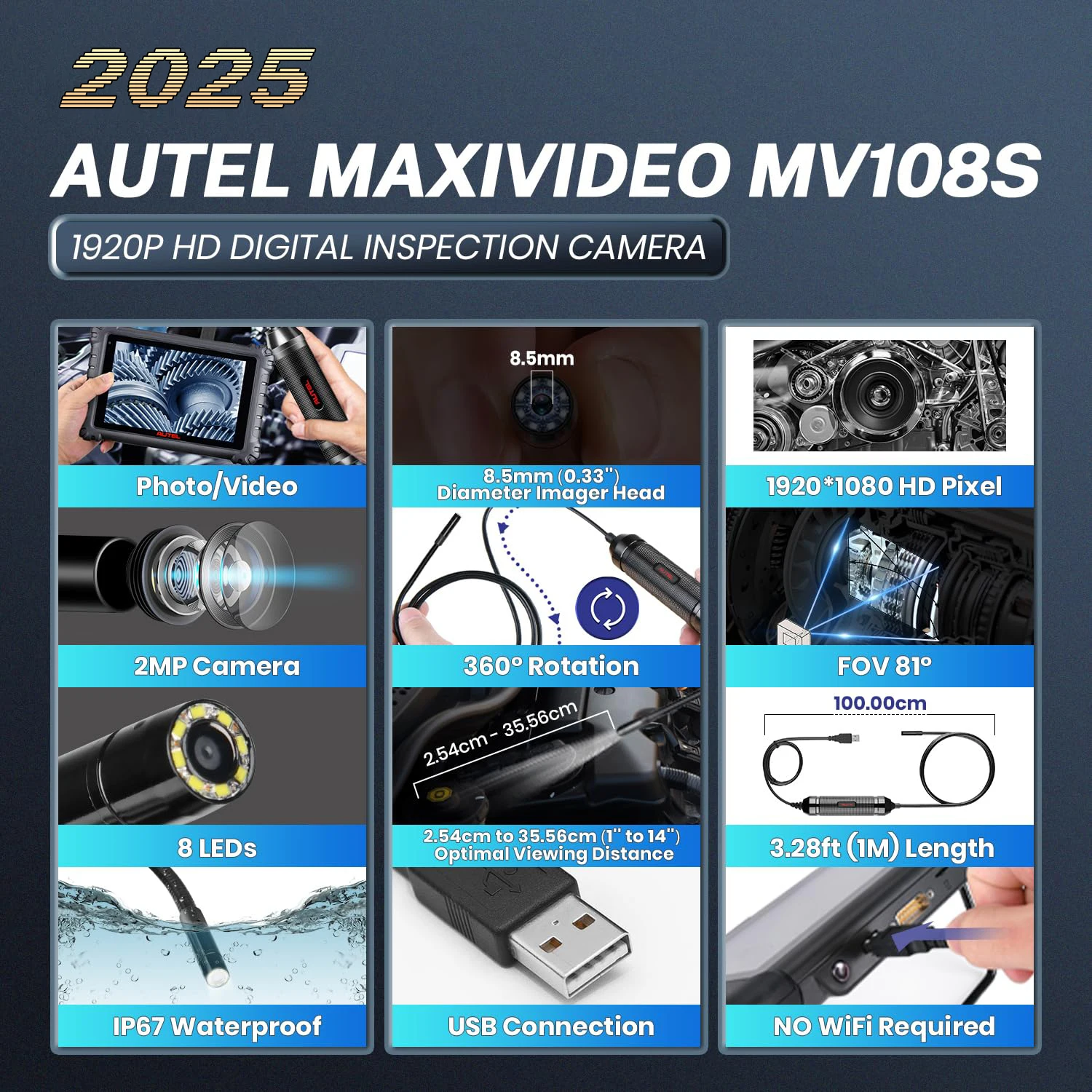
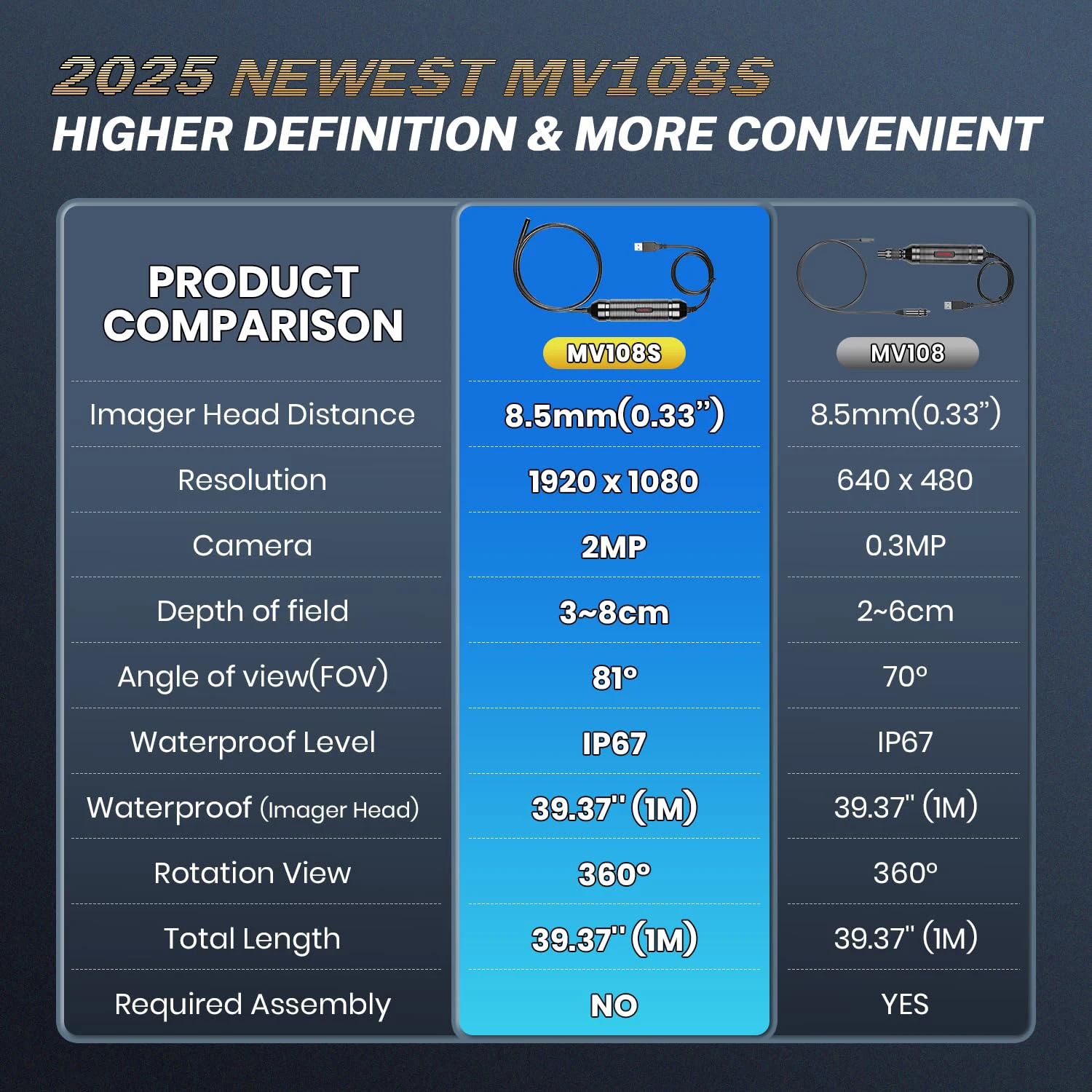
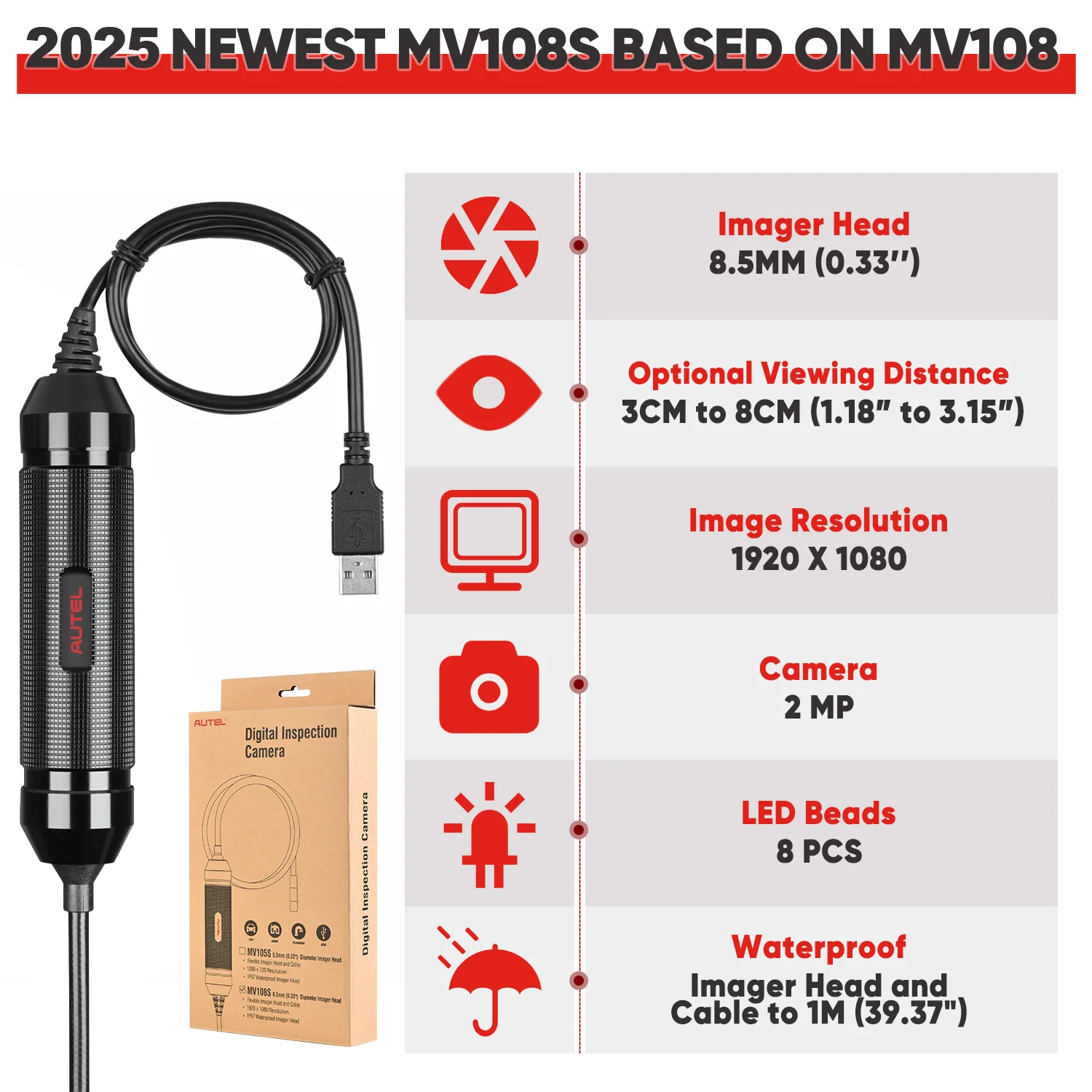
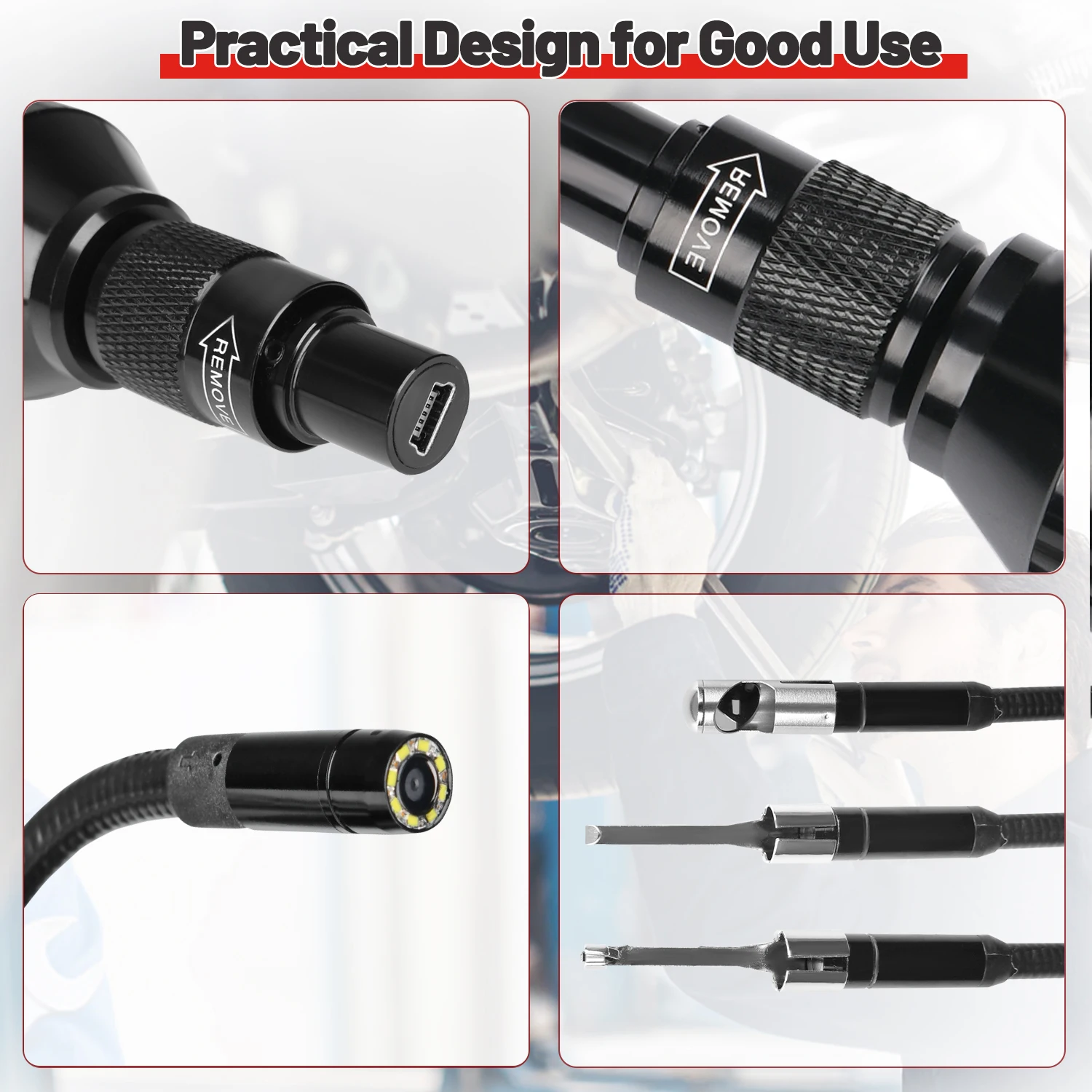
Maxivideo MV108S instrument hotel was designed for the digital inspection camera MV108S to work with MaxiSys series products or PC. It converts the MaxiSys tablet into a video inspection scope, allowing you to inspect hard-to-reach areas usually hidden from view. It is capable of recording still images and digital videos, providing an economical solution for inspecting machines, facilities, and infrastructure in a safe and fast manner. Works with: MS906BT/MK906BT/MS906CV/MS906TS//MS919/MS909/MS908/MS908S PRO/MS908S/MK908/MK908P or PC. Feature: White LED lights to illuminate inspection areas, small diameter head allows use in tight spaces, great for close-up visual inspections in confined areas, such as engine cylinders and small part inspections, strong and ideal for inspecting most spark plug holes. Provides a super bright LED screen with high precision, making images clear as sunlight: White LED lights to illuminate inspection areas, small diameter head allows use in tight spaces, great for close-up visual inspections in confined areas, such as engine cylinders and small part inspections, strong and ideal for inspecting most spark plug holes. Ultra-bright and high-precision LED provides clear images as sunlight. Specifications: Head distance of the camera: 2.8, MV108S: 2 MP, MV108S: x all. Depth of field: 3 to 8, (from ...). LED beads: 8 +. Camera cable length: 1 meter. Waterproof level (camera head): IP67. Operating temperature: -10°C to 70°C. Storage temperature: -10°C to 70°C. Only 3 steps to start! 1. Connect the removable camera head cable to the handle. Make sure the key and slot are aligned correctly. Once aligned, tighten the textured handle to keep the connection secure. 2. Power the MaxiSys tablet, select the "Digital Inspection" app from the function menu. 3. Connect the MaxiVideo inspection camera to the MaxiSys tablet via USB connection, and that's it!

From Riyadh