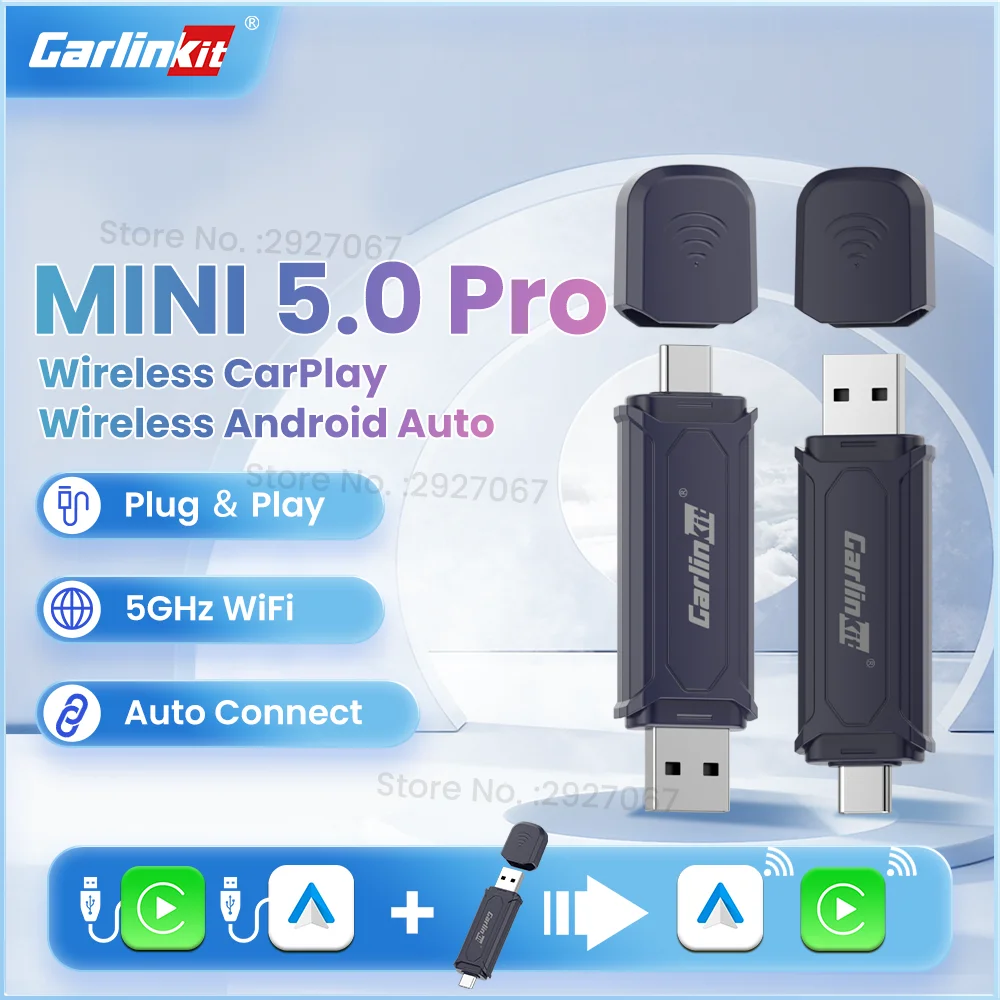
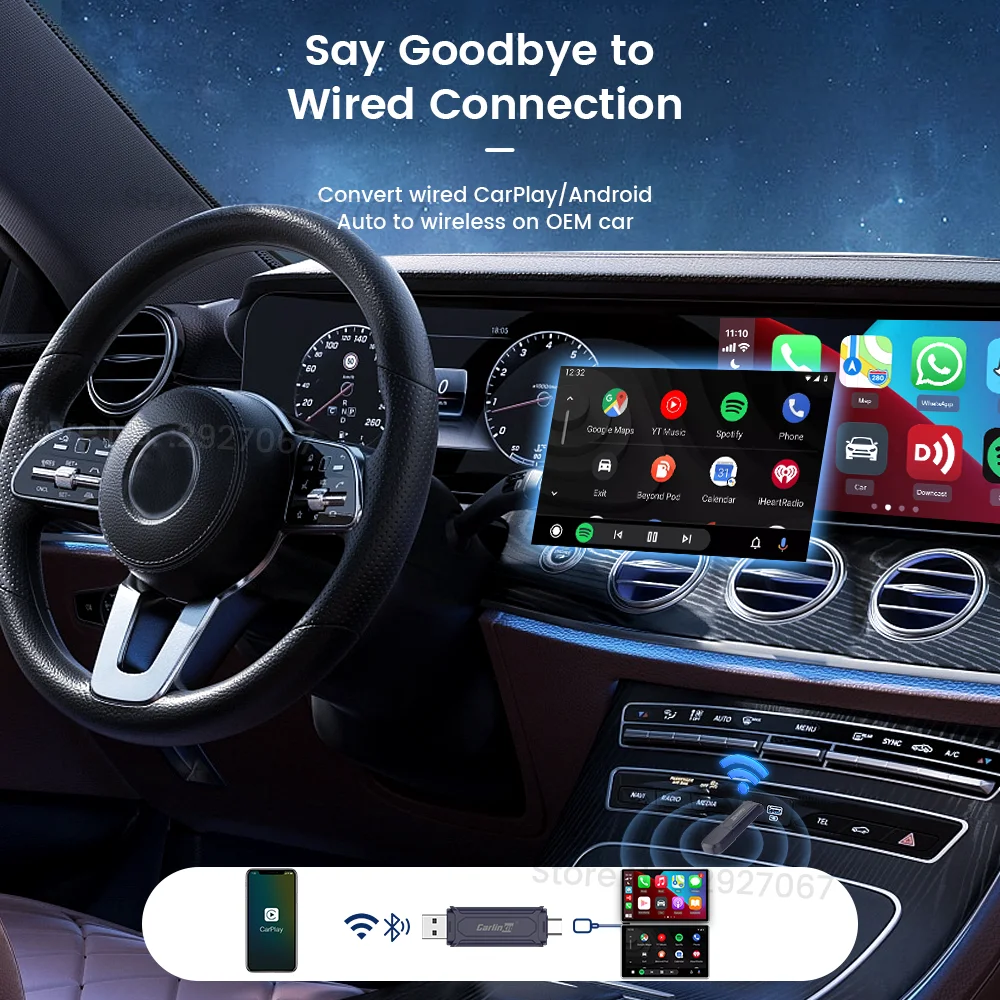

CarlinKit 5.0 Pro MINI Wireless CarPlay and Android Auto dual-mode wired to USB dongle wireless connection and operation for OEM car
219.88ر.س
833.02ر.س-74%Out of Stock
Product description
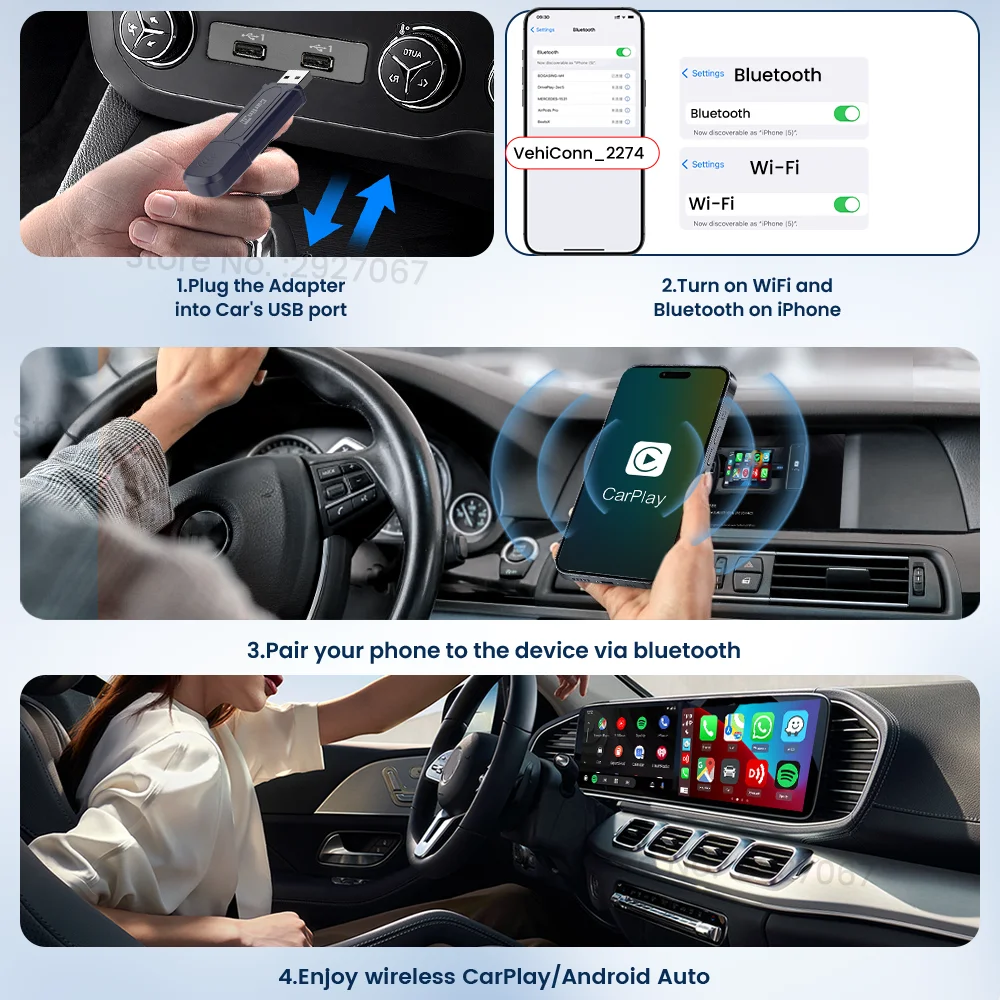
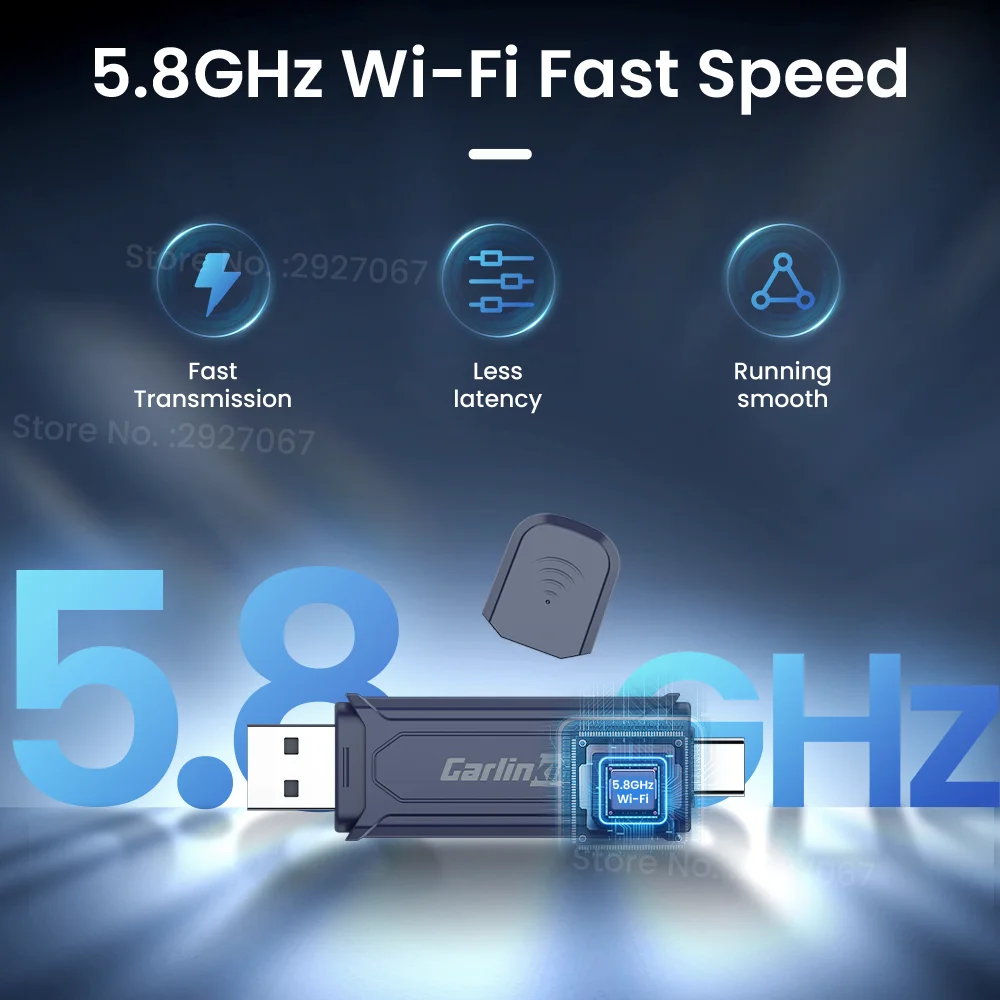
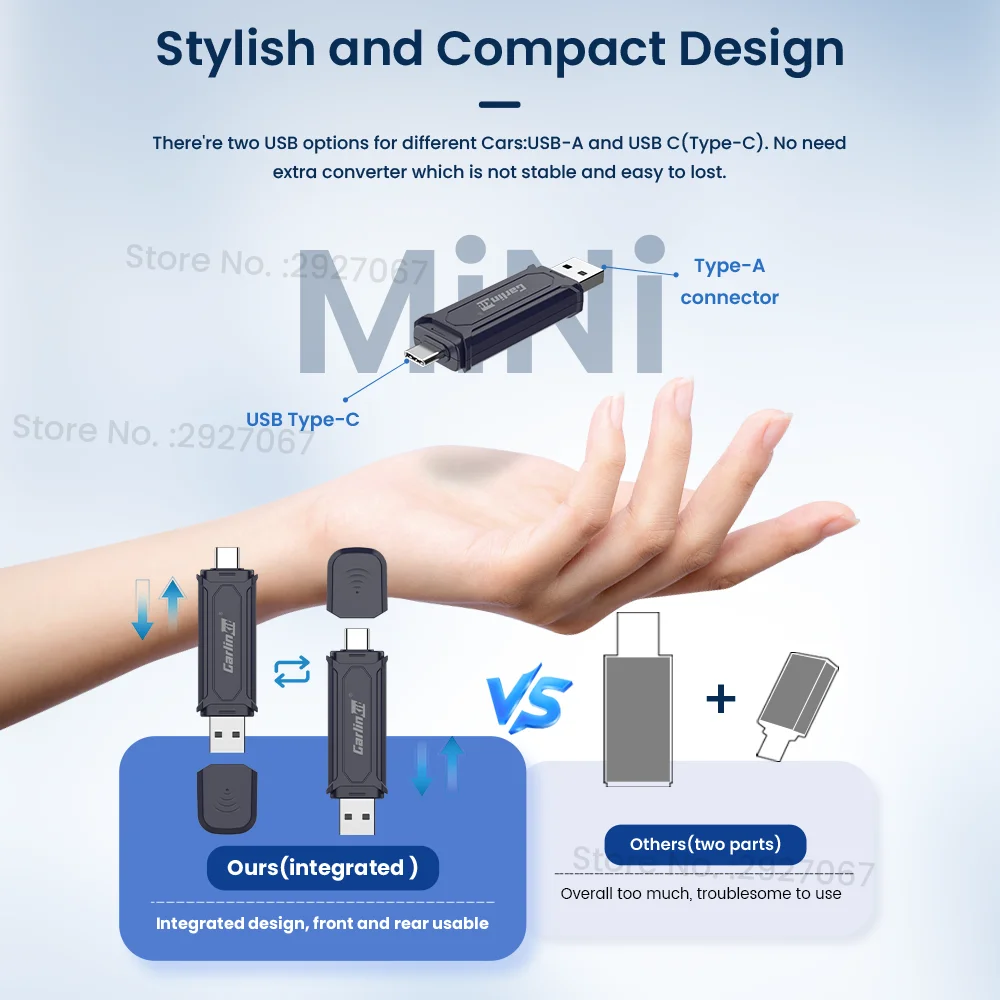
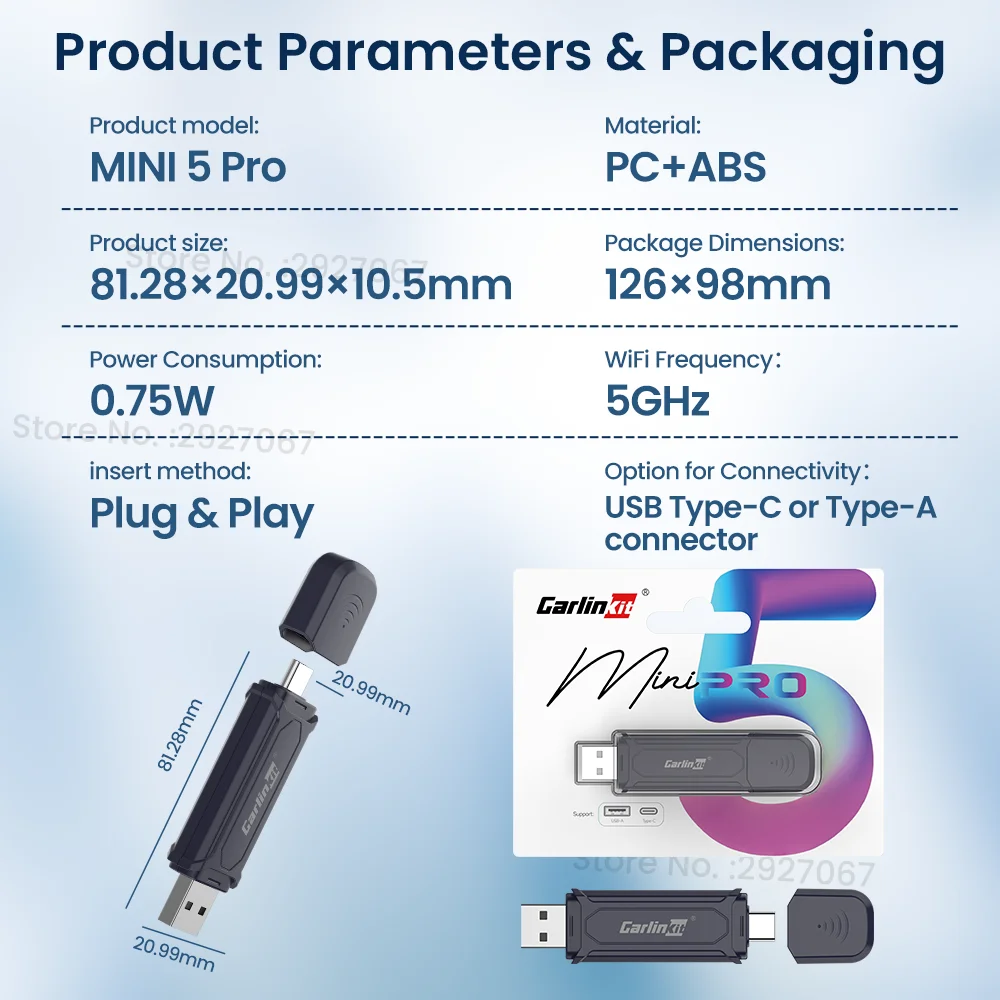
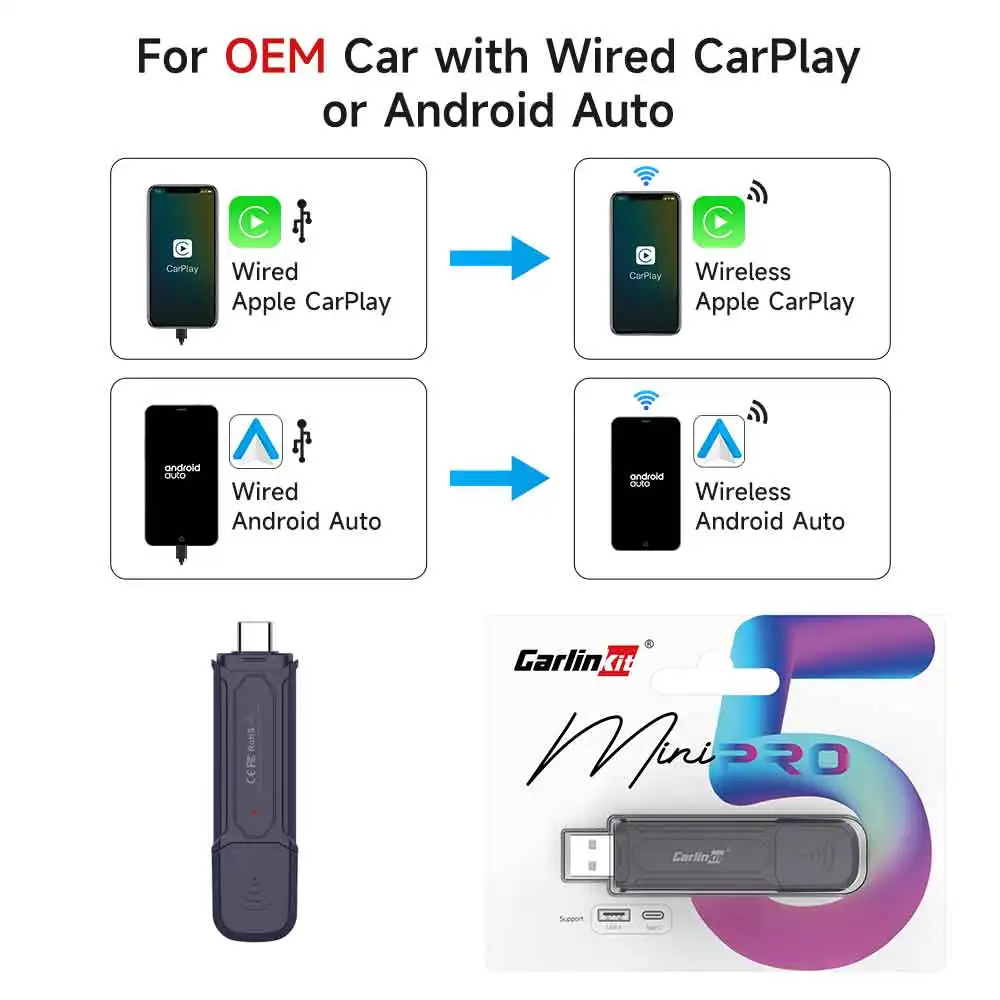
CarlinKit Mini5 Pro Wireless CarPlay Android Auto Box for the car original convert connection wired to wireless connection say and farewell to data cable, and enjoy wireless connection now via Bluetooth signal and Wi-Fi, it is fast and stable. Easy to establish the first connection 1. Connect the wireless CarPlay converter to the car's USB port. 2. Turn on Wi-Fi and Bluetooth on your iPhone then pair Bluetooth with the device on your phone 3. Wait a few seconds for the CarPlay homepage to appear on your car screen. Compatibility with OEM cars 98% support most original cars that installed wired CarPlay or Android Auto. Some car models after 2016 have standard CarPlay, but some after 2019. Please connect your mobile phone to your car via cable to test. Automatic connection after the first pairing once the car is turned off then turned on again, it automatically connects to your phone within 20-30 seconds once the power button is pressed, navigation and music can be played immediately as you wish fast and stable media transfer rate 5.8 GHz and fast data transfer speed and low latency make it easy for users to connect to existing Android Auto or Apple CarPlay vehicles that support wireless USB, making it easy to access applications using the car screen. Continue the original car operation methods keep all features as you do with original wired CarPlay, compatible with the original car microphone, and continue the original sound quality of the car, steering wheel, button, knob, and Siri voice assistant for your original car. OTA upgrade and feedback no more USB stick, check for updates in real-time and record feedback to the CarlinKit engineer to help you solve problems. Here are the steps: 1. Connect the device to your car’s USB port. 2. Connect Wi-Fi to the device on your phone. 3. Enter URL: 192.168.50.100 in your phone’s browser. Elegant colors and small size it is really small and easier to hide than other converters that also provide more space in your car, and it has a USB-A and USB-C port in one port no longer needs an additional adapter to switch the plug. Specifications and packaging Mini5 Pro Connection method: wireless connection Compatible mobile phones: iOS and Android cars: cars equipped with factory wired CarPlay or Android Auto decision: adaptation (maintain the original protocol accuracy) language: automatically switch according to the car’s language environment connection option: Type C or Type A USB connector color: blue power input: 5V ± 0.2V 1.0A power consumption: 0.75 watts materials: ABS + computer About us Carlinkit direct store is an authorized factory store directly from CarlinKit instead of a dealer, committed to selling 100% genuine products. Fast delivery once payment is completed, parcels will be shipped within 24-48 hours. Please confirm all your order details as soon as possible. Once shipped, the order cannot be canceled. Returns and refunds 15 days no reason for return and refund. This warranty does not cover damages caused by accident or misuse or modification. 365-day warranty within 365 days of receipt confirmation, any quality issue indicating non-human damage, which cannot be repaired after trying all our solutions, free repair or replacement. Return at buyer’s expense, and a new product shipped at seller’s expense. About feedback if you are satisfied with our products or services, please leave 5-star feedback to help others understand the product well. If you have any questions, please contact us first, and we will help you solve them as soon as possible. We appreciate your kind feedback and support. Customer service contact email: aesupport@carlinkit.com Official firmware site for CarlinKit https://www.carlinkit.com/ Please update your device after contacting customer service if necessary

From Riyadh