



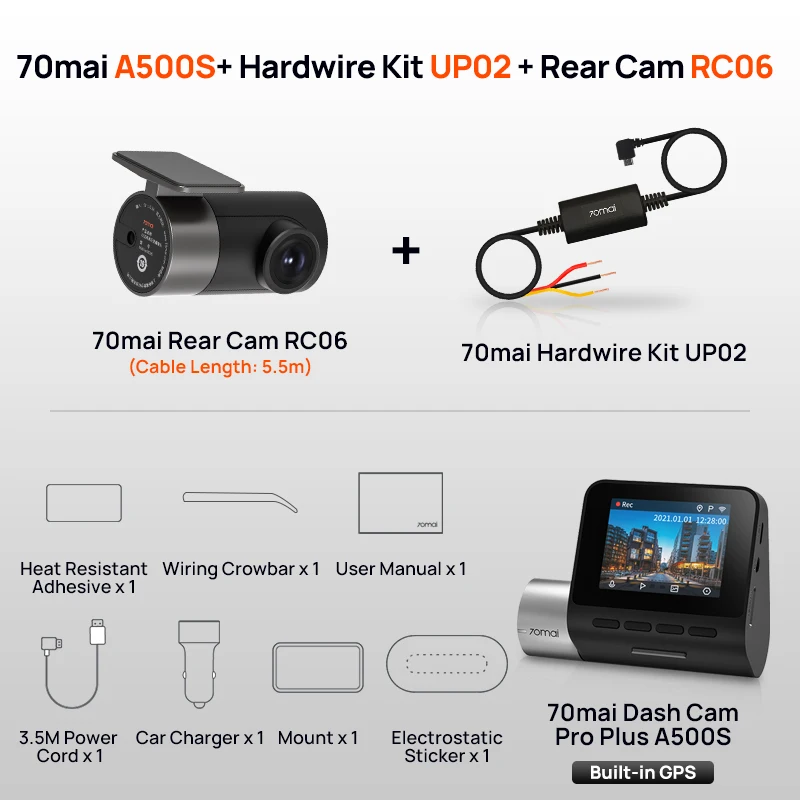
Car camera 70 Mai Pro Plus, A500S, P, DVR Set, GPS, ADAS, front and rear camera, 24-hour parking monitoring, time lapses, global version
559.58ر.س
1036.22ر.س-46%Product description
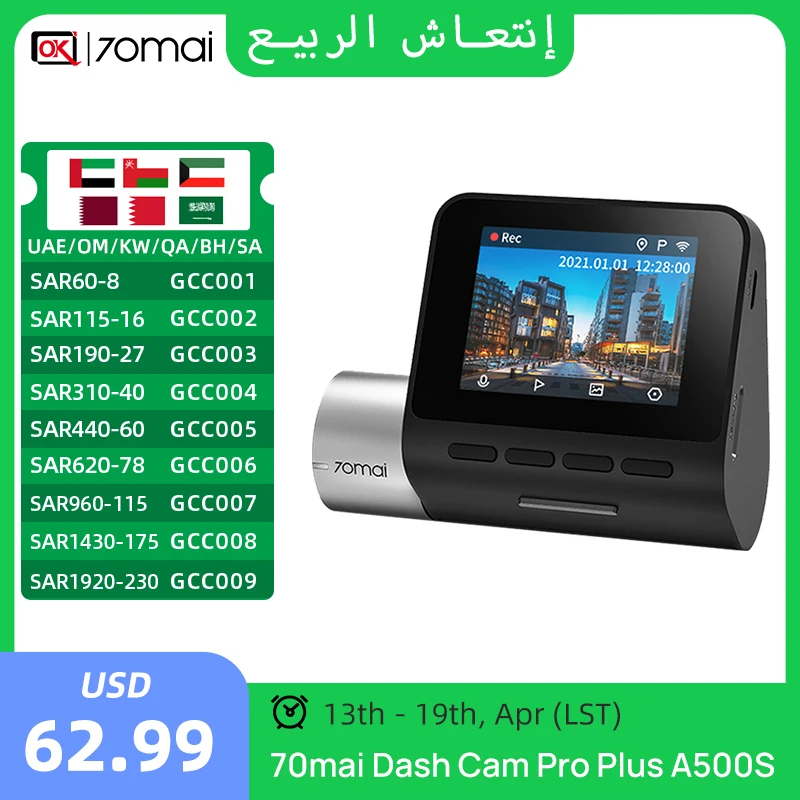
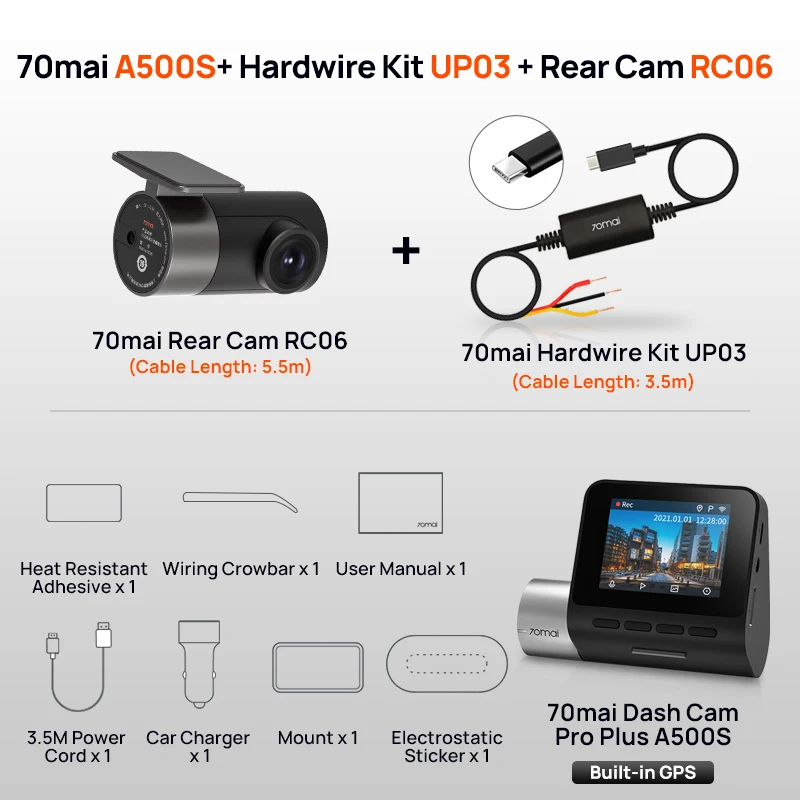
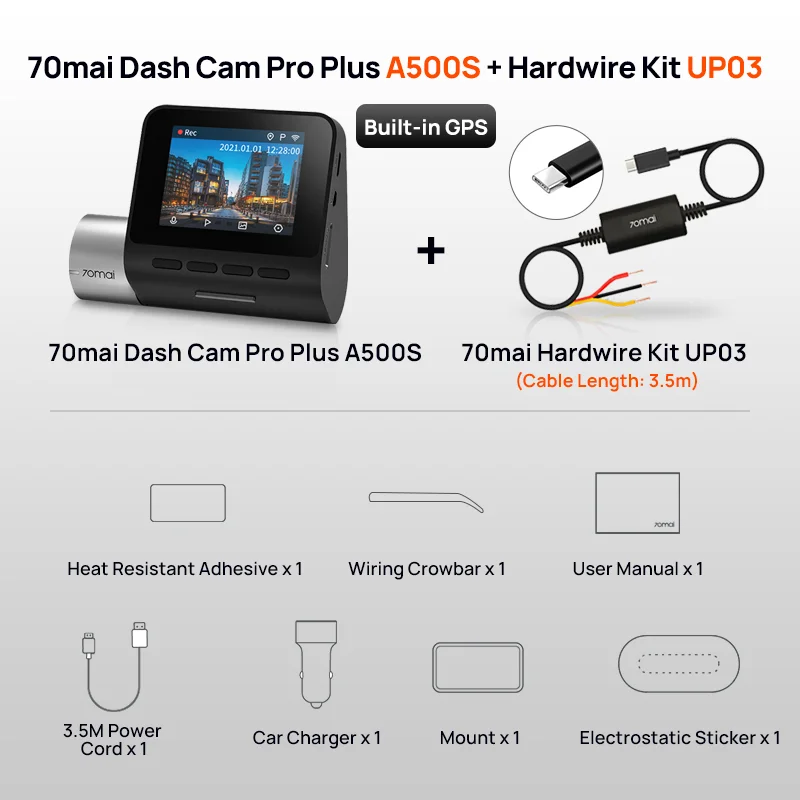
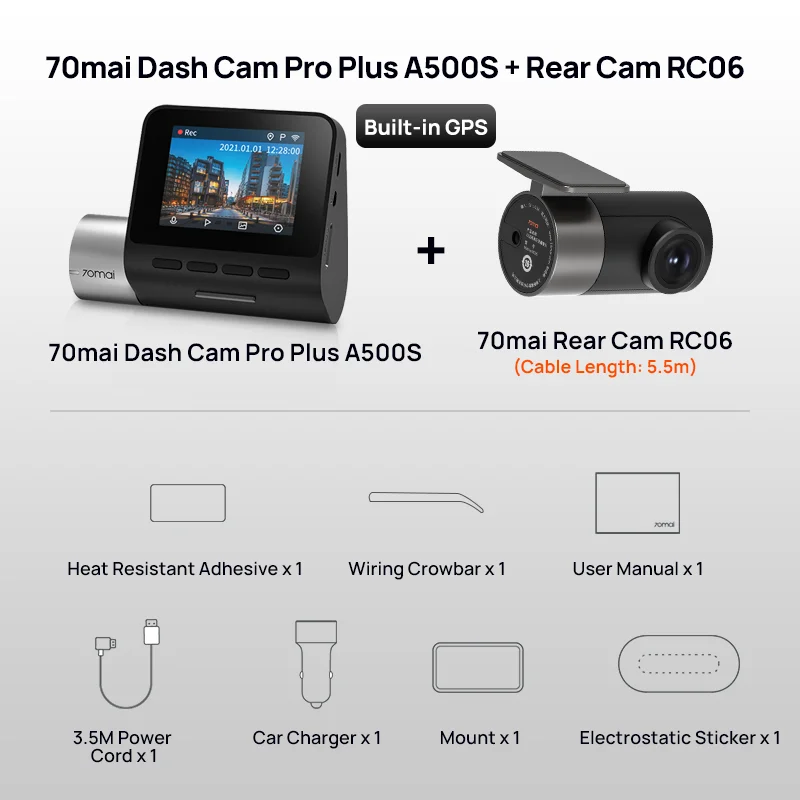
70mai Dash Pro Plus A500S P car DVR 70mai A500S set in GPS system front and rear supported in real-time car video recorder notification: dashboard camera 70mai Plus A500 does not support the rear camera, only the dashboard camera 70mai Plus + A500S has this function. Please kindly note before placing orders! 70mai Smart Dashboard Camera Pro Plus A500S 1. Ultra-high resolution from from from from from from from from from from from, P 2. Sony IMX335 sensor sensitive and powerful Hi3556 V100 make an extraordinary camera for your recording. 3. Lane departure warning: real-time alert warns you when deviating from the lane and before reaching a car in front of you. Forward collision warning: helps you maintain a safe distance from the front car. Effectively prevents rear collisions and reduces related injuries, especially during traffic jams. (Only available with GPS unit that must be purchased separately) 4. The app supports both IPS and Android systems, allowing you to view and download high-definition videos in real-time via Wi-Fi. Also, emergency video lock to "event file" to prevent overwriting. Online guide for 70mai Dash Cam Pro: https://help.70mai.asia-1467.html Additional functions with GPS unit: provides ADAS, designed to enhance driving safety, collision warnings ahead and lane departure, corrects driving, and assists the driver. 1. LDWS (Lane Departure Warning System) real-time audible alert keeps you away from distracted driving tickets, and provides a suggested turn route directly in line of sight. 2. FCWS (Forward Collision Warning System) helps drivers maintain a safe distance between vehicles, and effectively prevents and reduces rear accidents and related injuries, especially during long drives in fatigue or traffic congestion or for beginners. compatible with 70mai interior dash camera FC02 interior dashboard camera 70mai compatible with 70mai Pro Plus + dashboard camera with our interior dashboard camera, your driving safety will be benefited. While driving, the 70mai interior dash camera can help prevent related driving behaviors, prove your innocence in distracted driving in case of an accident, and quickly settle potential disputes with passengers if you are a taxi driver. Please note: please note that the 70mai Pro Plus + dash camera can only work with the rear camera RC06 or the interior FC02 camera. These two accessories cannot operate at the same time. Over 1. What car models are suitable for 70MAI dash cam? Since the 70MAI driving camera provides electrostatic sticker installation, it is suitable for car models on the market. But some Volvo models cannot use power naturally due to differences in the interface and the original cigarette lighter socket in the car. Please purchase carefully. 2. How is the product packaged? What will be shipped with this product? The product is originally packaged in a cardboard box, which can ensure no damage during transportation. It includes one camera, one car charger, one charging cable, one static electricity sticker, and a user manual. 3. What are the video specifications? The 70MAI dash camera supports recording videos of, of, what is the video dimension from from from from from from from? * Pixels. The dashboard camera records 30 frames per second, i.e., 30 fps. 4. Do I need to manually turn the dash camera on and off? After connecting the dash camera to the cigarette lighter socket in the car, you do not need to manually turn it on or off. Every time the car is started (i.e., the cigarette lighter socket is powered), the dash camera automatically turns on. It will automatically turn off when the car is turned off (i.e., the cigarette lighter socket is powered down). Some cars keep the cigarette lighter socket powered even after the car is off, in which case you need to manually turn off the dash camera. The next time you start the car, you need to manually turn on the dash camera. 5. How to monitor the dash camera operation status? Check the status indicator on the side of the dash camera. If the indicator is green, the dash camera is recording normally; if it turns red, the recording is abnormal. 6. Does 70MAI support firmware updates? Yes, you can update the firmware of the 70MAI dash camera. Download the update package via the 70MAI app, and push it to the dash camera via Wi-Fi connection. The next time the dash camera is turned on, it will start updating automatically. 7. Why does it say it cannot connect to the internet even if you are using 70mai Wi-Fi? The free 70mai Wi-Fi can only be used with the 70mai app, and you cannot use Wi-Fi for other applications.

From Riyadh
Questions you might have