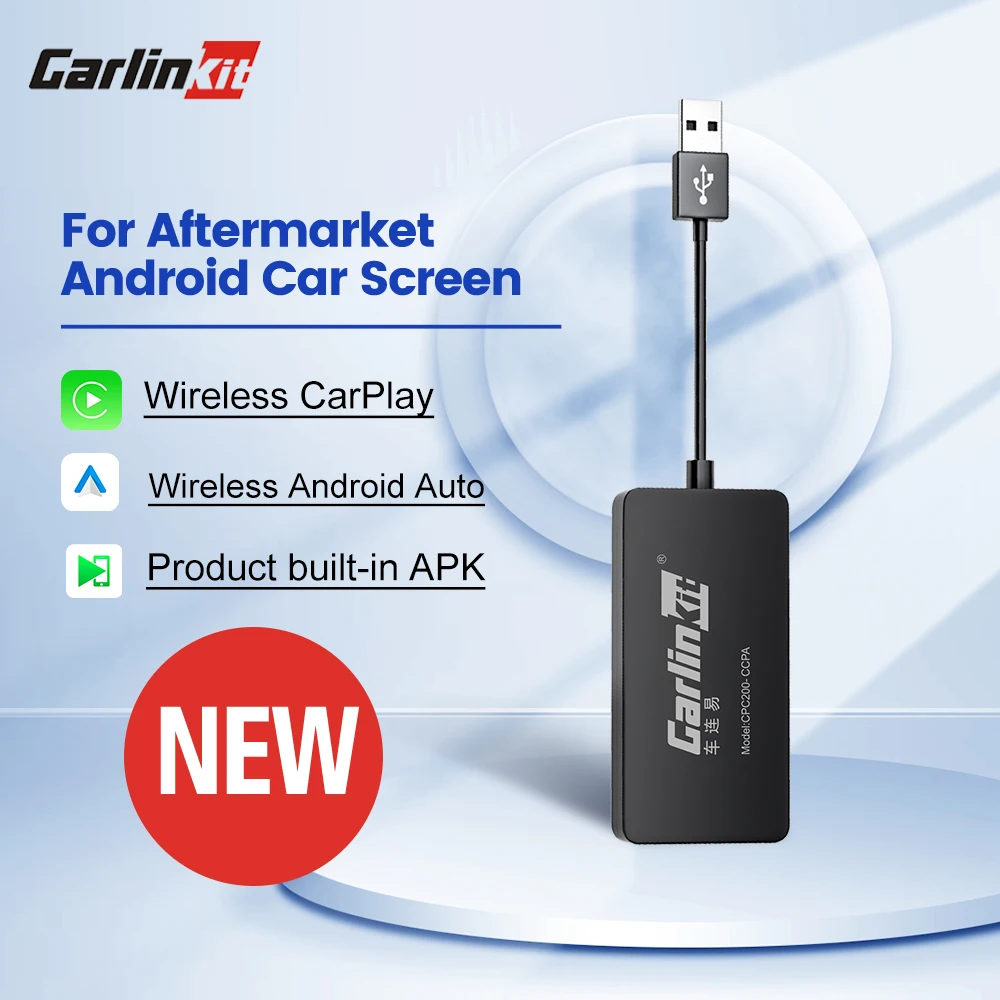
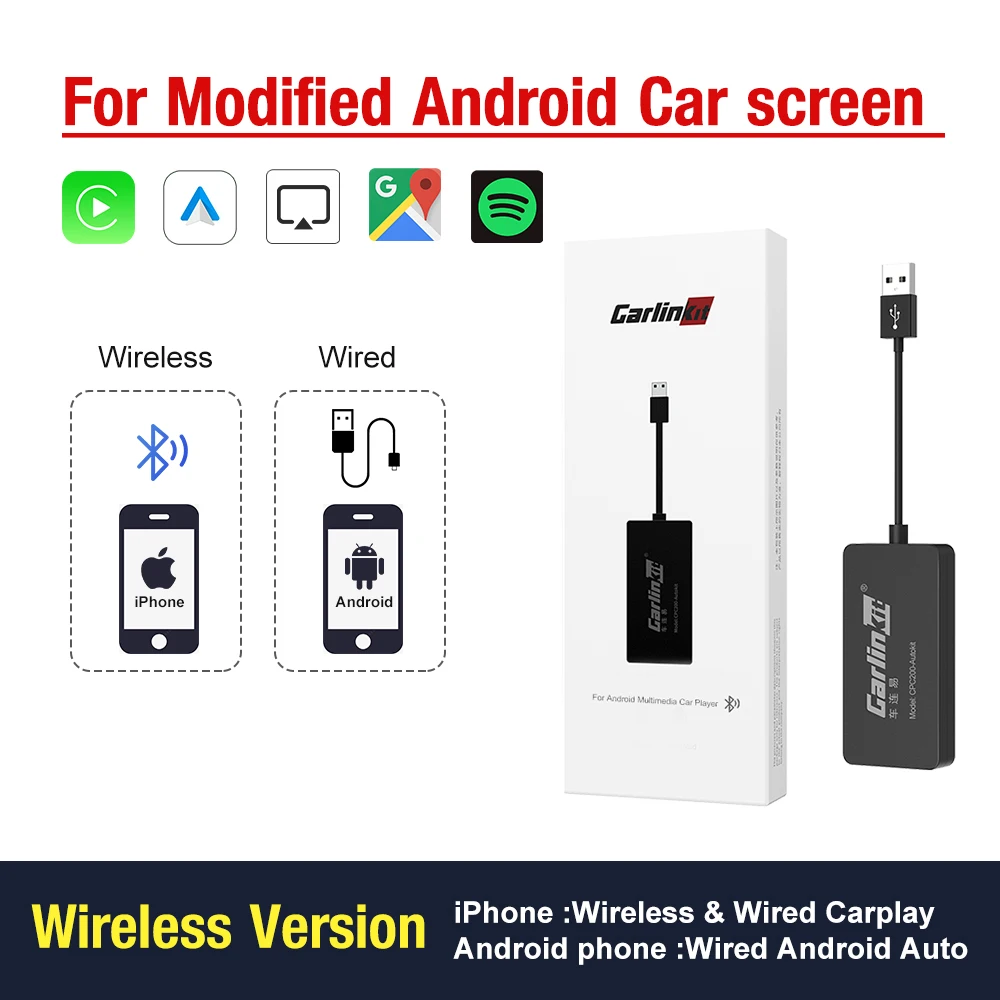
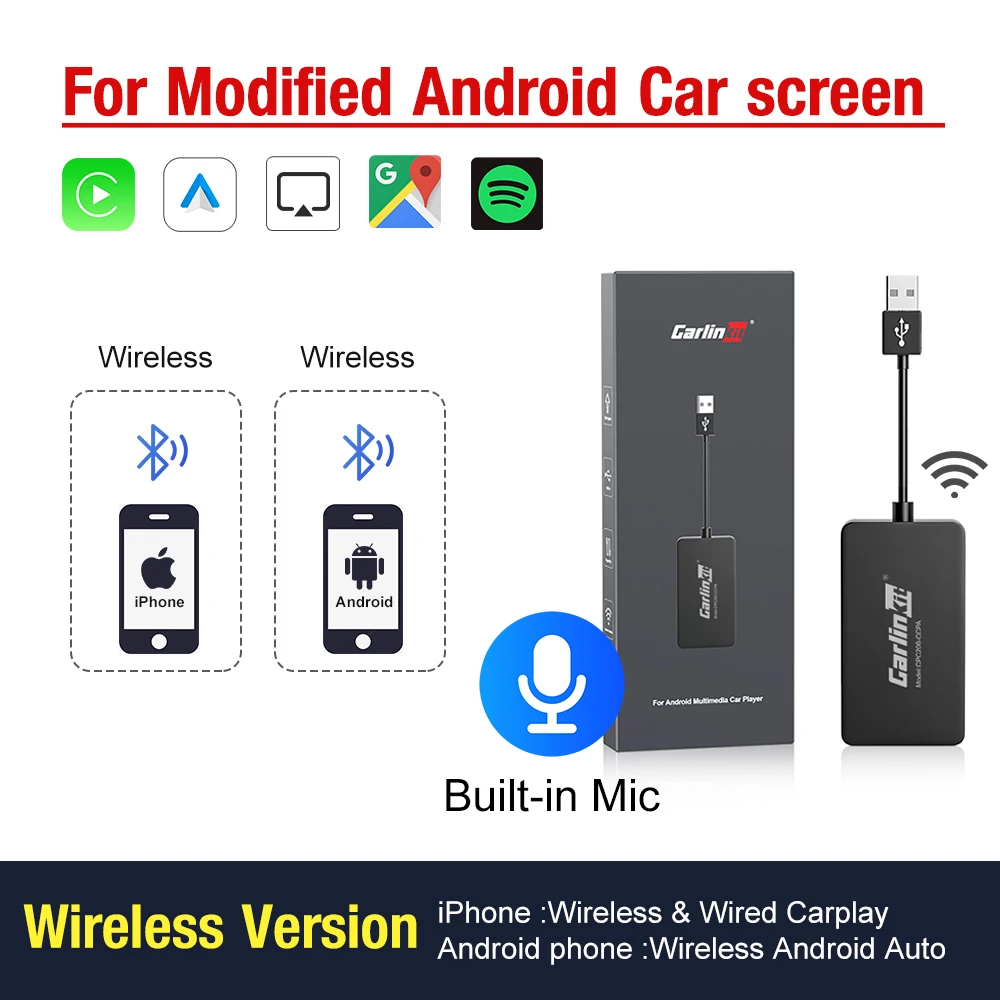
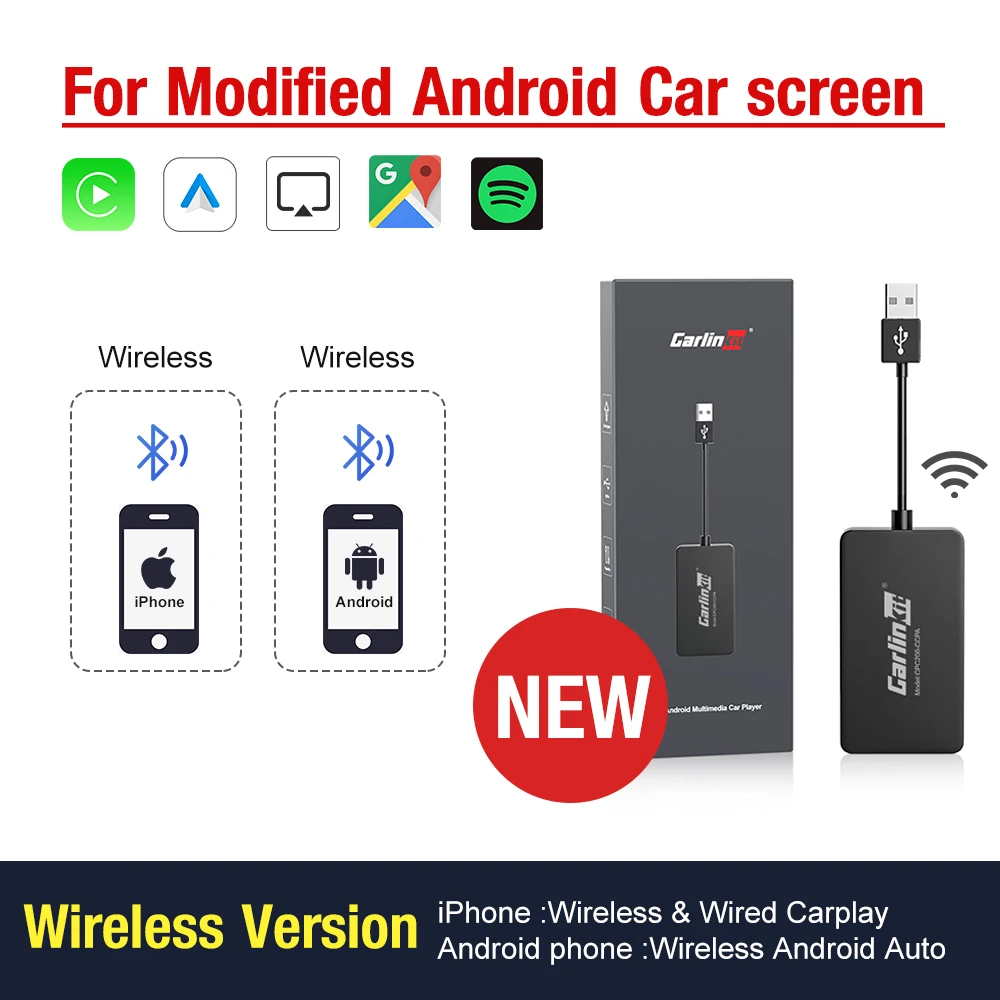
CarlinKit wireless CarPlay dongle and wired Android cars CarPlay dongle car USB adapter for modifying car radio Android MirrorLink
178.49ر.س
297.47ر.س-40%Out of Stock
Product description
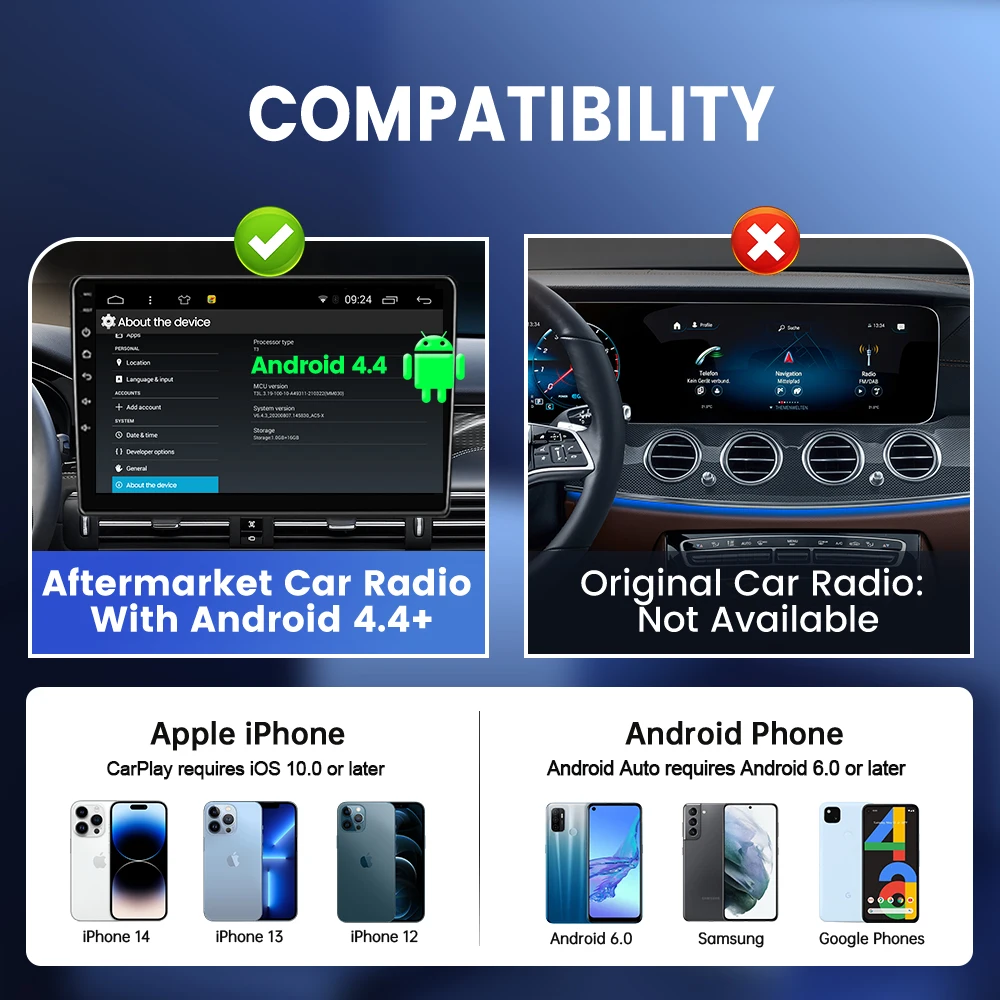
Will it work for my car? Before ordering, please confirm the message below, then you can judge whether the CarlinKit USB converter is suitable for your car. This product only works in the car head unit with Android system aftermarket with 4.4.2 or higher. The Autokit APK file must be installed on your car to operate. Download link: http://121.40.123.198: ,/autokit.apk
★★★ Important reminder ★★★ The original car radio will not work, and the car radio will not work with Apple CarPlay or Android Auto. We also do not want buyers to waste money by purchasing incorrect products. Thank you for your understanding. If your car has a wired Apple Car or Android Car, please choose the product below. Thank you.
Car radio with wired Apple Car radio or wired Android car
Product features:
1. 【 Easy to use 】 Easy installation, no need to remove the car. You need to download the "Autokit" app.
2. 【 5G processor 】 Fast connection for the product.
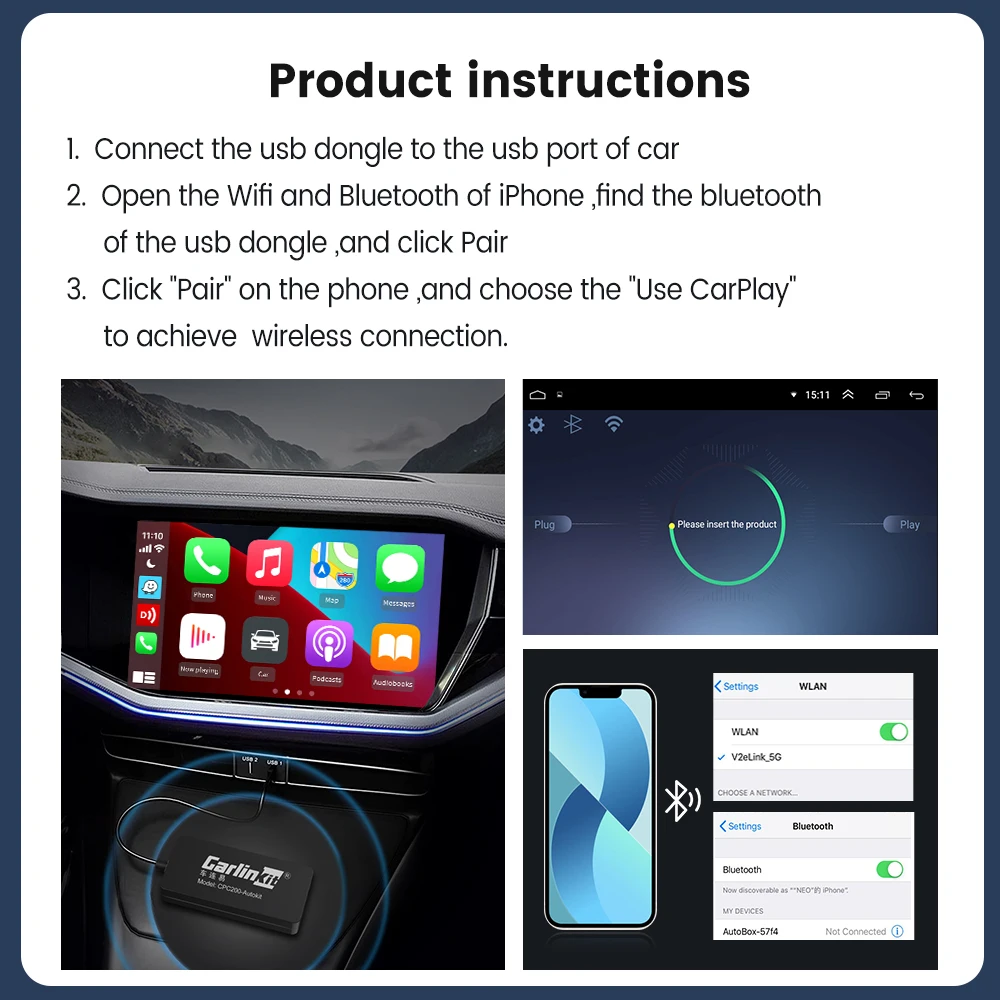
3. 【 Automatic connection 】 Fills the gap in the car and connects when you get in.
4. 【 Online upgrade 】 The product can be fixed through the online upgrade version.
5. 【 Multiple users 】 Supports multiple phones switching to use.
or
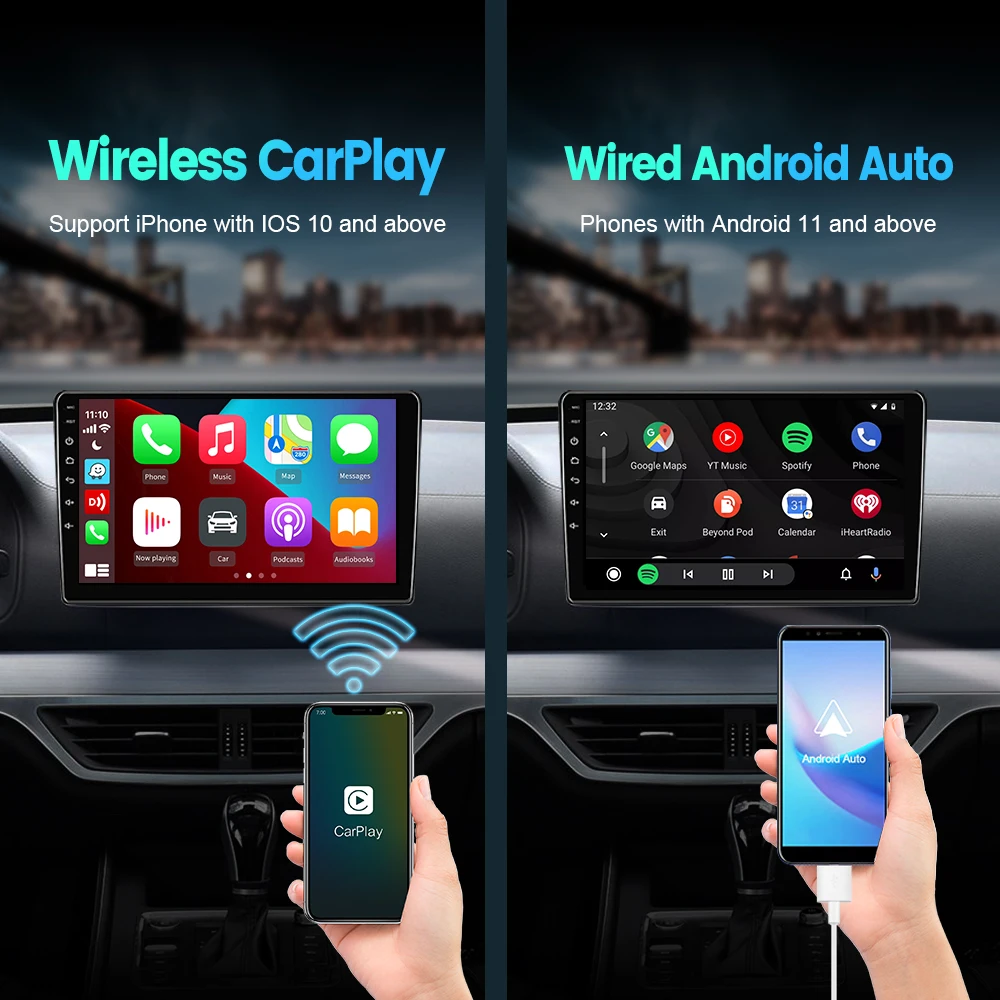
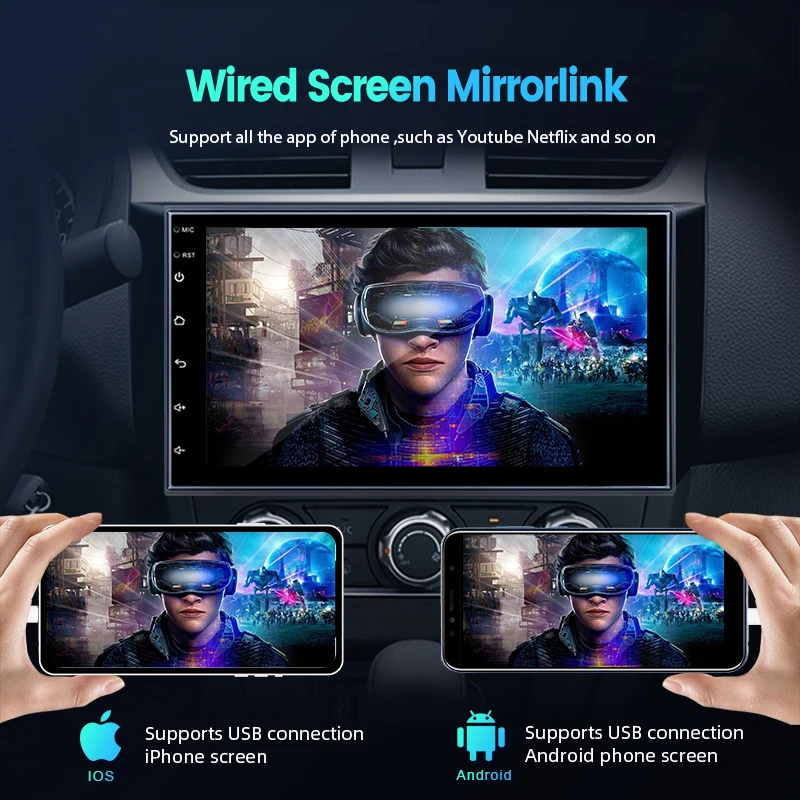
★【 Wireless Bluetooth pairing, WiFi transfer. (Wireless version only) 】★【 CarPlay 】 Wired, first turn off WiFi and connect via network cable (you can also charge the phone through the network cable). ★【 Android autocus system 】 Supports wired connection, supports charging at the same time. ★【 Mirrorlink 】 Supports iPhone and Android phones, you can use any app on your phone, such as YouTube, Netflix, etc.
or
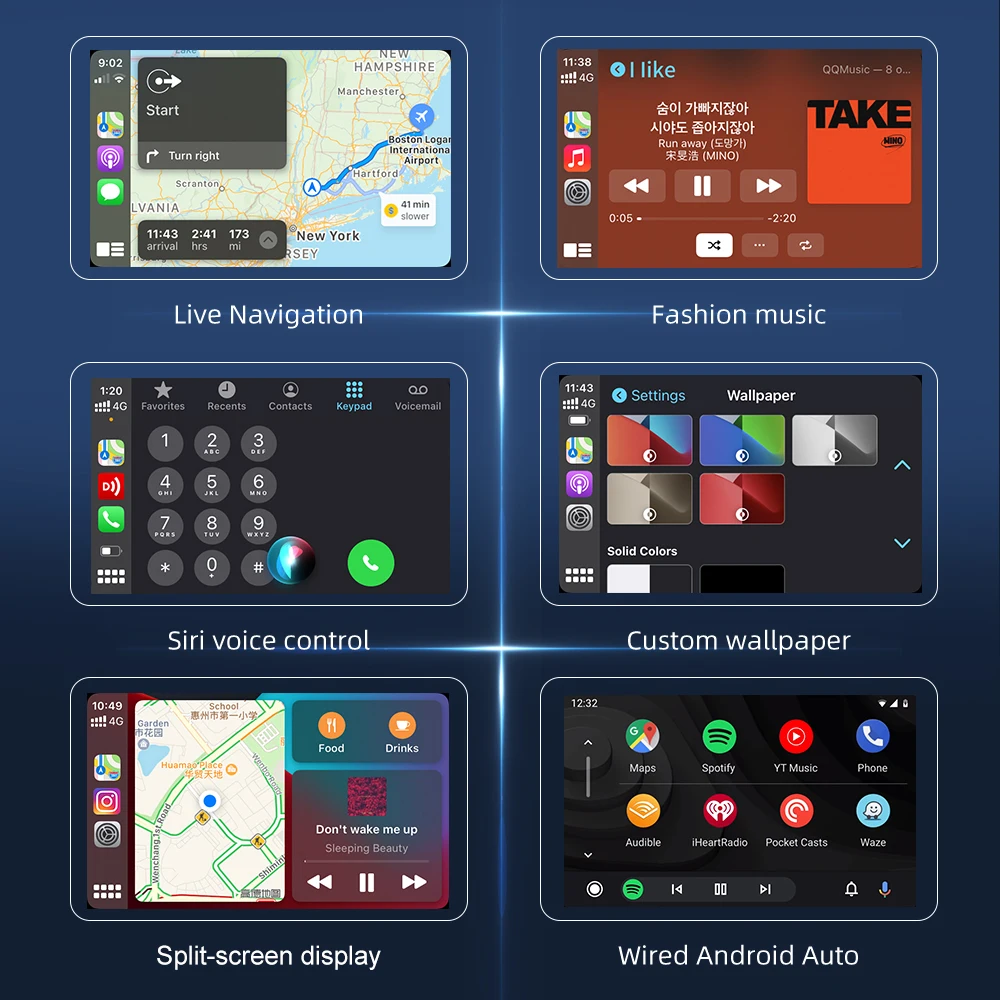
✔【 Original car control 】 Supports original car button / control knob / steering wheel control, maintaining the original driving style. ✔【 Voice control 】 Just say "Hey Siri"... and your car will recognize better. ✔【 EQ adjustable 】 Better sound quality. Freely choose your preferred mode (Pop, Rock, Soft, Standard...). ✔【 Music 】 Play Spotify, Apple Music, Amazon Music, and other audio through the original media, some apps can display lyrics. ✔【 Map 】 Navigation apps like GPS, Google Maps, Waze, and Apple Maps are available, with real-time traffic information. ✔【 More apps 】 Such as WhatsApp, books, podcasts, etc.
How can I check if my car has an Android system?
1. Please go to the "Settings" page.
2. Click on "About device," then you can see the Android version. If it is 4.4.2 or higher, it can work for your car.
How to install the APK?
ONG (Install on the car)
1. Format the USB flash drive to FAT32 first.
2. Place the APK file on the USB flash drive (empty).
3. Insert the USB flash drive into the car's USB port, find the file management menu, and select the APK file to install.
4. The navigation interface will display the "Autokit" icon.

From Riyadh
Questions you might have