

Ourlife MTR40 5K Action camera 2-inch size IPS touch 5X Zoom Action Cam 170° sports camera Wi-Fi water-resistant up to 30 meters with remote control
333.55ر.س
674.31ر.س-51%Out of Stock
Product description
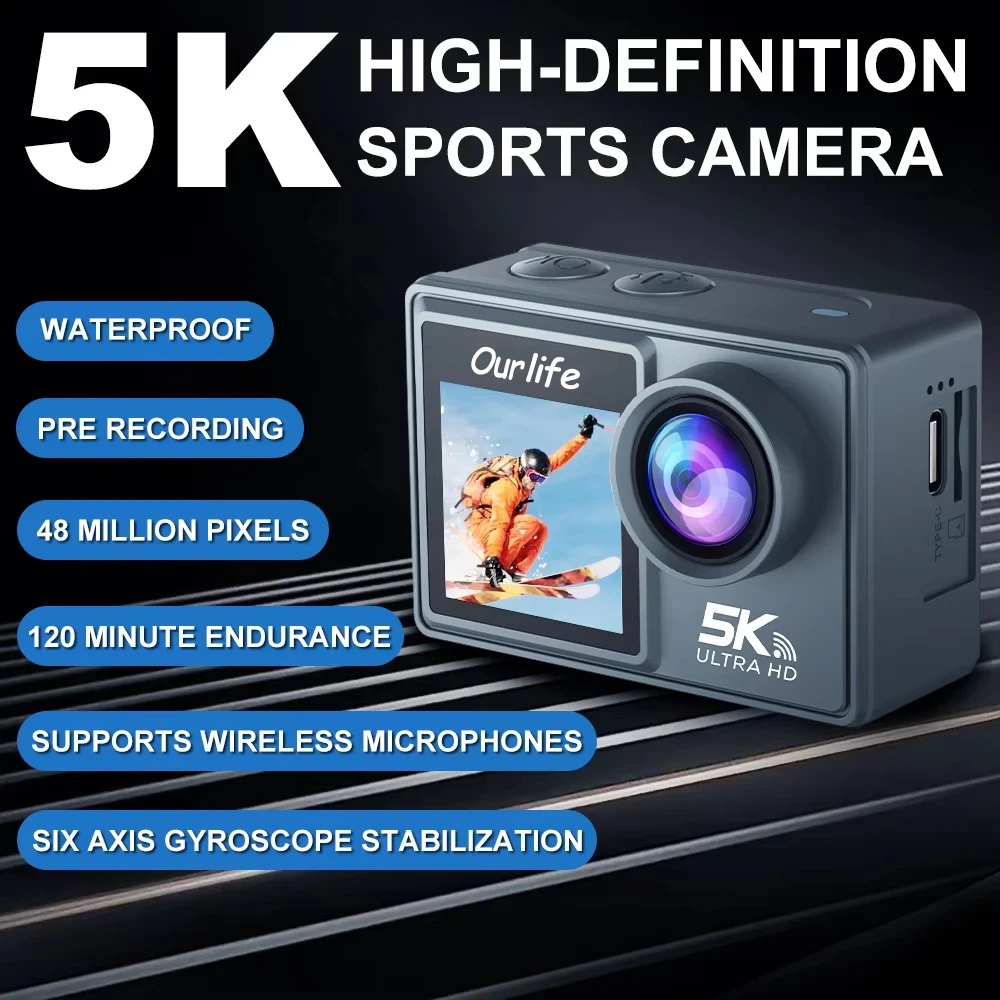
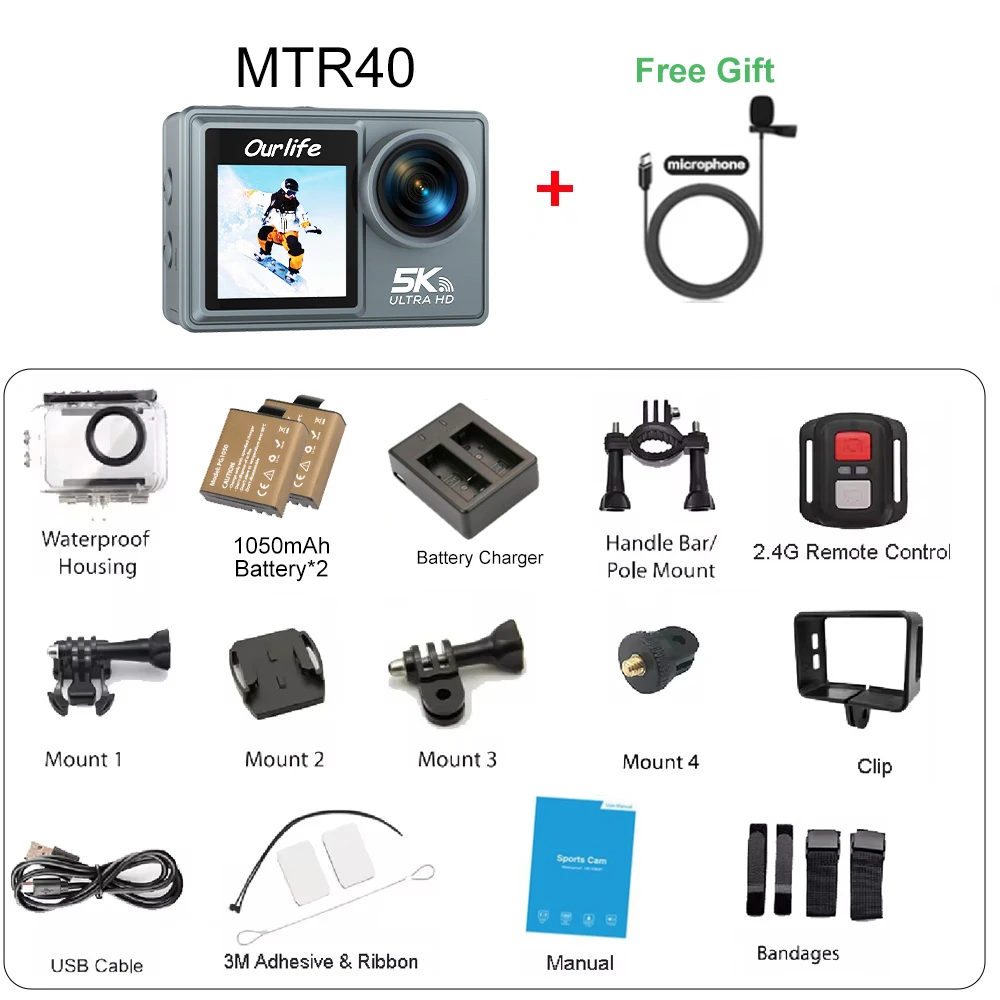
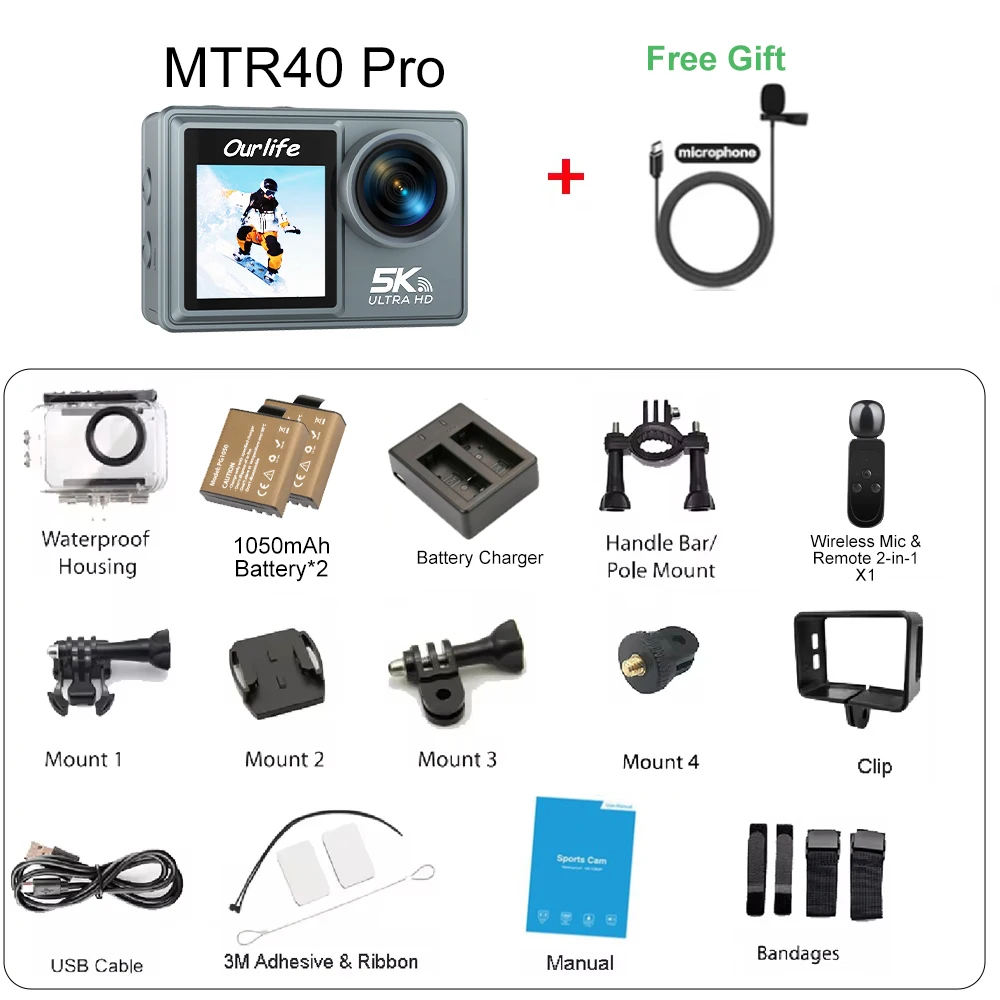
Note: The MTR40 remote control differs from the MTR40 Pro remote control. Please pay attention to the model you choose when purchasing. Amazing with 5K/30 frames per second resolution enjoy it continuously ●High-definition optical glass lens, large aperture F2.8, everything in the horizon. ●Video resolution: 5K@30fps; 4K@60fps/30fps; 2.7K@60fps/30fps; 1080P@60fps/30fps; 720P@/120fps/60fps/30fps 6-axis anti-shake (EIS) ◾Advanced electronic image stabilization with 6 axes (Els), uses 6-axis anti-shake technology to deliver steady and smooth videos, ensuring an excellent experience up to 4K resolution ◾EIS: supports 4K@60 frames per second/30 frames per second; 2.7K@60 frames per second/30 frames per second; 1080P@60 frames per second/30 frames per second; 720P@/60 frames per second/30 frames per second Waterproof to 30 meters depth ●Special waterproof case, durable and drop-resistant. supports underwater shooting up to 30 meters wide angle 170° ◾Wide angle 170D, enlarged field of view, clear shooting, developed digital zoom texture 5X ●Zoom can be achieved without loss. you can easily zoom from 1x to 5x 2.0-inch touch screen ◾Touch screen 2.0 (IPS) makes controlling this small powerful action camera easier than ever MTR40 remote control ●Remote control supporting 2.4 GHz can make your hands completely free. allows you to control the camera from a distance 📷Take photos 📹Record videos MTR40 Pro: Wireless microphone and 2-in-1 remote control wireless microphone connection: turn on the wireless counter in camera settings M4R+ and set the microphone to operational mode for automatic connection. if not connected to the host for 5 minutes, it will turn off automatically. when disconnected, the "red light" and "blue light" will flash alternately, and a successful connection will be indicated by a blue light. 🔌Power on/off: press and hold the power button. press briefly to stop temporarily using the microphone (red light on) 🚫 📹Video: press briefly the "volume+/video" button. the video indicator light (red) will flash during recording 📷Photo: press briefly the "volume-/photo" button. 🔊Increase volume: press and hold the "volume+/video" button. 🔉Decrease volume: press and hold the "volume-/photo" button. Pre-recording mode ■Turn on "Pre-recording" and when pressing "shutter," you can record video in advance ■Pre-recording time: about ⏱️normal video: 30 fps - 20 seconds; ⏱️normal video 30 fps (EIS)-10S; ⏱️normal video 60 fps - 10 seconds; ⏱️normal video 60 fps (EIS)-5S Car DVR recording mode with car mode to solve the problem of recording car videos. The best setting is 1080P 30fps / loop recording. functions as a webcam 1. The action camera can be used as a webcam via the connected Type-C cable and free operation. 2. Supports 1080P 16:9 video at 30 fps; 3. Supports face recognition, tracking, and autofocus built-in instant Wi-Fi sharing ■Download the exclusive app and connect the camera to Wi-Fi to synchronize and share camera footage instantly! ■App: SupCam Pro External microphone (optional) Time-lapse shooting ■Capture time-lapse footage, providing stunning visual effects and artistic impact

From Riyadh
Questions you might have