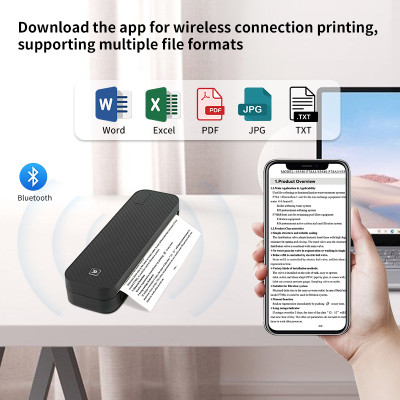
Portable thermal printer A4 without ink Bluetooth PDF Excel document printing machine with word paper roll for office work and homeschooling
945.87ر.س
Product description
iPhone Mobile App Printing ·Step 1: Press and hold the power button for 2 seconds to turn on the printer.·Step 2: Search 【EasyPrint】and download App in the mobile app store.·Step 3: Open the App,and search for the connected printer according to the prompts in the App.Or double click the power button to print the QR code, and scan the code with the App toconnect to the printer. (Tips: Don't connect printer in the mobile phone Bluetooth settings.)·Step 4: Select and edit the content to be printed in the App,confirm and print.App download:Find " EasyPrint "on Google Play Or App Store.Computer Printing·Step 1: Press and hold the power button for 2 seconds to turn on the printer.·Step 2: Connect the printer to computer with the original UsB cable.·Step 3: Visit the official websitehttps://g zhztz.com/en/to download and install printer driver.·Step 4: When printing the required documents, select the printer to print.

From Riyadh
Questions you might have