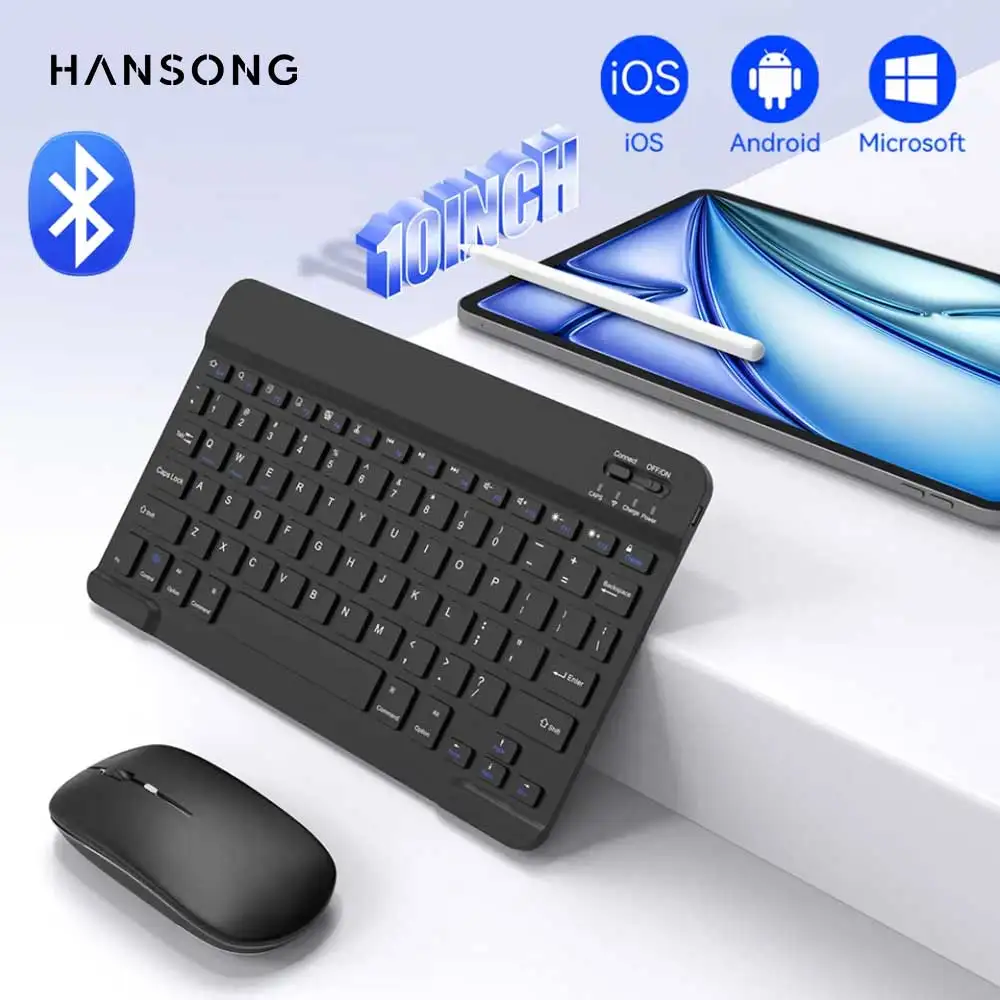


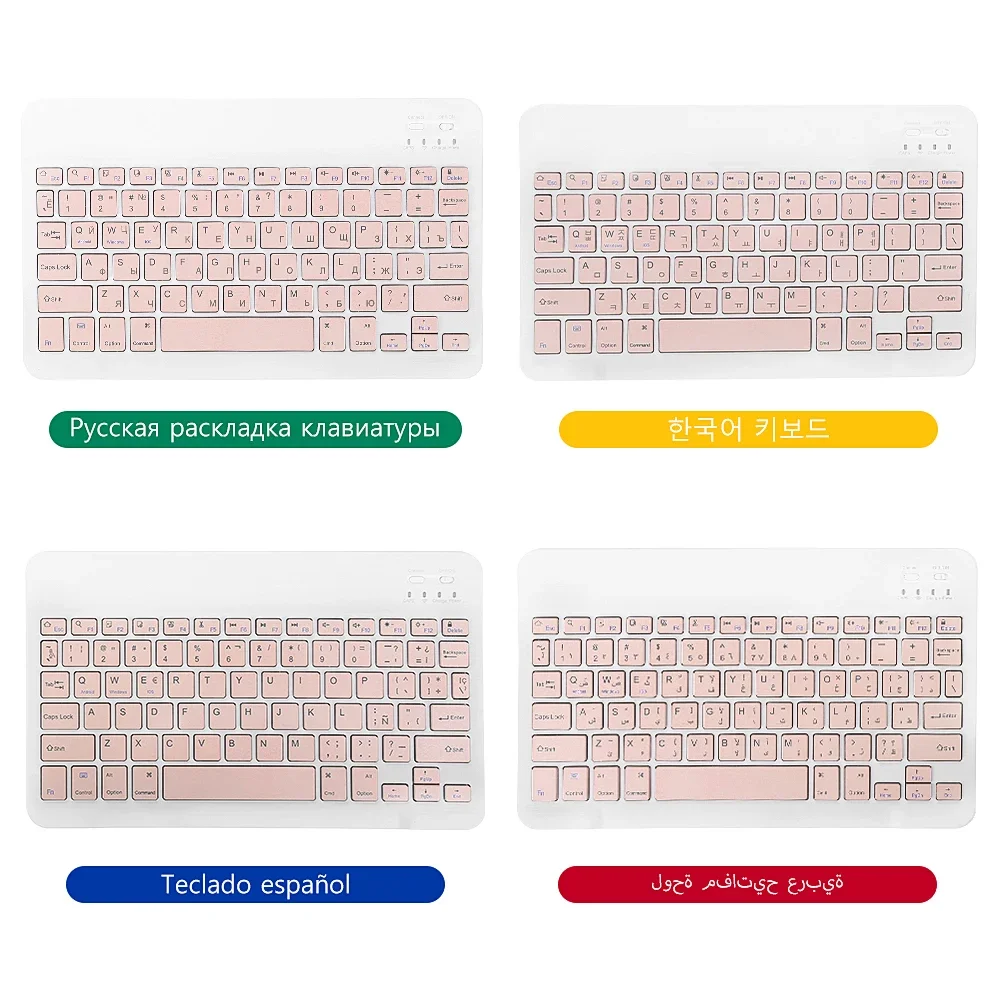
Multilingual keyboard 10-inch size for Samsung iPad Xiaomi Tablet Android Windows and wireless keyboard compatible with Bluetooth
74.33ر.س
134.27ر.س-45%Product description
Bluetooth connection steps for the keyboard
Step 1: Turn on the "ON" switch
Step 2: Tap on "Connect"
Step 3: Tap on "Bluetooth Keyboard" on the tablet to connect
Keyboard connection parameters
Connection method: Bluetooth
Connection distance: 8 m-10 m
Compatible system: IOS/Android/Microsoft
Suitable for: Smartphone/Tablet/Laptop (requires Bluetooth function)
Smart sleep: No, sleeps after 30 minutes
Continuous usage time: 90 hours
Standby time: 90 days
Charging time: 2-3 hours
Size: 9.7 inches
Mouse parameters
Connection method: Bluetooth/2.4 GHz Wireless USB
Connection distance: 8 m-10 m
Mouse DPI: 800/1200/1600
Compatible system: IOS/Android/Microsoft
Suitable for: Smartphone/Tablet/Laptop/Computer
Smart sleep: No, sleeps after 3 minutes
Continuous usage time: 90 hours
Standby time: 90 days
Charging time: 2-3 hours
Support 3 systems
1. Fn+Q for Android system
2. Fn+W for Windows system
3. Fn+E for iOS system
Super stable Bluetooth connection
1. Switch the power off button; the blue light will turn on to indicate the switch is on
2. Then press the CONNET key on the keyboard; the blue light flashes, indicating Bluetooth is on and ready to pair (press Fn+C at the same time so the keyboard can be searched by iPad Bluetooth)
3. As shown in the picture, it has successfully connected and you can now enjoy fast input
4. To discover Bluetooth, click on "Bluetooth Keyboard 3.0" and the pairing PIN code will appear
Comfortable scissor design
Enjoy smooth and seamless key movement
Rechargeable wireless keyboard
1. Charge for 2-3 hours; built-in rechargeable lithium-ion battery with 200mAh capacity
2. Standby for 3 months
3. Continuous working for 44 hours

From Riyadh
Questions you might have