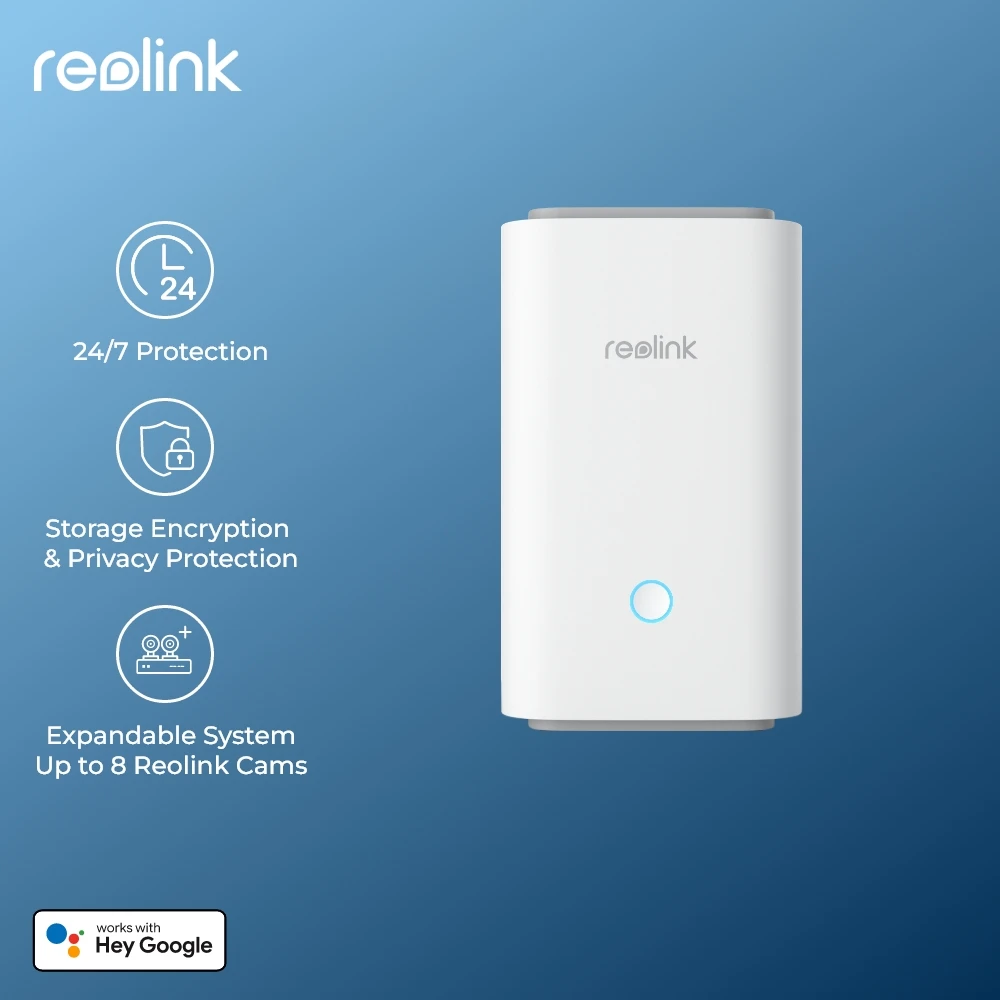



Reolink HomeBase Hub security system dual security center Wi-Fi up to 1 terabyte storage local encryption expandable no monthly fees
388.13ر.س
462.06ر.س-16%Product description
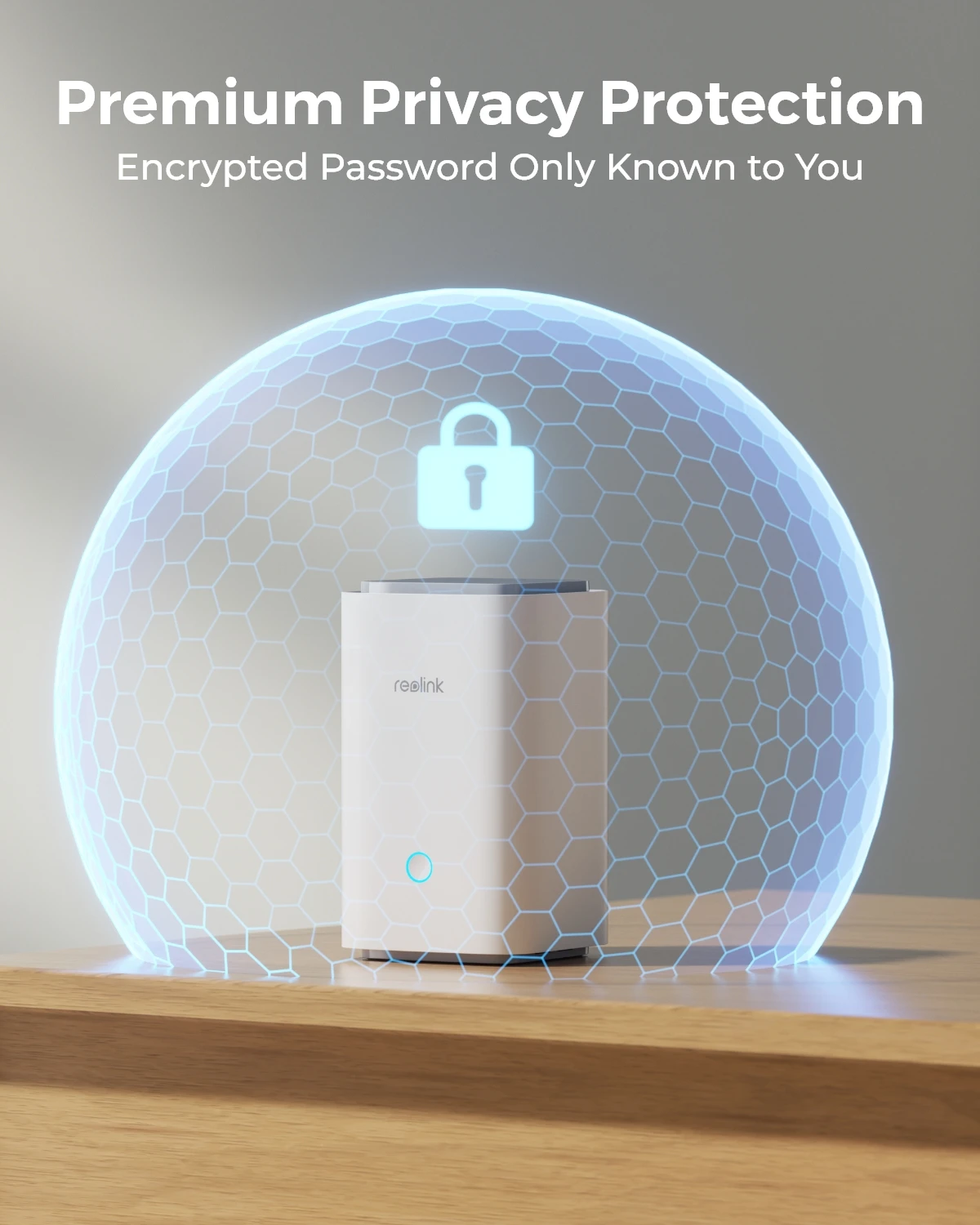
Attention The default power adapter of WiFi version cameras from CN warehouse is EU plug. If you need AU/US/UK plug, please contact us before payment. Supports Wi-Fi 6 Supports 5/2.4 GHz Dual-Band Wi-Fi & Wi-Fi 6, Reolink HomeHub Series products are currently compatible with all Reolink PoE cameras, Plug-in Wi-Fi cameras, and most recently released battery Wi-Fi cameras except 2MP battery cameras and 4G cameras. Local Storage Center-Offline Recording Uninterrupted Recording Even Without Internet No more worries about data loss—your videos remain safe and accessible locally even without Wi-Fi. Local Storage Center-Exclusive Encryption Encrypted Recordings, For Your Eyes Only Armed with exclusive algorithms, Reolink Home hub offers stronger encryption. Local Storage Center-Privacy Protection AES-128 Encryption on Bytes of Data With AES-128 encryption, your data is under stronger protection and harder to hack. Management Center-HD Live View & Playback Up to 16MP Main Stream from Every Device Immerse yourself in high-definition live feeds and playbacks from multiple devices. Management Center-Security Summary Check Everything with a Glance Quickly review daily, weekly, and monthly security summaries for all devices connected to the hub. Diverse Local Storage Supports microSD cards (up to 512GB, not included), FTP servers, and Home Hub (up to 1TB supported) Management Center-Multi-User Access Share with Your Families and Protect Home Together Enjoy the flexibility to customize access permissions for 1 admin account and up to 10 sub-accounts Multi-Camera Alarm Center & Smart Home Integration When any connected IP camera is triggered, the hub will sound a siren, providing comprehensive protection. With 11 alarm ringtones and 5 custom ones for you to choose from, it offers great flexibility in addition to peace of mind. How to connect the Home Hub with the Camera Step1: Set up the Home Hub, connect the Hub to power, and then connect it to the router. Step2: Initialize the Home Hub, connect your phone to the same Wi-Fi network as the hub. Open the Reolink App and follow the on-screen instructions. Step3: Add the Cameras, Method 1: Add from the device list in LAN; Method 2: Scan the QR code to add. Product Details & Packing List of HomeBase Hub

From Riyadh