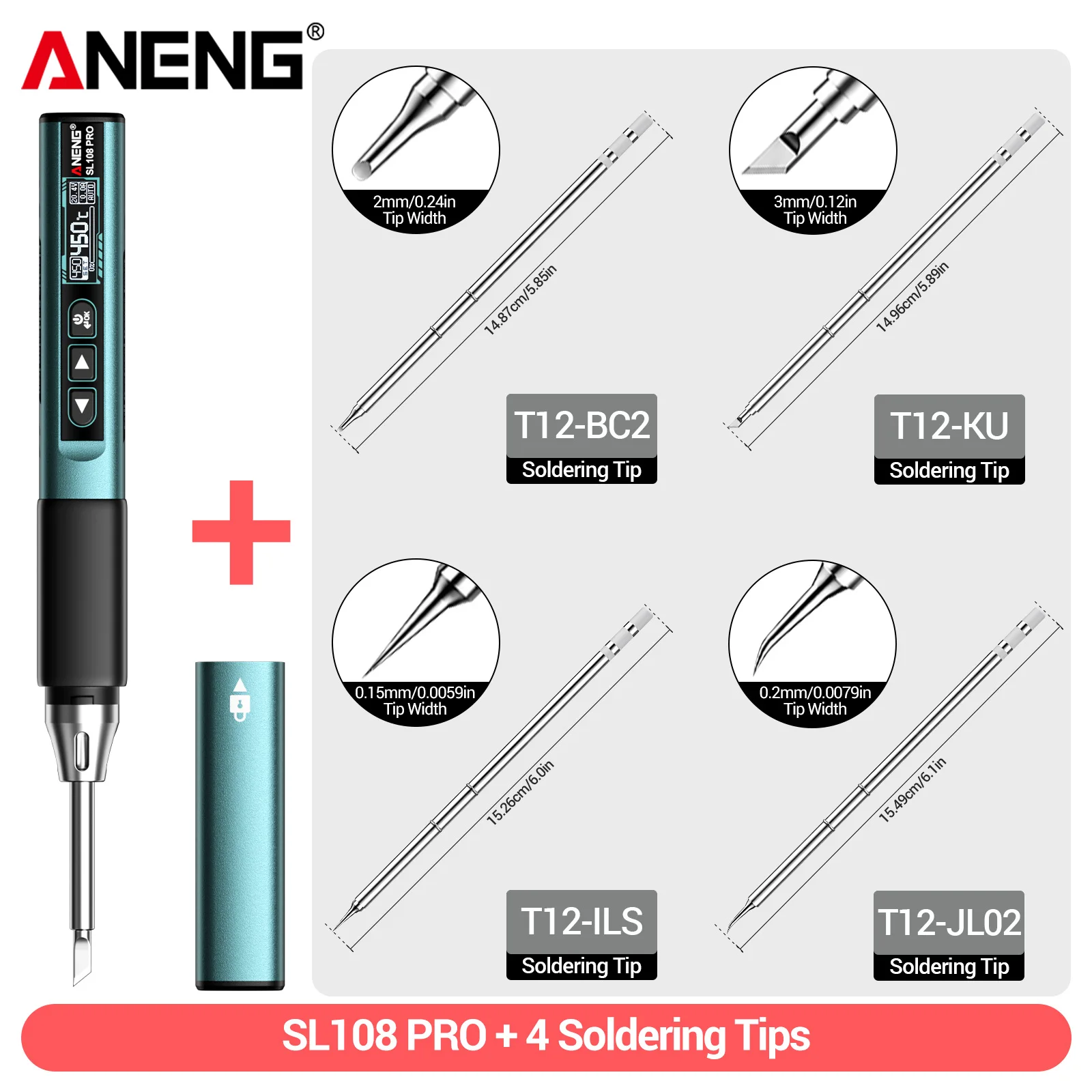



ANENG SL108 PRO Electric Soldering Irons PD 100W QC Adjustable Temperature Fast Heat Portable Digital Smart Soldering Iron Tools
235.66ر.س
478.86ر.س-51%Product description
(I). Overview:
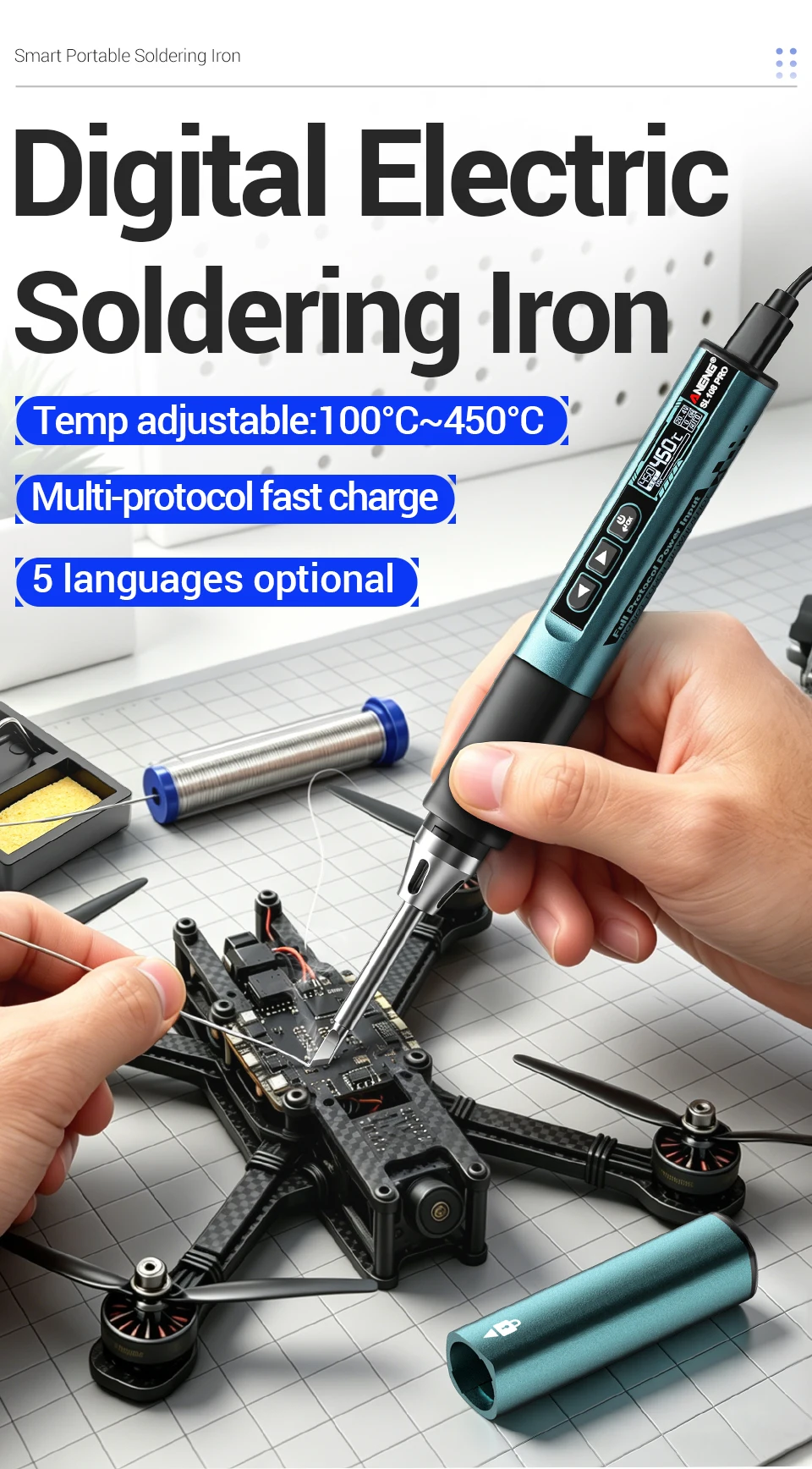
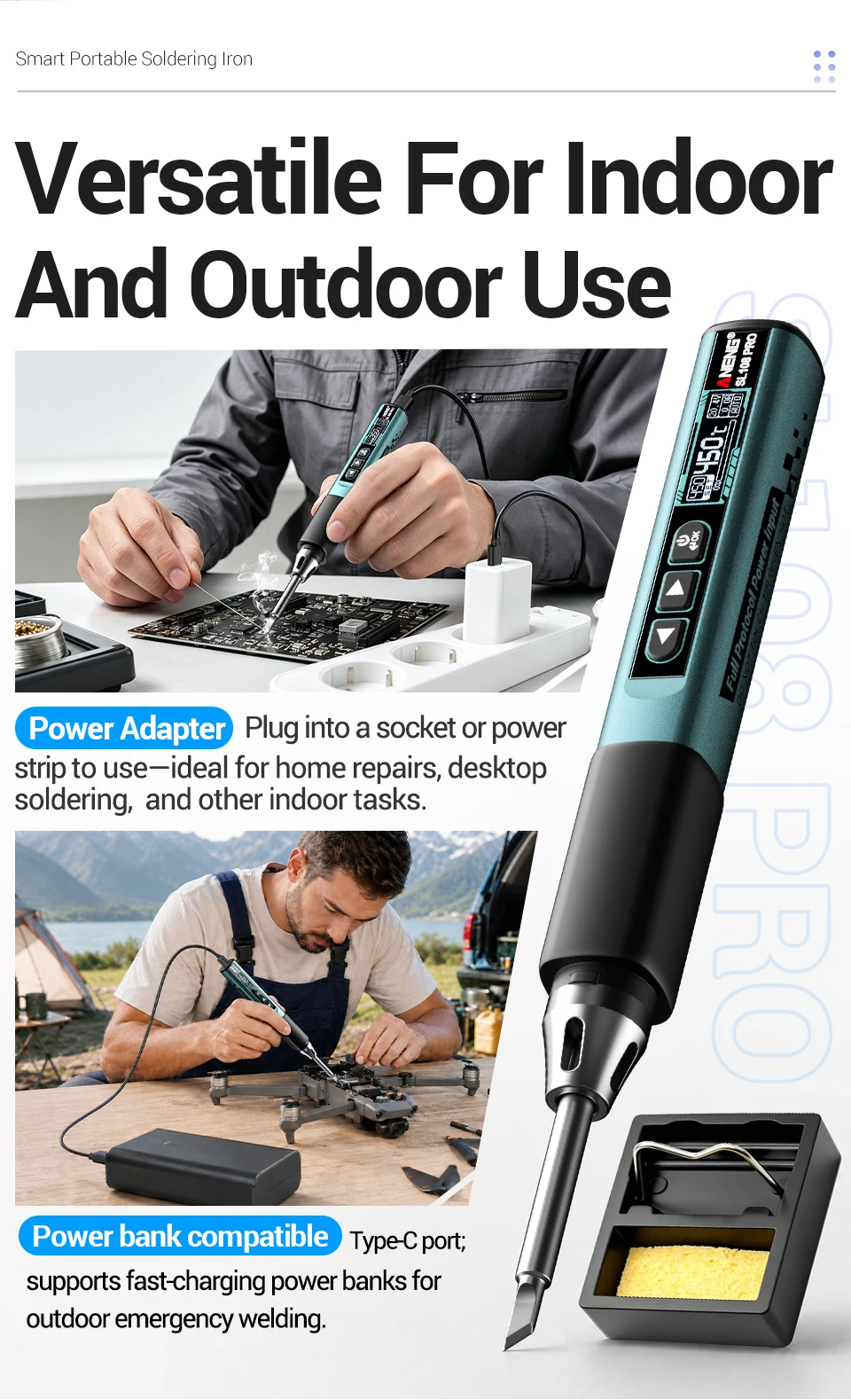
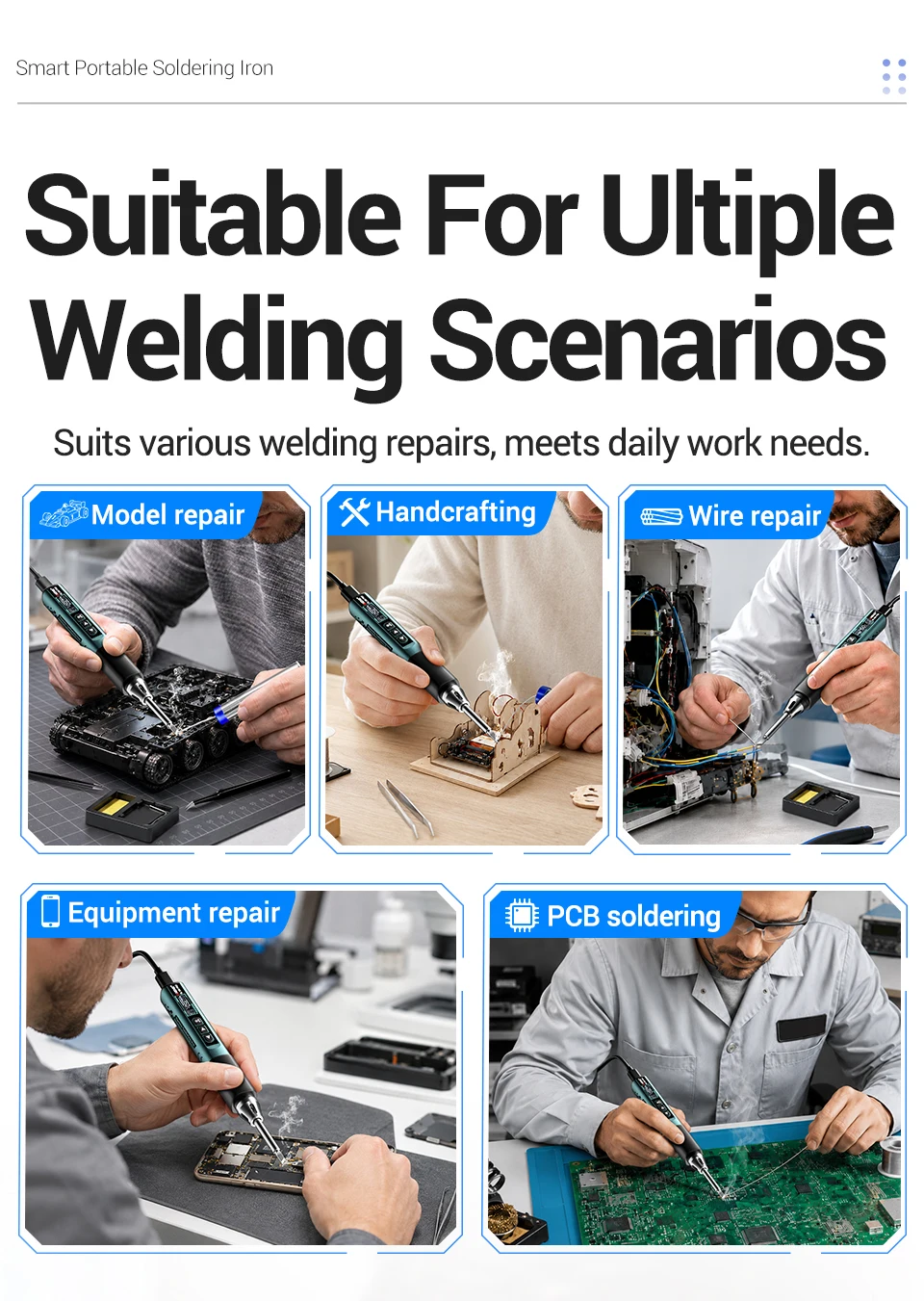
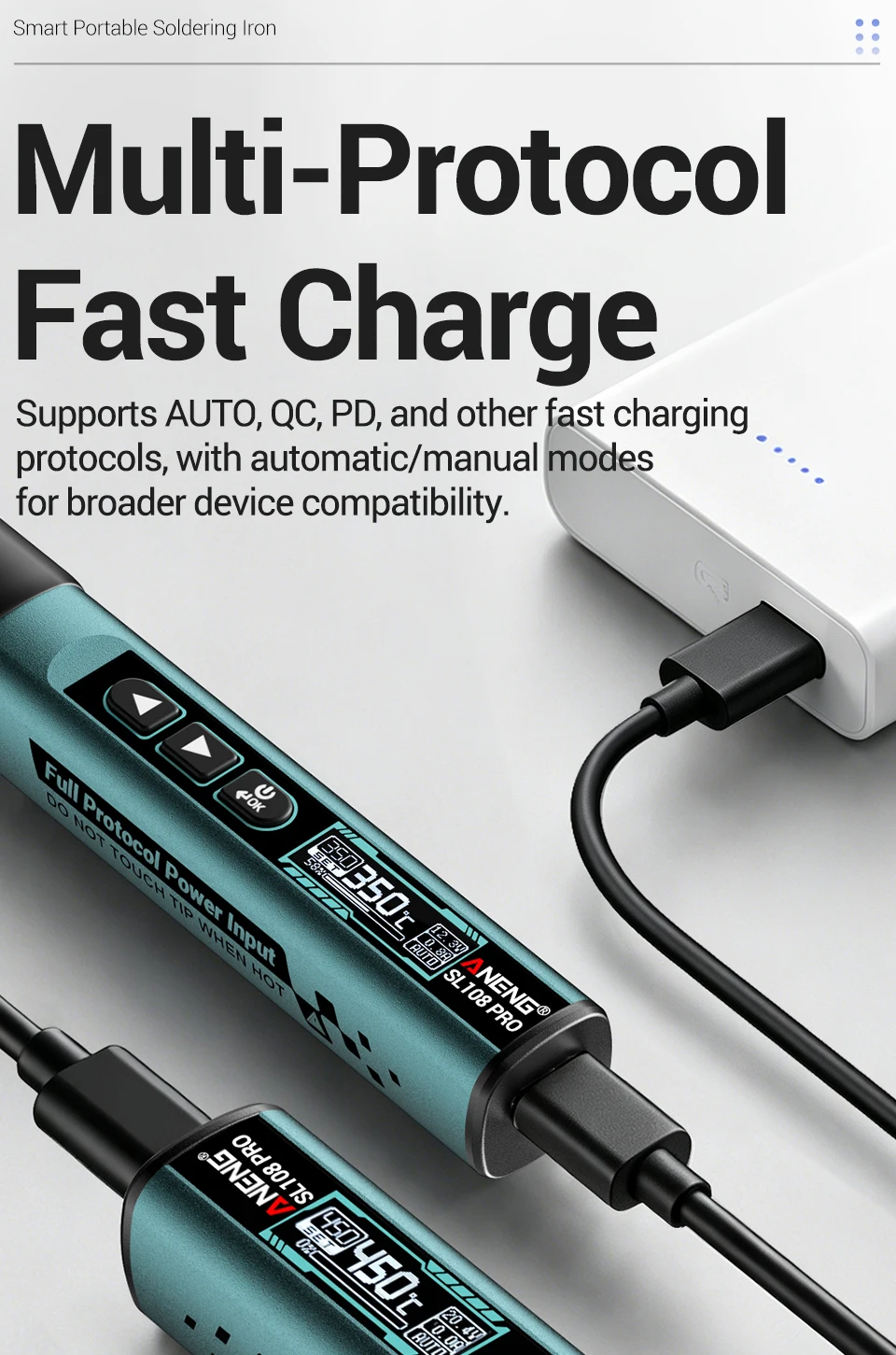
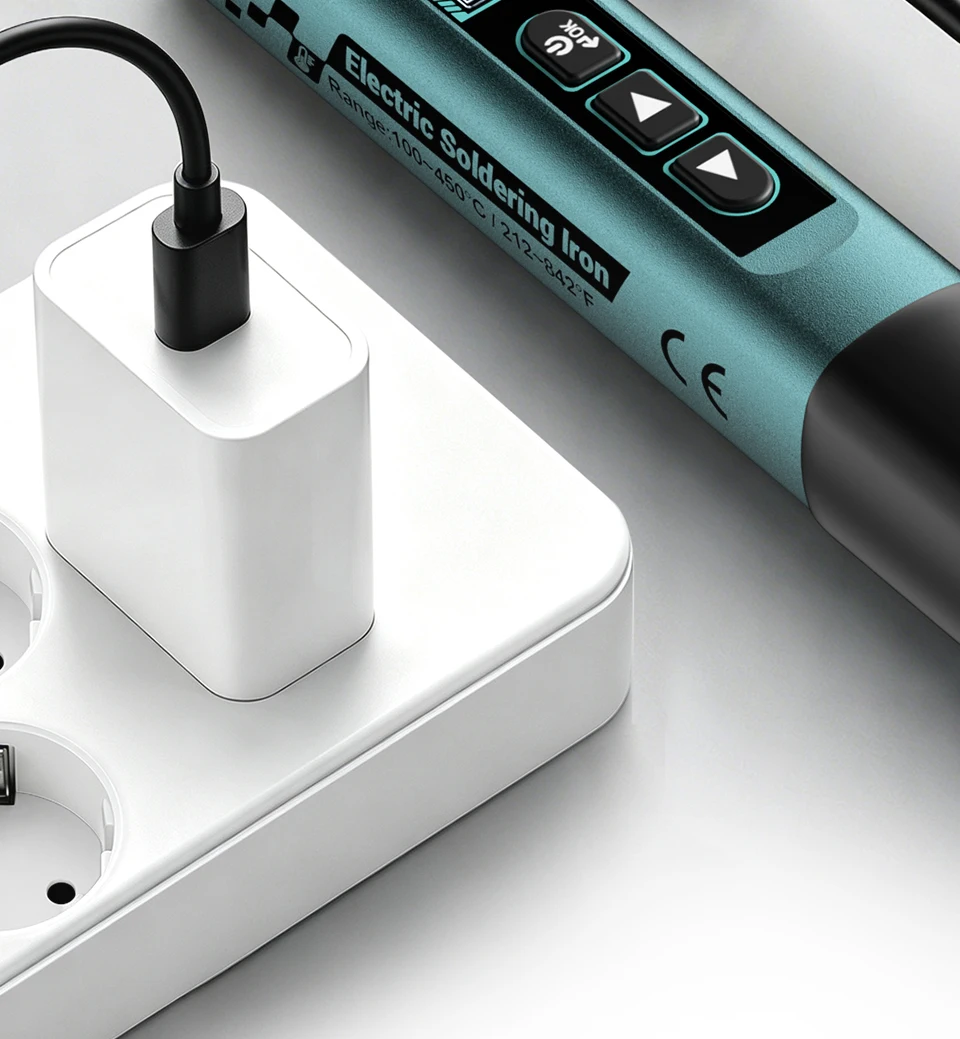
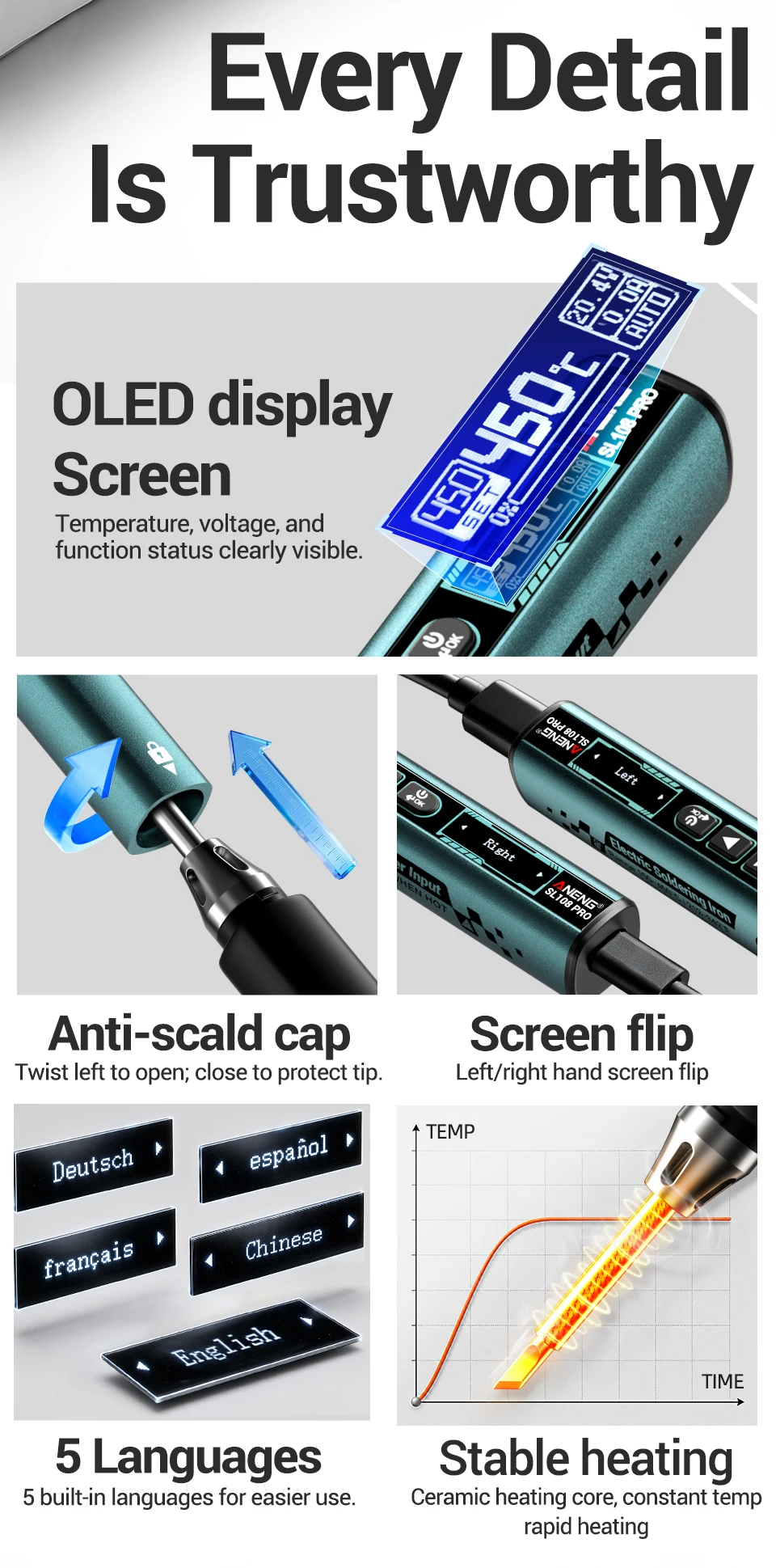
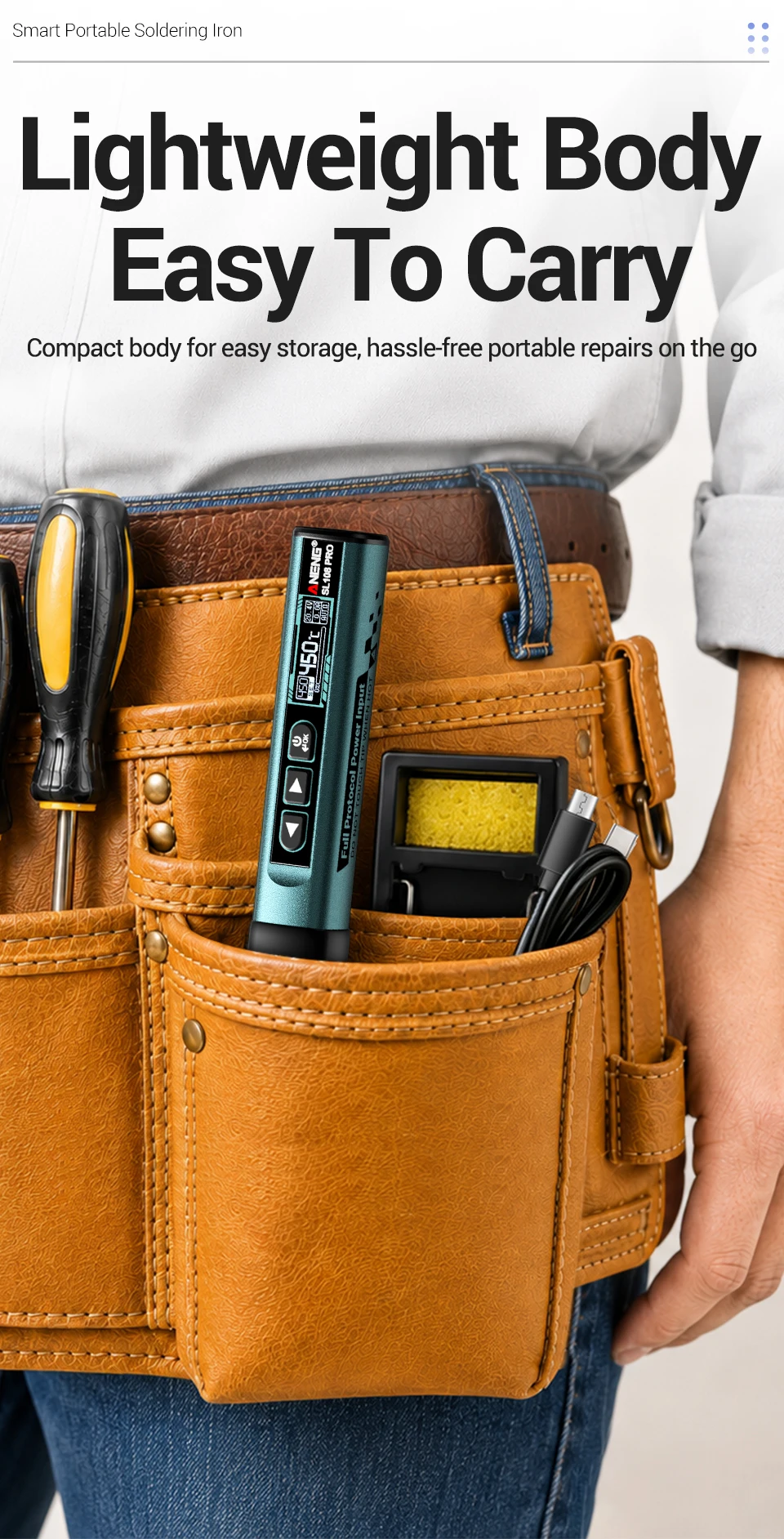
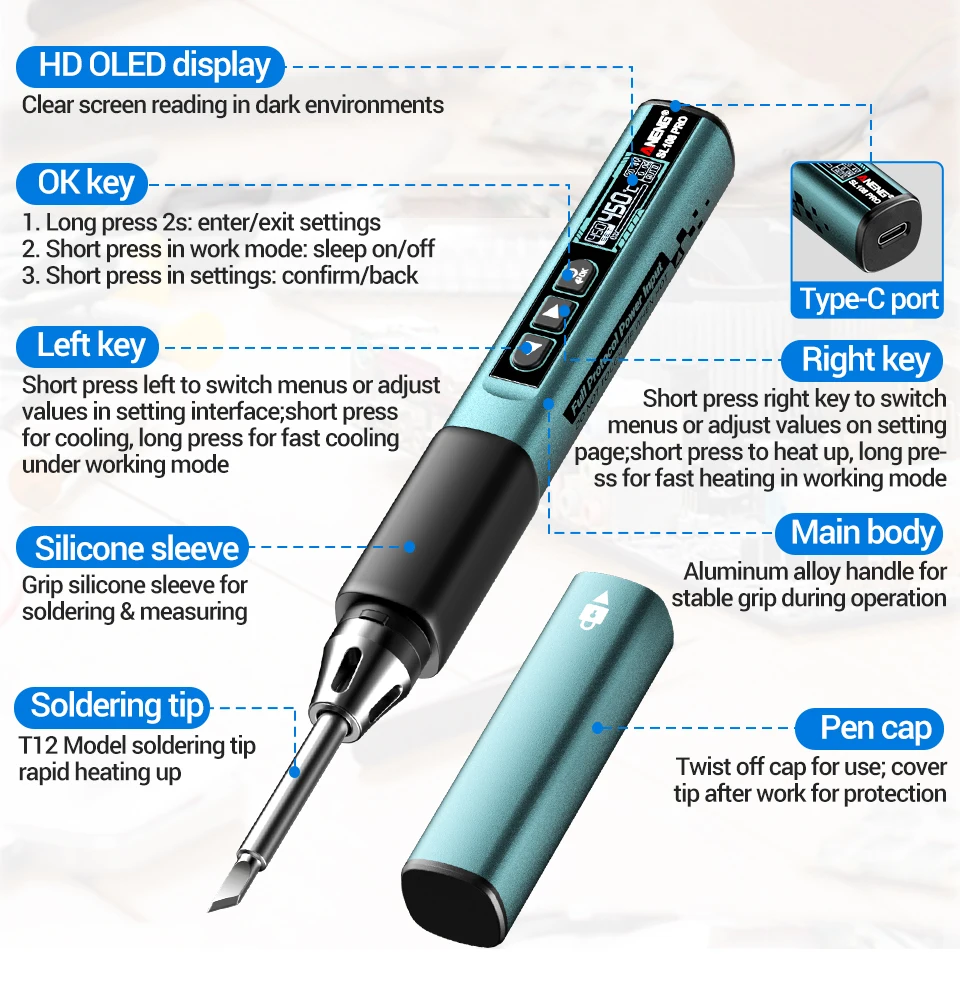
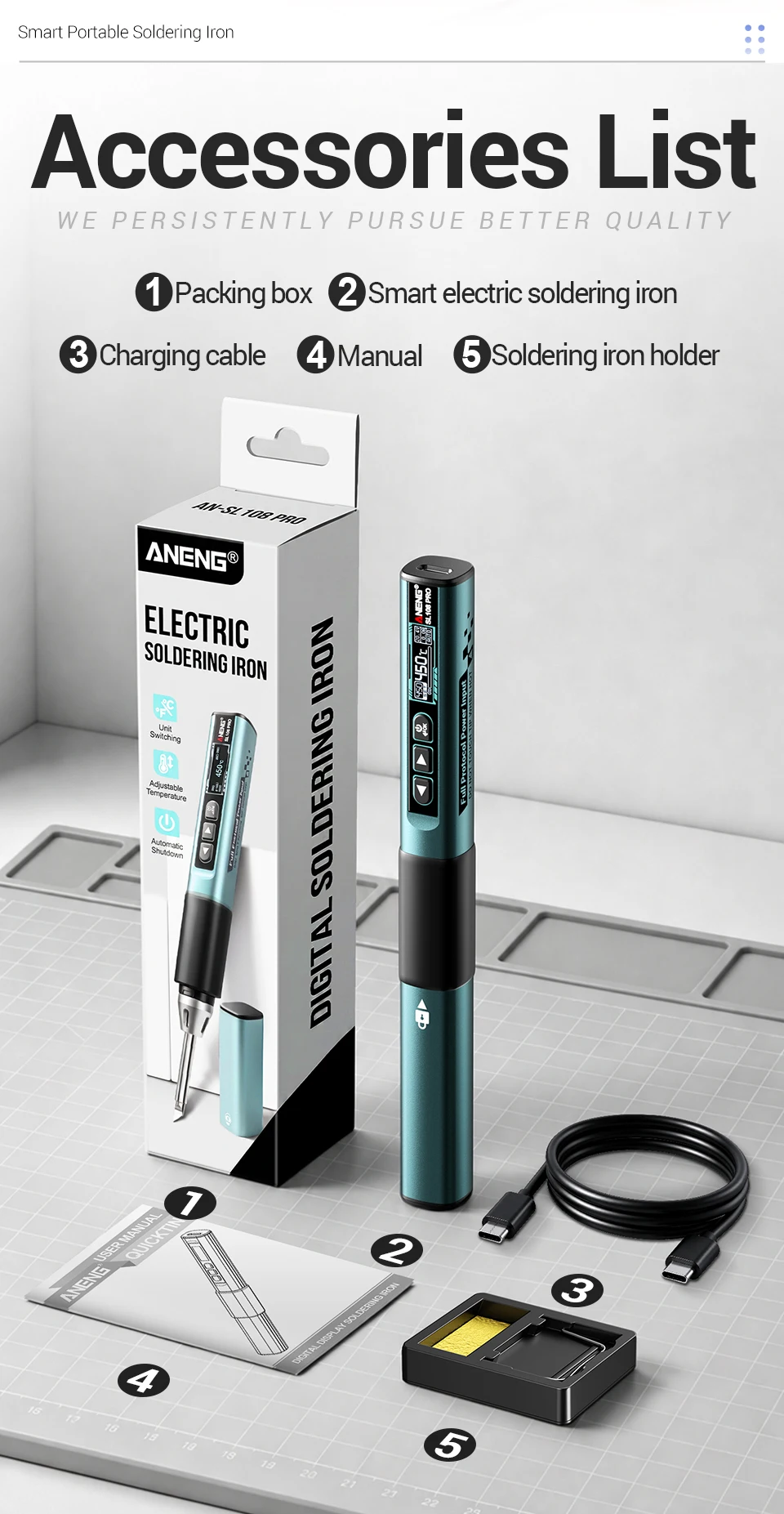
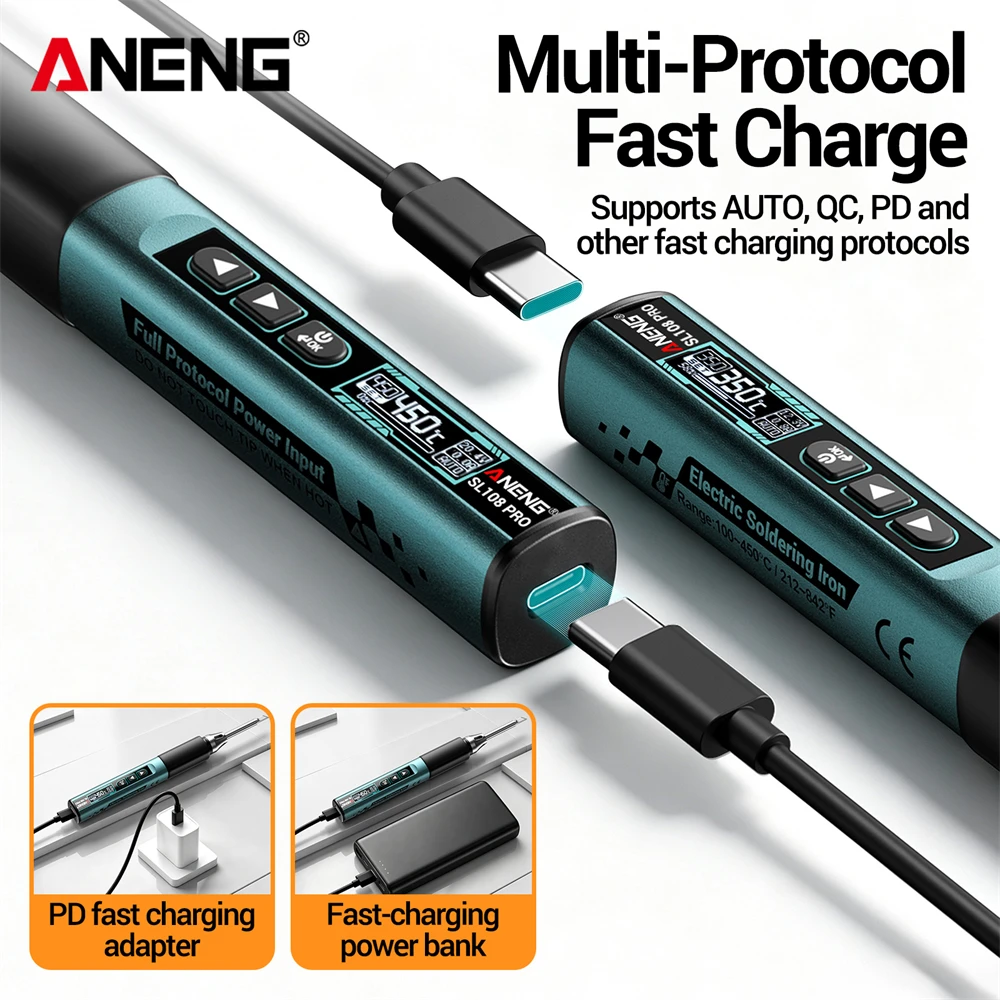
This product is a portable intelligent soldering iron that does not require AC 220V power supply. It can be used by inserting a universal power adapter or power bank. The TYPE-C port supports multiple protocols such as PD and QC, and the soldering iron tip quickly heats up to the soldering point; Adopting OLED display screen with clear interface; The body is compact, exquisite, and easy to carry. The universal soldering iron handle is matched with a metal shell, and the soldering iron tip can be flexibly replaced, making it suitable for various soldering scenarios.
⚠️ NO BUILT‑IN BATTERY!Must keep Type‑C cable connected while working. Will stop working once unplugged.
(2).Function:
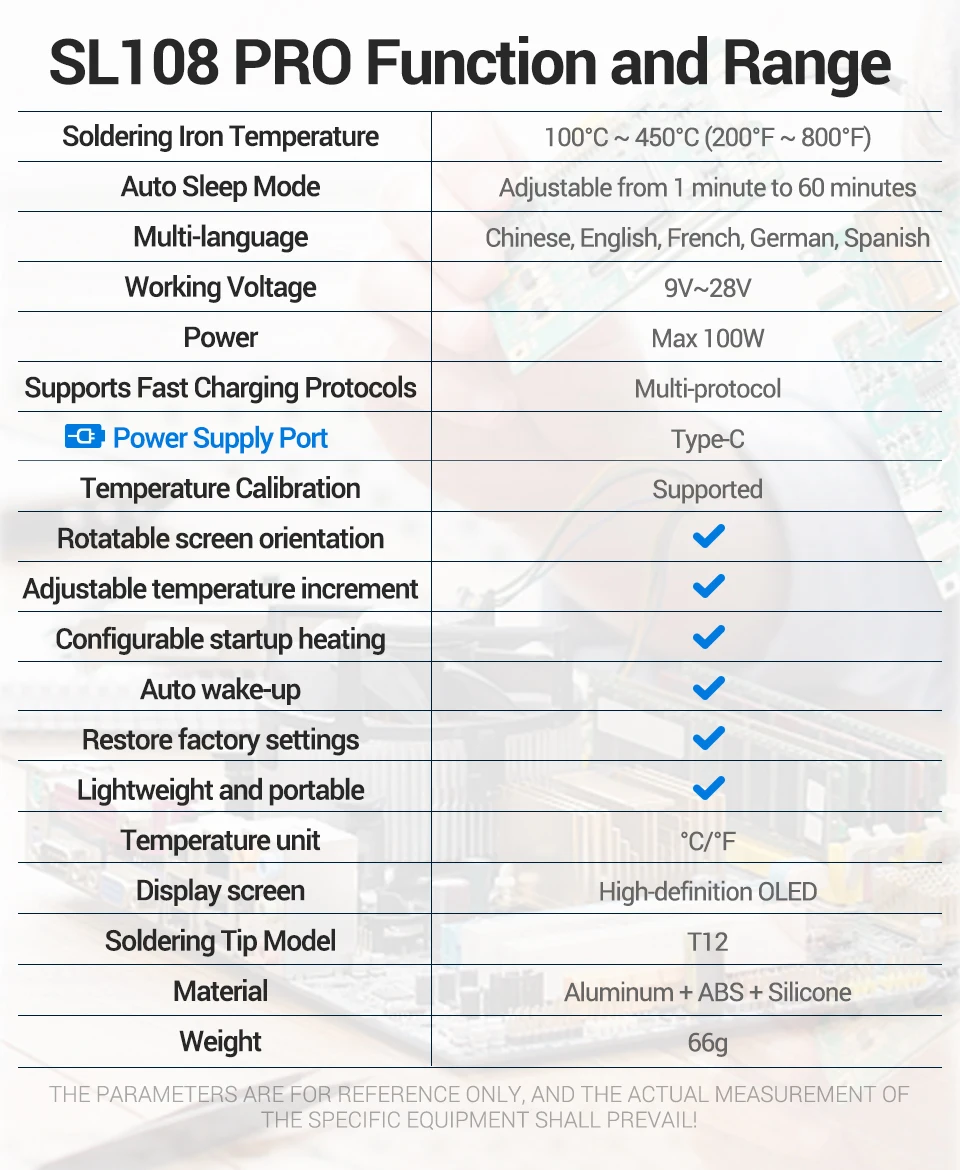
Item | Parameters |
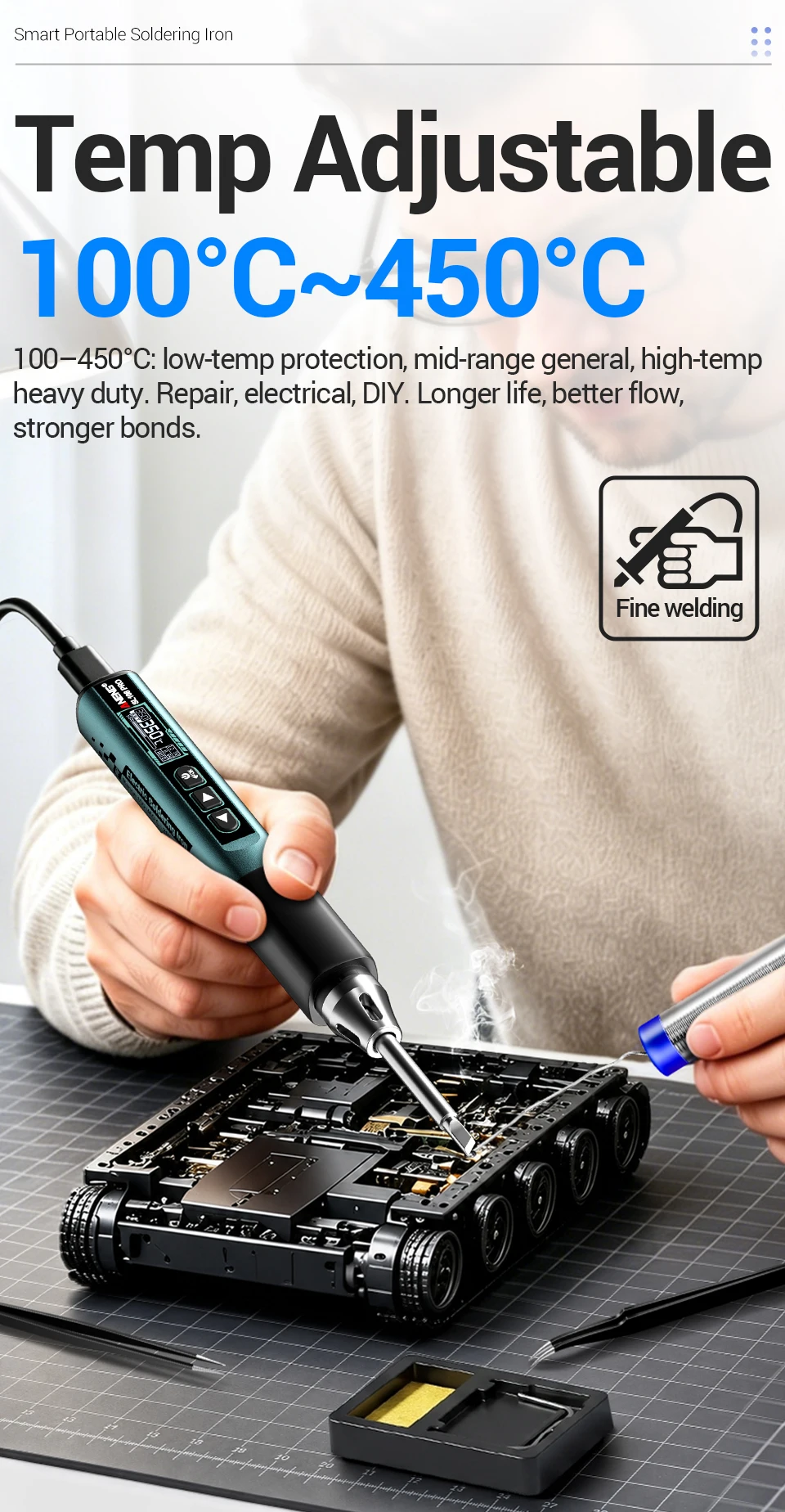
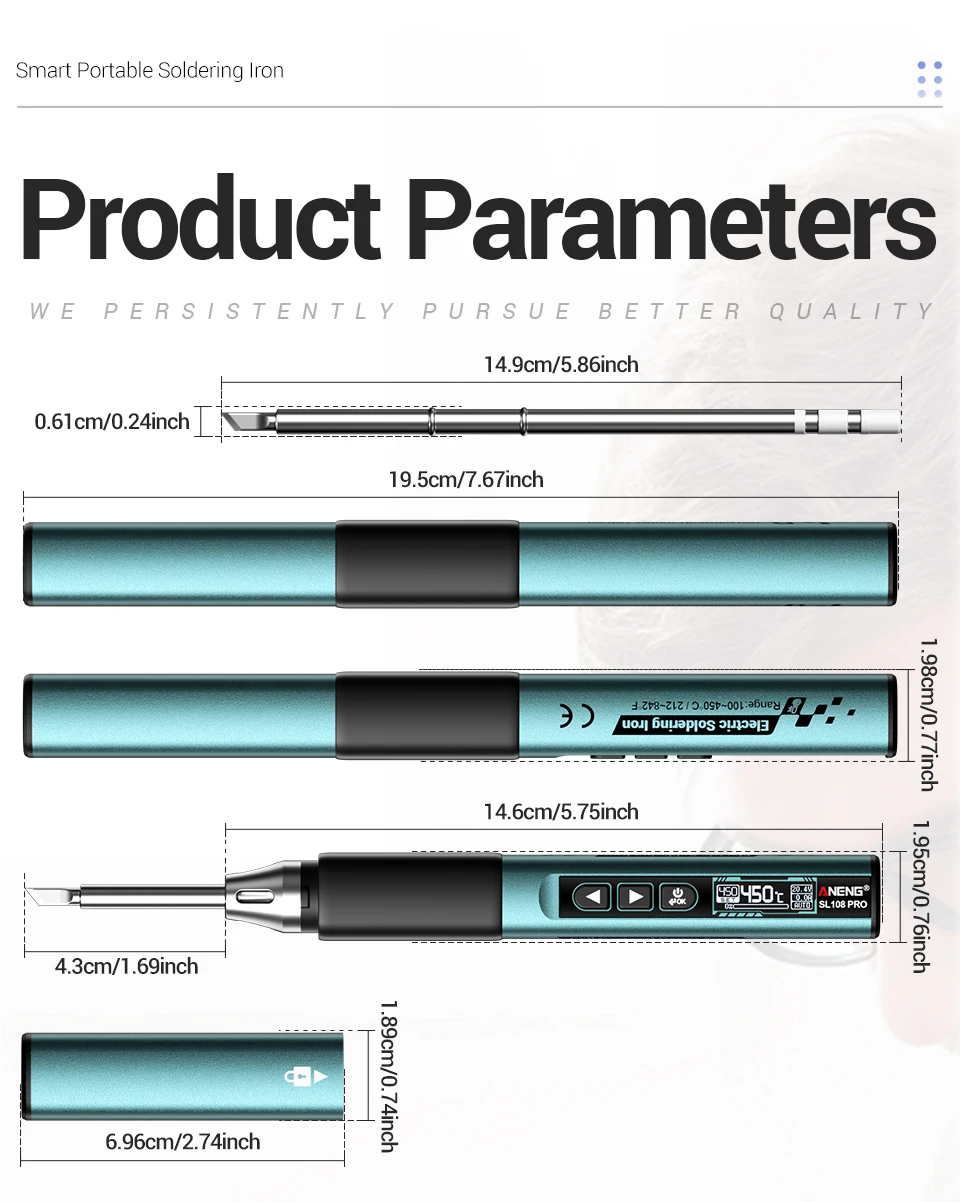
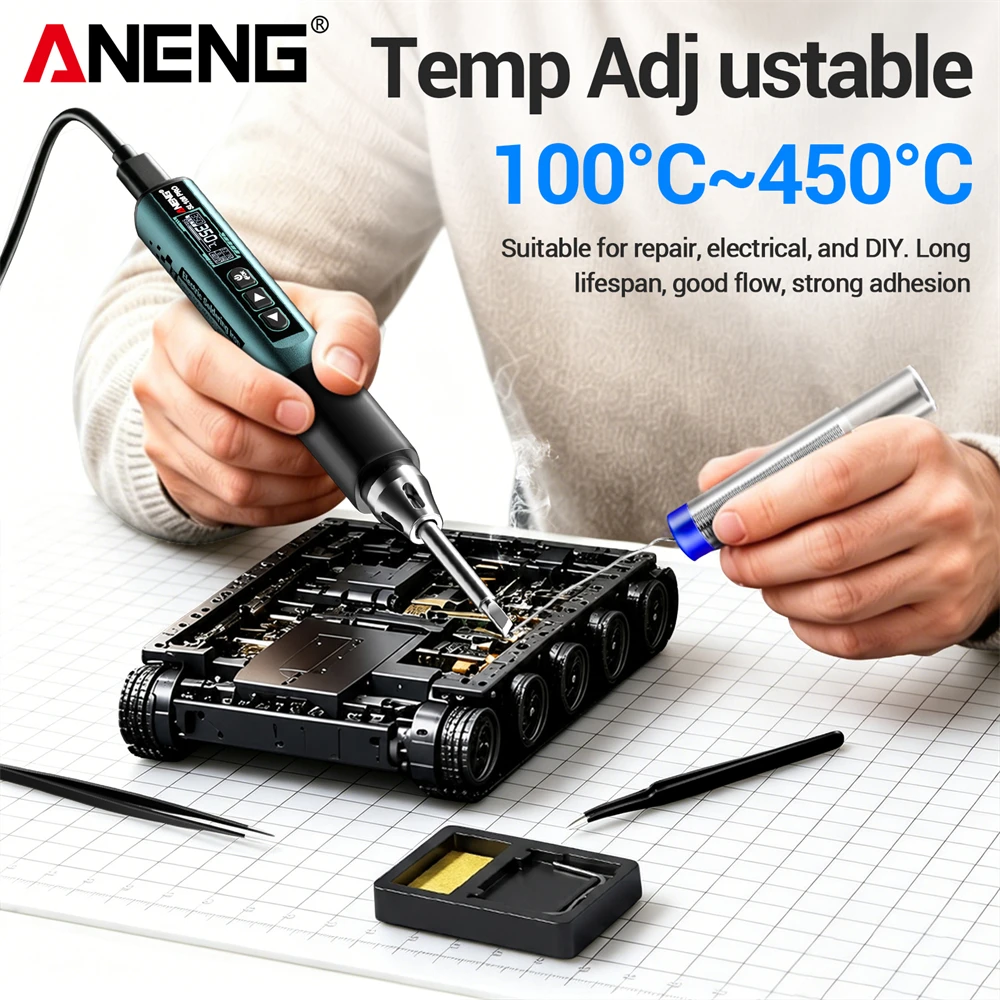
Heating Temperature | 100℃~450℃ (200°F ~ 800°F) |
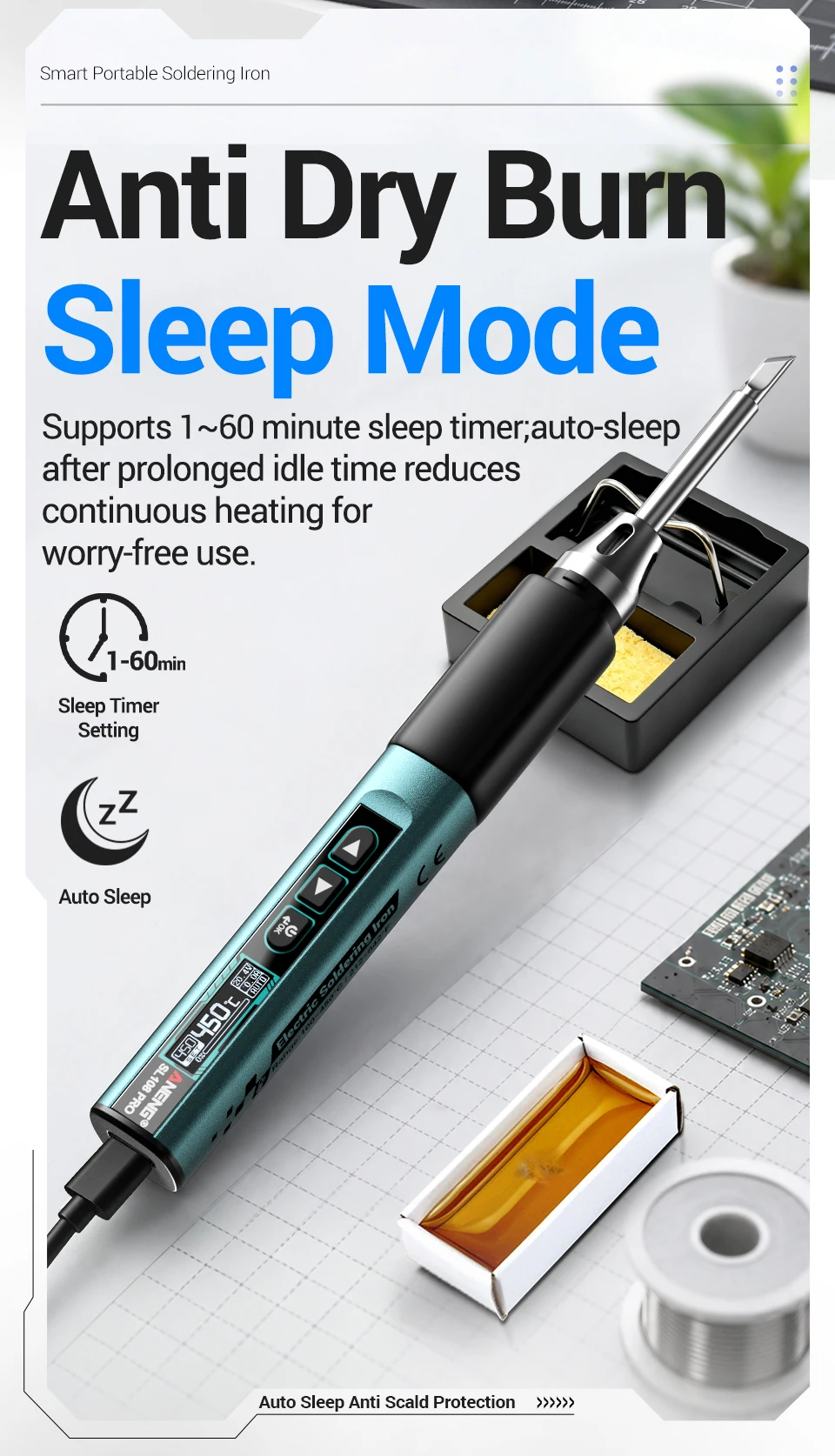
Auto‑Sleep Mode | Adjustable from 1‑60 minutes |
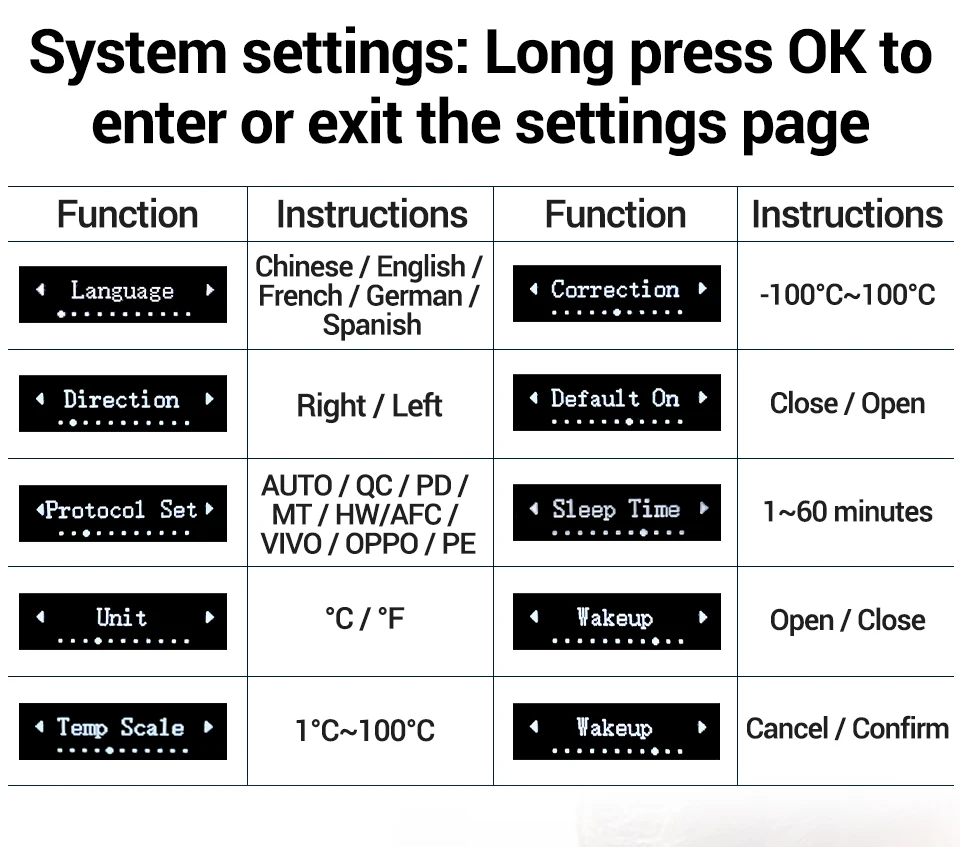
Available Languages | Chinese, English, French, German, Spanish |
Working Voltage | 9V‑28V |
Max Power | 100W |
Charging Protocols | Multi‑protocol fast charge |
Power Supply Interface | Type‑C |
Temperature Calibration | Supported |
Screen Setting | Rotatable screen orientation |
Temperature Increment | Adjustable |
Startup Heating | Configurable |
Auto Wake‑up | Available |
Factory Reset | Supported |
Temperature Unit | ℃ / °F |
Display Screen | High‑definition OLED Screen |
Soldering Tip Model | T12 |
Housing Material | Aluminum + ABS + Silicone |
(3).Temperature Calibration Instructions
When users need to calibrate the temperature of the soldering iron tip, they can follow the following instructions:;
1. Turn on the heating function of the soldering iron, place the soldering iron tip in contact with the standard soldering iron thermometer, wait for the temperature to stabilize, observe the temperature difference between the thermometer and the soldering iron screen display, and record the difference value.
2. Remove the thermometer and operate the soldering iron to enter the temperature calibration interface. Adjust the calibration parameters based on the recorded temperature difference until the soldering iron displays a temperature equal to the thermometer temperature.
3. After the adjustment is completed, press the OK button to confirm and complete the calibration;
*Attention: The temperature control parameters may shift after replacing the soldering iron tip. Please complete temperature calibration before use to avoid abnormal temperature affecting the soldering effect or damaging the device.
(4) Soldering‑Iron Operation Instructions:
Operation Steps :
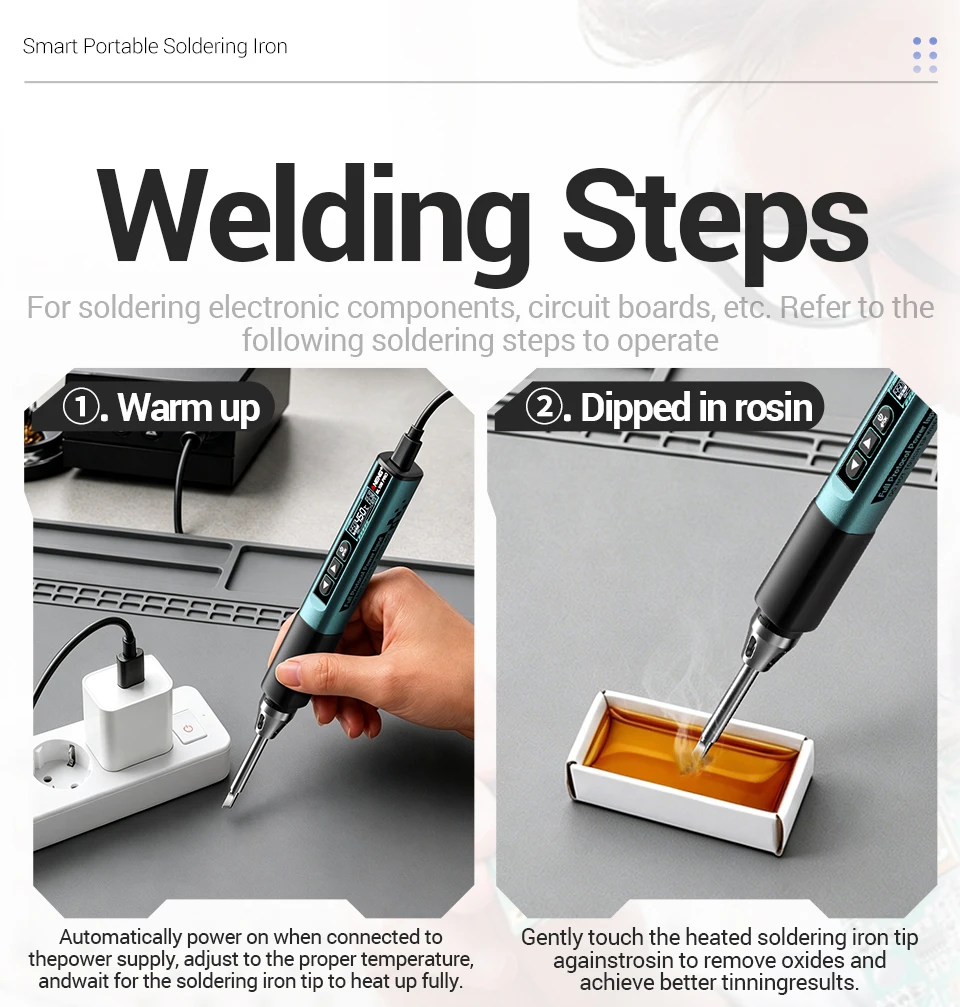
1.Enter soldering‑iron function page, short‑press the OK button, then the iron starts heating up.
2.Press left‑right directional keys to set a proper temperature for soldering requirements.
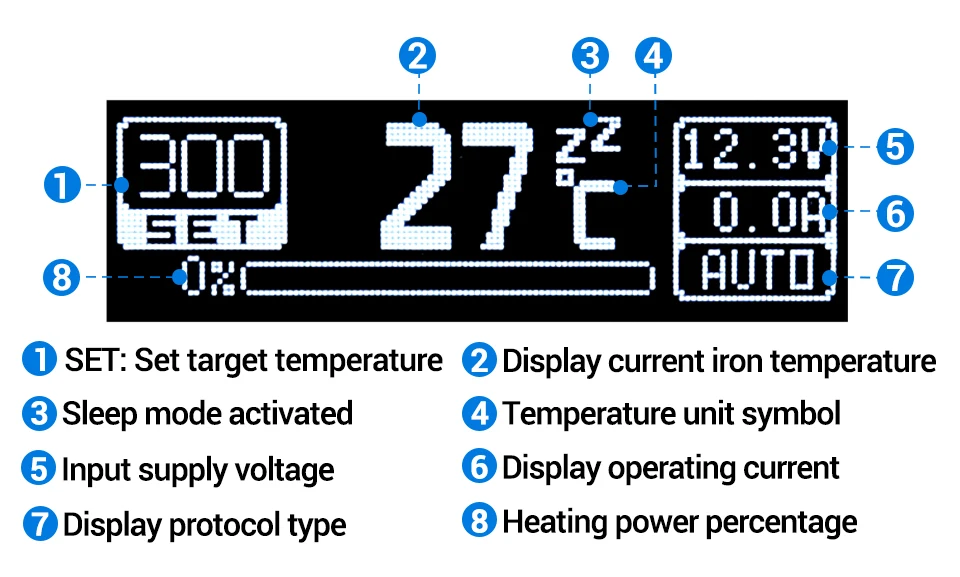
3.Check real‑time temperature, input voltage and current value shown on the screen.
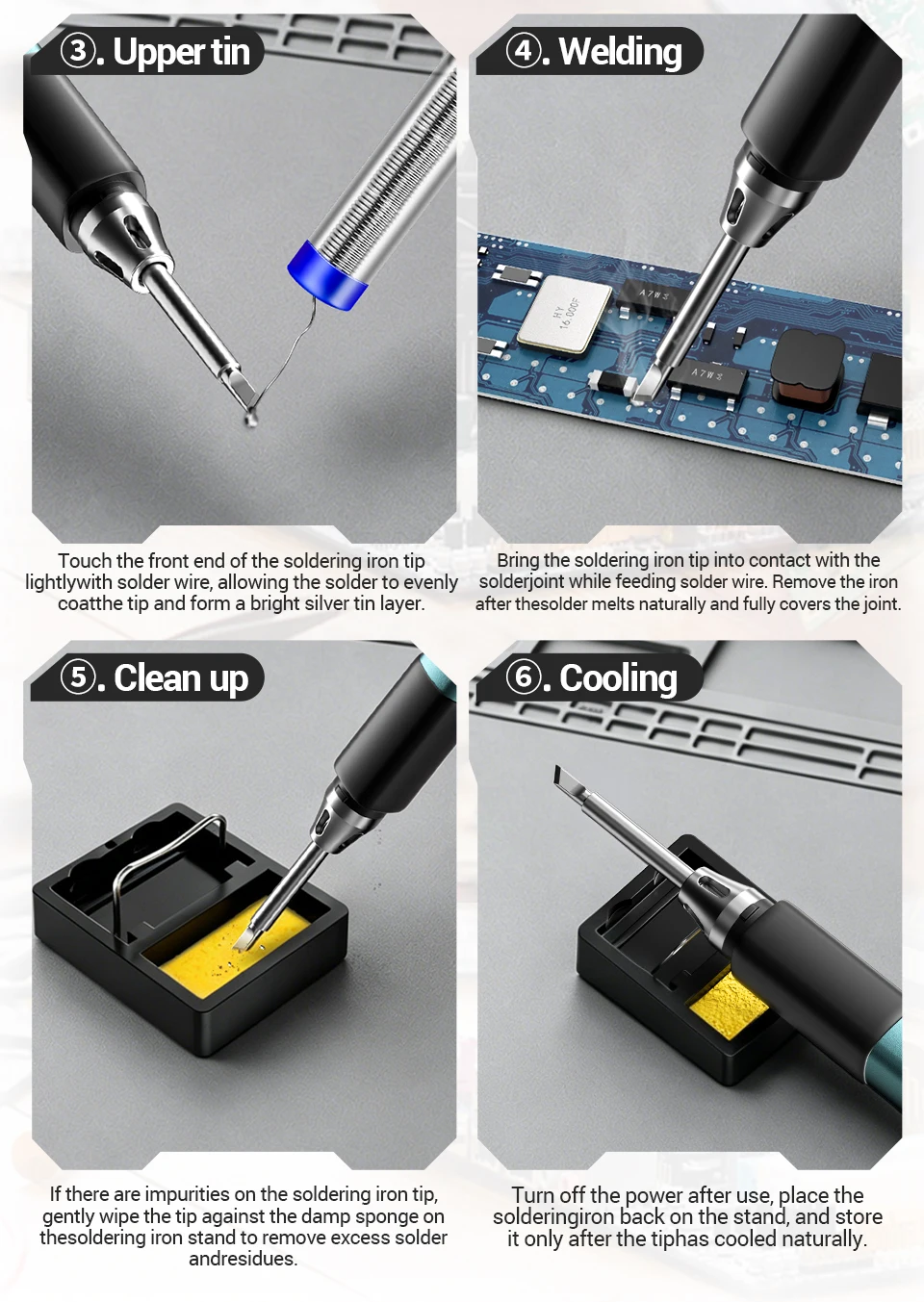
4.Start soldering after the temperature gets stable by contacting the soldering‑iron tip with solder points.
Important Notes:
(5) Maintenance instructions
Before the first use and after each operation, apply tin to the new soldering iron tip to prevent oxidation.
The temperature fluctuation of the brand new cutting-edge is normal, and it will reach a stable temperature after several uses.
Non professionals are prohibited from disassembling, repairing equipment or modifying internal circuits.
Clean the equipment with a damp cloth and mild detergent. Do not use corrosive agents or solvents. Dust and moisture on the test port may affect the reading accuracy.
Do not keep the heating temperature above 380 ℃ for a long time to extend the service life of the soldering iron tip.