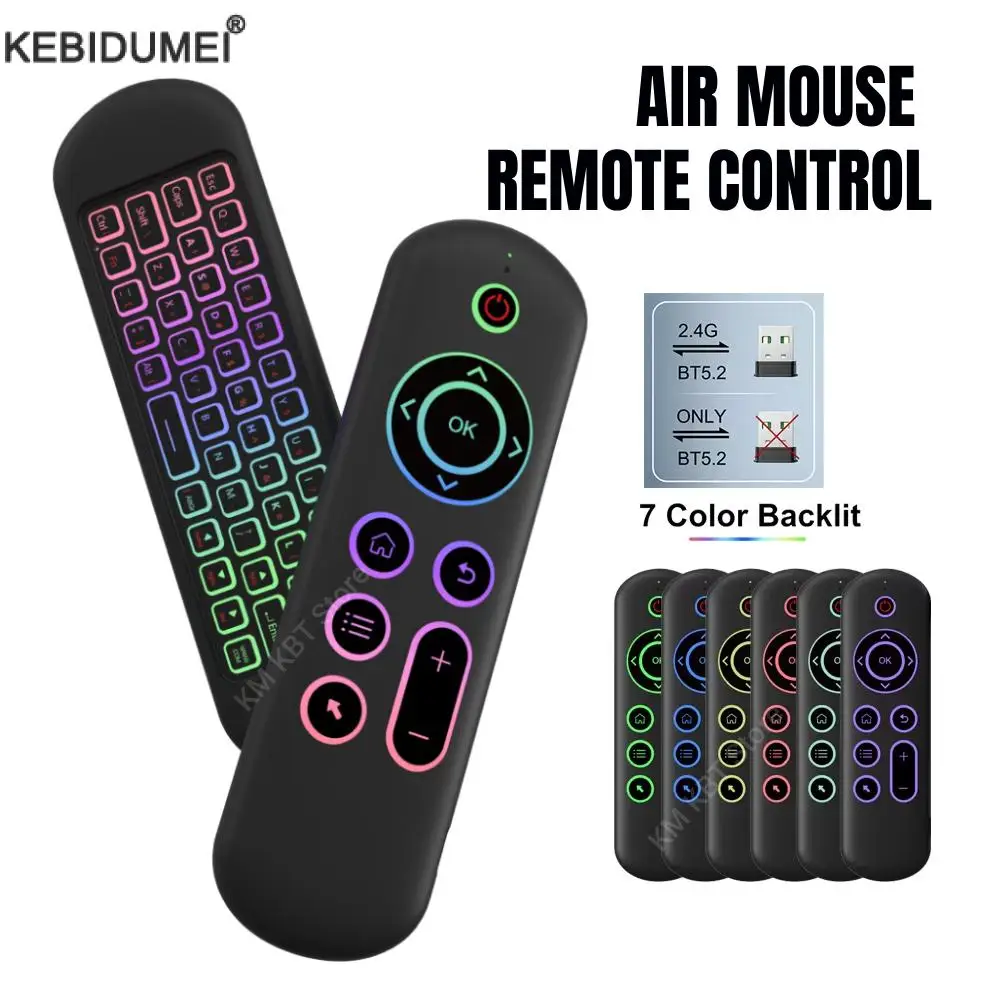

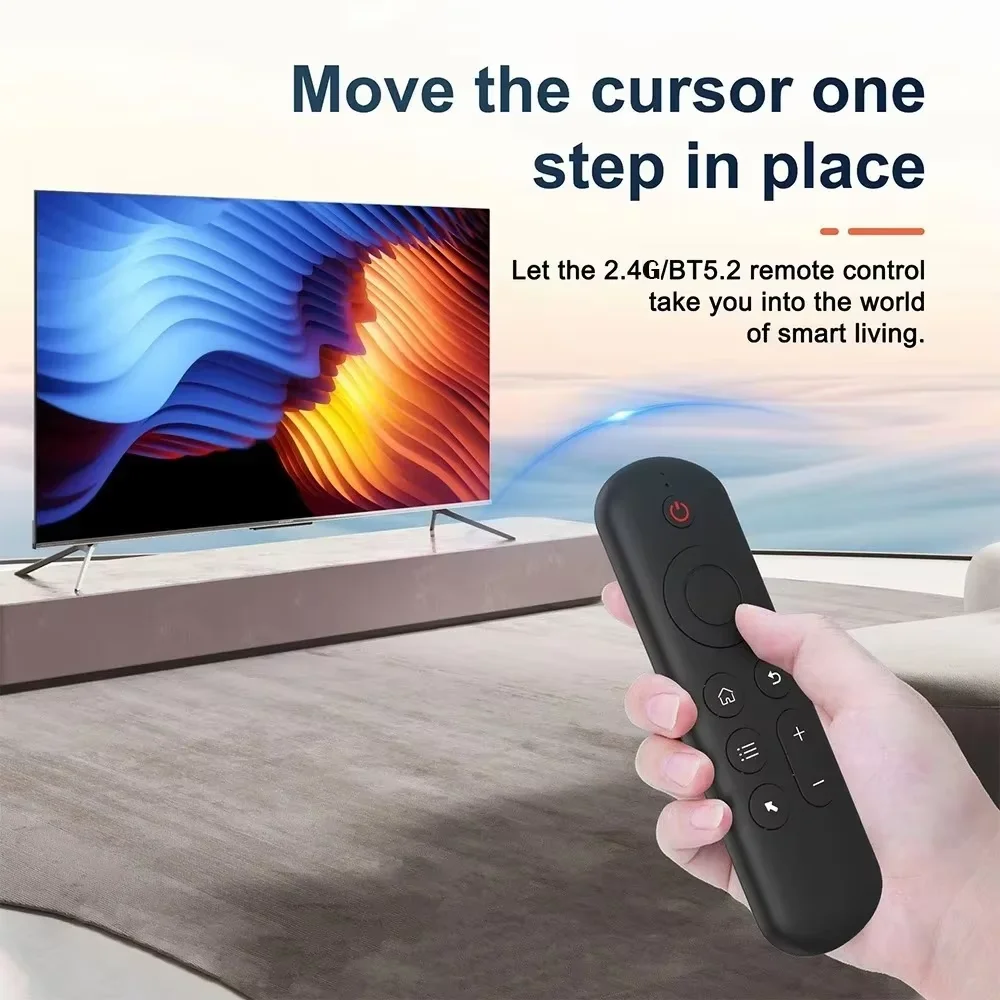
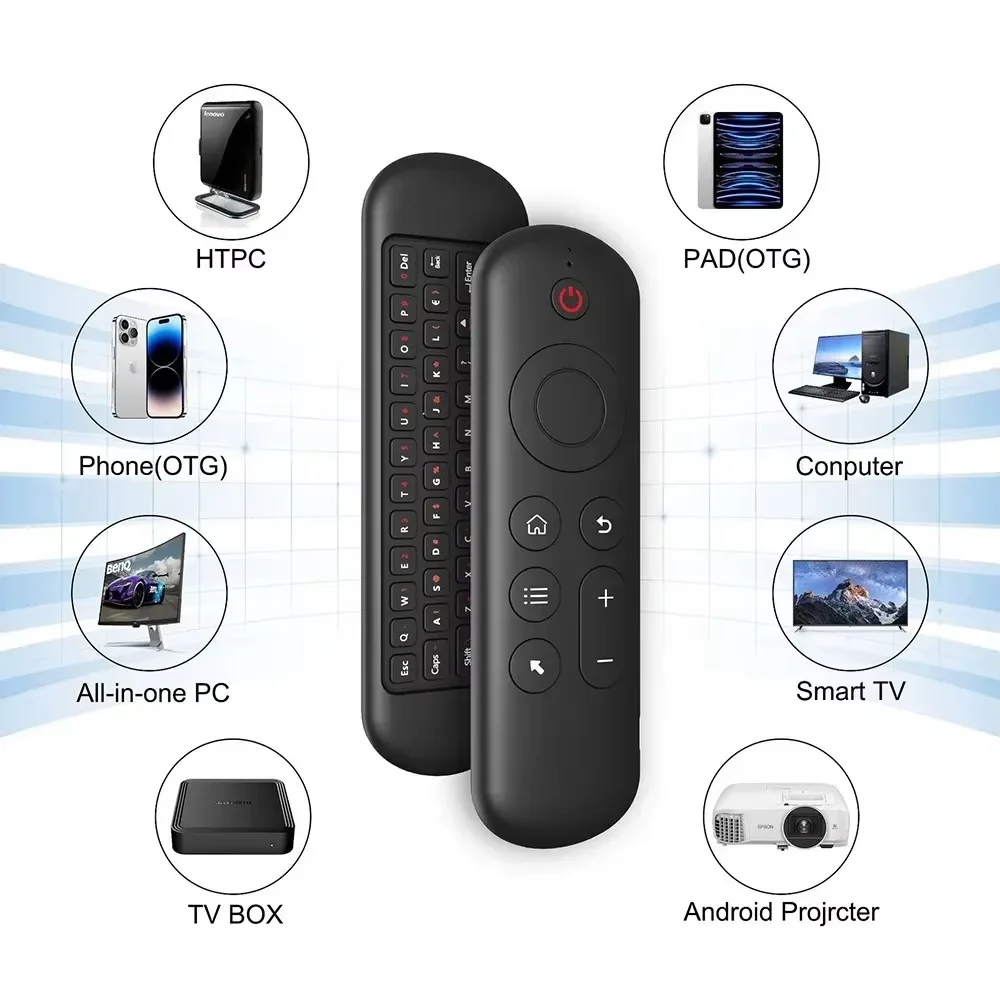


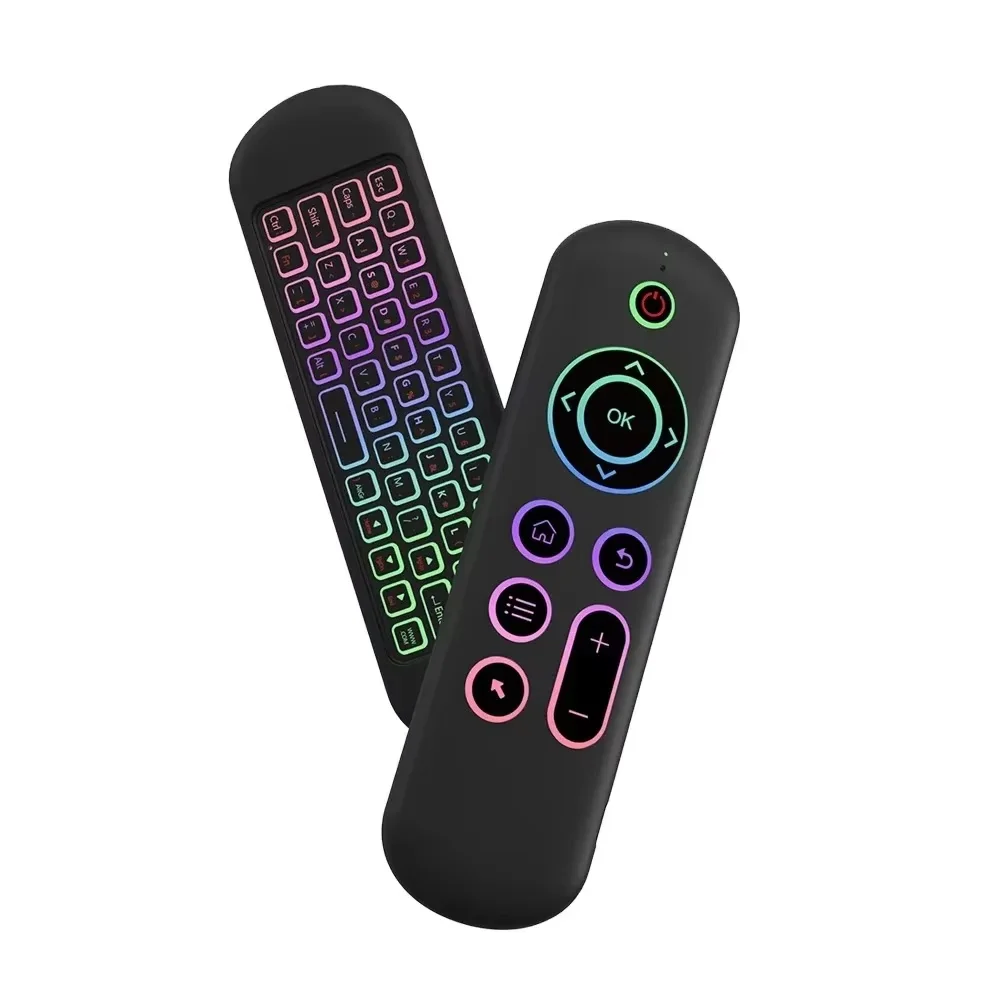
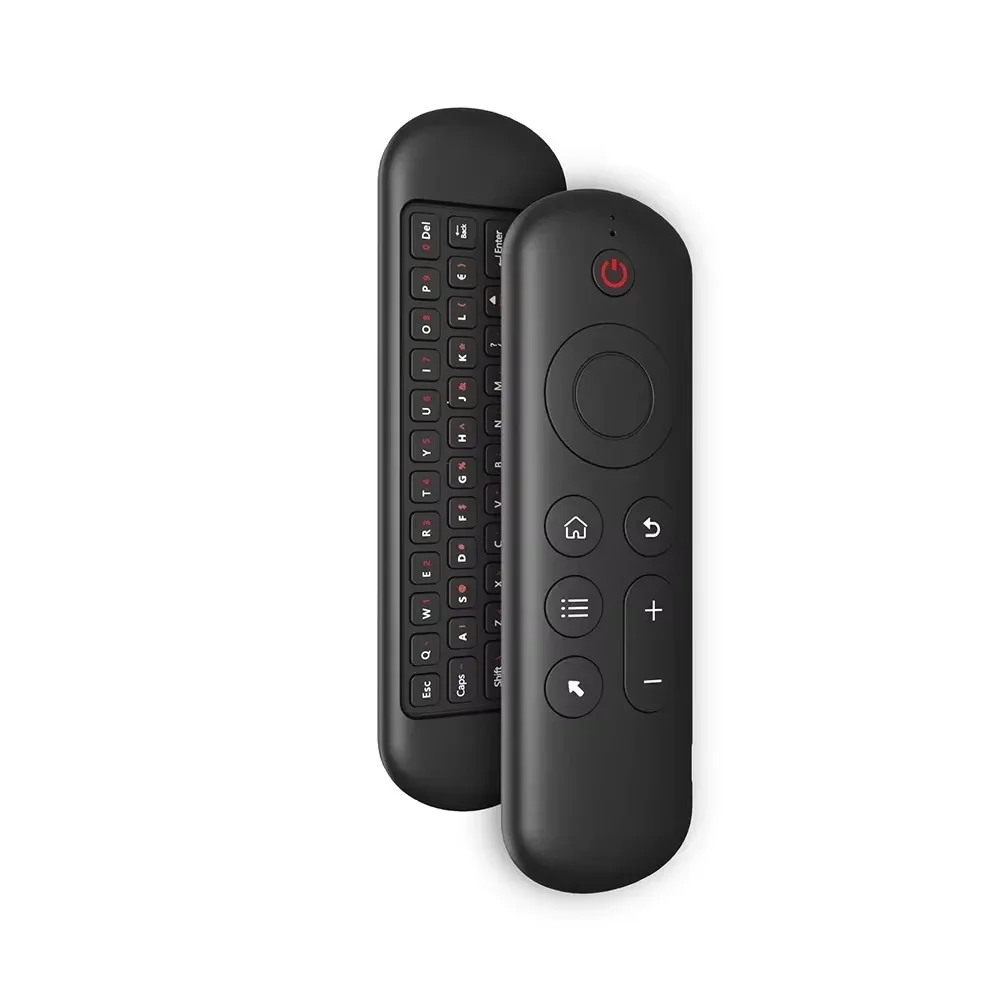
M5 wireless gyroscope remote control mouse with 7 colors backlit small keyboard dual mode 2.4G BT5.2 wireless for Android smart devices TV Box PC
66.59ر.س
115.08ر.س-42%Product description
Remote control distance: about 10 meters
Charging port: Micro USB
Wireless pairing mode: GFSK
Frequency modulation: 2.4 ~ 2.4835 GHz
Number of keys: 58
Supported systems: Android / Windows / Mac OS / Linux
2.4G mode
1. For initial use, connect the USB receiver to a USB port on the device and wait 20-60 seconds for the USB receiver driver to install. Move the mouse so that the mouse pointer can move on the screen, which means successful pairing;
2. If unsuccessful, press and hold the [OK] and [Back] buttons, and the LED light will start flashing. Pairing is successful when the LED light stops flashing.
BT mode 5.2
1. Before using this device, you must first turn on the BT function of the lain device;
2. Then press and hold the [OK] + [Back] keys for a long time, when the LED indicator turns to rapid flashing, the product enters pre-pairing mode;
3. Click on add new devices search on the main device to find the name of the air remote control (example: BT-REMOTE). Click on the name to connect;
4. After successfully connecting the product, control the mouse pointer direction by waving in the air;
5. If the connection fails, please repeat steps 2-4;
6. Description of reconnection efficiency: the normal reconnection time for this product is 3-5 seconds after pairing usually with the main equipment;
7. This product can only remember pairing information for one main device, so when the product is connected to a new device, the previous device connection is no longer supported.

From Riyadh