Product description
New simple and easy-to-use design
High-resolution screen with 4 shades
The current input location will be displayed in a darker color on the 4-shade screen.
Easy cursor operation
Simple operations based on the cursor and a key layout following the natural flow of use.
Text display in medical language
Display screen with intuitive and easy-to-learn symbols
List display function for smooth and quick learning
High-speed calculation
Fast calculation for smooth performance in class or during exams.
Equipped with features to encourage learning
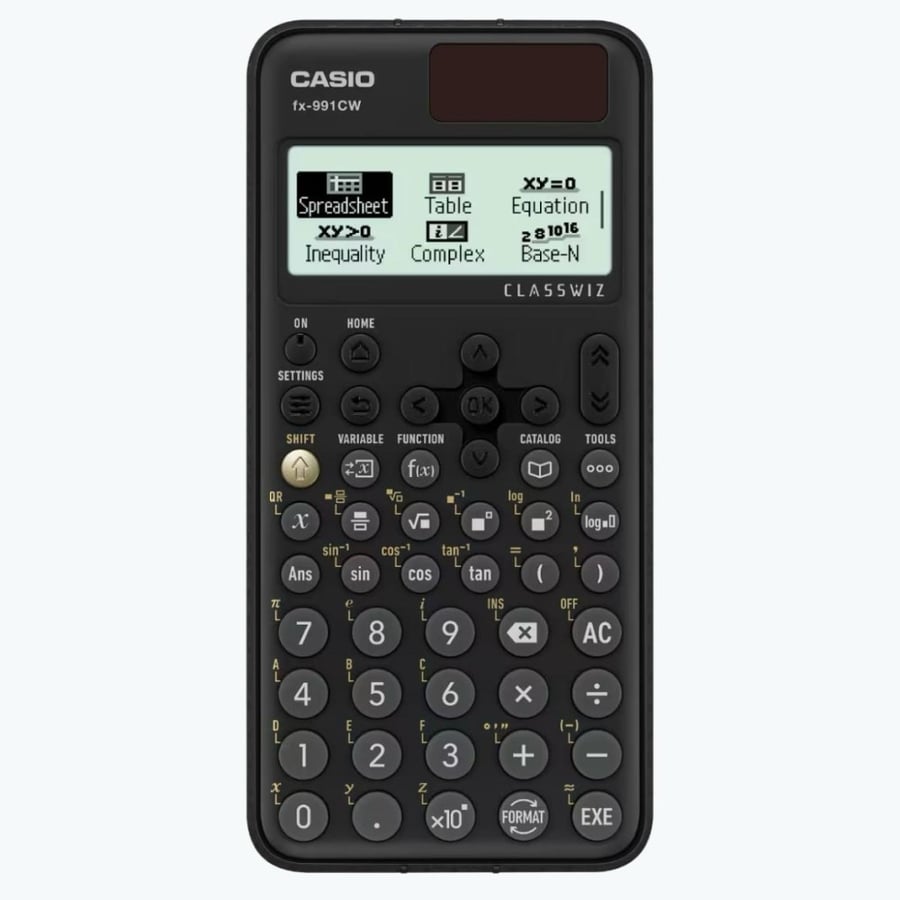
Calculator applications
You can easily select a suitable calculator application for the type of calculation you want to perform from the home screen.
*The image shows the fx-991CW.
Data table
Useful for learning statistics, recursive formulas, and more.
Can include up to 5 columns × 45 rows (maximum 170 data items).
Math box
The following functions support learning mathematics: dice roll and coin flip to simulate probability.
*Screen images may differ from the final product.
Calculations
General arithmetic operations
Statistics
Statistics calculations and regression
Table
Create a numeric table based on one or two functions
Equation
Instant equations and higher-order equations, and an equation solver tool (a function to find the value of any variable embedded in an input equation)
Online virtual service using QR codes
Easily create QR codes by entering equations on the calculator. Graphs and other visuals can be displayed on smartphones or tablets.
1. Enter data
2. Create and scan QR code
3. Graph on the smart device
4. Analyze the graph
A variety of functions available in calculator applications to support student learning.
Catalog
The catalog list displays store values for variable categories of commands, functions, and symbols according to the calculator application you are currently using and the current application status (displayed screen or current settings).
Function
You can store functions in the memory of f(x) and g(x).
For example:
Create a table in the table application
Connect from the spreadsheet
Variable
You can store values in variables and use the variables in calculations.
<Things you can do with the variable key>
Display the variable list screen
Store values in variables
Use stored values (can be retrieved from any application)