Instant Delivery
Instant Delivery
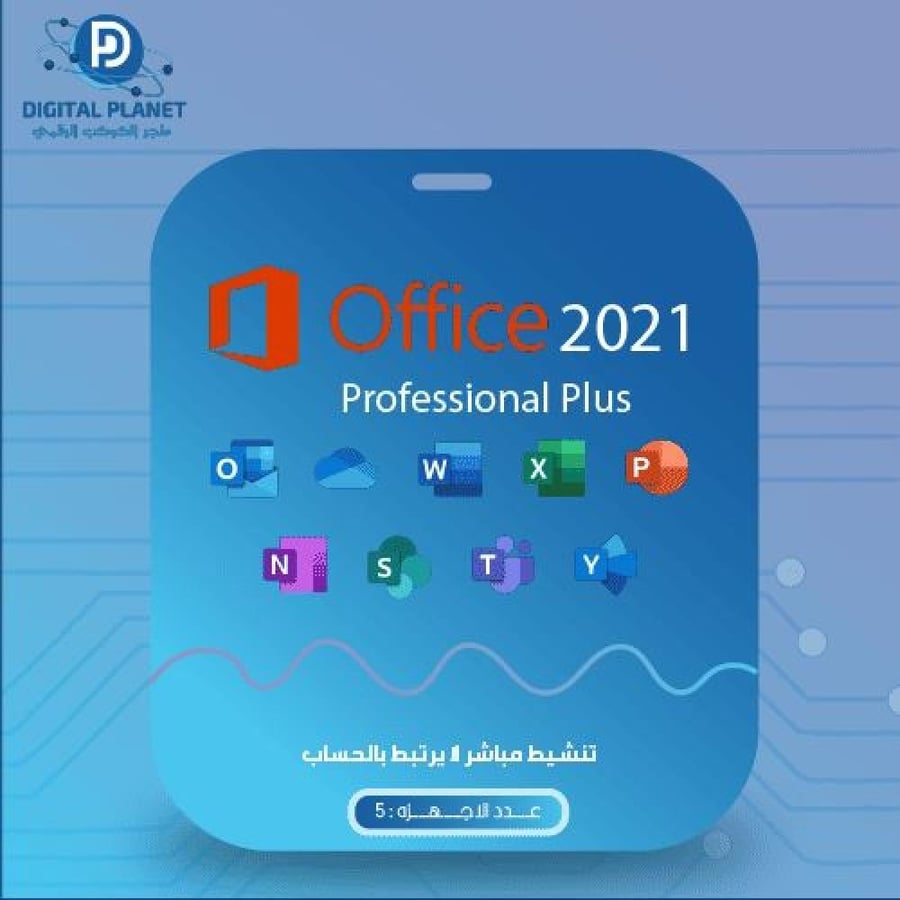
Purchase Office Professional Plus 2021 (5 devices not linked to the account)
130ر.س
200ر.س-35%Out of Stock
Product description
Welcome to the Digital Planet Store! Office Professional Plus 2021 program (5 devices not linked to an account) Microsoft Office Professional Plus 2021 is an important version of the Office suite, and comes with advanced features to increase productivity at work.
Contents of purchasing Office Professional Plus 2021:
1. The categories included in Office Professional Plus.
2. Recognizing the specifications for purchasing Office 2021.
3. The Office version.
4. How to download and activate Office Professional Plus 2021.
5. Getting the product key.
First: The categories included in Office Professional Plus 2021:
1. Word.
2. Excel.
3. PowerPoint.
4. OneNote.
5. Outlook.
6. Access.
7. Publisher.
8. Skype for Business.
Second: Specifications for purchasing Office Professional Plus 2021:
1. Available as a digital product code like (AAAAS-DDDDX-AAADD-FFASA).
2. Compatible only with Windows 10 and Windows 11 operating systems.
3. Supports both x64 and x32 versions.
4. Supports all languages and regions for Office purchase.
5. Receives security updates.
6. Lifetime purchase of Office.
7. Obtain a 100% genuine Office subscription.
8. Direct activation upon entering the code into the program once.
9. Does not need to be linked to an email address.
10. Cannot be reactivated after system reinstallation or license deletion from the device.
11. One product key can be used on five devices or for five installations.
Third: How to know the Office version?
To find out which Office 2021 version you have, follow these steps:
1. Open Word.
2. Open a new page.
3. Go to the "File" menu.
4. Then click on "Account".
5. There you will find information about the Office version you are using.
Fourth: How to download and activate Office 2021:
1. You must delete all previous Office versions using the removal tool provided by Microsoft.
2. You can download Office 2021 in Arabic or English.
3. After downloading Office 2021, find the Img file (click here to open the file).
4. After installation, run Word.
5. Choose "I don't have an account".
6. Enter the code sent in the designated field.
7. Activate Office.
If you want a version that supports linking to your personal Microsoft email, go to Office Professional Plus 2021 linked to an account.
Fifth: Receiving the product key when purchasing Office Professional Plus 2021:
The Office product key will be delivered immediately via SMS text message and email within less than a minute.
For more information about Office 2021 and its features, you can click here.
Frequently Asked Questions
How do I activate Microsoft Office 2021?
You can activate Microsoft Office 2021 by deleting all previous Office versions using the tool link, then downloading Office in your preferred language, Arabic or English, and following all the steps as explained above. We wish you a pleasant experience.
How long can I keep the product key unused?
You can keep the product key for up to 10 days without using it from the date of receipt, but it is recommended to use the product as soon as possible.

From Mecca