
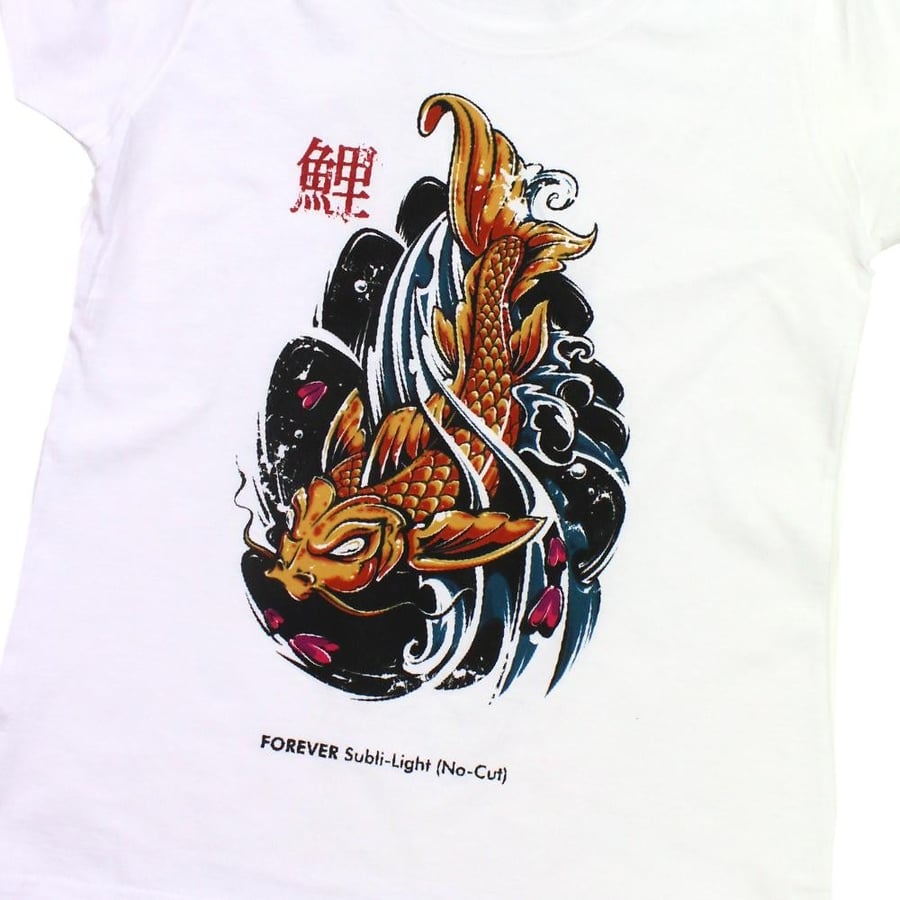
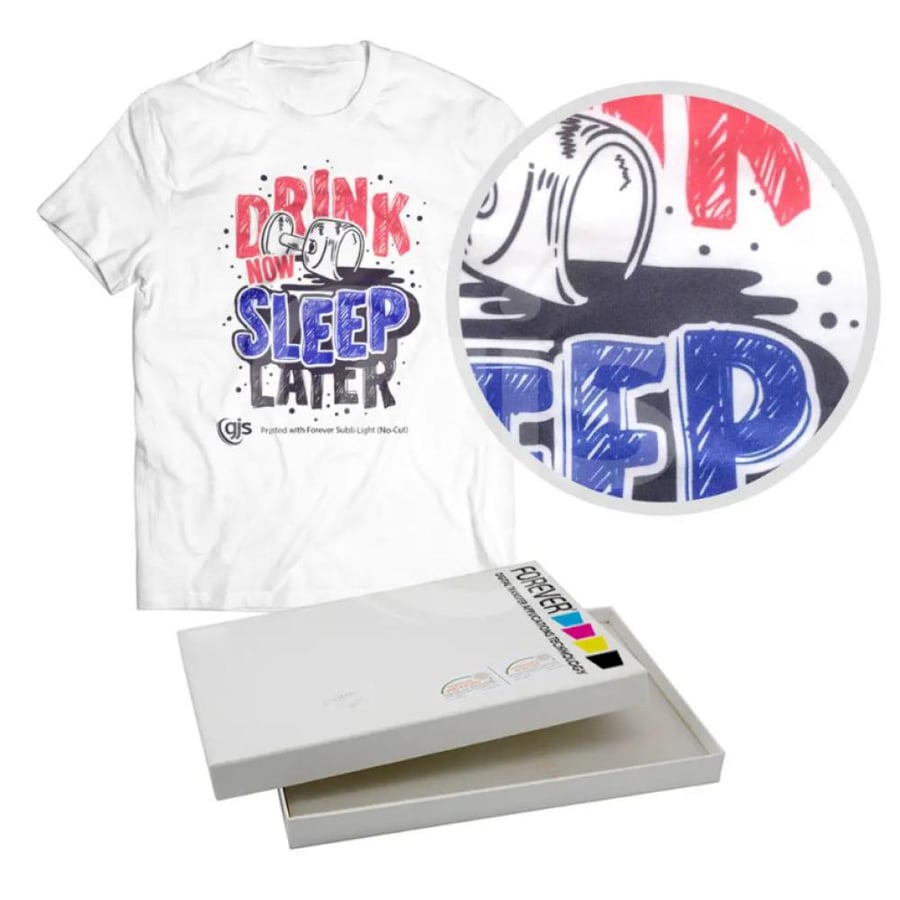


Sublimation Paper Subli Light A4
34.50ر.س
Product description
Are we gradually reaching our goal?
Are we starting to develop transparent heat transfer paper for printing on cotton fabrics?
Important information before discussing this paper: it's specifically designed for dark colors only. Images or light colors cannot be used in the design.
The new Sublime heat transfer paper can be used for printing on light-colored fabrics without a background using heat transfer printers such as Sawgrass, Epson, and others. It produces vibrant, long-lasting colors that are very durable and washable.
Printing Instructions:
1. Print the design onto the paper using a sublimation printer. Ensure the paper is free of light colors or images.
2. Avoid touching the paper immediately after printing, as the colors are not permanent.
3. Set the heat press to 180°C (360°F) for 25-30 seconds at high pressure.
4. Iron the t-shirt inside the heat press for 5-7 seconds, then place the paper on the t-shirt (see image for the t-shirt).
5. It is recommended to use Teflon over the paper.
6. Close the heat press and wait the specified time. After opening the heat press, gently peel the other part of the paper directly into the heat press.
7. Set the heat press pressure to very high, then place the silicone sheet over the image. Close the heat press and wait 30 seconds.
8. After opening the heat press, immediately remove the silicone sheet.
