


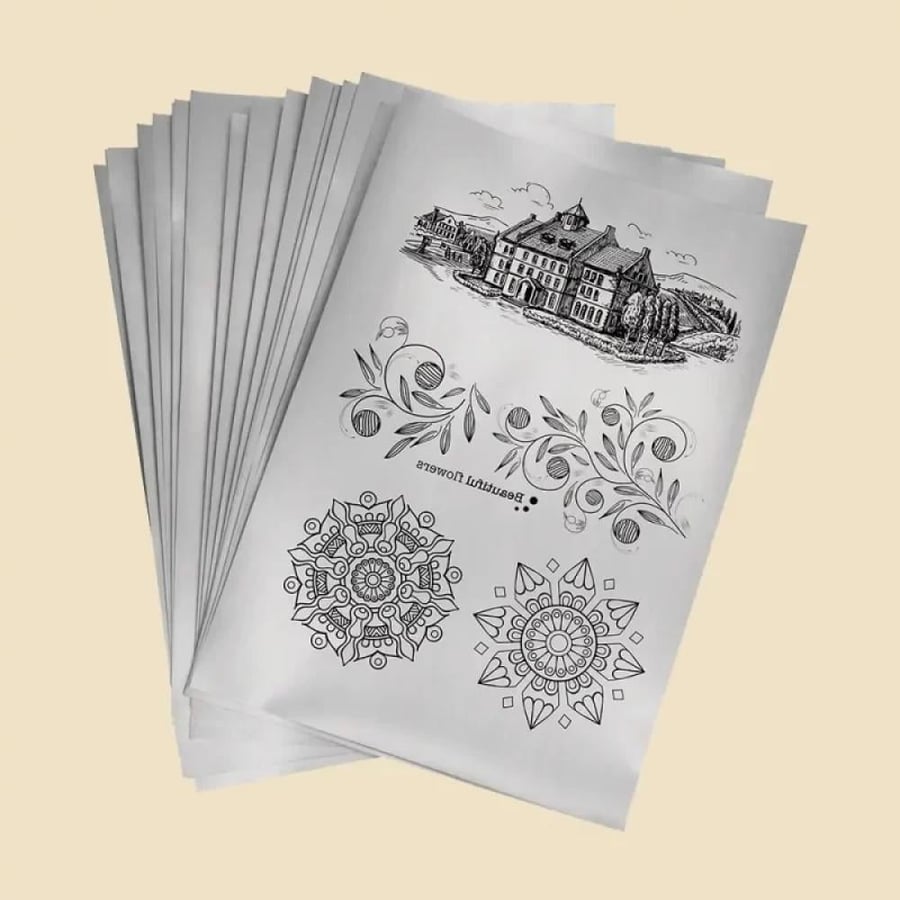
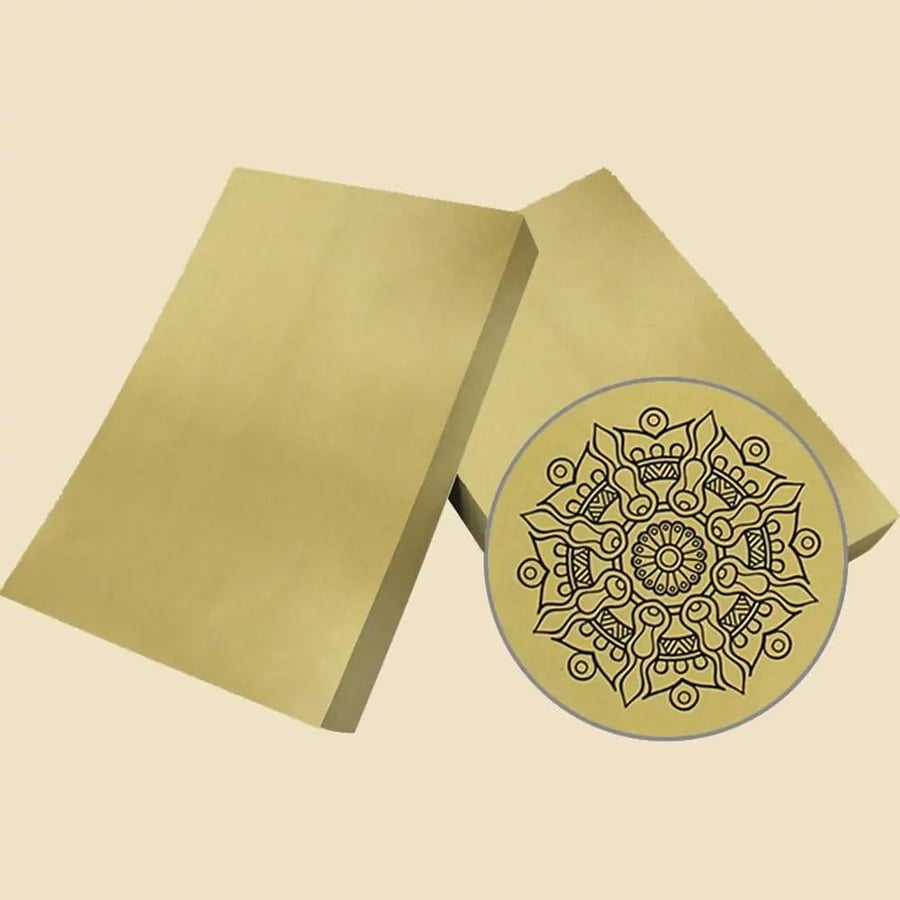


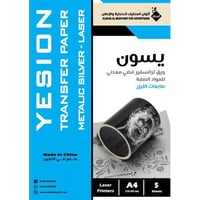
Yesion Transfer Paper Metallic Laser A4
12.71ر.س
Product description
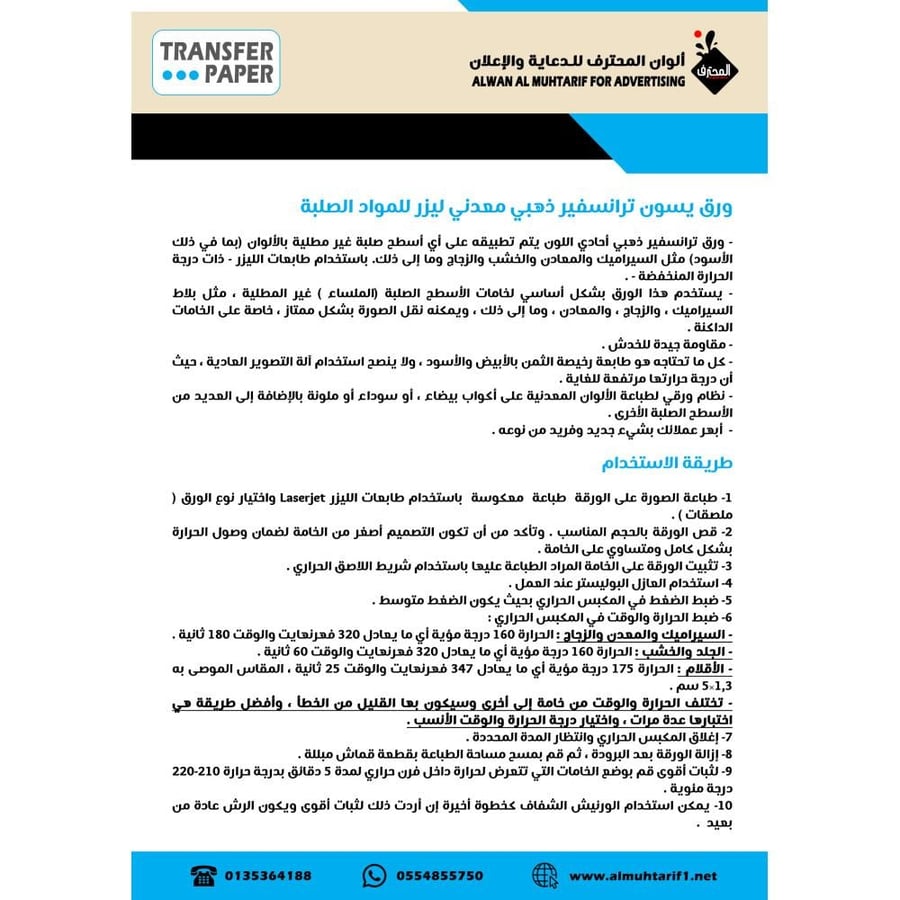
Yeson Metallic Laser Transfer Paper for Solid Materials
- This monochrome gold transfer paper is applied to any solid, unpainted surface (including black) such as ceramics, metals, wood, glass, etc., using a low-temperature laser printer.
- This paper is primarily used for solid (smooth) unpainted surfaces, such as ceramic tiles, glass, and metals. It transfers images excellently, especially on dark materials.
- It offers good scratch resistance.
- All you need is an inexpensive black and white printer. Using a regular photocopier is not recommended as it generates excessive heat.
- This paper system allows you to print metallic colors on white, black, or colored mugs, as well as many other solid surfaces.
- Impress your customers with something new and unique.
How to Use:
1. Print the image onto the paper using a laser printer and select the paper type (stickers).
2. Cut the paper to the desired size. Ensure the design is smaller than the material to guarantee even and complete heat distribution.
3. Secure the paper to the material using heat-sealing tape.
4. Use a polyester insulator while working.
5. Set the pressure in the heat press to medium.
6. Set the heat and time settings in the heat press:
- Ceramics, metal, and glass: 160°C (320°F) for 180 seconds.
- Leather and wood: 160°C (320°F) for 60 seconds.
- Pens: 175°C (347°F) for 25 seconds. Recommended size: 1.3 x 5 cm.
- Temperature and time may vary slightly depending on the material. The best approach is to test the material several times to find the most suitable temperature and time.
7. Close the heat press and wait the specified time.
8. Remove the paper after it has cooled, then wipe the printed area with a damp cloth.
9. For stronger adhesion, place the heat-sensitive materials in a convection oven for 5 minutes at 210-220°C.
10. A clear varnish can be applied as a final step if desired for even stronger adhesion. It is usually applied from a distance.
