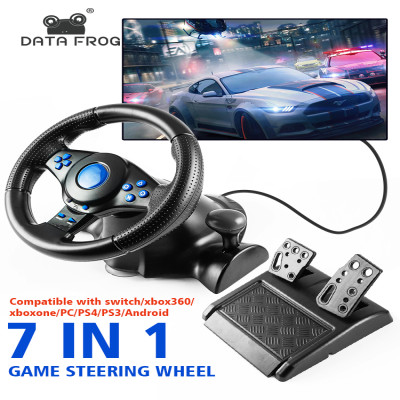
Race steering wheel frog data with vibration and pedals for switching PS2 PS3 PS4 Xbox One PC games Simracing car pedal
985.78ر.س
Product description
How to choose the compatible version for your gaming controller:
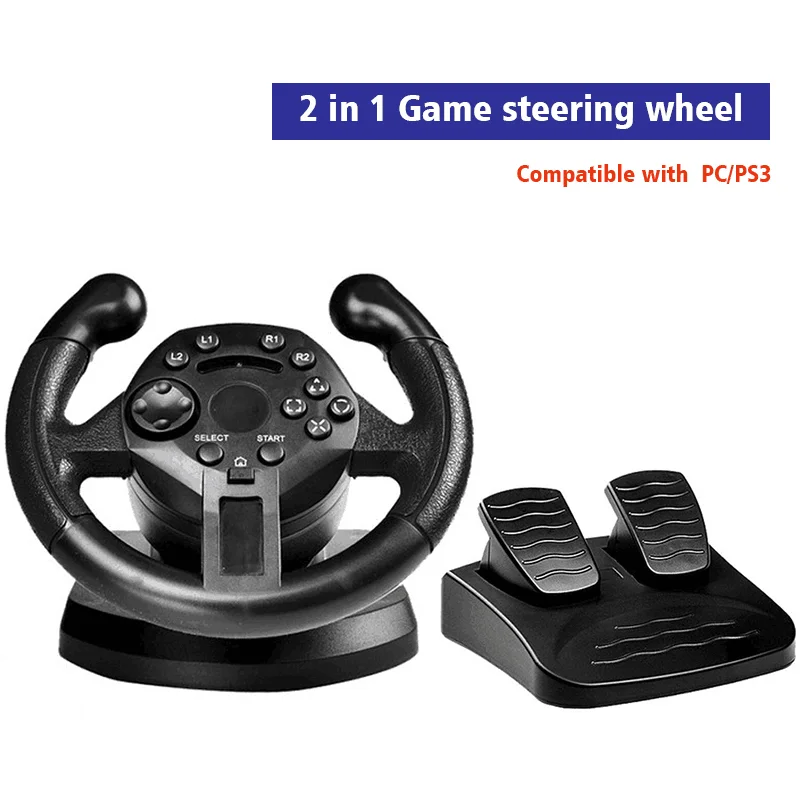
The 2-in-1 option means it is dedicated to PC/PS3
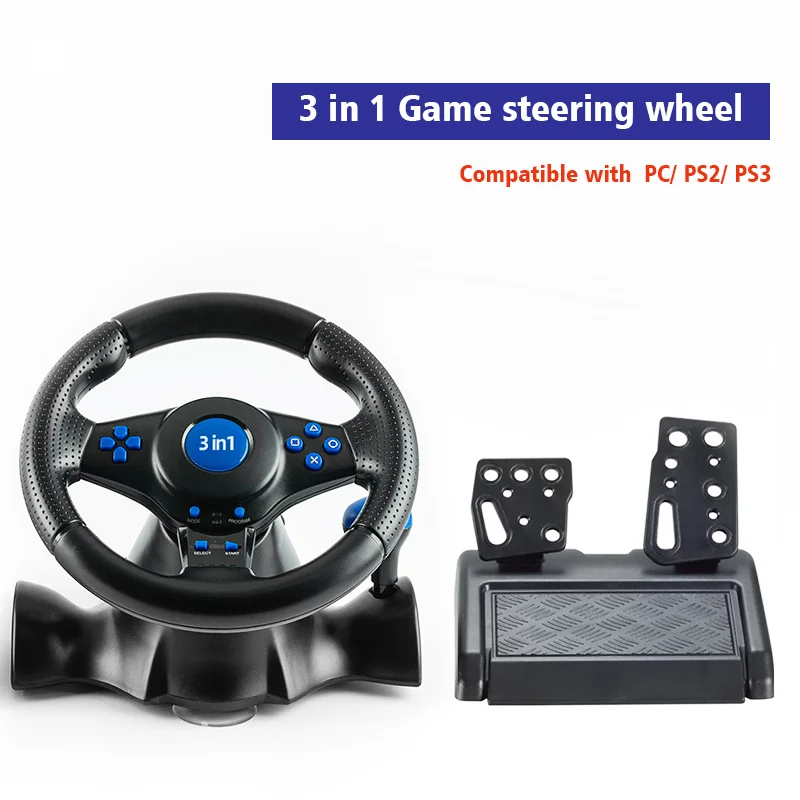
The 3-in-1 option means it is dedicated to PC/PS2/PS3 (Note: you need to download the driver when connecting the 3in1 to the computer)
The 4-in-1 option means it is dedicated to PC/PS2/PS3 and Xbox 360
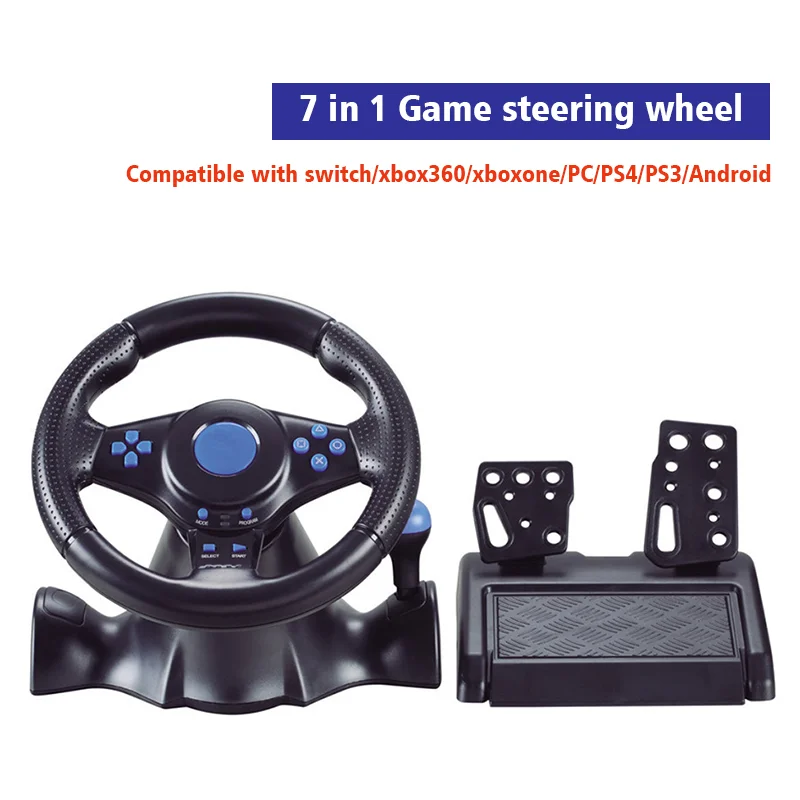
The 7-in-1 option means it is dedicated to PC/PS3/Xbox 360/Xbox One/PS4/Switch/Android
How to connect to the computer:
a) Connect the USB cable of the steering wheel to the computer.
b) One-channel LED indicator on the steering wheel is always on.
c) On the computer, pressing the Home button for 3 seconds switches between X input and D input.
d) Install the driver when using D input mode.
How to connect PS3:
a) Connect the USB cable of the steering wheel to the PS3 console.
b) When one of the red channel LED lights on the racing wheel is always on, it is ready for use.
Compatibility - Switching:
a) Connect the USB cable of the steering wheel to the compatible switch base, or connect the USB cable of the steering wheel to the SwitchTM console via an OTG adapter (not included with this product, must be purchased separately).
b) When one of the red channel LED lights on the racing wheel is always on, it is ready for use.
How to connect Android devices:
a) Connect the USB cable of the steering wheel to the Android TM smart TV or set-top box, or connect the USB cable of the steering wheel to your Android smartphone via an OTG adapter (not included with this product, must be purchased separately).
b) When one of the red channel LED lights on the racing wheel is always on, it is ready for use.
How to connect PS4/Xbox One controllers:
a) Connect the original compatible game controller or third-party compatible game controller to the Type A USB port on the back of the steering wheel.
b) Connect the USB cable of the steering wheel to the game console.
The package includes:
Please choose the appropriate product for your game controller.
1 * Steering wheel
1 * Pedals
Description:
Racing wheel controller with vibration for simracing games and car games with pedals.
Free Return and Refund Service for 15 Days
We offer a 15-day free trial for our products in 24 countries. If you don’t like what you received, simply return it and you will get a full refund! But remember to select "Personal Reasons" as the reason for the dispute so you won’t have to pay for shipping and can get your full refund when returning! (For other reasons, high shipping fees may be charged.)
