Instant Delivery
Instant Delivery
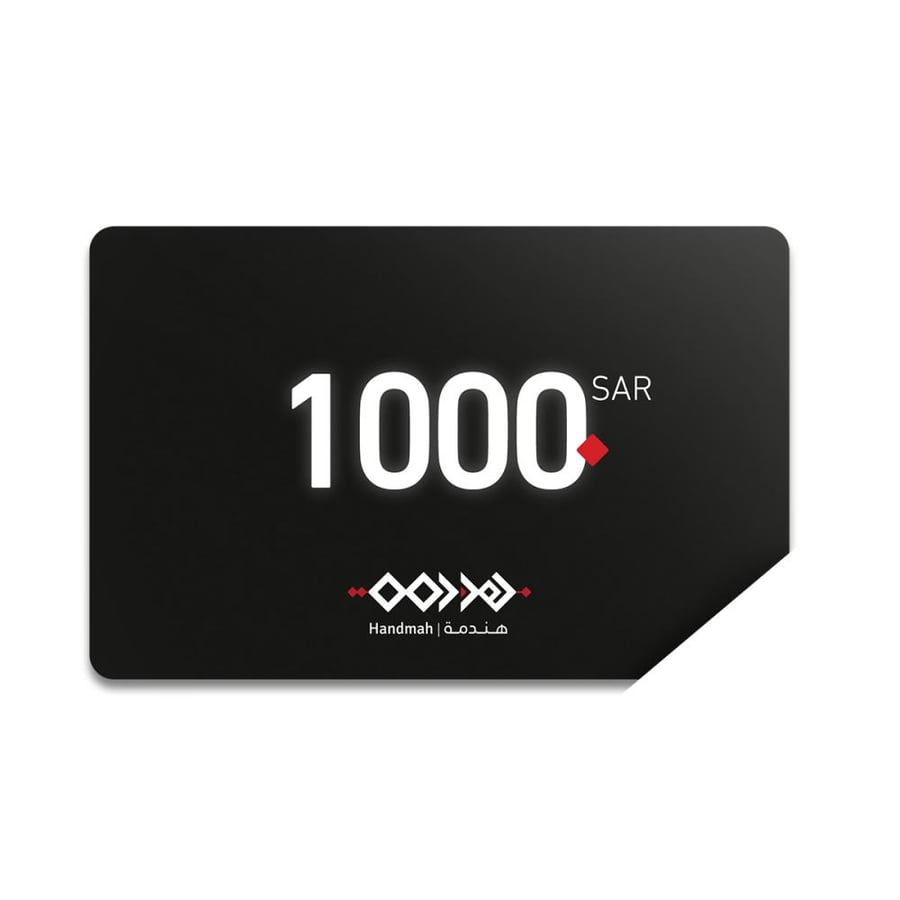
A gift card from Hindama 1000
1000ر.س
Product description
Hindama Store offers its valued customers a special gift of a shopping voucher in the form of a digital gift card worth 1000 Riyals. It is the perfect choice for those seeking elegance and practicality at the same time. This card grants the recipient the freedom to choose from Hindama's elegant collection of shoes, providing a personalized shopping experience filled with distinction and luxury.
Voucher Gift Card Specifications
Type: Digital gift card
Value: 1000 Riyals
Usage: Through Hindama’s online store
Delivery Method: The card code is sent directly after payment
Category: Gifts and Packaging section
Card Features
A discount code equal to the card value is deducted directly from the shopping cart before completing the purchase.
Usage Method for the Recipient
- Log in using phone number or email.
- Add products to the shopping cart.
- Enter the discount code in the designated field.
- The discount (card amount) will be applied.
Terms and Conditions
- Purchases can be made for an amount higher than the card value, and the difference must be paid by the shopper.
- The card is valid for one-time use by applying the discount code to all purchases in the cart.
- Gift cards can only be used to buy products available in our online store.
- The amount paid for the gift card cannot be refunded.
- Part of the card amount cannot be used.
How to Obtain the Card
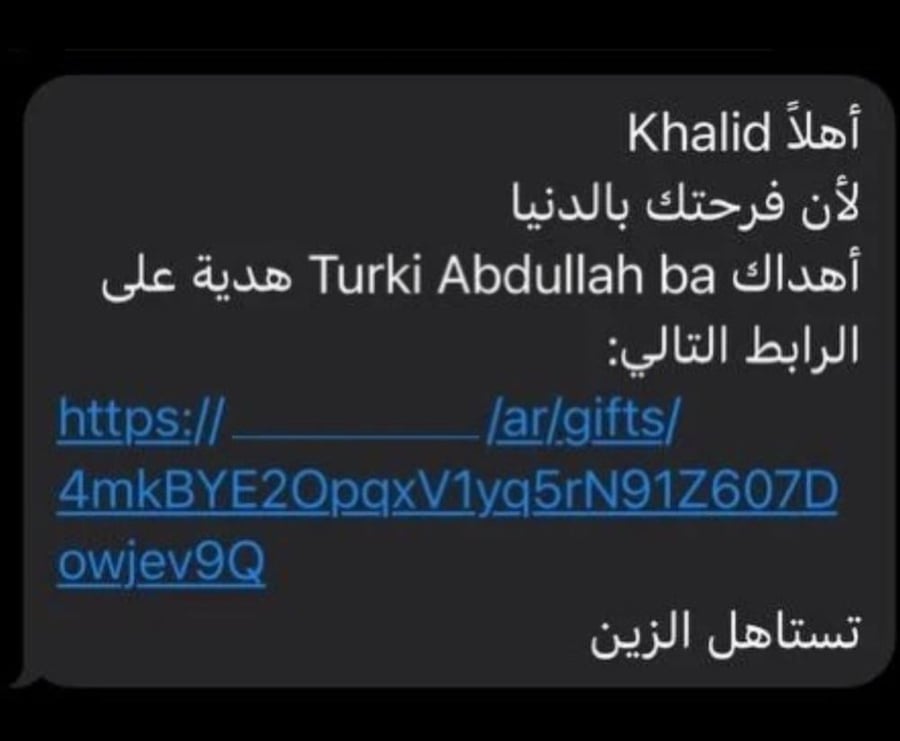
After payment, you will receive the card code directly with the card value.
With a Hindama shopping voucher gift card, make your gift elegant and practical at the same time. Act now and share a luxurious shopping experience worth 1000 Riyals from Hindama with your loved ones.
Related Products:
Gift wrapping bag
Youth gift
Special shopping voucher gift
Or you can choose a (custom gift message) to write your own text.
4. Add recipient details directly: their name - phone number.
Can I send the gift later?
Yes, by selecting the date, time, and minutes when clicking on the “Send it later” option, which will then take you directly to the payment page.
Can I modify the gift information for the gift I scheduled to send later?
No, you cannot go back and edit the details and information of scheduled gifts that have been set to be sent later.
Where can I view gift requests?
Gift requests are shown in the orders list under the customer by adding the “Gift” code, and the customer can also see a gift icon in the order details.

From Jeddah
Questions you might have