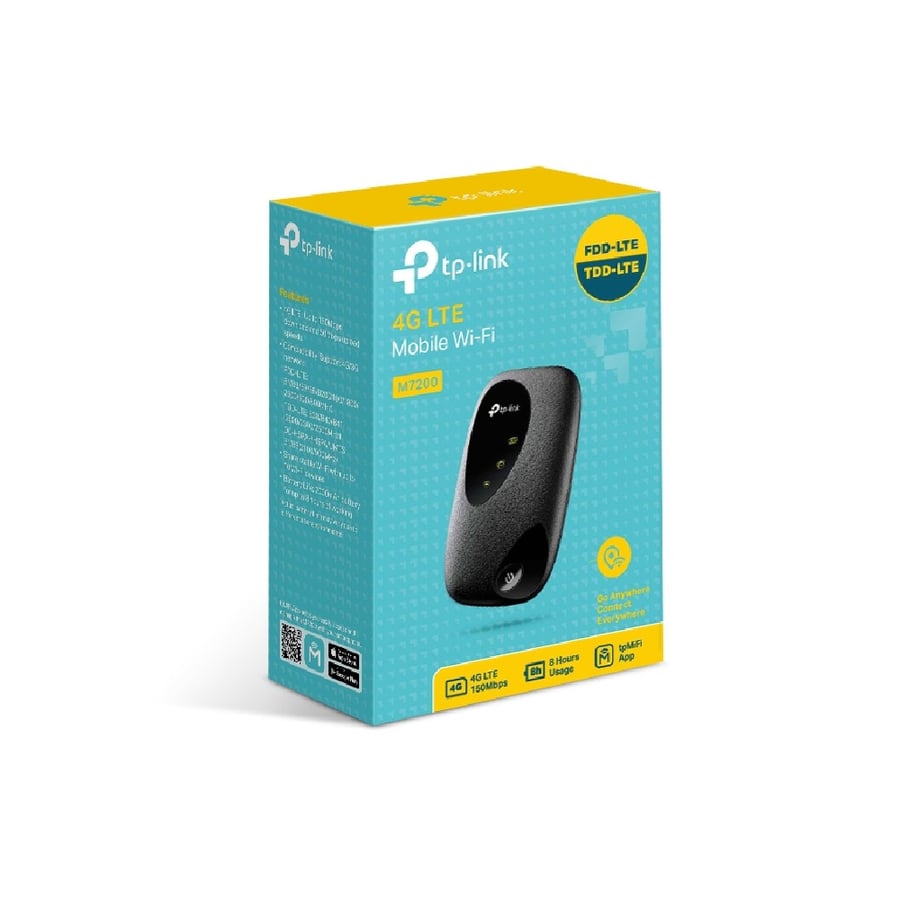
M7200
115ر.س
195.5ر.س-41%Product description
The M7200 Network Distributor Device
The M7200 device allows you to share the internet with friends or family for a long duration that can reach up to 8 hours, without interruption or service cut-off. This brings joy and happiness to family and friends gatherings, as the internet is now indispensable worldwide. Additionally, the M7200 device is compatible with networks in most regions and different countries. You can obtain the M7200 network distributor device by ordering it from our online store for immediate delivery.
Specifications of the M7200 Network Distributor Device:
It has a simple, sleek, and small shape that is easy to carry and transport.
The device operates via the mobile SIM card inserted into it.
Management: The M7200 device has easy management through the TP MIFI app.
Generation: The M7200 supports 4G FDD / TDD-LTE fourth generation networks.
Coverage range: The M7200 can cover and distribute the network over the entire area of two rooms.
Battery: The device has a 2000 mAh battery.
Battery life: The battery lasts approximately 8 hours of usage on a full charge.
Number of devices: The M7200 network distributor can share with 10 devices simultaneously.
How to use the M7200 Network Distributor:
First, remove the device cover.
Insert the mobile SIM card.
Install the included battery.
Register the SSID and password.
Press the Wi-Fi power button, then connect your wireless device to the Wi-Fi network you previously connected to, using the default SSID and the password you noted.
If the device is not connected to any other wireless devices or shared with them for 10 minutes, the M7200 will automatically turn off the Wi-Fi button to save power. If you find it not connected to the Wi-Fi network, consider restarting it.
Tips for caring for the M7200 Network Distributor:
It is recommended not to expose it to water or fire.
Avoid exposing it directly to hot environments.
It is advised to consult specialists rather than attempting to disassemble the device.
Avoid replacing the device's battery with any unknown source.
If something in the device is damaged, do not attempt to repair it yourself; seek professional help.