


Digital skills for first intermediate - second semester
99ر.س
Product description
Digital Skills First Intermediate Second Semester (All lessons according to the new edition of the curriculum) - Contents of the Digital Skills Bag First Intermediate Second Semester: All lessons of the curriculum. Distinguished PowerPoint, comprehensive and exclusive for each lesson in the curriculum. The PowerPoint presents the lesson concepts gradually and beautifully. A video for each lesson inside the PowerPoint. A worksheet for each lesson with an answer key. (Interactive file - review of the previous lesson) to connect the lessons together. (Self-test) found in another folder of the curriculum. A special PowerPoint for the unit project and other programs. Solutions for the digital skills book, embedded into the lesson PowerPoint. A complete lesson model below in blue. Files are exclusive to the buyer and we do not sell, distribute, or lend them.
Our free gift with the bag:
A folder containing more than 30 ready-to-use strategies for your lesson — just add your discussion question.
A folder with more than 20 helper files for teachers, ready for editing and use.
A folder with more than 15 interactive games and competitions as an easy-to-edit PowerPoint file — just add your questions.
Features of the teacher's bag:
The bag will serve you greatly inside the classroom and is organized by each lesson separately.
The worksheets are in PowerPoint format for the digital skills first intermediate, in both versions (boys - girls).
All files are editable (PowerPoint + Word).
All papers are available in both formats (Word + PDF).
The curriculum folders are organized, numbered, and each unit's contents are in a separate folder to save your time and effort.
Immediate delivery after payment; a Google Drive link to your curriculum will appear on the same page instantly.
Access and download your files at any time.
They can be viewed on a computer, mobile, iPad, or all devices.
It is preferable to run them on mobile or iPad using the (PowerPoint) app, which can be downloaded for free from the Apple Store.
Your curriculum files are stored safely and you can return to them at any time from our store:
Your profile > Options (Orders) > Click on the order number > Scroll down > Digital content review > Download the file.
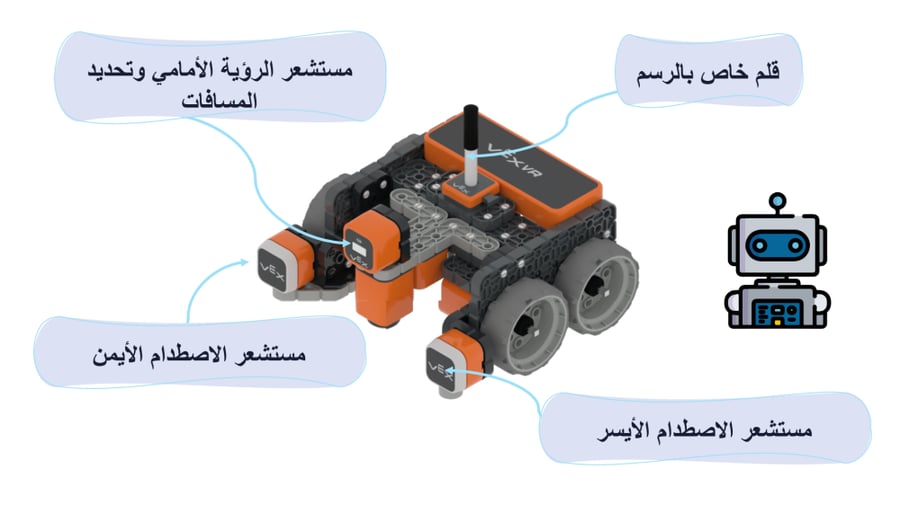
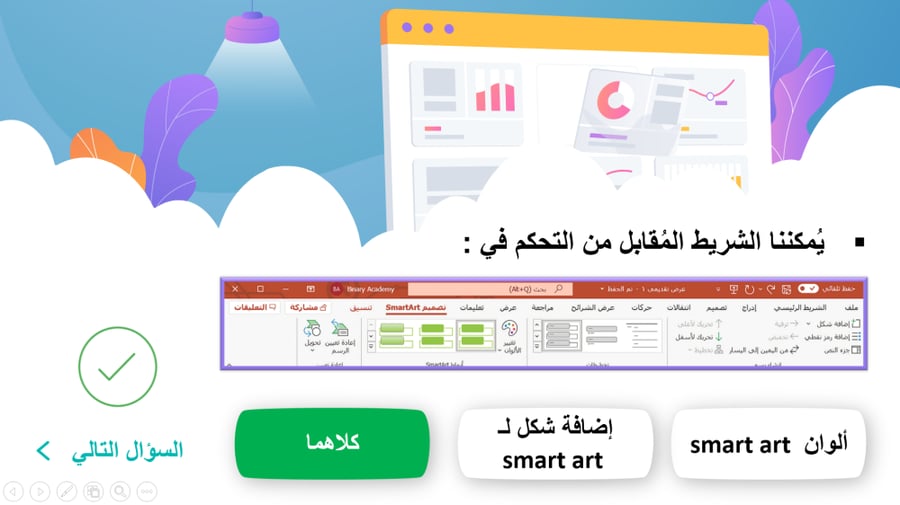
Samples of digital skills preparation for first intermediate second semester:
The attached images in the store are random from PowerPoint files for the entire curriculum.
Click here to see the full free lesson on programming coordinates. Click here (it is preferable to download the files to your computer first then display or open them via the PowerPoint app on your phone).

From Buraydah