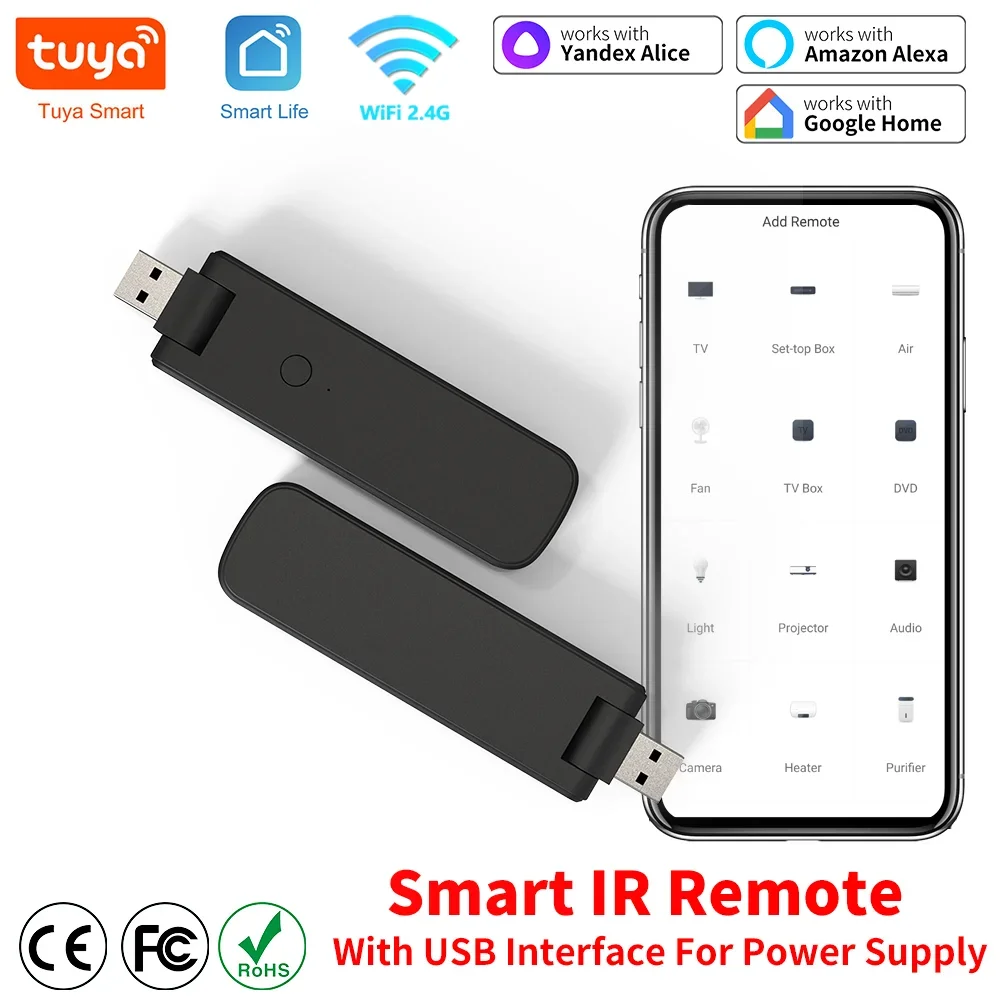
Remote control device with infrared technology for smart home, powered by USB, for TV, devices, Wi-Fi, air conditioner, with Alexa and Google Home
31.28ر.س
Product description
Tips for purchase
1. Supports the smart remote control device, the infrared remote control only, and does not support Bluetooth or RF or G remote control.
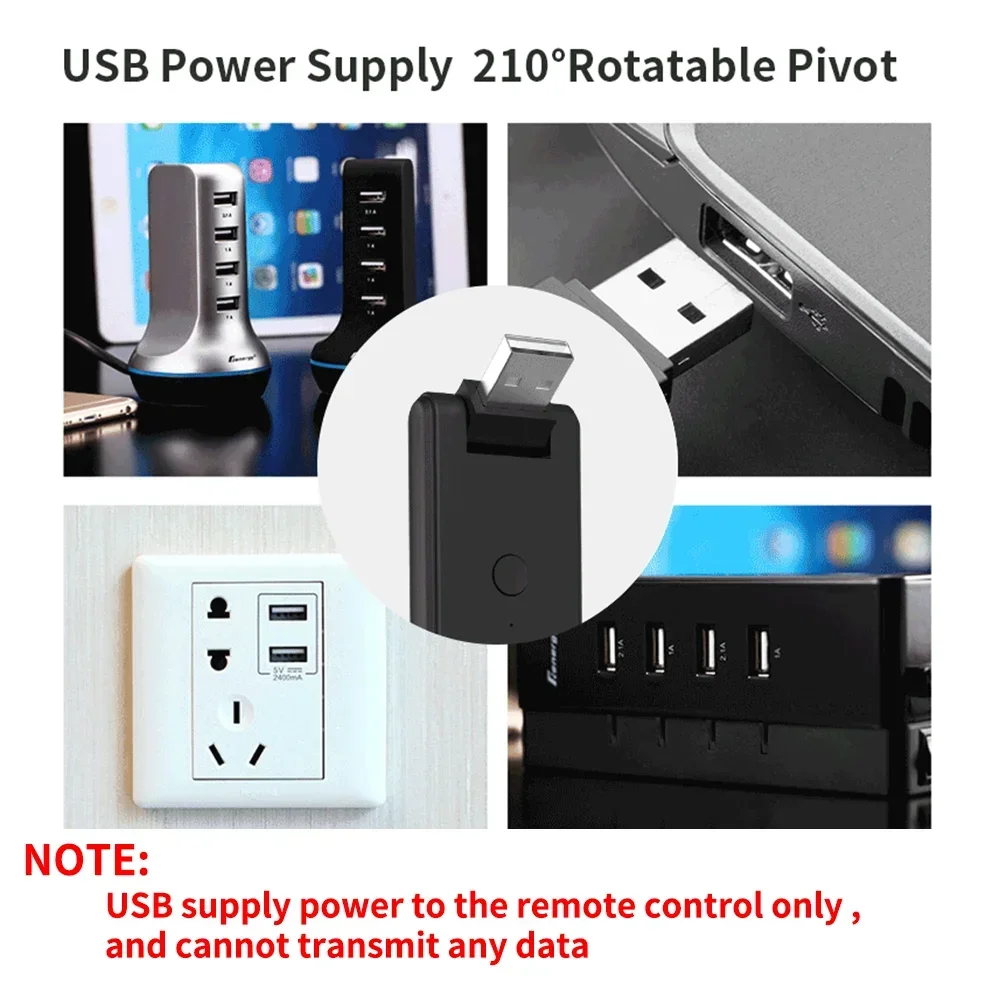
2. Does not have an integrated battery and requires a constant USB power supply.
3. Needs a WiFi GHz network that is always connected when working. Please turn on WiFi GHz and stay online.
4. The original app is Smart Life and Tuya Smart, third-party (Amazon Alexa, Google Home, Yandex Alice) is not necessary.
5. Because third-party (Amazon Alexa / Google Home / Yandex Alice) does not have a matching display panel, after pairing, they cannot display the control panel itself like Smart Life on their app.
6. The remote control can be voice-controlled via a third-party smart speaker (Amazon Alexa / Google Home / Yandex Alice), but the DIY learning control panel does not support this.
7. Cannot reverse synchronize the original device signal for home appliances.
8. Yandex Alice only supports AC, TV, TV box, and fan.
9. Bluetooth only works during product configuration.
Product features:
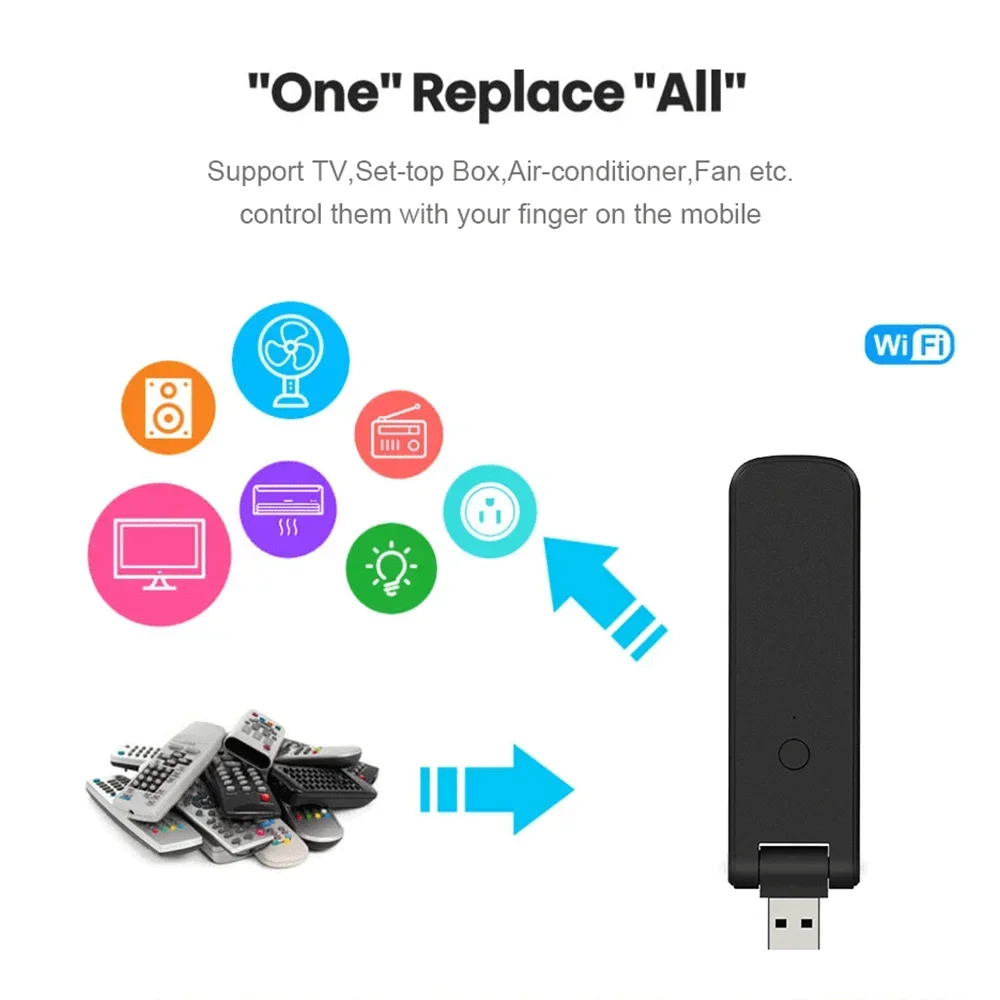
With the universal smart remote control device, you can use your smartphone to control home appliances, such as STB (Set-Top-Box), TV box, TV, air conditioner, fan, DVD, etc., compatible with most brands. For more details, please refer to the supported brand list in the app. Additionally, it has an educational function, allowing you to copy the main function of the original remote control to the app.
Note: Not compatible with home appliances that use wireless frequencies or Bluetooth remote control.
1. Massive infrared code database
Supports brands, code + IR on the cloud, the supported device library is continuously updated by the cloud.
2. App remote control
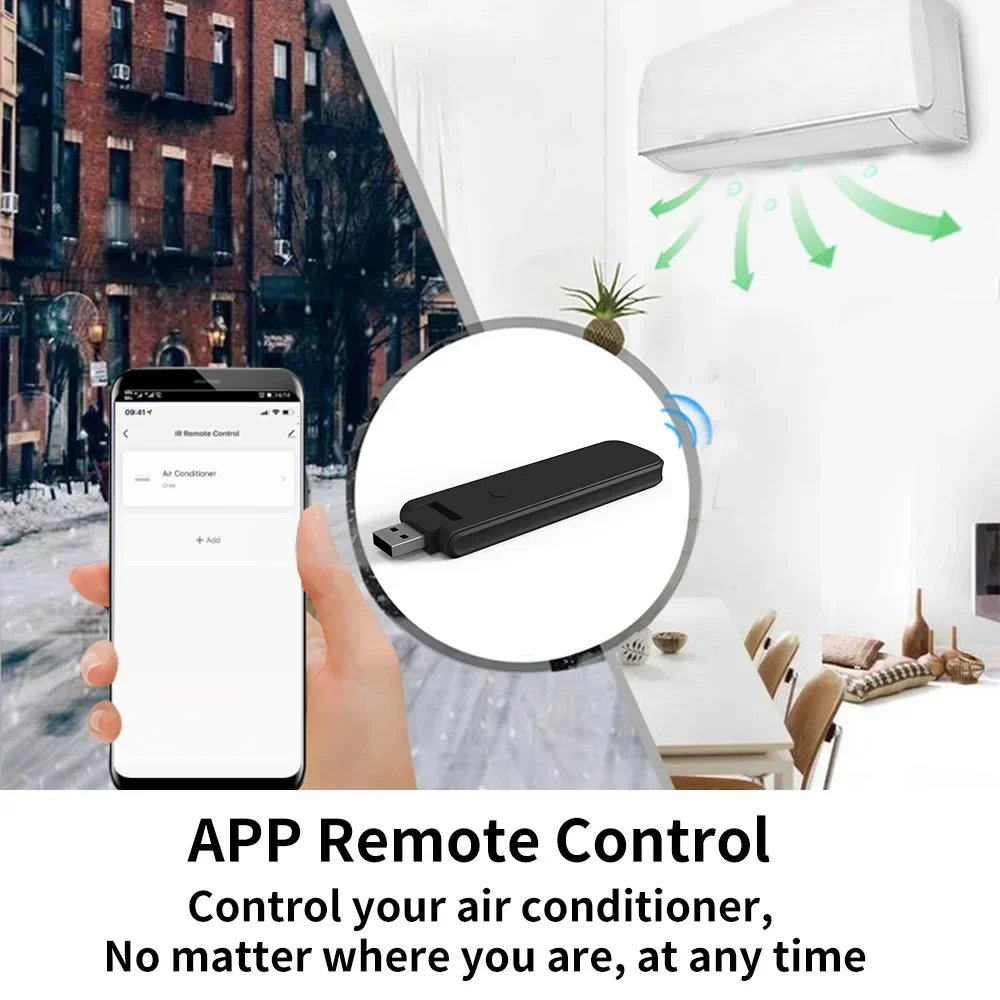
Control your home appliances using the "Smart Life" app on your smartphone anytime, anywhere. For example: turn on the air conditioner/TV in advance, enjoy a comfortable temperature upon arrival.
3. Easy installation and app addition
Simply connect the cable line to the device, then select automatic search for the infrared smart remote control app. The entire process takes only a few minutes.
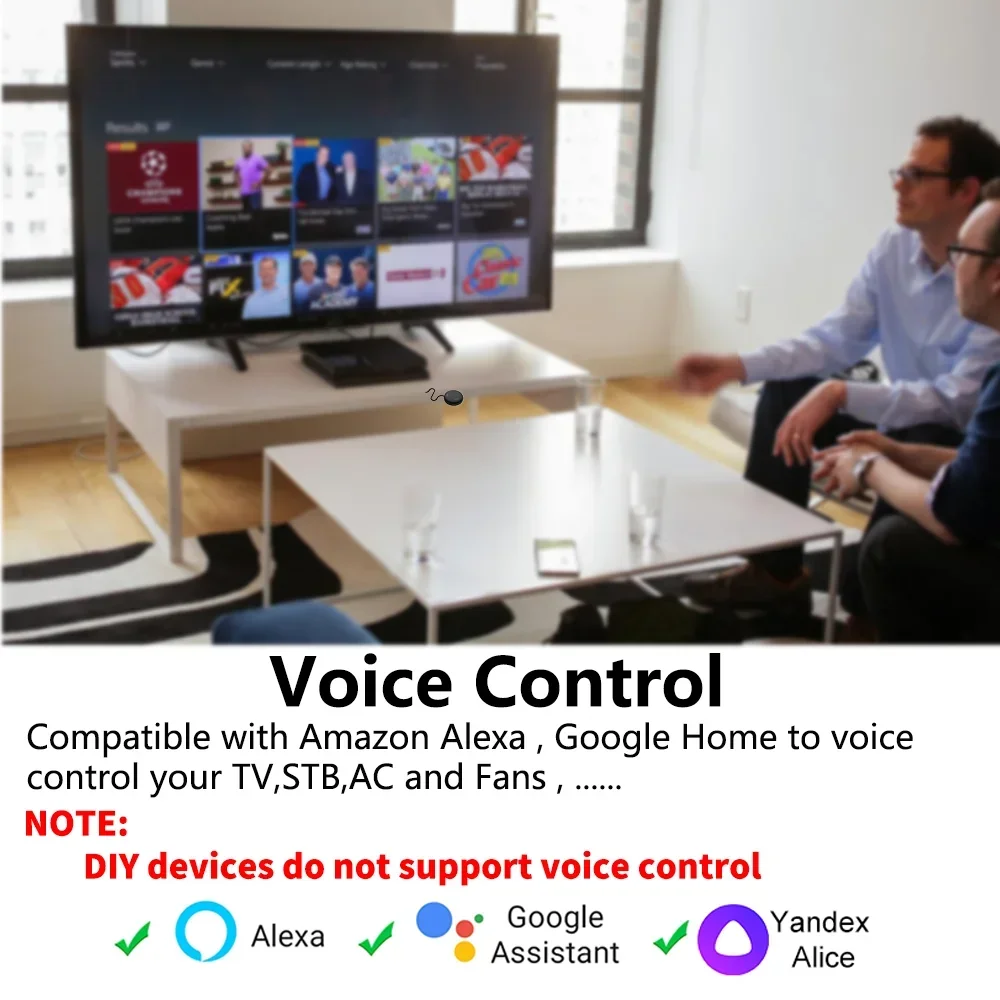
4. Voice control
By connecting a smart speaker, such as Amazon Alexa, Google Home, Yandex Alice, you can control your home devices by voice. For example: Alexa, turn on the TV; Google, set the air conditioner to 25 degrees.
5. Scenario and automation in the app
A scenario consists of one or more actions. By creating a "scenario," you can control multiple devices with one tap; by adding "automation" and interacting with other smart home devices, the remote control using Wi-Fi can execute actions automatically based on conditions such as device status, weather, and time.
6. Automatic trigger timer
According to your living habits, set timers for your home appliances, such as turning the air conditioner on/off at regular intervals. The app has a 7-day scheduling feature.
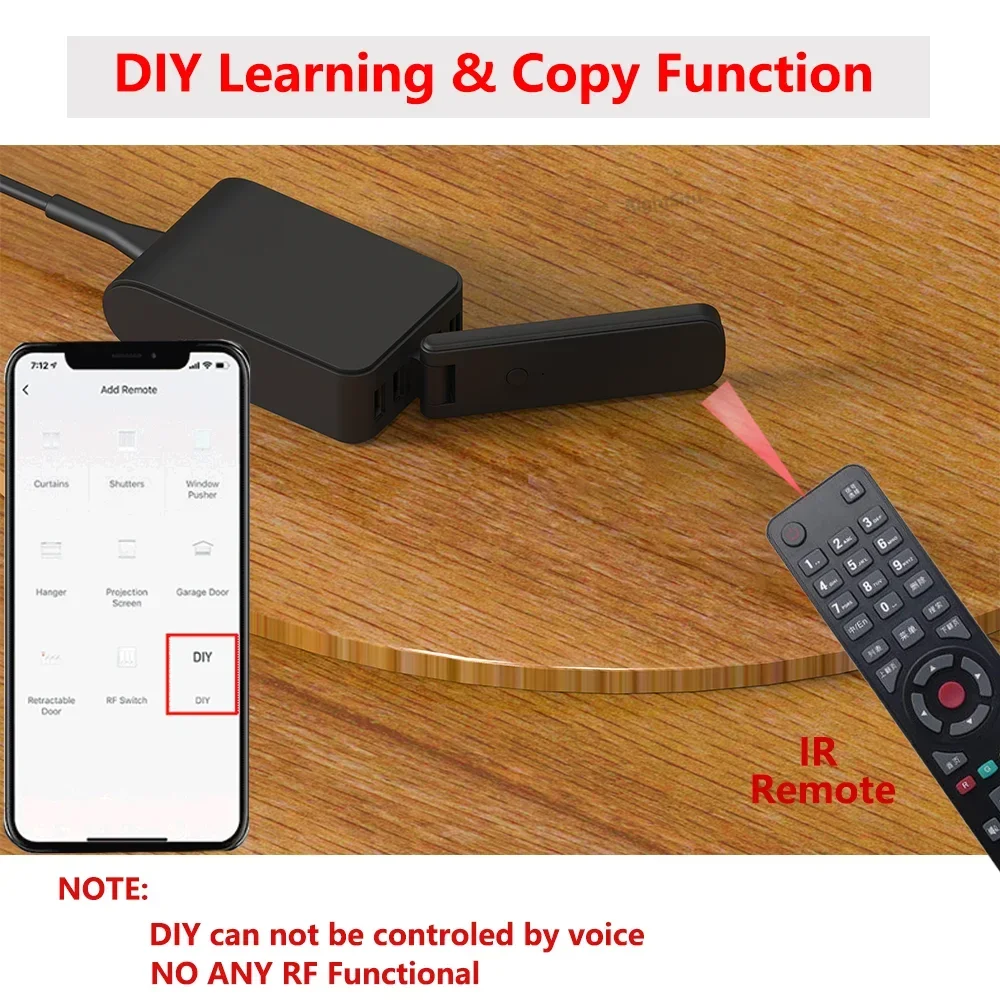
7. Custom buttons and copy function in "Smart Life"
If your home appliance brand is not listed or not supported.
8. Third-party control
Works with Amazon Alexa, Google Assistant, Yandex Alice.
After completing the setup, you can control your TV and air conditioner at home whether you are working or traveling.
Tips:
1. The original app for the universal smart remote control device is "Smart Life."
2. Does not support Mi Home, EWeLink, or other apps.
3. The remote control function requires continuous WiFi use.
All-in-one smart remote control
Covers an extended library of infrared codes for remote control of TVs, air conditioners, fans, STB, and lighting that use infrared control. No worries about control issues, and finally, the copy function works with Amazon Alexa, Google Home, Yandex Alice, and Sireo. By linking to Amazon Alexa, Google Home, or Yandex Alice account, you can control your home devices via voice commands. For example:
- Alexa, turn on the TV.
- Google, set the air conditioner to 25 degrees.
- Alice, turn on the light.
Note: Yandex Alice only supports air conditioners, TVs, TV boxes, fans, and USB power supplies. Easy to use: insert into a USB power outlet for power supply, portable for use anywhere as needed.
Note: USB only for power supply, data transfer not supported.
Timer weight and automatic trigger
Never miss an excellent match—stay late for the game but always oversleep? The smart remote helps you turn on the TV at the right time and channel. Enjoy the game!
IR learning and copying function:
The Smar Lifet app offers a copying customization feature. If your home appliances are not listed or unsupported, you can use this function to copy the main function of the original remote control to the app. Probably one in each room.
Infrared cannot penetrate walls, so it cannot control devices in other rooms. It is recommended to install a universal remote in each room. Share with your family.
The Smart Life app can be shared with family members.
Step 1: Create or update home information
Step 2: Invite members to join the home
Step 3: Family members agree to join the home
Remote control support or not:
Supports all infrared remote controls.
Note that remote controls, Bluetooth remote controls, and Bluetooth devices are not supported.
Tips:
1. Infrared remote control contains an infrared emitter tube, or the emitter tube is protected by a black transparent window.
2. Long press the infrared remote control to start the home device; long press function is not supported, other functions are supported.
Infrared emitter flower-shaped
Multi-directional emission, ensuring quick and accurate delivery of each command. All components and parts are from top manufacturers.
Product parameters:
* Input: 5V/1A DC
* IR remote control distance: ≤ 8m
* Connection: Wi-Fi IEEE b/g/n GHz
* App: Smart Life
* Supports voice control: Amazon Alexa, Google Home, Yandex Alice
What is in the package?
1. Universal infrared smart remote control
2. User manual
How to download the app?
Open Google Play or App Store, search "Smart Life" and install.
You can also scan the QR code below to download.
How does the app look?
The app page may be optimized for better appearance.
How to add the smart remote control to the app?
Using Bluetooth to add a smart remote control is very easy.
Grant Bluetooth permission to the app, and the app will automatically find the device to add.
How to add devices (taking TV as an example).

From Arar
Questions you might have