


Wireless comfortable mouse with high performance with adjustable accuracy between 800 and 1200 and 1600 dots per inch. It has an ambidextrous design and covers a working range of up to 10 meters with plug and play support.
73.99ر.س
Out of Stock
Product description
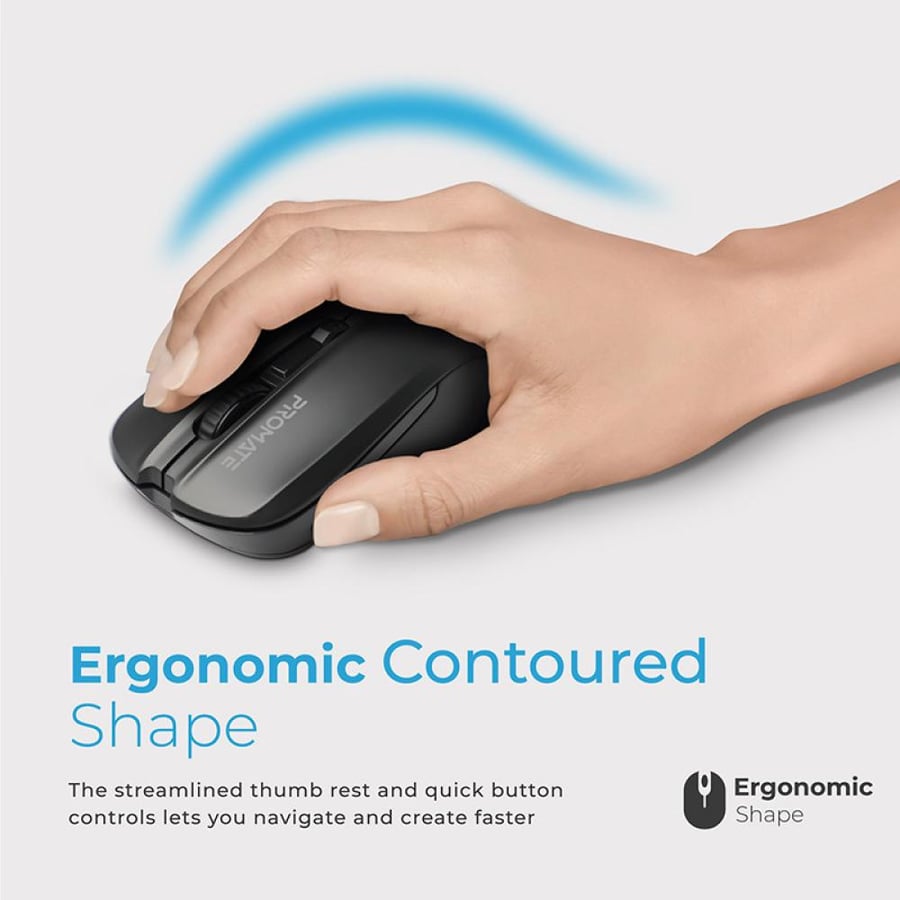
Promate Contour wireless mouse combines comfort and performance. It features a comfortable design suitable for both right and left hands, making it ideal for all users. Thanks to quick controls, you can navigate and create more efficiently. It also includes a button to adjust the cursor sensitivity (DPI), ensuring complete comfort during work. Product specifications: Comfortable wireless mouse: Provides the comfortable design of the Promate Contour wireless mouse with fatigue-free performance so you can improve your productivity while enjoying a comfortable grip. Stable 2.4 GHz transmission: Thanks to the 2.4 GHz connection, you will no longer face wireless disconnections or interference from other wireless devices. Promate Contour provides a stable connection so you never have to deal with a slow response rate. Suitable for use with both right and left hands: The Contour mouse is designed to be suitable for use with both left and right hands while maintaining the same comfort and ease, increasing your productivity and giving you full freedom in left and right-handed use. Optical mouse with precise tracking: With the Contour wireless mouse, you can expect high-precision tracking with the best optical sensors that will give you enhanced efficiency for optimal performance. You can now exert extra effort during the day and accomplish more work. 4 programmable buttons for ease of operation: The Contour mouse comes with four functional buttons that execute complex commands with a single click. The DPI adjustment button allows you to control cursor movements, improving your performance and boosting your productivity. Adjustable DPI switch for higher performance: The three adjustable DPI settings of 800/1200/1600 track mouse movements to improve performance. You can set sensitivity to match your screen's resolution and change it using the DPI adjustment button on the Contour mouse.

Questions you might have