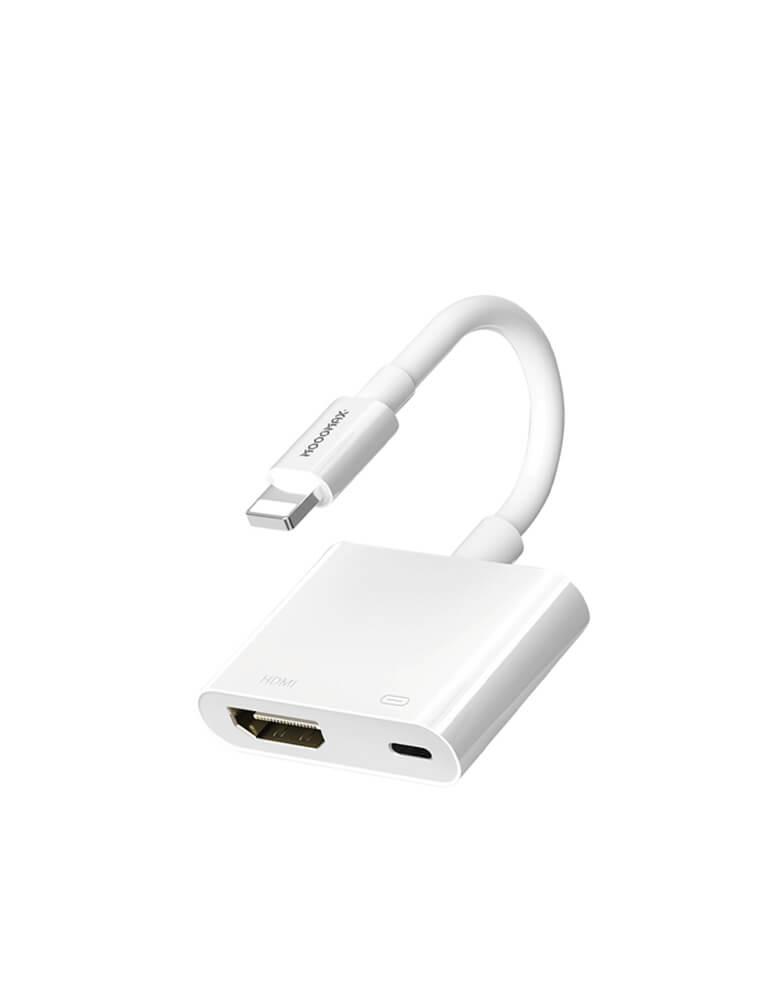
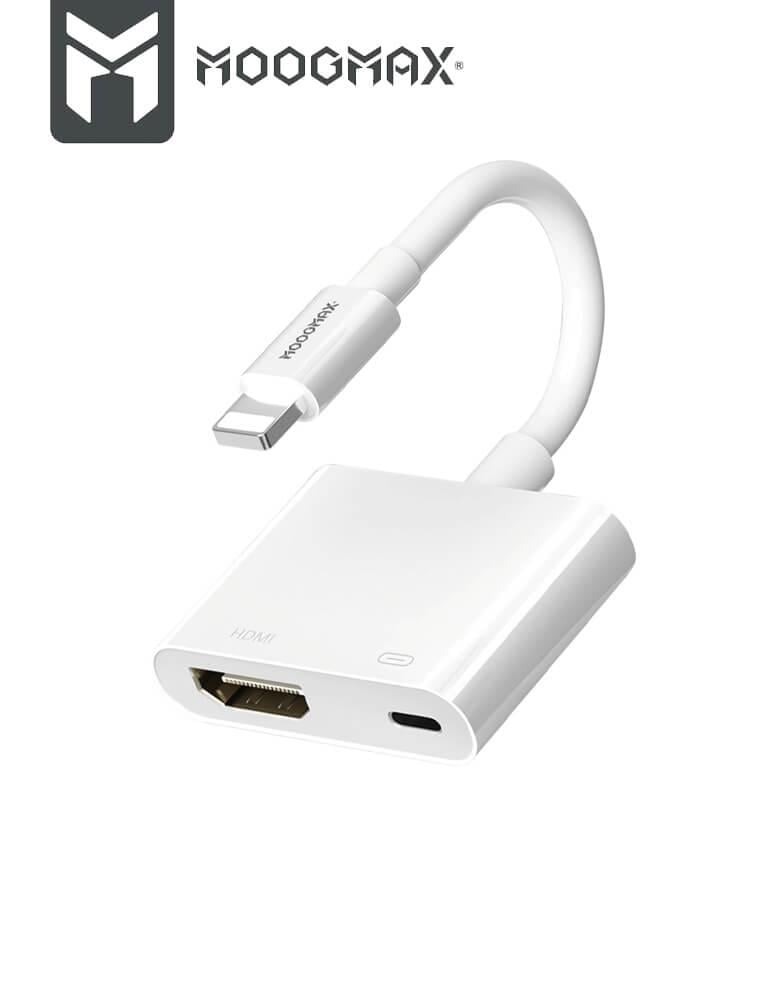


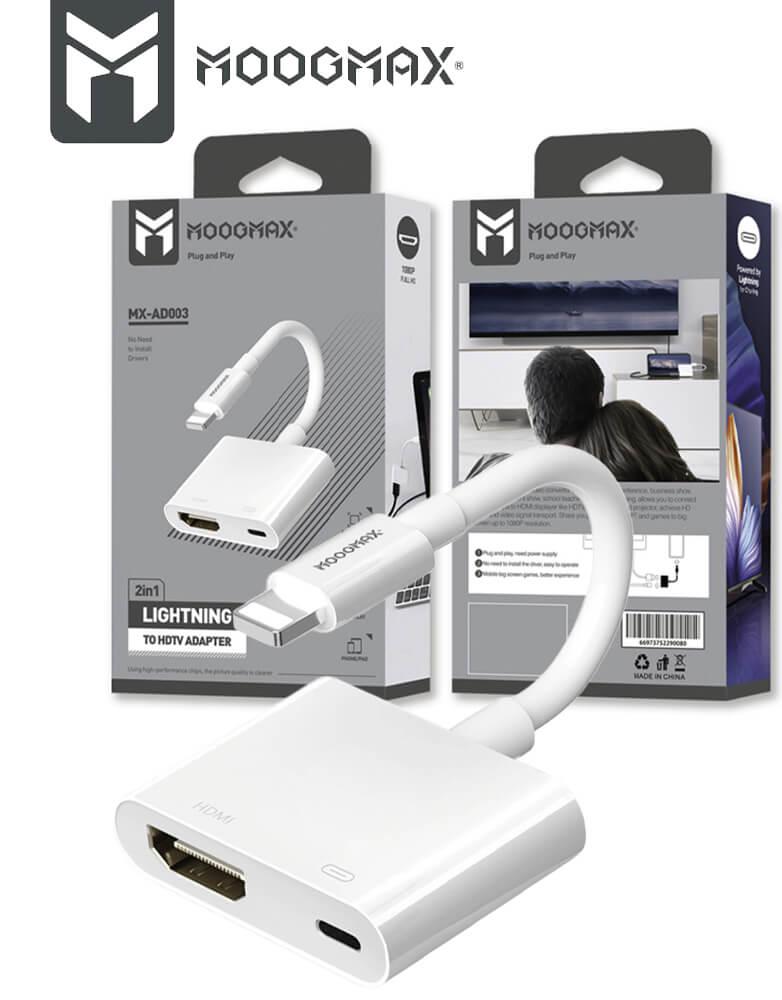

iPhone converter MOOGMAX | from Lightning to HDMI port and Lightning port | Apple certified MX-AD003 | Mfi white
59ر.س
Product description
iPhone Lightning to HDMI adapter from MOOG MAX | Watch, Share, Charge
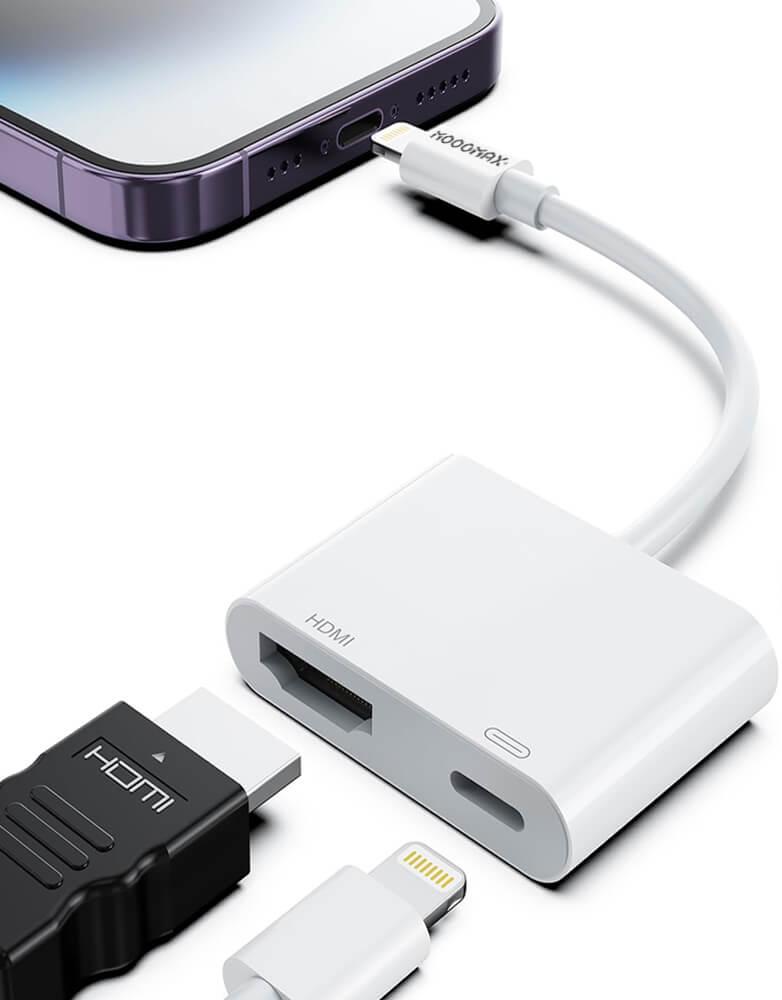
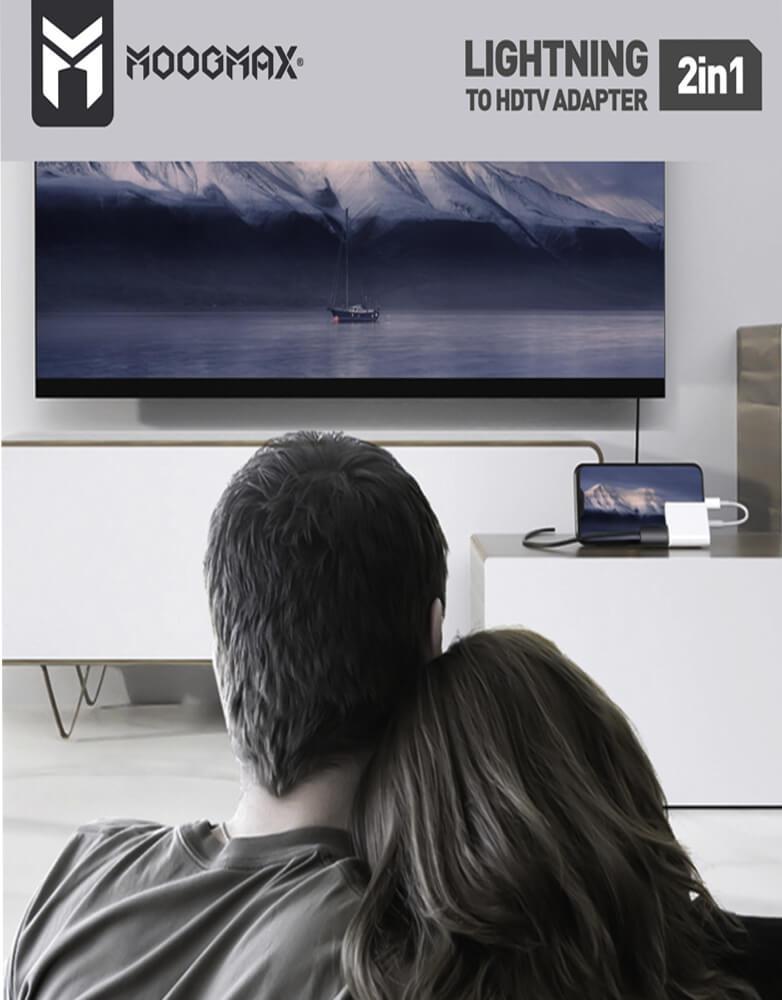
Apple Lightning to HDMI adapter from MOOGMAX is the solution to convert any screen into a large display. This adapter provides you with an enjoyable high-quality visual experience for watching videos, giving presentations, or sharing special moments.
Main features:
High-performance quality: Supports 1080P HD resolution for viewing high-definition content, with full audio and video synchronization to ensure a smooth, lag-free viewing experience.
2-in-1 function: Includes an additional charging port that allows you to charge your iPhone or iPad while using the device for display.
Apple MFi Certified: This adapter is MFi certified by Apple, ensuring full compatibility and reliable performance with all your devices.
Durable and stylish design: Made from high-quality materials, featuring a compact design and a tangle-resistant cable.
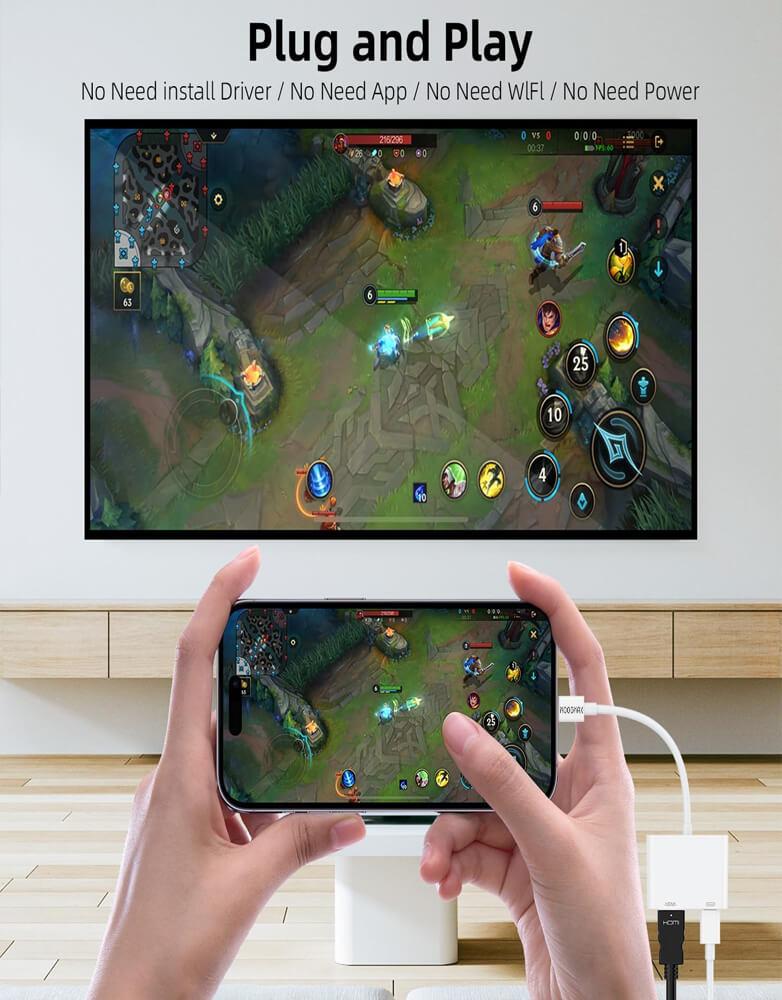
Ease of use: Works immediately upon connection, with no complicated setup required.
Compatibility: The Apple Lightning to HDMI adapter works with a wide range of devices using the Lightning port, including iPhone 11 Pro Max/11 Pro/11/XS Max/XS/XR/X 8 7 6 Plus, iPad, iPod. It also supports iOS 13/12/11 and earlier versions.
Technical specifications:
Model: MX-AD003
Brand: MOOGMAX
Type: 2-in-1 HDTV media connector for iPhone
Port: From Lightning to HDMI port and Lightning charging port
Resolution: 1080 pixels
Color: White
Certification: Apple MFi Certified
Material: The connector is made from high-quality materials
Warranty: Two years from the agent
Uses for this connector:
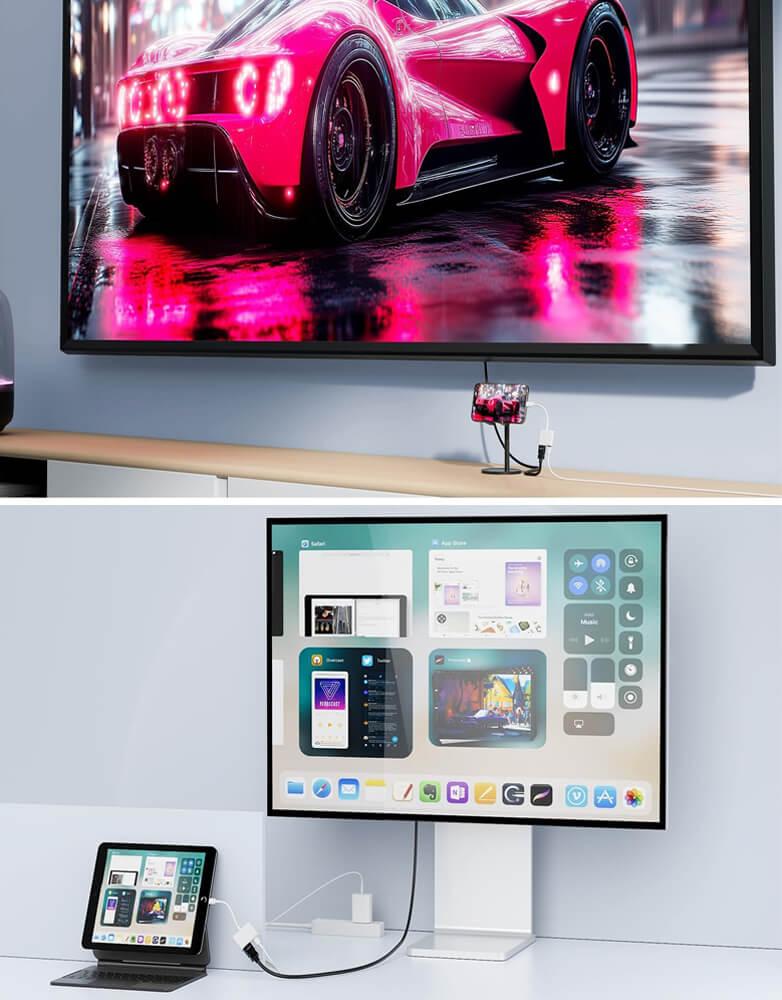
Watching content on a large screen: When you want to display videos, movies, or photos from your iPhone/iPad on a TV or projector that supports HDMI.
Giving presentations: When you need to display slides or documents from your iOS device on a larger screen for meetings or conferences.
Sharing family or friends’ content: When you want to show family photos and videos on the TV screen with relatives and friends.
Gaming on a larger screen: To connect your iPhone to the TV and play games on a bigger screen for a better experience.
Charging during display: Provides a solution for low battery issues during content streaming, allowing you to charge and display at the same time.
No wireless connection (like AirPlay): In places where Wi-Fi or wireless streaming devices are unavailable, this wired adapter is a reliable solution.

From Jeddah