
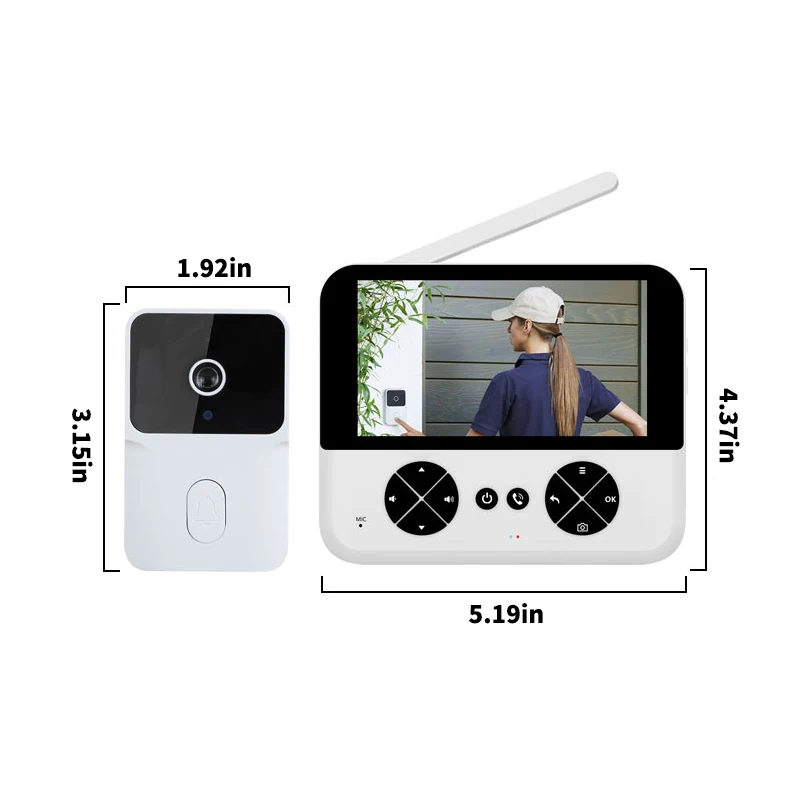
Wireless video doorbell, 4.3-inch IPS screen, high-definition smart internal connection 720 pixels, two-way wireless call 2.4 GHz, night vision
322.58ر.س
411.04ر.س-22%Out of Stock
Product description
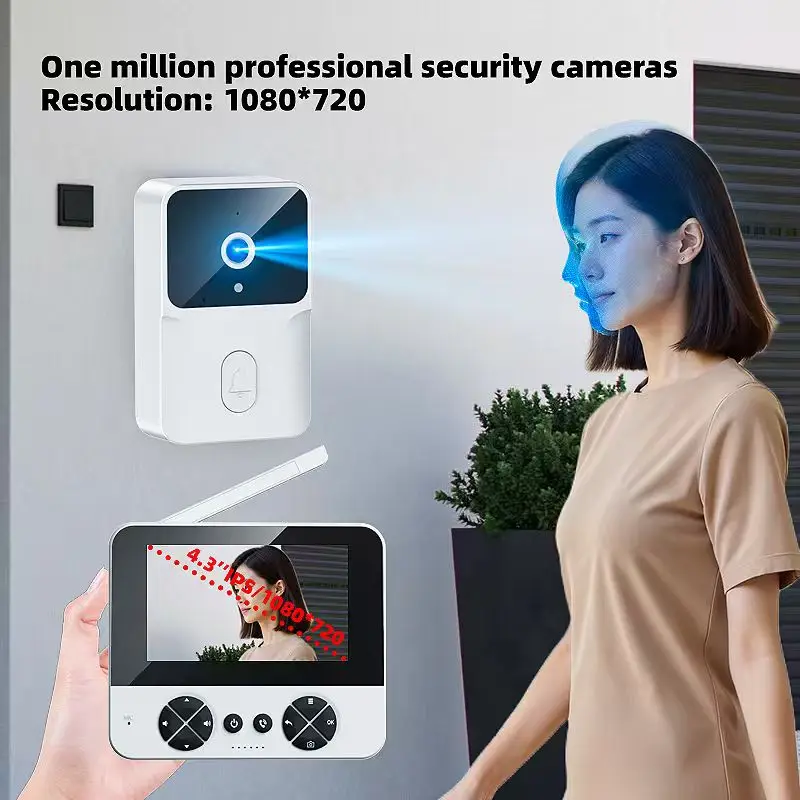
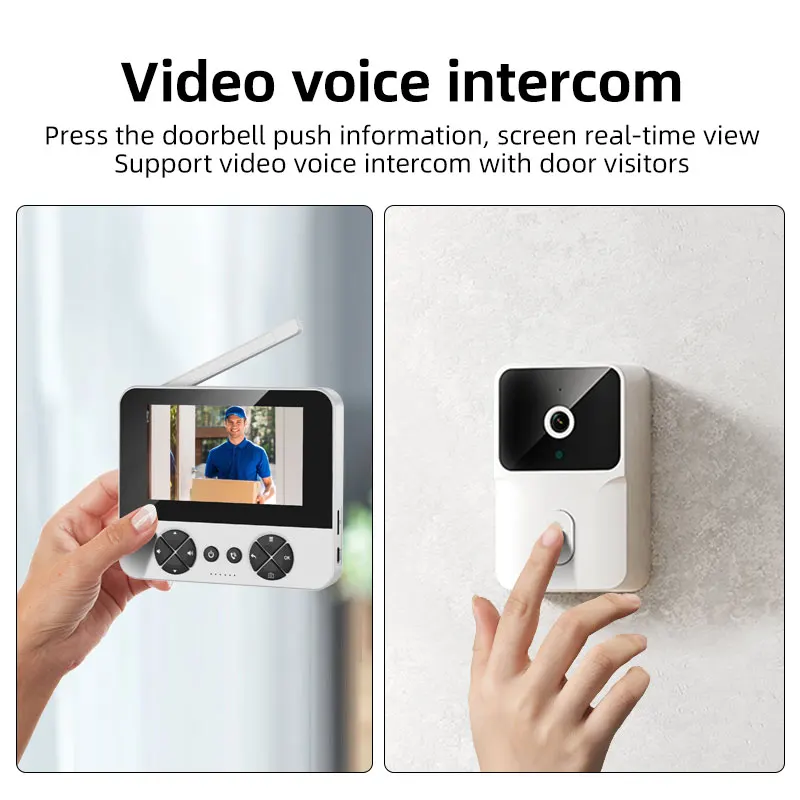
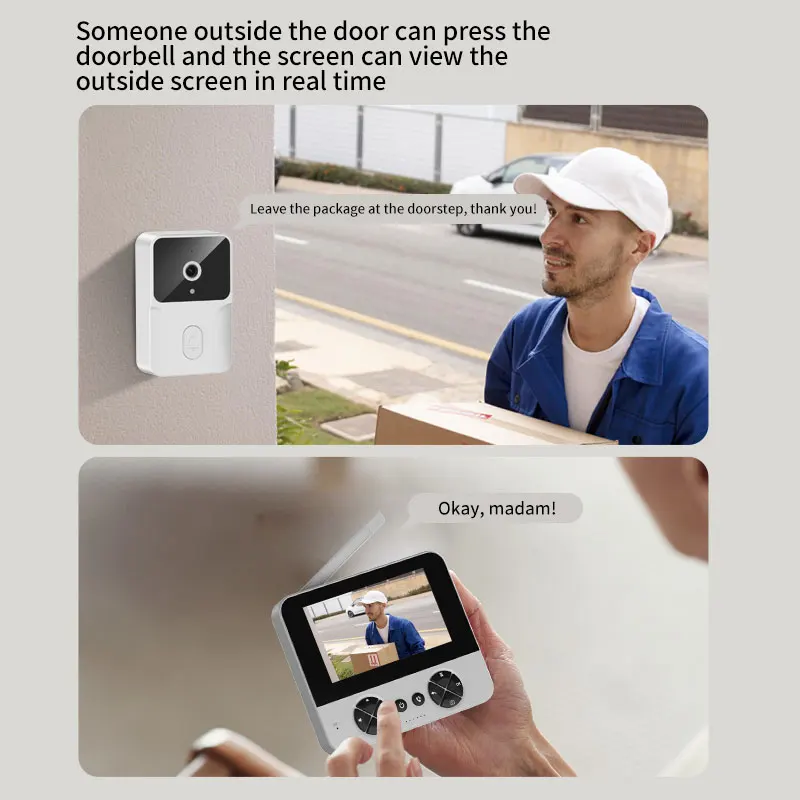
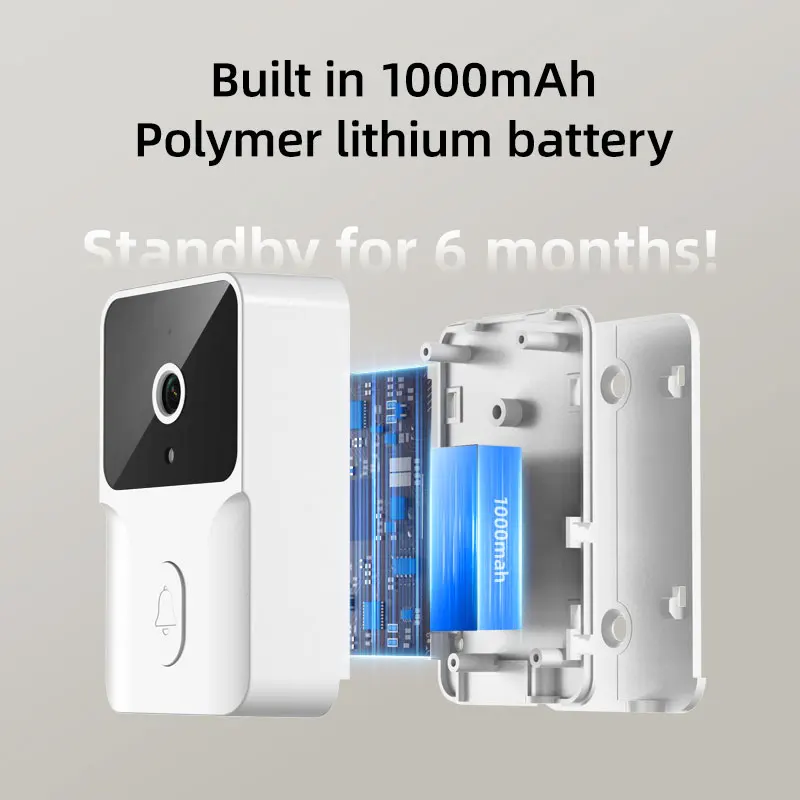
This product is suitable for families, on apartment doors and villa doors, and on external doors. They are very comfortable and simple. Tear off the 3M adhesive for the visible doorbell and stick it on the door, and connect it to the screen for use. ● The doorbell features two-way communication function that allows you to communicate with visitors, enhancing comfort and security. ● Wireless connection can be installed and set up easily without complicated wiring, making it an easy choice for you. ● The screen is powered by a power source, ensuring reliable performance and long-term use, reducing the need to replace batteries frequently. ● This doorbell features a color display that provides vivid and detailed images, ensuring you can accurately recognize visitors. Use feature reminder 1. Shipping after receipt of goods. 2. The display light indicates: usually connected with green and orange, uncharged with green, connected with blue and red, not connected with blue. 3. External doorbell connection instructions: when the doorbell runs out of power, push the doorbell up, then remove it when you hear the charging sound. 4. The external doorbell is charged with a red indicator light, and the light turns off when fully charged. 5. Call display instructions: when the visitor presses the doorbell at your door, just press the call button to connect, and you can speak to the wireless intercom device. When you need to speak with a visitor at the door, just press and hold the call button for a long time to talk. After releasing the call button, visitors will not hear your voice. When you want to continue the call, press and hold the call button for a long time to continue the call. 6. Wake up to check doorbell use instructions: when the electronic doorbell is normally connected, if you want to check the status outside the door from inside, just press the call button to check the outside status. When checking the outside status, press the call button again to end the call and stop the outside mode on the display. 7. One-click picture and video use instructions: press the call button to display outside the door, press the picture button to take a picture/video with one click, and the video must be inserted into the memory card for use, the power cannot be recorded. 8. When the call ends: you can view recorded pictures/videos, press the menu button to view images, videos, and record videos. When clicking on record video and take pictures, press the menu button to delete unnecessary images and videos. 9. Supports 13 country languages: English, Simplified Chinese, Traditional Chinese, German, French, Italian, Spanish, Portuguese, Russian, Arabic, Japanese, Korean, Turkish. 10. About ringtone settings: press the menu button to enter ringtone settings, and you can choose the ringtone you want, and the settings are saved automatically after completion. 11. Display time setting instructions: this product uses 2.4G point-to-point connection. After receiving the device, you can set the display screen time first, by pressing the menu button, selecting the option according to the time, then start adjusting to match your country’s time. After setting the time, press the doorbell button once to save the set time. When a visitor presses the doorbell at your door, just press the call button to connect, and you can speak to the visitor’s wireless intercom device. When you need to speak with a visitor at the door, just press and hold the call button for a long time to talk. After releasing the call button, visitors will not hear your voice. When you want to continue the call, press and hold the call button for a long time to continue the call. Please note that the screen needs to be connected to an external power source for long-term use, and the built-in battery is for temporary use only. Please connect an external power source to extend usage time. New upgrade: 1 million professional security cameras, upgraded resolution to 1080*720, and high-definition camera can effectively see faces. The field of view is clear and wide, and it can be seen more clearly. Sitting at home, visitors can be clearly seen at the door. It can provide high-definition video monitoring for your home. Display time adjustment instructions: this product uses 2.4G point-to-point connection. After receiving the device, you can set the display screen time first, by pressing the menu button, selecting the option according to the time, then start adjusting to match your country’s time. After setting the time, press the doorbell button once to save the set time.

From Riyadh
Questions you might have