

Trans 100-watt smart power supply
175ر.س
Product description
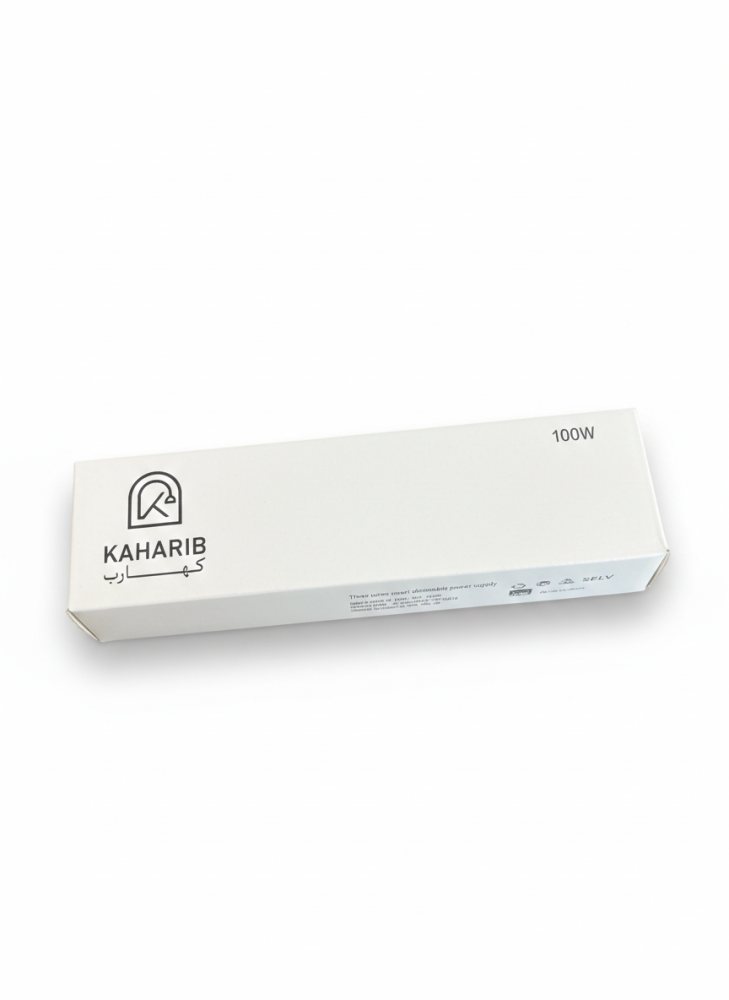
Specifications: Length 46 mm, Extended 188 mm, Height 29 mm.
• Brand: KAHARIB.
• Product type: Smart dimmable power supply with 3 wires.
• Model number: SXZN-24V-100W.
• Input voltage (electricity): AC 180-255 volts, 50/60 Hz.
• Output voltage (for lamps): DC 24 volts at 4.2 amps.
• Control technologies: Supports Tuya app via Wi-Fi and Bluetooth.
• Safety standards: SELV classification (Very safe low voltage).
• Country of origin: Made in China.
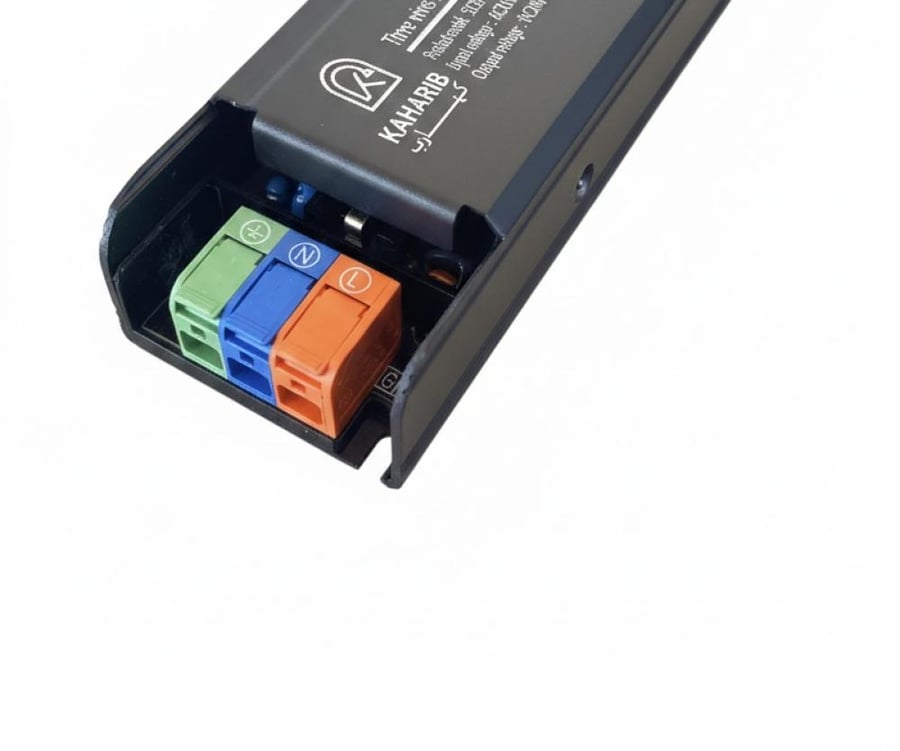
Color wiring clarification and connection:
• Power input (3 colors):
• Green: Ground wire.
• Blue: Neutral wire.
• Orange: Line wire.
• Lighting output (3 colors):
• Red: Positive pole (+V).
• White: Cold color control (C).
• Yellow: Warm color control (W).
Simple explanation of how to connect the KAHARIB smart transformer with the Tuya Smart or Smart Life app on your phone:
1. Initial preparations
• Ensure the transformer is correctly connected to electricity and the light strip.
• Ensure Bluetooth and Wi-Fi are enabled on your phone (Wi-Fi must be 2.4 GHz).
• Download the Tuya Smart app from the app store and create an account.
2. Pairing mode
• When turning on the transformer for the first time, the light strip will automatically flash, indicating it is in pairing mode.
• If it does not flash, turn the wall switch (or power source) off and on 3 to 5 times with a one-second interval between each press until the light starts flashing.
3. Adding the device in the app
• Open the app and tap the plus (+) sign or "Add Device".
• Thanks to the built-in Bluetooth technology, the transformer will appear automatically at the bottom of the screen; tap "Add".
• Enter your home Wi-Fi password and wait until the connection is complete.
4. Control
• After successful connection, you can now:
• Control brightness (dimming and increasing).
• Change the color temperature from cool to warm (CCT).
• Set a timer for automatic on/off.
