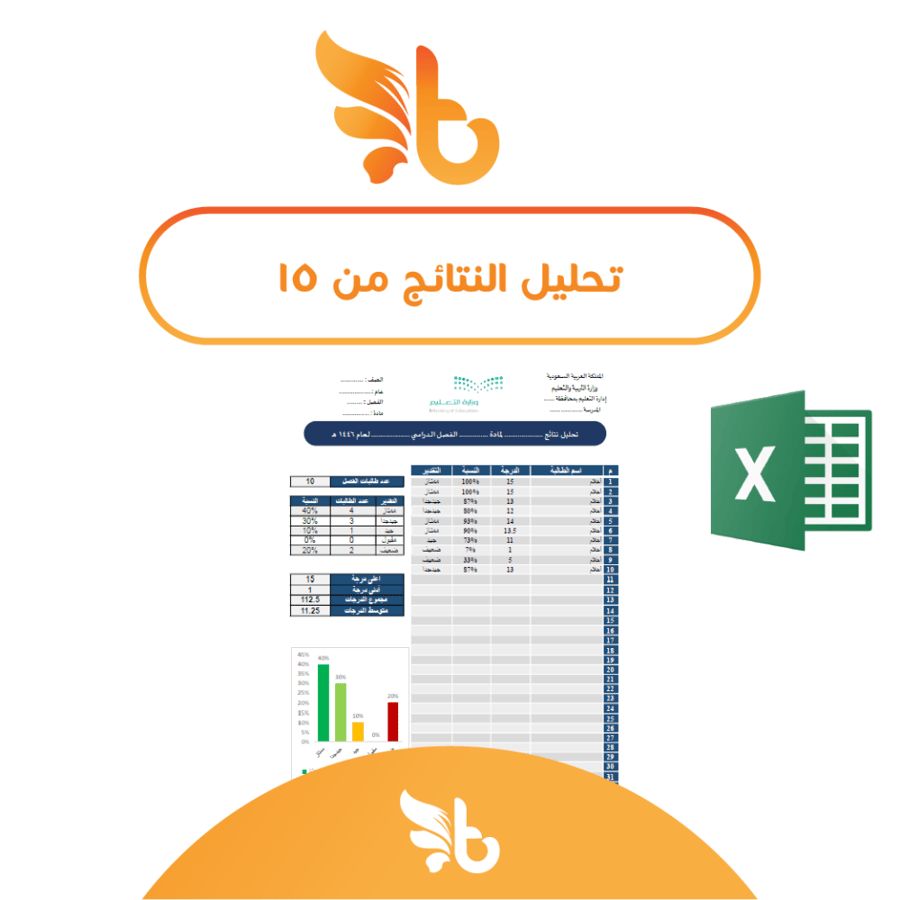

Analysis of the results from 15 degrees
20ر.س
Product description
Excel file for analyzing results from 15. Please click on "Read More" to read the product description and learn about its details and features. Note 1: We do not analyze the publication or sale of our products, or their use, except by the person who purchased them. Note 2: For editing and writing grades, it is preferable to use a computer. How to use (similar to the Excel file 40 degrees) Click here to watch the explanation. The Excel file for analyzing grades from 15 is a smart tool specially designed to analyze students' grades, convert them into percentages and automatic estimates, allowing you to follow students' performance quickly and easily. This file is designed to meet the needs of teachers and academics, and provides a comprehensive set of analyses based on students' grades from 15. Product specifications: File type Excel (editable). Product features: 1- Automatic percentage calculation: The file automatically calculates the percentage for each student from the full score (15) once the grade is entered, saving you time and reducing the chance of errors. 2- Automatic grade determination: The file contains a smart classification function that determines the appropriate grade (e.g., Excellent, Very Good, Good, Acceptable, Weak) with the possibility of customizing the grades as needed. 3- Comprehensive performance analysis: Average grade: calculates the overall average of all entered grades. Highest and lowest grade: shows the highest and lowest grades among students to give a clear idea of overall performance. Grade distribution: provides a grade distribution table, helping to know the number of students within each grade. Total grades: calculates the total of students' grades. 4- Charts: displays a chart of students' grades. 5- Flexible settings: editable. 6- High capacity: accommodates 80 students. For inquiries and communication, only through WhatsApp via the number below: 0539315002.

From Medina