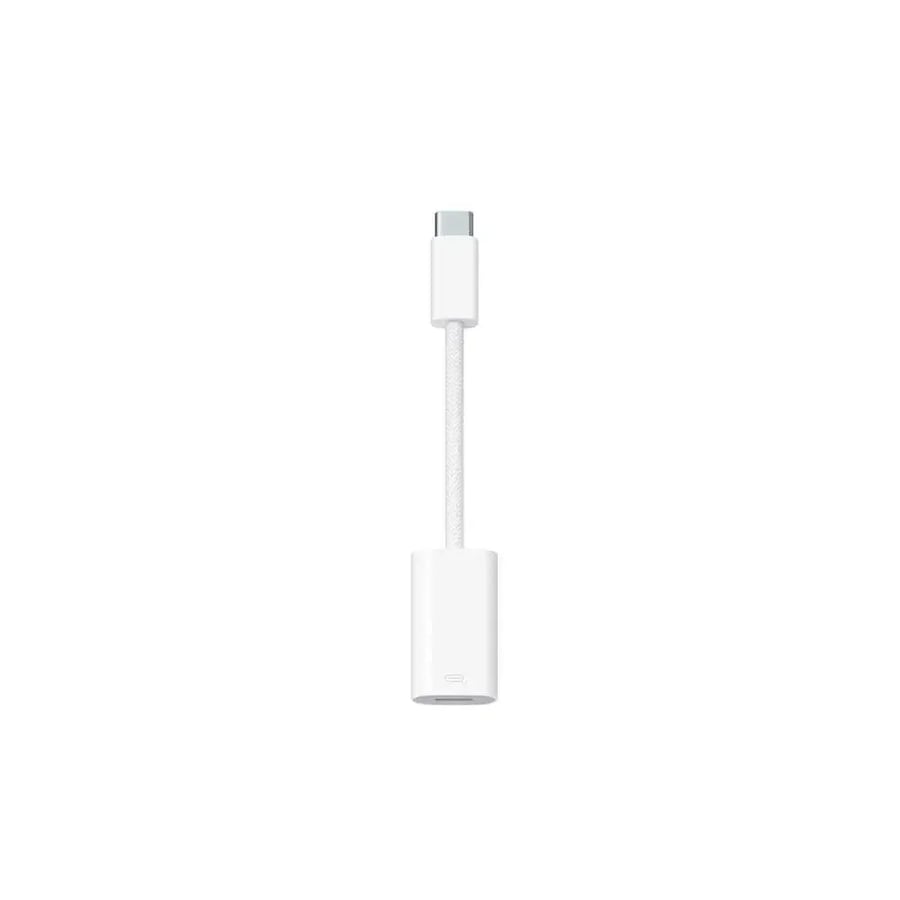

Apple Type-C to Lightning adapter
149ر.س
Product description
Convert Type-C to Lightning adapter
Works with USB-C to Lightning adapter for iPhone or iPad models that contain a USB-C connector. Use this single adapter to connect an iPhone or iPad using USB-C with a Lightning accessory for charging, data, and audio.
Charge your iPhone or iPad using USB-C
You can use a USB-C to Lightning adapter to charge your iPhone or iPad. For example, connect USB-C to a Lightning cable with this adapter, then connect the other end of the cable to a USB-C power adapter.
This adapter provides up to 24 watts maximum when charging iPhone or iPad models with a USB-C port. For faster charging performance, use a USB-C cable to connect a power source directly to your iPhone or iPad.
Transfer data to your device
Connect the Lightning connector of this adapter to a Lightning cable for data transfer. It offers data transfer speeds of up to 480 Mbps (USB 2).
The USB-C to Lightning adapter does not require charging, but the devices you connect can draw power from the iPhone or iPad.
Connect to CarPlay
You can use a USB-C to Lightning adapter with wired CarPlay in most vehicles. However, some sets of adapters, cables, and in-car entertainment systems may disrupt the wired CarPlay connection. In this case or for cars that only support wired CarPlay, use a direct connection with a USB-A to USB-C cable.
Compatibility:
iPhone models:
iPhone 15 Pro
iPhone 15 Pro Max
iPhone 15
iPhone 15 Plus
iPad models:
iPad Pro 12.9-inch (6th generation)
iPad Pro 12.9-inch (5th generation)
iPad Pro 12.9-inch (4th generation)
iPad Pro 12.9-inch (3rd generation)
iPad Pro 11-inch (4th generation)
iPad Pro 11-inch (3rd generation)
iPad Pro 11-inch (2nd generation)
iPad Pro 11-inch (1st generation)
iPad Air (5th generation)
iPad Air (4th generation)
iPad (10th generation)
iPad mini (6th generation)

From Riyadh
Questions you might have