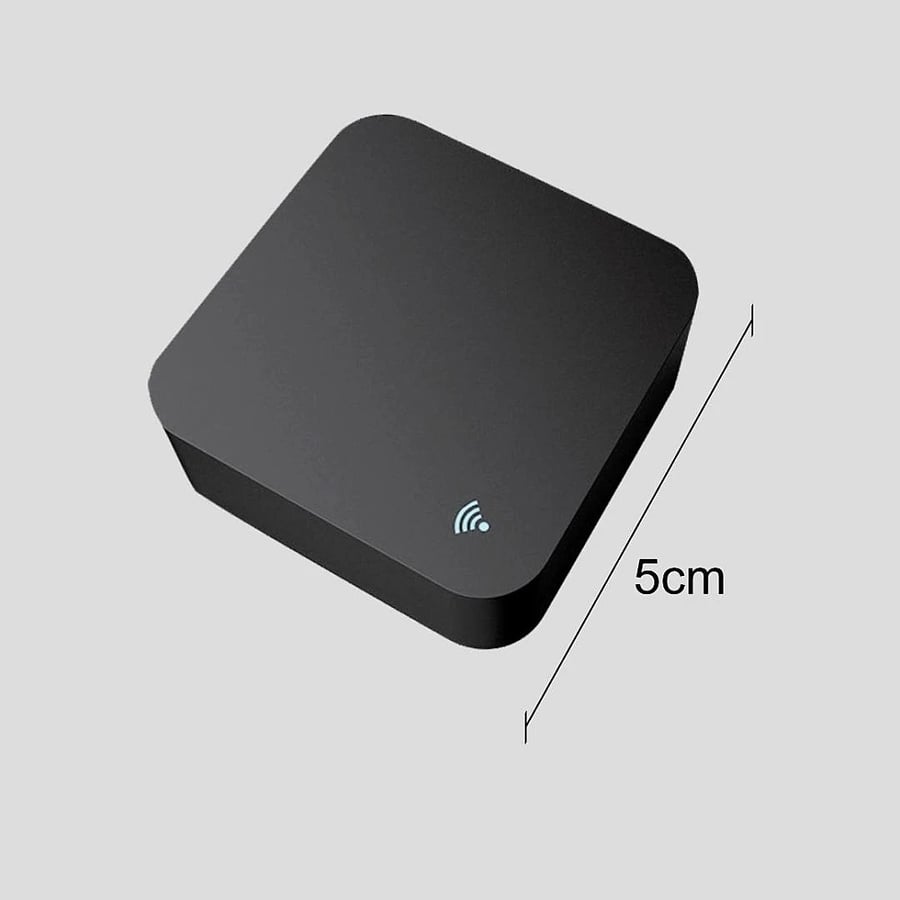
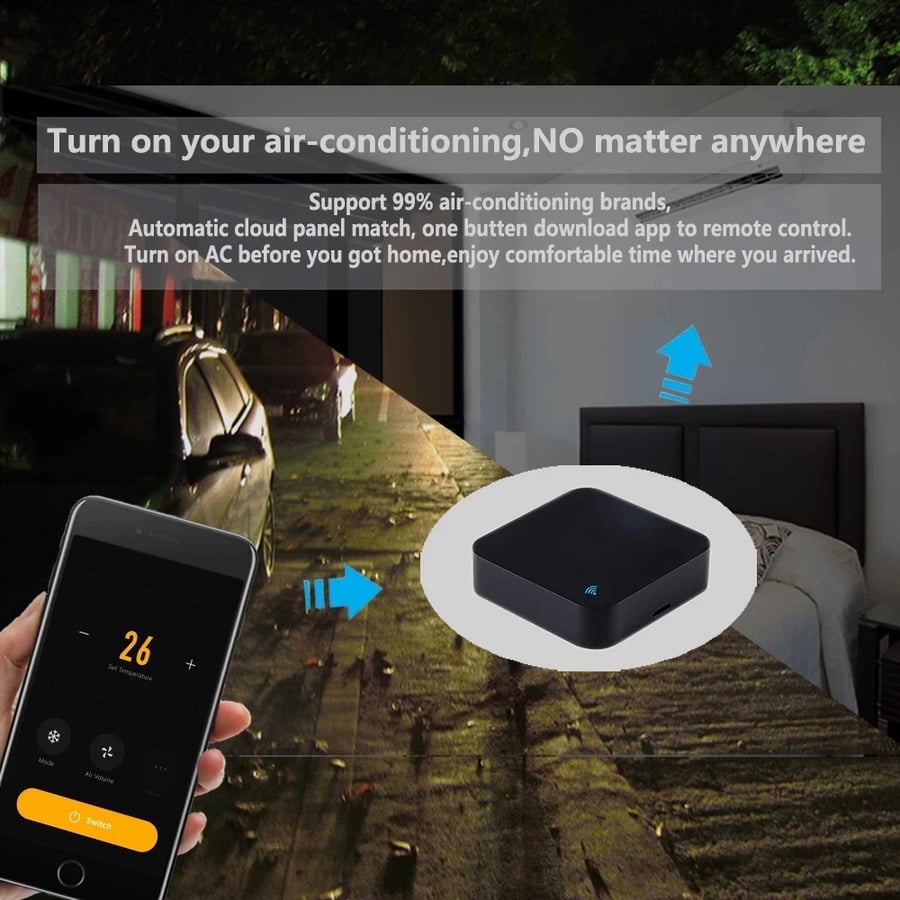
Smart remote control, easy-to-use remote control | It works as a replacement for remote control for any device with a remote.
107.58ر.س
Product description
The smart remote T-Smart-WiFi 📲 step-by-step connection and pairing method
1. Download the required app
For Android devices: search for "Smart Life" or "Tuya Smart" in the Google Play Store
For iPhone devices: search for "Smart Life" in the App Store
Alternative: "Tuya Smart" app (works equally well)
2. Setting up the device
Connect the smart remote to a power source using the USB cable (included with the product)
Wait until the indicator light flashes blue quickly
3. Pairing process with the app
Open the Smart Life app
Tap the (+) icon at the top of the screen
Select "Add Device" then "IR Remote Controller"
Choose a 2.4GHz WiFi network and enter the password
Follow the instructions to complete the pairing process
🛠️ Adding devices to the remote
Adding an air conditioner:
Tap "Add Air Conditioner" in the app
Select the air conditioner's brand (e.g., LG, Samsung, Carrier)
Press the "Test" button to verify the signal works
Save the device with a specific name (e.g., "Living Room AC")
To add a TV or satellite receiver:
Select "Add TV" or "Add STB"
Choose the brand (e.g., Sony, Samsung, OSN)
Test the buttons to ensure they work
Save the device with an appropriate name
🔊 Pairing with voice assistants
With Google Assistant:
Open the Google Home app
Tap "+" then "Set up device"
Select "Works with Google"
Search for "Smart Life" or "Tuya Smart"
Log in with your app account
Say "OK Google, turn on the air conditioner"
With Amazon Alexa:
Open the Alexa app
Select "Skills & Games"
Search for "Smart Life" or "Tuya"
Log in with your account
Say "Alexa, turn on the TV"
⚙️ Additional great features
1. Scheduling
Set the air conditioner to turn on before you arrive home
Program the TV to turn off automatically at midnight
2. IFTTT scenarios (if...then...)
"If the temperature exceeds 30, turn on the air conditioner"
"Sunset, turn on the lights and TV"
3. Sharing control
Share control with family members via the app
Set different permissions for each user

From Riyadh