
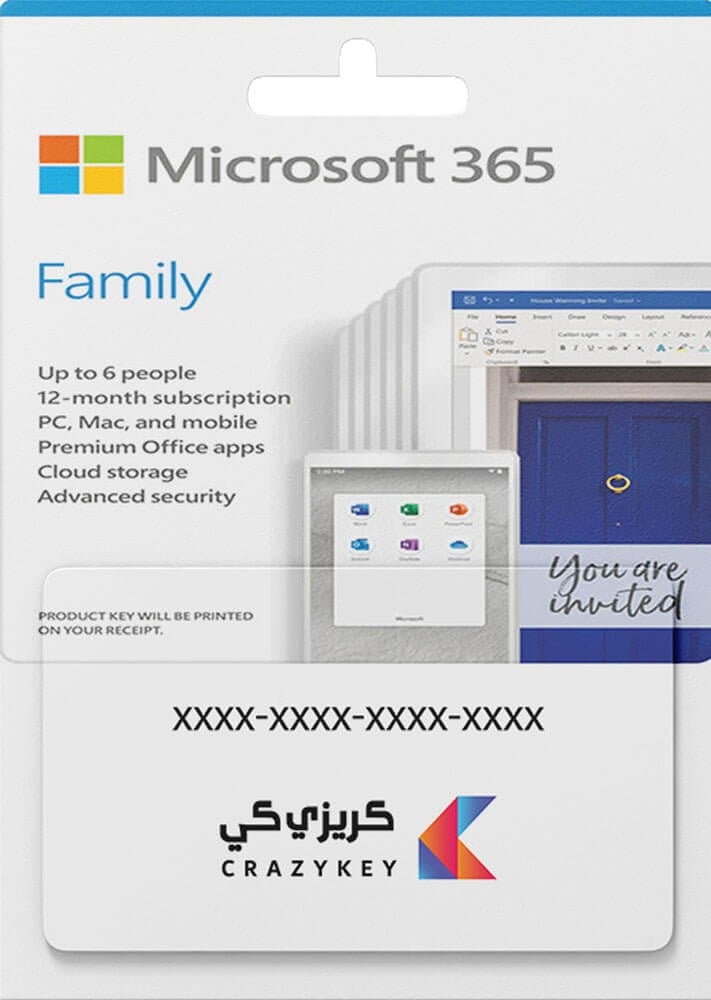
Microsoft Office 365 Family
480ر.س
Product description
Microsoft 365 Family | 1-Year Official Subscription (Up to 6 Users)
The ultimate all-in-one productivity and cloud security solution for families and small teams. Microsoft 365 Family provides premium Office desktop applications and secure cloud storage for up to 6 independent users.
Key Features & Highlights:
- Share with up to 6 people; each user enjoys their own private account, credentials, and personal cloud storage.
- Massive cloud storage: 1 TB OneDrive per person (6 TB total for all 6 members).
- Use simultaneously on up to 5 active devices per user (Windows, macOS, iOS, and Android).
- Always up-to-date premium Office desktop apps: Word, Excel, PowerPoint, Outlook, OneNote, and Microsoft Defender.
- Advanced cybersecurity and digital safety features with Microsoft Family Safety.
Product Specifications:
[SALLA_TABLE]
Feature | Details
Product | Microsoft 365 Family
Brand | Microsoft
Subscription Duration | Official 1-Year Subscription (12 Months)
Users Supported | Up to 6 independent users
Devices Supported | Up to 5 concurrent active devices per user (PC, Mac, mobile, tablet)
Cloud Storage | 1 TB per user (6 TB total on OneDrive)
Activation Method | Official account provisioning coordinated directly with our technical support team
[/SALLA_TABLE]
Activation Instructions:
- Enter your registered Microsoft email and phone number during checkout.
- Right after payment confirmation, our customer support team will contact you via WhatsApp to coordinate activating and linking the Family subscription to your account.
- Activation is conducted using official, rapid verification methods (such as a one-time verification code or temporary access) with 100% data privacy and zero compromise to your personal credentials.
- Once notified of completion, simply log in to account.microsoft.com to find your Family subscription active, from where you can easily send invitations to up to 5 other family members.
Frequently Asked Questions (FAQ):
[SALLA_FAQ]
How is activation handled after purchase? || Our support team contacts you via WhatsApp immediately after order placement to securely coordinate linking the Family subscription to your official account.
How many people can use this Family subscription? || Up to 6 individuals. Each person gets their own independent account, login, and complete privacy.
Can family members see each other's files on OneDrive? || Absolutely not. Each user receives a completely private, encrypted 1 TB cloud storage space.
Which operating systems are supported? || Fully compatible with Windows 10, Windows 11, macOS, iPads, tablets, and smartphones (iOS & Android).
How many devices can each member use? || Each of the 6 users can sign in and run the apps on up to 5 active devices simultaneously.
Can I reinstall after formatting my computer? || Yes, simply sign in to portal.office.com anytime during your active subscription to reinstall the apps.
Is my personal data and privacy secure? || Yes, 100%. Activation strictly adheres to the highest privacy standards, and no personal credentials are ever compromised or stored.
[/SALLA_FAQ]
