




جهاز بث تلفزيوني من نوكيا
359ر.س
Product description
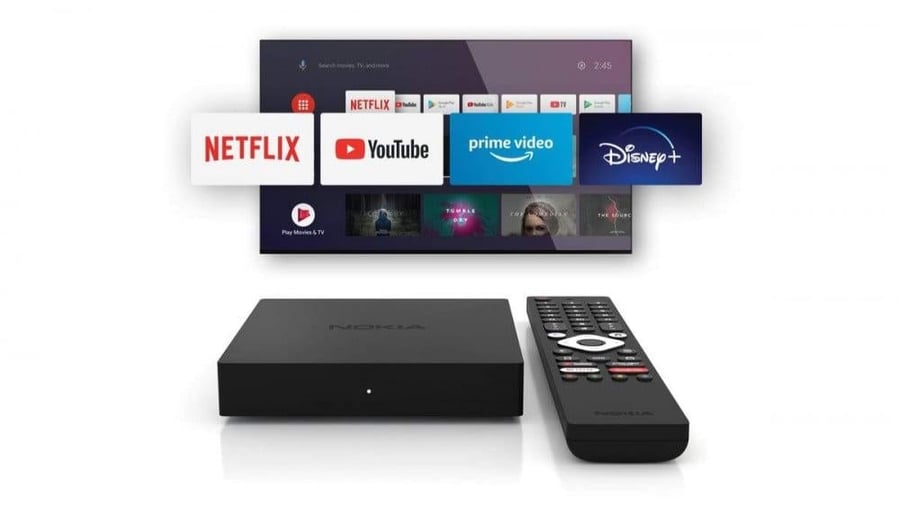
Is your TV missing the streaming apps you actually want? The Nokia TV Streaming Device is the fastest, simplest way to turn any regular TV into a full Android smart TV — no need to replace your current television or pay for a separate, expensive receiver box. The device plugs directly into your TV's HDMI port and unlocks the full Google Play Store app library, plus built-in Chromecast so you can cast video, music, and photos straight from your phone to the big screen.
Key Features
- Turns Any TV Into a Smart TV: Simply plug it into an HDMI port and start using your favorite apps instantly, even on an older, non-smart television.
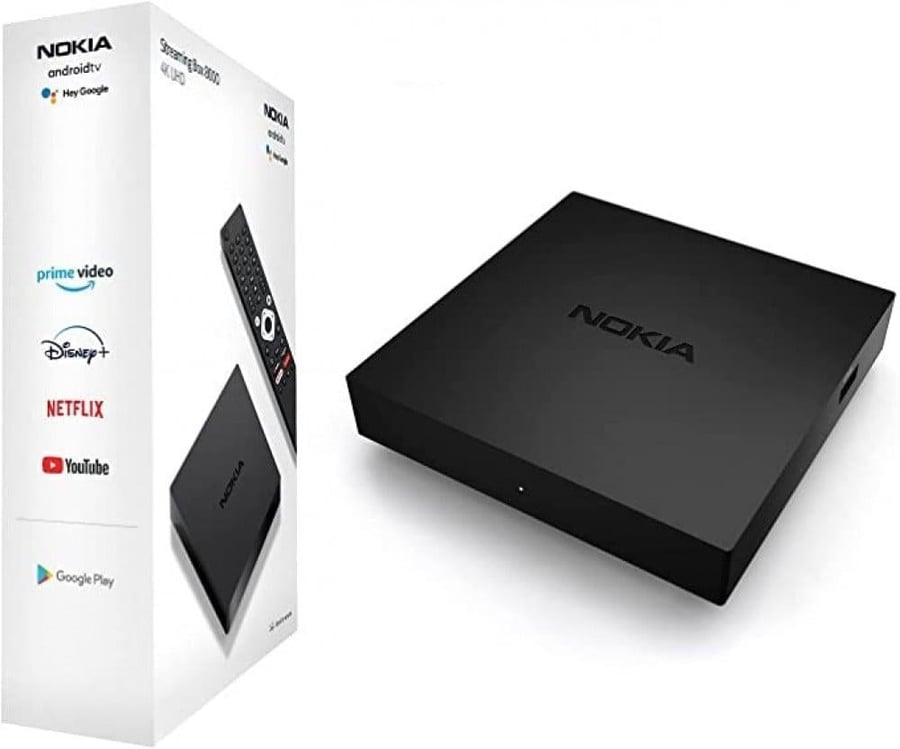
- Thousands of Apps via Google Play: Download the streaming, entertainment, and gaming apps you actually want directly from the official Google Play Store, instead of being limited to a few pre-installed apps.
- Built-in Chromecast: Cast videos, sports matches, music, and phone photos straight to your TV screen with one tap — no extra cables needed.
- Play Media From External USB: Watch movies and clips or play music stored on a USB flash drive or external disk, no internet connection required.
- Quick, Simple Setup: Straightforward plug-in installation with no technician needed — up and running within minutes of opening the box.
- A Budget-Friendly Alternative: Saves you from buying an entirely new smart TV or paying for a pricier standalone receiver box.
Technical Specifications
- Brand: Nokia
- Operating System: Android
- Connection: HDMI port on your TV
- Wireless Casting: Built-in Chromecast
- Additional Ports: USB port for external media playback
- App Store: Google Play Store
- Weight: Lightweight and compact, easy to carry and install
Step-by-Step: How to Use
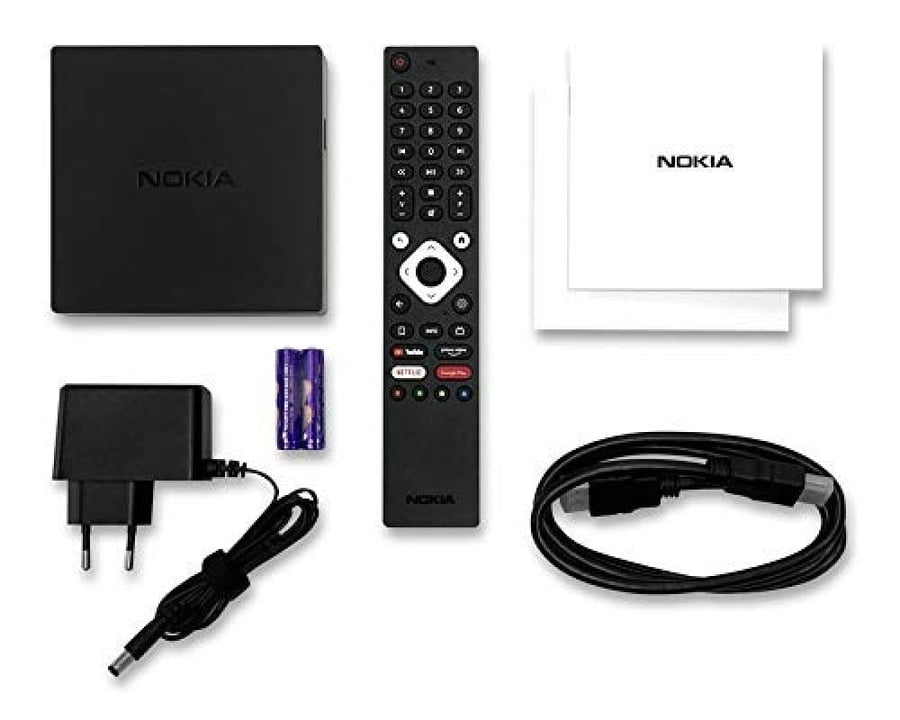
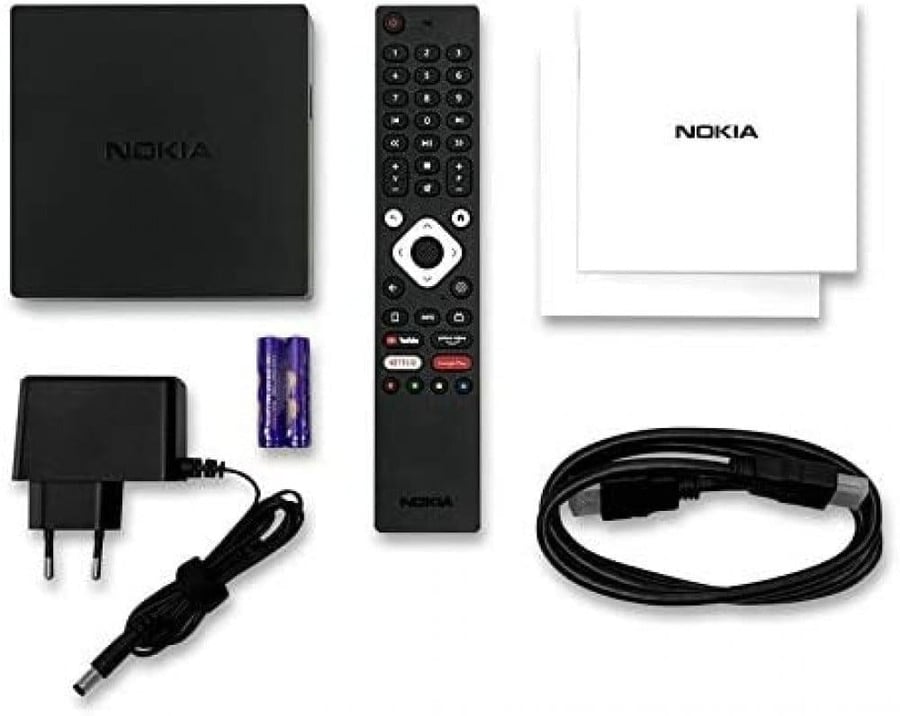
- Plug In the Device: Insert the streaming device into an HDMI port on or near your TV.
- Connect Power: Connect the power cable to the device and to a power outlet or a USB port on the TV.
- Select the Right HDMI Input: Use your TV remote to select the input/source that matches the HDMI port you used.
- Connect to Wi-Fi: Follow the on-screen setup steps to connect the device to your home internet network.
- Sign In and Download Apps: Open the Google Play Store and download the streaming and entertainment apps you need.
- Use Casting From Your Phone: Enable Chromecast in your phone's app and select the device name to send content straight to your screen.
Why This Device Stands Out
Instead of buying a brand-new smart TV or committing to a monthly subscription for an expensive receiver box, the Nokia streaming device gives you the same smart TV experience for a fraction of the price, with no recurring fees. The built-in Chromecast saves you from buying separate casting accessories, while the USB port lets you play your own files without needing an internet connection every time. Carrying the Nokia name — a globally trusted electronics brand — it also gives you a level of build quality and reliability that's hard to find in unbranded, no-name devices flooding the market.
Frequently Asked Questions
Will it work with an older TV?
Yes — as long as your TV has an HDMI port, whether it's an older standard TV or a newer non-smart model, this device can turn it into a fully smart TV.
Do I need an internet subscription to use it?
You need a Wi-Fi connection to use and download streaming apps from the Google Play Store; playing media from an external USB drive doesn't require internet.
How do I cast video or photos from my phone to the TV?
Using the device's built-in Chromecast feature, you can stream video, photos, and music from your phone directly to the screen with a single tap — no cables required.
Is installation complicated or does it need a technician?
Not at all — setup is simple and takes just a few minutes. Just plug the device into an HDMI port and follow the on-screen setup steps.
How is it different from buying a new smart TV?
The Nokia device gives you the same smart TV functionality at a fraction of the cost, without needing to replace your current TV or buy an entirely new one.
