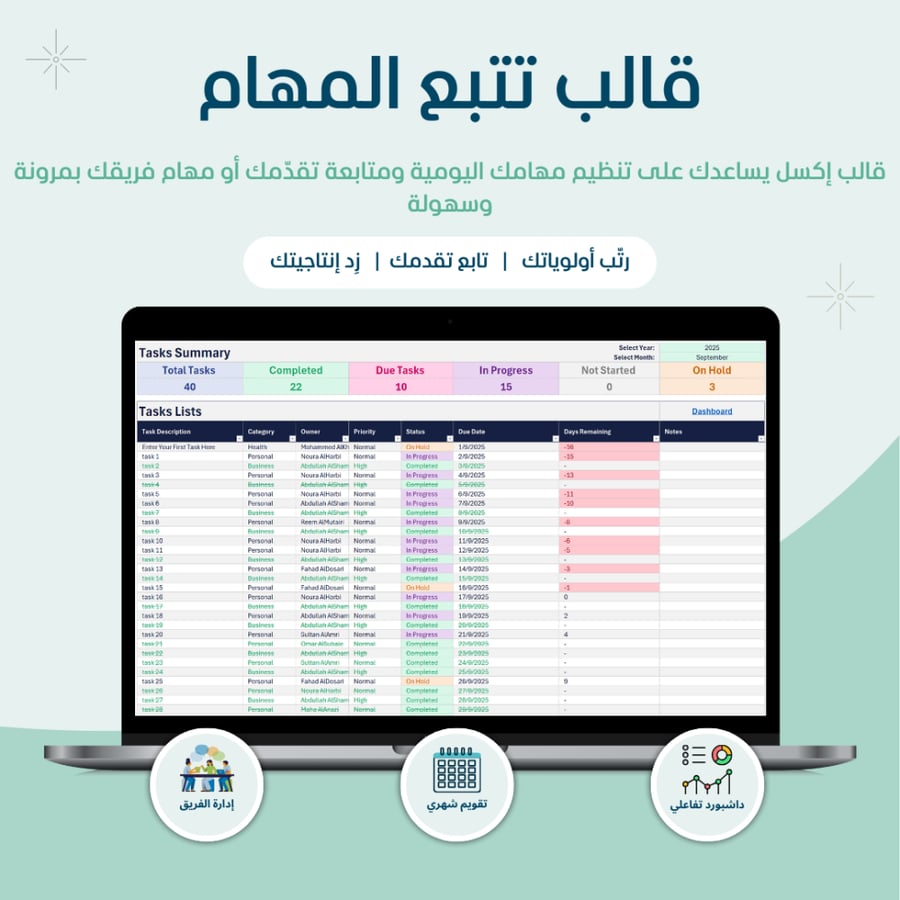


Task tracking template - English version
99ر.س
199ر.س-50%
Buy 2 get 1 free


Product description
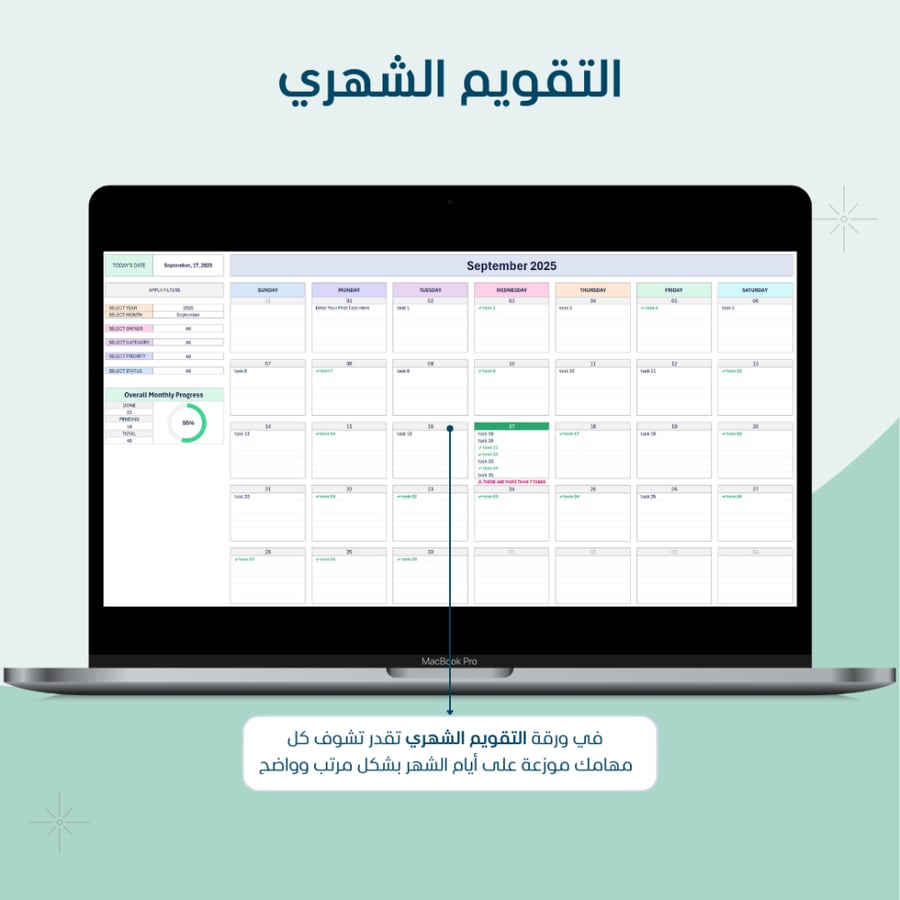
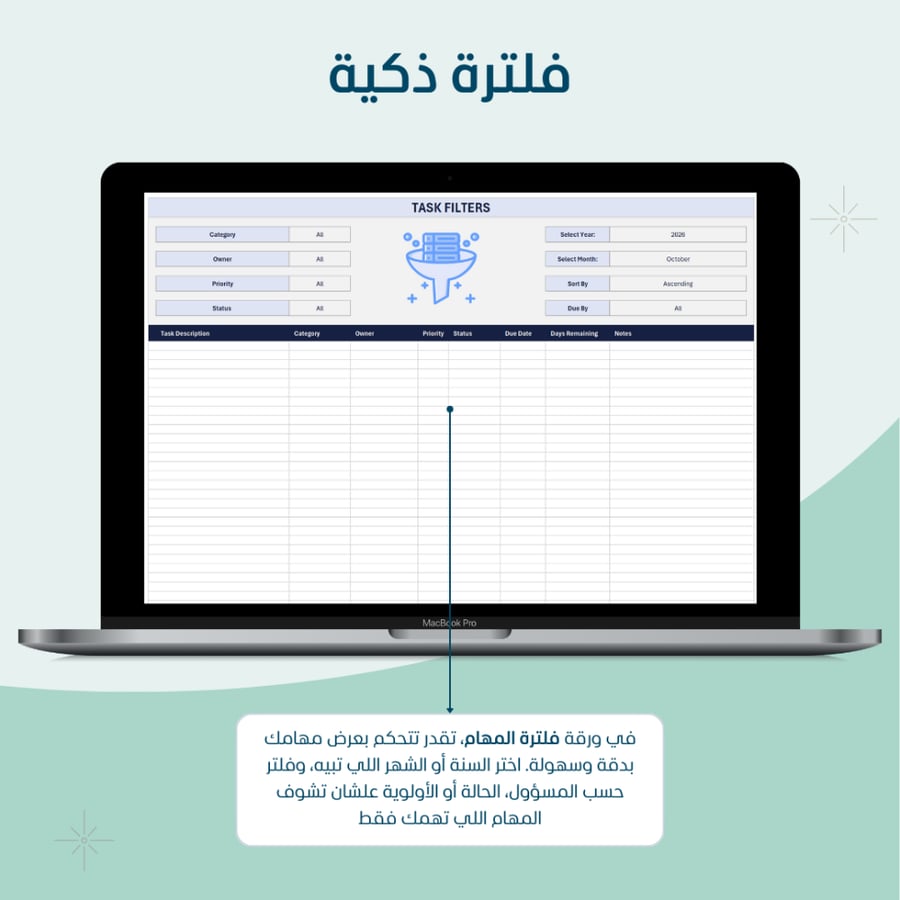
The task management template is a smart tool that helps you plan, organize, and follow up on your daily and monthly tasks easily. It is designed to save you time and make your work organized, clear, and free of complexity. 💡 New updates to the template We added a new feature that makes managing tasks faster and smoother! Now you can simply double-click on the responsible person's name in the task list to be directly taken to the specific employee's task page. From there, you can: print the task report in PDF format with one click. send tasks to the employee via email automatically, with a ready professional format. This addition is designed to make task follow-up and sharing more flexible and professional. 💡 What does this template offer you? 🔹 Smart management without complexity: record the task, responsible, priority, status, and due date… and the rest is automatically handled through ready Excel formats. 🔹 Flexible and precise filtering: filter your tasks by (year, month, responsible, priority, status) or view tasks due "today" or "within 7 days" with one click. 🔹 Visual display that saves you time: a monthly and weekly calendar showing tasks in an elegant and easy-to-read manner. 🔹 Faster navigation: now you can double-click on the responsible person's name for the task, and it will take you directly to their specific task page. 🔹 PDF task printing feature: you can now print the employee's tasks in a formatted PDF file ready for sharing or archiving, with just one click. 🔹 Email sending feature: from the same page, you can send the employee's tasks directly to their email, with the PDF file automatically attached, in a professional format ready to send. ✅ Ideal for: managers and team leaders who need to monitor task progress. freelancers or employees who love personal organization. anyone who wants to turn accumulated tasks into clear achievements. ✨ Additional features: easy navigation menu between pages (home, tasks, calendar, filters…). automatic color alerts for overdue tasks. Notes: the template works on Excel desktop version 2019 or later. open-source template. does not include custom modifications for each client. Important notes for enabling macros and activating features: the template works on Excel desktop (Windows/Mac). macros do not work on Excel Online. download the file and save it as an Excel Macro-Enabled Workbook (*.xlsm). upon first opening, click Enable Content from the yellow bar. If policies prevent macros: go to File > Options > Trust Center > Trust Center Settings > Macro Settings, and select Allow macros (or add the template folder to Trusted Locations). The email sending feature requires Outlook on Windows (the new “New Outlook” version does not support VBA automation). If macros cannot be used, you can still print tasks via File > Print.

From Al Khobar