Microsoft 365 1-Year - Office & OneDrive 1TB
120ر.س
Product description
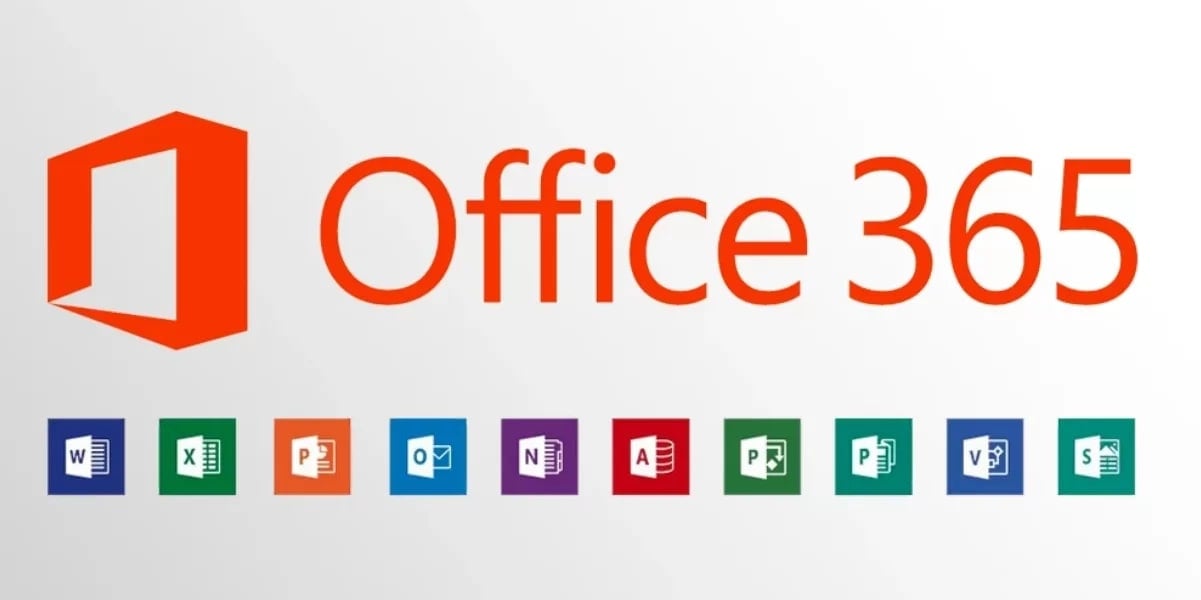
Microsoft 365 for one year with Office and OneDrive 1TB
Create documents, spreadsheets and presentations with Microsoft 365, and keep files in OneDrive. PrimeOrder’s offer includes supported apps on your account and 1TB guaranteed by the store throughout 12 months from completed activation, for 120 Saudi riyals.
Try syncing between two devices
Save a Word or Excel file in your OneDrive folder, then open it on another supported device with the same Microsoft account. Check that syncing has finished before switching devices.
Use it for study, work and file organization: research and reports, budgets and spreadsheets, presentations, notes and documents. Some features vary by device, app and language; check your requirements before ordering.
What is included?
- Word, Excel, PowerPoint, Outlook and OneNote on supported devices, with functions varying by platform.
- A usable 1TB of OneDrive guaranteed by the store throughout the purchased term, for storage, sync and file access.
- Save documents locally or in the cloud according to your settings, and use suitable installed apps offline after activation.
- Available subscription updates and features during the term, subject to Microsoft’s app and device support.
- Activation and continued-operation support throughout the 12 months, with a working replacement or a refund if no working replacement can be provided.
Offer details
| Item | What the offer includes |
| Product | Microsoft 365 with Office and OneDrive |
| Term | 12 months from completed activation |
| Capacity | 1TB guaranteed by the store throughout the purchased term |
| Account | Use your own Microsoft account under the conditions explained in the FAQs |
| Price | 120 Saudi riyals |
| Product type | Digital service; no physical shipping |
| Delivery | WhatsApp; usually 1–3 hours and within a maximum of one day |
How can you use the apps?
- Word: documents, research and reports, with formatting and proofing tools depending on the language and app.
- Excel: budgets, spreadsheets, calculations and data analysis within the features of your version.
- PowerPoint: presentations for classes, meetings and projects.
- Outlook and OneNote: organize mail and notes; this does not include a promise of company email or organizational administration.
- OneDrive: save, sync and share files by choice. Cloud capacity does not increase your device’s physical disk space.
- Teams: consumer communication features available to the account; see the FAQs for organizational-feature limits.
Devices and system requirements
Use apps on supported Windows and Mac computers, phones and tablets. App availability, features, operating-system requirements and languages vary by platform; review the official requirements before ordering, especially for older devices.
Do not assume every desktop and mobile feature is identical or that native desktop Office is available for every operating system. Internet is needed for installation, activation, updates and sync, with periodic reconnection to verify the subscription. Device, language and offline-use details are below.
Ordering and when the term starts
- Complete the order at the listed price and enter the correct Microsoft account email in the product’s existing Email field.
- Before ordering, tell the store if you have an existing subscription or specific account or feature requirements; review activation conditions in the FAQs.
- Follow the details sent through WhatsApp and complete the activation steps appropriate to your account.
- The year starts when activation is completed. Check app access and the agreed capacity, and keep the details of your term.
Delivery and support during the year
- Digital delivery is through WhatsApp, usually within 1–3 hours and within a maximum of one day, with no physical shipping.
- If two days pass without delivery, you can request a refund from PrimeOrder.
- Support covers activation, continued operation and the guaranteed capacity throughout the 12 months. We provide help or a working replacement; if a working replacement cannot be provided, the remedy is a refund.
- Contact the store before the term ends if you want to continue, and keep a backup of important files. This subscription is not a permanent Office license.
Frequently asked questions before purchase
Which plan is this, and how is it activated?
Activation uses an invitation to Microsoft 365 Family on your own Microsoft account. The store sends the invitation or acceptance steps; you sign in to Microsoft yourself and complete acceptance. This is a membership receiving subscription benefits: it does not make you the subscription owner or let you re-share those benefits. We do not request your account password, and this process does not involve delivering a product key to you.
What should I check before accepting an invitation?
You need an eligible Microsoft account. If you already belong to another Microsoft Family group, Microsoft requires you to leave it before joining the new group; check the effect on your existing benefits before ordering. The owner needs an active eligible subscription and an available share. Microsoft states that an invitation should be accepted within 48 hours; this is its acceptance window, not the store’s delivery time. Check restrictions shown for your account rather than assuming every account or country is eligible.
How is 1TB guaranteed under Microsoft’s storage changes?
PrimeOrder guarantees a usable 1TB throughout the purchased 12 months. This is the store’s capacity commitment. Microsoft explains that new Family subscriptions from October 8, 2026 use a total 2TB shared pool, while older subscriptions transition under renewal rules. We therefore do not describe every membership in every plan generation as automatically providing a separate 1TB. If the agreed capacity is unavailable, contact the store for term support and a working alternative, or a refund if no working alternative can be provided.
Are installed Office apps included, or only web apps?
Member benefits include Word, Excel, PowerPoint, Outlook and OneNote on supported devices, with availability and features varying by operating system and language. This is more than free web-app access, but desktop, mobile and Mac features can differ. The offer does not promise every Microsoft app or a Windows, Visio or Project license.
How many devices can I use?
You can install apps on your supported devices, with subscription-app sign-in on up to five devices at the same time per entitled user, in any mix of PCs, Macs, tablets and phones. This means five simultaneous devices, not five lifetime installations or five of each device type. The offer is for one user receiving member benefits; it does not supply six subscriptions to the buyer.
Does membership include paid Copilot or AI features?
The offer does not guarantee paid AI or Copilot features. Microsoft states that AI benefits included with a Family subscription belong to the subscription owner and cannot be shared with additional members. Free Copilot availability or a button appearing in an app does not establish entitlement to paid subscription AI benefits.
Can other people see my files or my identity in the group?
Your personal files, mail, contacts and notebooks are not automatically made available to others; sharing them is a separate choice. However, membership is not anonymous or completely isolated: a Family group organizer can see participants and their names and manage membership, and shared group spaces may be available for you to use. Accepting an invitation alone does not enable automatic activity monitoring; activity reports have separate settings and requirements.
Do Outlook and Teams include business email and organizational meeting features?
You can use the consumer apps and benefits available to the account, but membership does not become a Business or Education plan. The offer does not promise custom-domain company email, Exchange, organizational administration, Teams Premium or Teams Phone. Check your requirements if you need specific organizational features.
I already have a subscription or group. Is time transferred or billing canceled automatically?
Tell the store what you already have before ordering so account suitability can be checked. Joining Family does not mean you own the underlying subscription, can stack subscription terms or automatically cancel existing billing. Its owner manages the underlying subscription and sharing; review any subscription you pay to Microsoft or another provider separately.
When does the year start, and is this lifetime access?
The 12 months start when activation is completed, with the store’s capacity and support commitment throughout the purchased term. This is a fixed-term service, not permanent ownership of Office. Contact the store before the term ends if you want to continue; the offer does not promise automatic renewal or continued benefits after expiry.
What happens to apps and files when the term ends?
When entitlement ends or shared benefits stop, installed apps lose most paid functionality and generally allow viewing and printing rather than creating and editing. The account’s free storage allowance applies unless another entitlement exists. Exceeding capacity can stop upload, editing and sync and affect Outlook.com mail; do not assume files are guaranteed to remain forever. Keep a backup and export what you need or reduce usage before the term ends.
Do I need a permanent internet connection?
After installation and activation, suitable desktop apps can be used offline. Internet is required for installation, activation, updates and cloud services, with periodic reconnection to verify the subscription; Microsoft recommends connecting at least monthly. OneDrive files need sync or download setup to be available on your device offline; cloud capacity is not extra physical disk space.
Does it support Arabic and right-to-left writing?
Suitable apps support Arabic documents and right-to-left writing with the appropriate language and keyboard settings. Microsoft lists an Arabic Windows language pack for display, help and proofing. Check language availability for your app and operating system; this does not mean every feature or Arabic AI capability is identical across devices.
How are details delivered, and when can I request a non-delivery refund?
Delivery is digital through WhatsApp, usually within 1–3 hours and within a maximum of one day, with no physical shipping. If two days pass without delivery, you can request a refund from PrimeOrder. This is separate from Microsoft’s invitation-acceptance window.
What if activation stops or capacity is unavailable during the year?
The offer includes activation and continued-operation support and the guaranteed 1TB throughout the 12 months. Contact PrimeOrder for help or a working replacement; if a working replacement cannot be provided, the remedy is a refund. Microsoft Family benefits depend on the underlying subscription and membership, while the store’s service commitment continues throughout your purchased term as explained here. Microsoft’s direct-billing policies are a separate reference.
Official references
These sources explain Microsoft features and the requirements for apps, storage and accounts. The 1TB commitment throughout the term is the store’s stated service commitment; Microsoft’s direct-purchase policies do not automatically replace the store’s service terms.
- Apps and plan features available in Saudi Arabia
- Microsoft storage quotas and over-quota effects
- Storage changes and subscription transition dates
- Requirements for sharing subscription benefits
- Set up benefits on a Microsoft account
- Data privacy and continued access to benefits
- Troubleshoot benefit setup
- Sign-in and simultaneous device limits
- App system requirements
- Subscriptions, offline use and Office 2024 differences
- Arabic language packs for supported apps
- Right-to-left writing in Office
- Manage a subscription by purchase and billing provider
- What happens when a subscription expires?
- Home features and organizational features compared
- Organizer and member roles and data-sharing boundaries
Microsoft, Microsoft 365 and the app names are trademarks of their owners. PrimeOrder is an independent store; the description makes no claim of official authorization or affiliation with Microsoft.