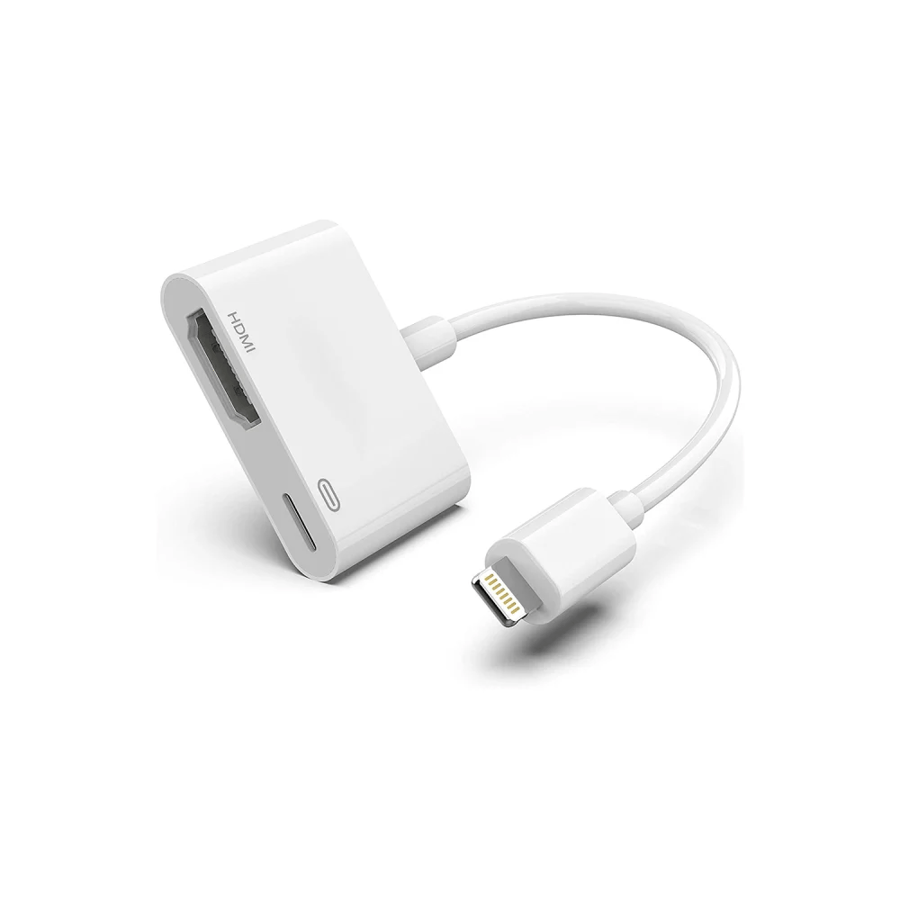
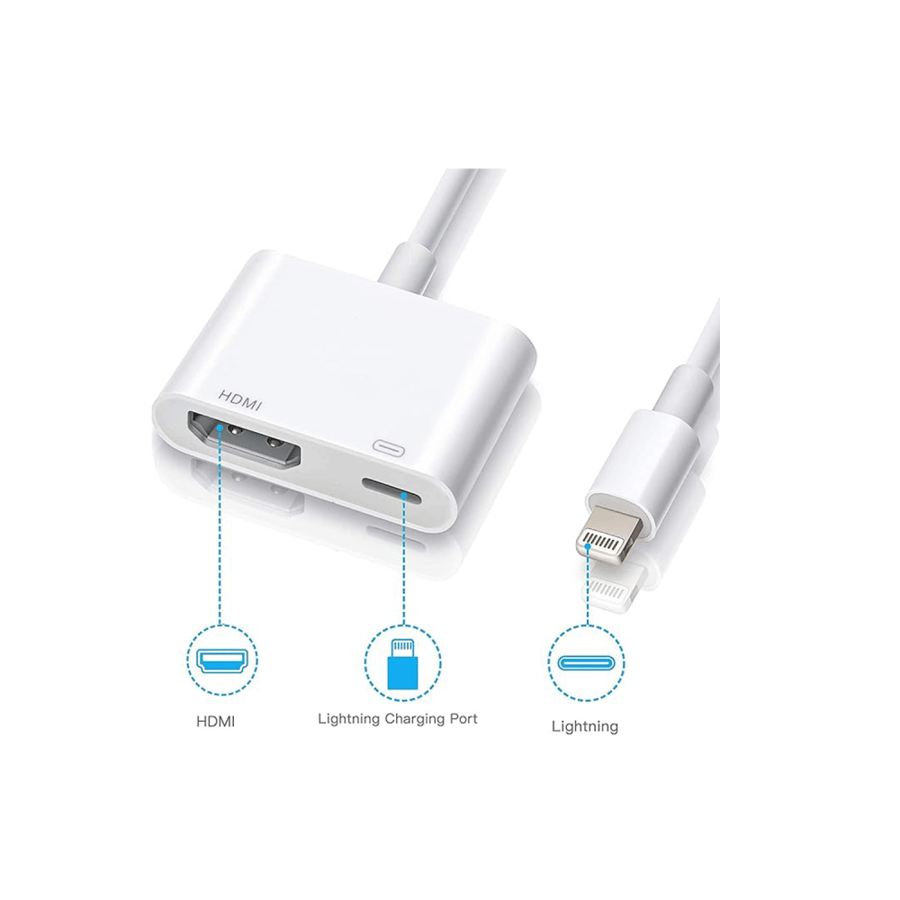
Apple Lightning to HDMI digital adapter – with charging port, 1080P, MFi certified
249ر.س
Product description
Turn iPhone or iPad into a home theater in seconds with Apple's digital Lightning to HDMI adapter. Display photos, videos, games, presentations, and Zoom lectures directly on HD TV or projector in 1080p resolution, without lag and without needing Apple TV or Wi-Fi.
Why choose the original Apple adapter: Unlike cheap adapters that disconnect after iOS updates, this adapter is Apple MFi certified and works stably with all updates. It has an additional Lightning port that allows you to charge your phone while displaying, so the movie doesn’t get interrupted halfway.
Main features:
1080P Mirroring: Full screen reflection for apps, photos, games, PowerPoint
Built-in charging port: Connect a Lightning charger and continue the display for hours
Plug and play: No apps, no Wi-Fi, just connect and tap "Trust"
Digital audio and video: Transmits sound via HDMI directly to the TV or soundbar
"Connect it to the living room TV and watch a match from the Shahid app, clear picture and no delay"
"Use it for remote teaching, display iPad explanation on the projector and charge at the same time"
Technical specifications:
Type: Lightning Digital AV Adapter
Model: MD826AM/A
Resolution: up to 1920×1080 @ 60Hz
Ports: HDMI female + Lightning female for charging
Compatibility: iPhone 5 to 14 Pro Max, iPad Air/mini/pro, iPod Touch (all Lightning devices)
Operating system: iOS 10 and later up to iOS 17
Length: approximately 0.15 meters
Supported apps: Works perfectly with YouTube, Photos, Camera, Keynote, PowerPoint, Zoom, Teams, VLC, and videos stored on the device.
The picture quality on Netflix was black at first, then I realized it was HDCP protection. I played downloaded movies and it worked perfectly.
Important note about Netflix:
Due to HDCP copyright protection, apps like Netflix, Amazon Prime, Shahid VIP, HBO, Hulu may not display video through any wired adapter. This is a restriction from the apps themselves, not a defect in the adapter. Use it for your personal content, presentations, and meetings.
Does it work on iPhone 15?
No, iPhone 15 uses USB-C. This adapter is designed for Lightning devices only (iPhone 5 to 14).
Does it need Wi-Fi or internet?
No, direct wired connection only. You just need a separate HDMI cable to the TV.
Does it charge the phone during display?
Yes, connect the original Apple charger to the side Lightning port; it charges up to 5W during use.
Common questions after purchase:
The image appears but no sound?
Change the audio source on the TV to HDMI, and make sure the volume on the iPhone is up.
The screen is black after connecting?
Tap "Trust" on the iPhone, disconnect and reconnect the adapter, and ensure the HDMI cable is plugged in tightly.
How to take care of it?
Do not bend the cable at the connector, keep it away from heat.
Use an original Apple charger in the charging port to avoid the "Unsupported" message.

From As Shamli