


Facilities management file and homeowners association fees
69ر.س
Product description
Facility Management File and Homeowners Association Fees
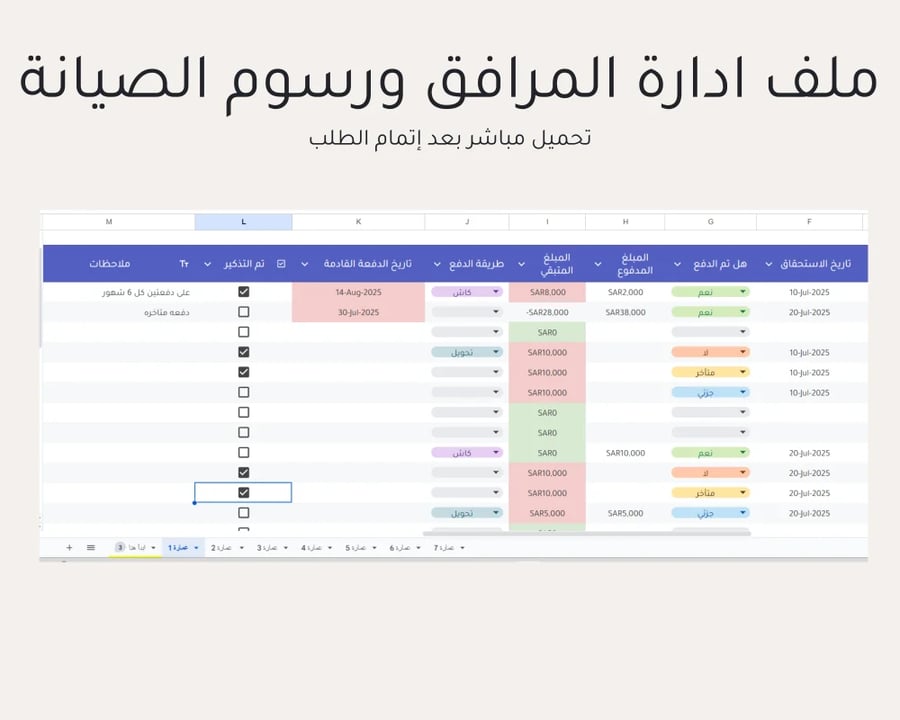
This file is a professional tool specially designed for real estate offices and the homeowners association manager working in facility management and collecting homeowners association fees periodically for up to 7 properties in one file, helping you improve service quality and increase revenue in an organized manner.
Main features:
Maintenance Requests Log: Record and track all maintenance requests from tenants or for public areas (storage tanks, elevators, etc.) with details of the type of fault, costs, priority, and status (in progress, completed).
Collection of amounts received and paid invoices from the association president or property manager.
Fee Collection Management: A system to follow up and organize the annual homeowners association fees due and overdue, with monthly or yearly installments.
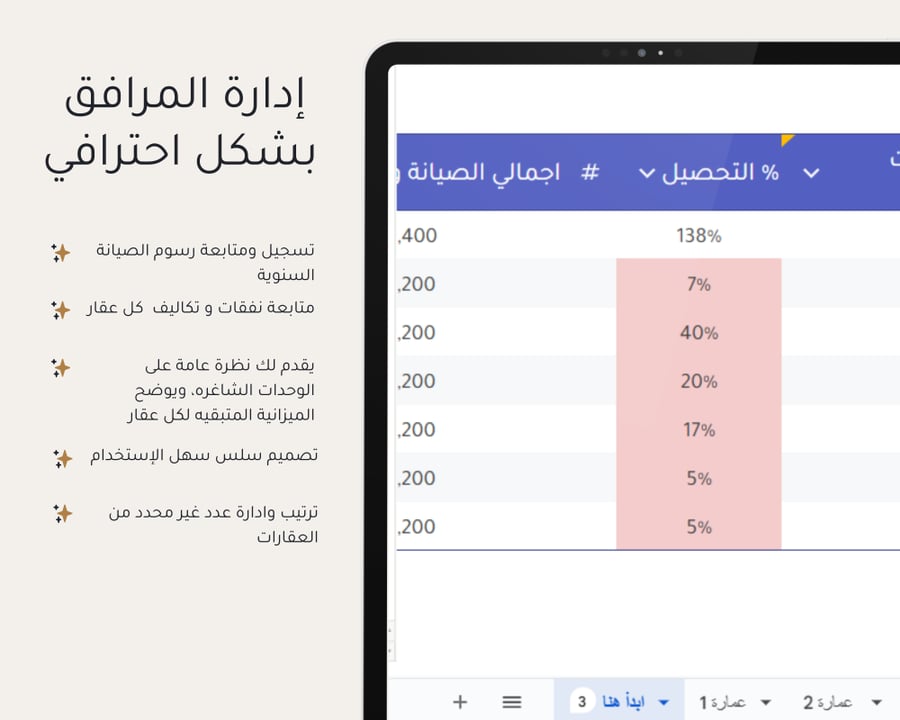
Analysis of Maintenance Costs and Revenues: Reports comparing collected fee revenues against actual maintenance costs and operational expenses for each building separately.
Reminders and Notes: Reminder of the due dates for annual homeowners association fees for each unit.
Facility Performance Dashboard: Comparing the performance of buildings in terms of maintenance costs and revenue from fees, with automatic sorting of vacant units for each building.
Benefits:
Enhancing Facility Management Efficiency: Managing all maintenance requests from a single platform, and distributing them to technicians in an organized manner.
Accurate Financial Planning: Forecasting future maintenance costs based on previous data, and setting realistic budgets for each building.
Reducing Effort and Waste: Following up on overdue payments, and reducing time spent on manual follow-up with technicians and tenants.
Note: The file supports management of up to 7 buildings. If your requirements include more buildings or need customization of some features, please contact us directly via WhatsApp.
Steps to use the file:
After completing the order, you will receive an immediate PDF file containing a download link for the file, which will also be sent to your registered email.
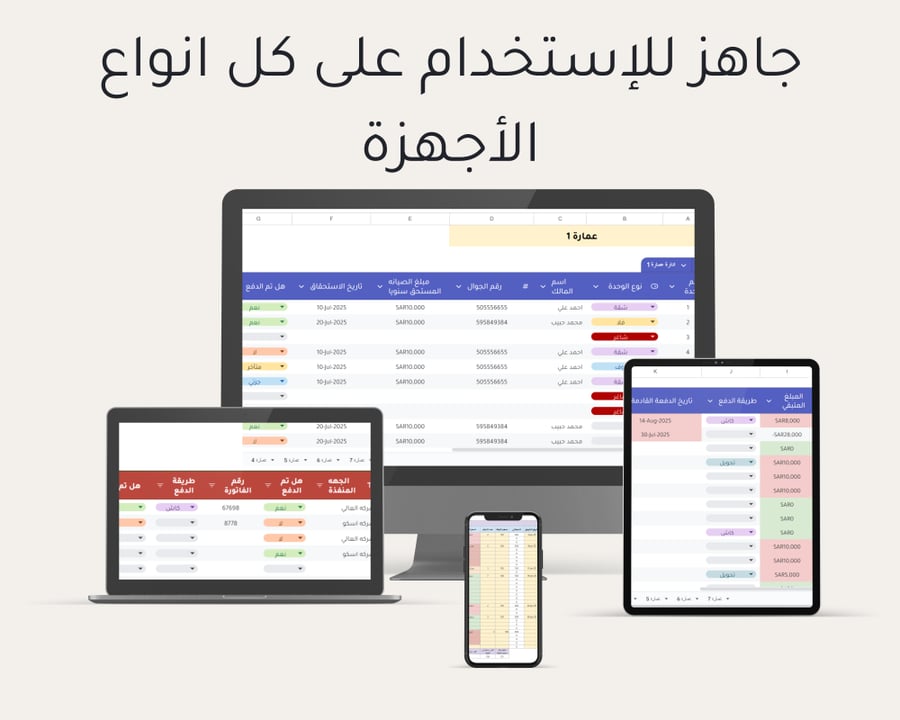
To use the file on your mobile or iPad:
If you want to access Google Sheets on your mobile or iPad, you will need to download the Sheets app from the store. The app allows you to access and edit your files easily while on the go.
What is the difference between Google Sheets and Excel?
1. Google Sheets allows multiple users to work on the same file simultaneously, while Excel enables this via cloud storage but not as smoothly.
2. Google Sheets integrates easily with other Google services, such as Google Drive, making it easy to access and share files from any device.
3. Google Sheets is free, while Excel requires purchasing a license.
