



Daily Rental Apartment Management File (Second Edition)
119ر.س
155ر.س-23%Product description
This file is a professional tool for organizing daily apartment rentals and holiday homes operations, helping you track reservations, payments, expenses, and property performance easily. It includes:
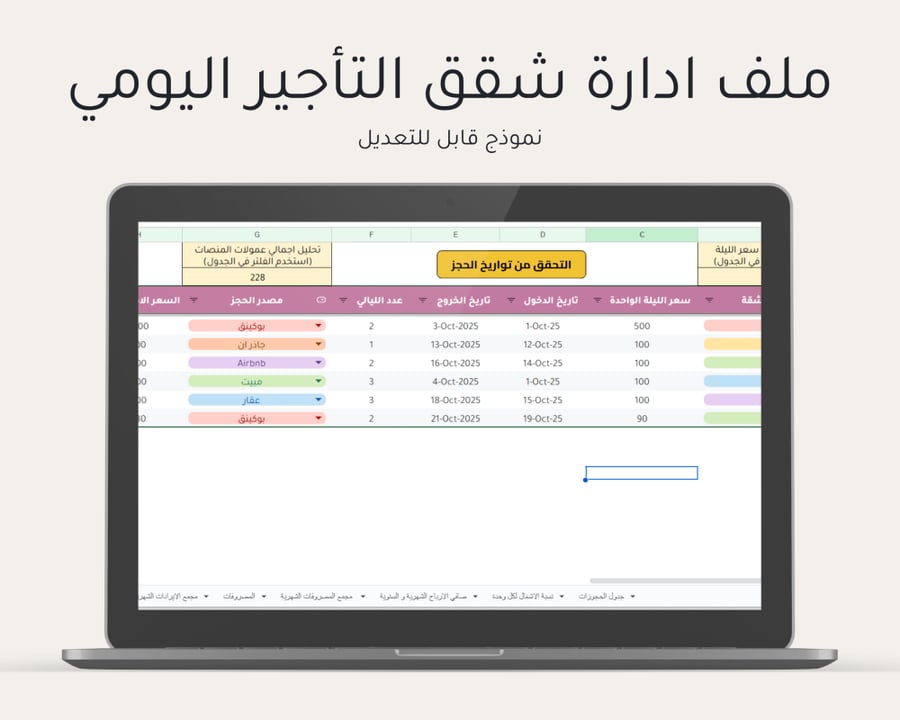
Reservation table: recording guest information, booking source, duration of stay, nightly rate, and total amount automatically.
Payment and commission management: monitoring received and overdue payments, and automatically calculating platform commissions.
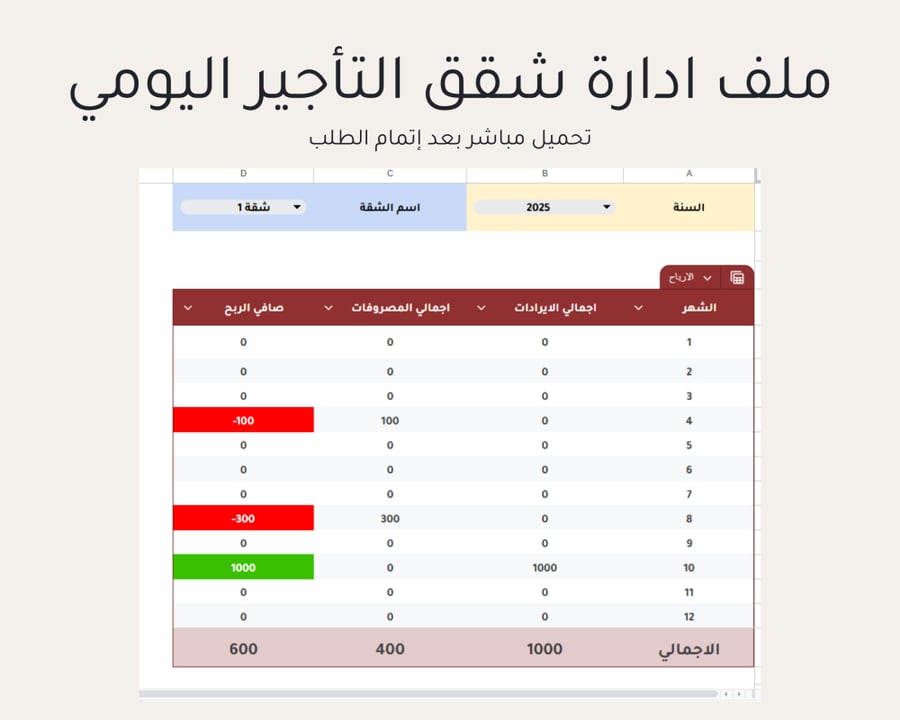
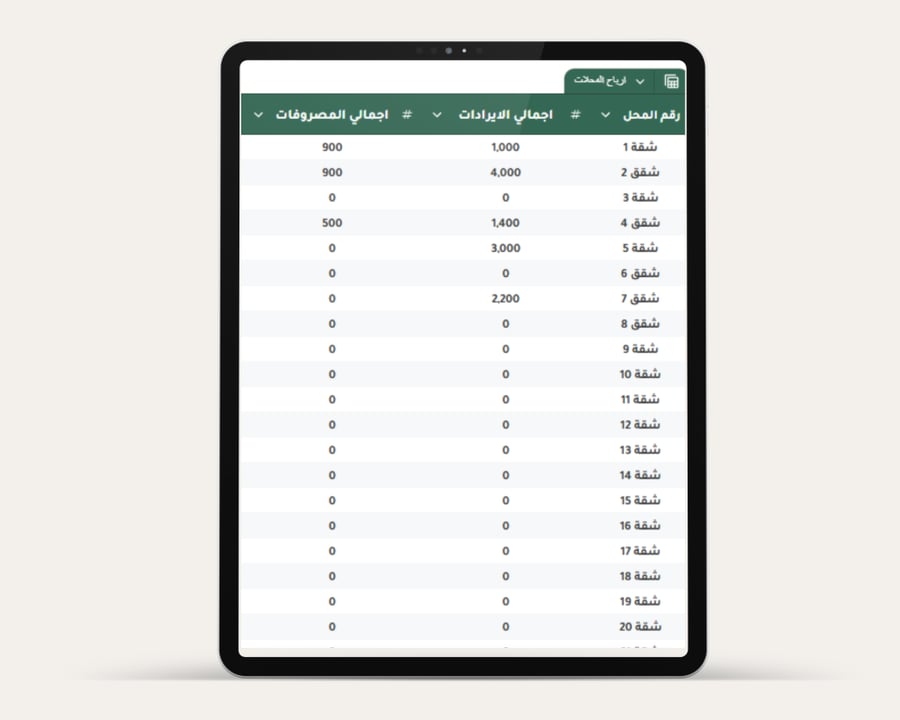
Detailed reports: revenue analysis versus operational costs and occupancy rate for each unit.
Notifications and notes: to remind you of important dates such as check-in and check-out.
Reservation calendar: automatically tracking all available and booked days for all units.
A dashboard showing and comparing monthly revenues with analysis of months with the highest and lowest revenue levels.
Archive for saving invoices and documents for each expense item.
Benefits:
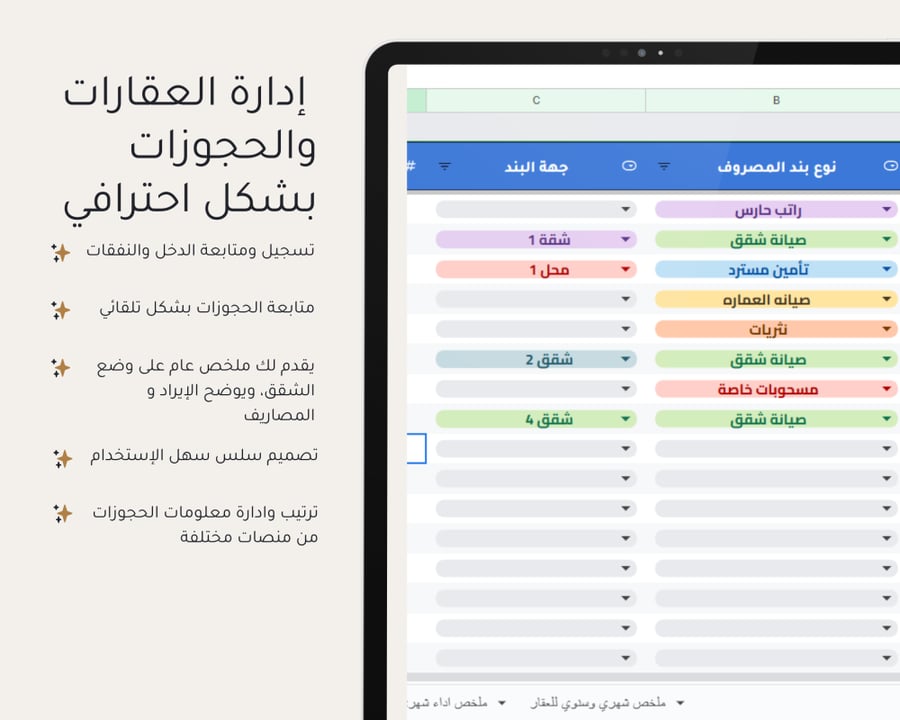
Improving property, reservation, and guest management to increase operational efficiency.
Reducing financial and administrative errors.
Easily tracking the financial performance of apartments.
Managing and following up on reservations across different rental platforms smoothly.
Steps to use the file:
After completing the order, you will receive an immediate PDF file containing a download link and a step-by-step video tutorial link, also sent to your registered email.
Important note:
- To benefit from the automatic update feature of reservations and payments in the file, a computer or laptop is required.
- Please do not change the names of tables and pages within the file to maintain its programming.
- No Excel program is required.
- To enjoy all features of the file, you need a Google (Gmail) email for the best experience.
To follow up and review the file on mobile or iPad:
If you want to access Google Sheets on your mobile device or iPad, you need to download the Sheets app from the store. The app allows you to access and edit your files easily while on the go.
What is the difference between Google Sheets and Excel?
1. Google Sheets allows multiple users to work on the same file simultaneously, while Excel enables this via cloud storage but not as smoothly.
2. Google Sheets integrates easily with other Google services, like Google Drive, making it easy to access and share files from any device.
3. Google Sheets is free, while Excel requires purchasing a license.
