



Ottocast Mini Slim CP88-T2 Wireless CarPlay & Android Auto Adapter - Black
99ر.س
Product description
The AutoCast Mini Slim CP88-T2 converts wired in-car CarPlay and Android Auto to wireless connectivity, allowing you to use maps, calls, music, and messages from your car's screen without having to plug your phone in each time. It features a very compact size, automatic connection after initial setup, and supports compatible iPhones and Android devices.
Key Features
Convert wired CarPlay to wireless
If your car supports CarPlay from the factory via cable, the device allows you to use it wirelessly after the initial setup.
Convert wired Android Auto to wireless
It also supports cars that have Android Auto wired from the factory, so the phone works wirelessly instead of plugging in a cable every time.
Automatic connection when the car is started
After initial pairing, the adapter remembers the phone and automatically reconnects when the car is started.
Very small size
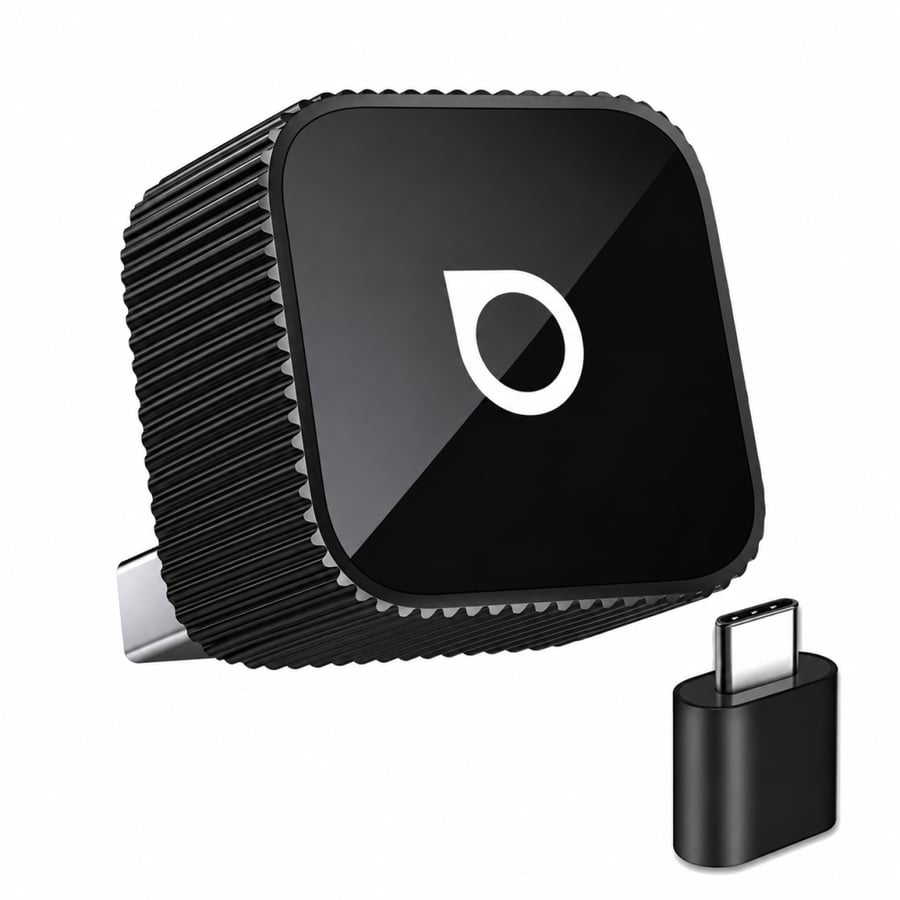
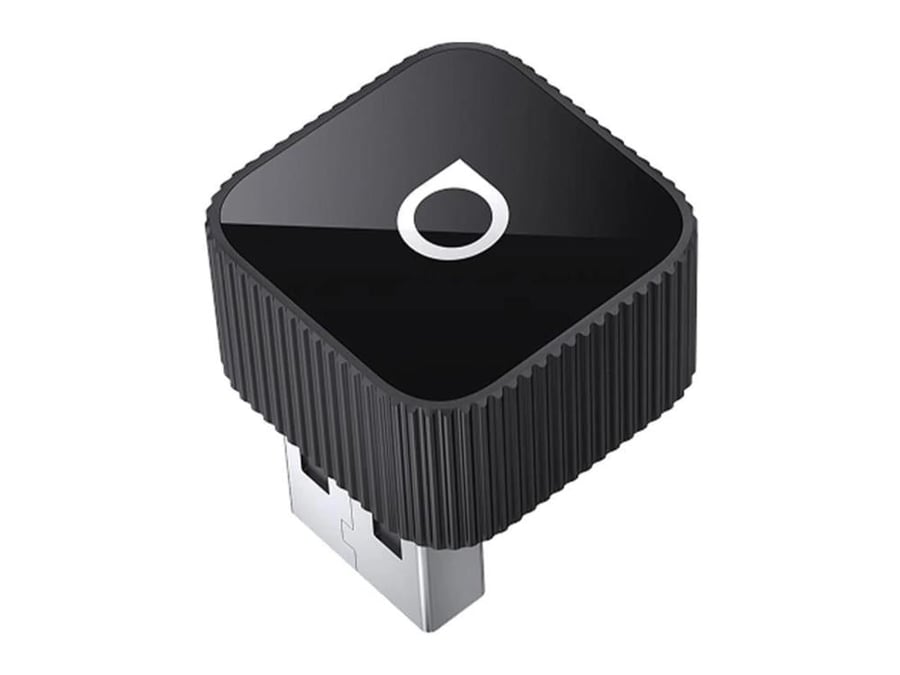
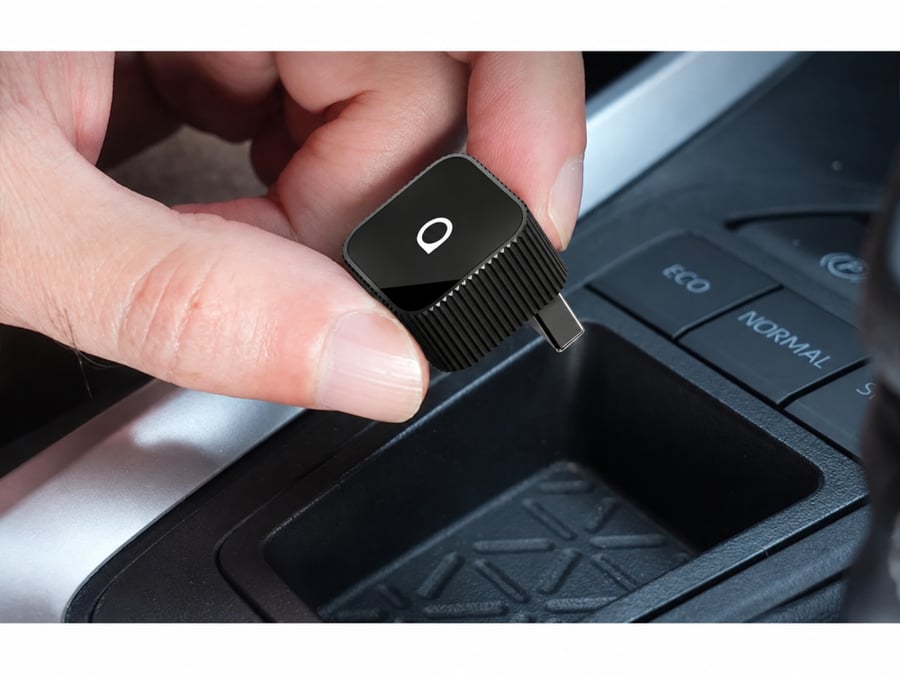
The Mini Slim design is small and lightweight, and can be left plugged into the car's outlet without taking up much space or causing cable clutter.
Supports two saved phones
It can hold the contact data of two phones, which is convenient when the car is used by more than one person.
System updates
The adapter software update supports improved stability and compatibility, and addresses issues when a new update becomes available.
Product details
The Autocast Mini Slim CP88-T2 is designed for those who have CarPlay or Android Auto wired from the factory and want to get rid of connecting their phone with a cable on every trip.
The adapter plugs into the car's port designated for CarPlay or Android Auto, then pairs with the phone the first time. After that, the connection works wirelessly using Bluetooth and Wi-Fi, and the device automatically reconnects when the car is started.
After connecting, you continue to use the original CarPlay or Android Auto interface, including maps, music, calls, messages, and voice assistant, while the vehicle's original controls continue to function according to their system.
This device is not an Android box and does not add video apps or a standalone Android system to the screen; its primary function is to convert the existing wired connection in the car into a wireless connection.
The version shown in the pictures is the CP88-T2 in black.
Technical specifications
Brand
Autocast
Product Name
Mini Slim
Model
CP88
Item number
CP88-T2
Device type
Wireless CarPlay and Android Auto Adapter
CarPlay
Convert wired CarPlay to wireless
Android Auto
Convert wired Android Auto to wireless
Contact
Bluetooth
Wifi
Car delivery
USB port
Convert to Type-C
Includes a standard USB to Type-C adapter
Automatic connection
Supported after initial setup
Number of saved phones
Up to two phones
iPhone support
iOS 10 or later
Android phone support
Android 11 or later
Some Samsung and Google devices may run on Android 9
Approximate dimensions
2.07 × 2.35 × 2.07 cm
the weight
Approximately 8.8 g
raw materials
aluminum alloys
acrylic
polycarbonate
the color
black
Car compatibility
The device only works if the car has the following features from the factory:
Wired CarPlay for wireless CarPlay use.
or:
Android Auto wired for using Android Auto wirelessly.
You can confirm this by connecting your phone to the car using a data cable. If CarPlay or Android Auto appears on the car's screen, it means the car has the necessary wiring.
Having a screen or Bluetooth in the car alone does not mean that the device is compatible .
Autocast also notes that some later Sony-mounted monitors are not supported.
Box contents
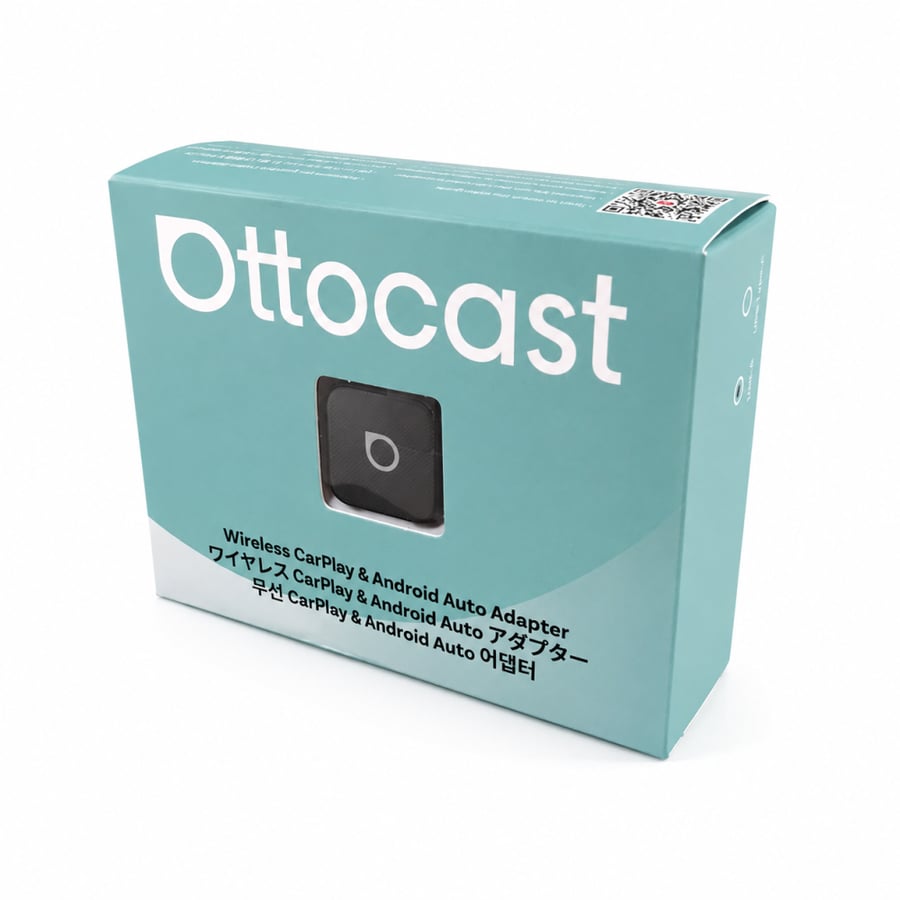
Autocast Mini Slim Converter
USB to Type-C adapter
User guide
Instructions for use
Connect the adapter to the wired CarPlay or Android Auto port in the car.
Activate Bluetooth and Wi-Fi on your phone.
Select your Autocast device from the Bluetooth list and complete the pairing.
Agree to run CarPlay or Android Auto wirelessly when the request appears on the phone.
After the initial setup, the adapter can be left in the car and it will automatically reconnect when the car is turned on.
Questions before buying
Does adding CarPlay to a car that doesn't have CarPlay add anything?
No. The car must already have wired CarPlay in order for the device to convert it to wireless.
Does Android Auto add functionality to a car that doesn't support it?
No. The car must already have wired Android Auto.
Does it work with YouTube and Netflix?
No, this is a wireless adapter and not an Android device for running video applications.
Does it need a separate SIM card or internet connection?
No. The device does not use a separate SIM card, but rather connects the phone wirelessly to the car's system.
Does it need to be re-paired each time?
No, after the initial setup, it automatically reconnects when the car and phone are turned on.
Does it work with a Type-C port in a car?
Yes, the package includes an adapter for use with a compatible Type-C port.
Official video
Official explanation from Autocast on how to connect the Mini Slim CP88-T2 with Android Auto:
 How to connect Autocast Mini Slim with Android Auto
Official explanation of how to connect the device to CarPlay:
 How to connect Autocast Mini Slim with CarPlay
Keywords
Ottocast, Ottocast Mini Slim, CP88-T2, Wireless CarPlay Adapter, Wireless CarPlay, Wireless Android Auto Adapter, Wireless CarPlay, Wireless Android Auto, Ottocast Mini Slim, Wireless CarPlay Adapter
