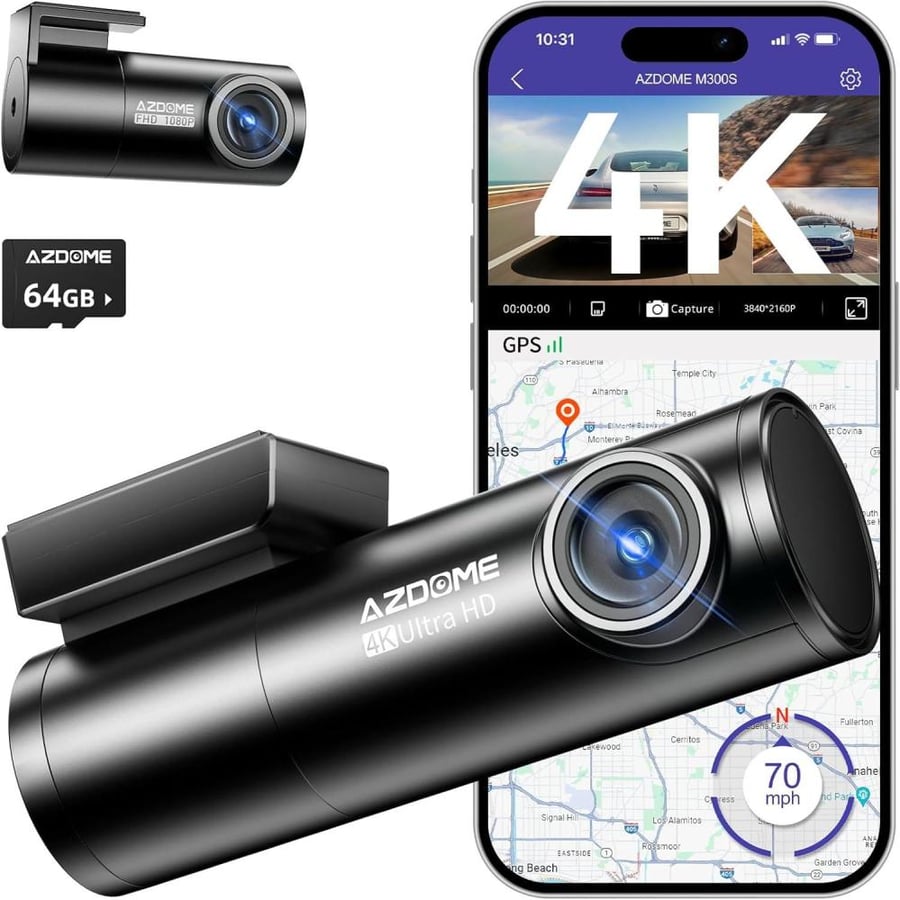



Dash Cam M300S front-4K and rear-1080P from AZDOME
350ر.س
400ر.س-13%Product description
Direct Shipping - Direct Shipping
AZDOME M300S 4K front and rear dash camera, Wi-Fi dash camera 5.8 GHz with GPS system for cars, free 64GB SD card, voice control, night vision WDR
Supported languages: English/Japanese/German/French/Spanish/Italian/Russian, etc.
Multiple languages
Operating temperature: reliably functions in harsh Arab climates (-20℃ to 70℃)
4K front and rear
AZDOME 4K front and rear camera provides 4K resolution video (3840*2160P) + FHD 1080P ultra HD.
Users can easily view the license plate number and road signs.
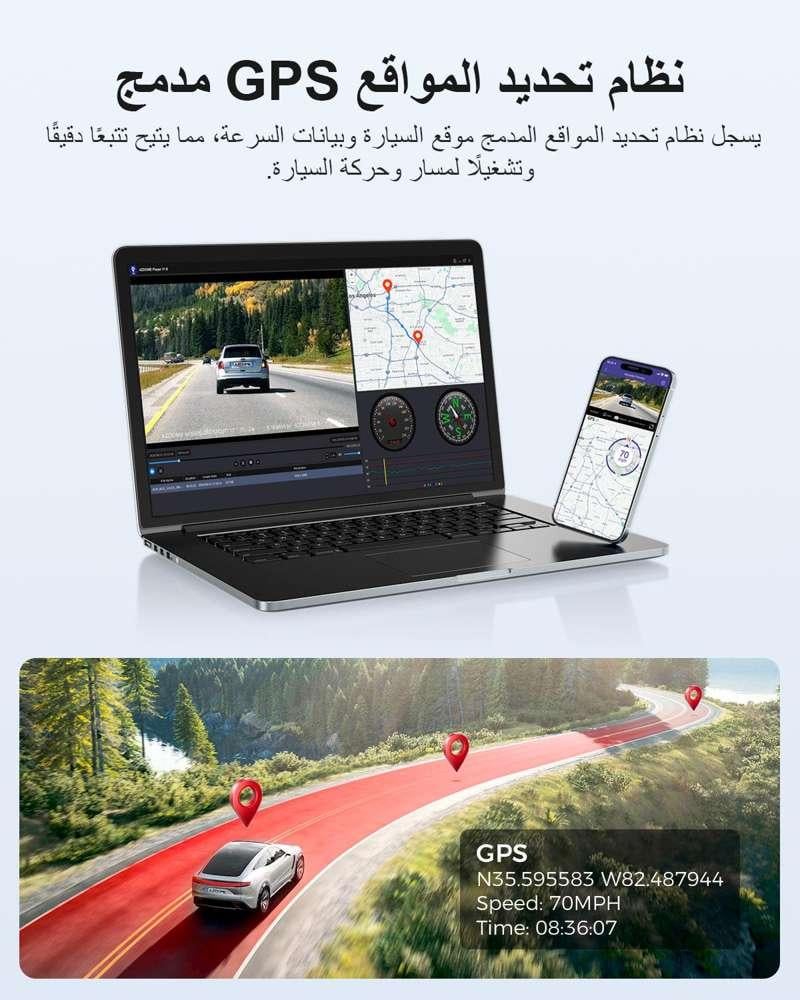
Built-in GPS system
The 4K dash camera records road information and vehicle speed accurately.
Users can watch videos through the AZDOME GPS player.
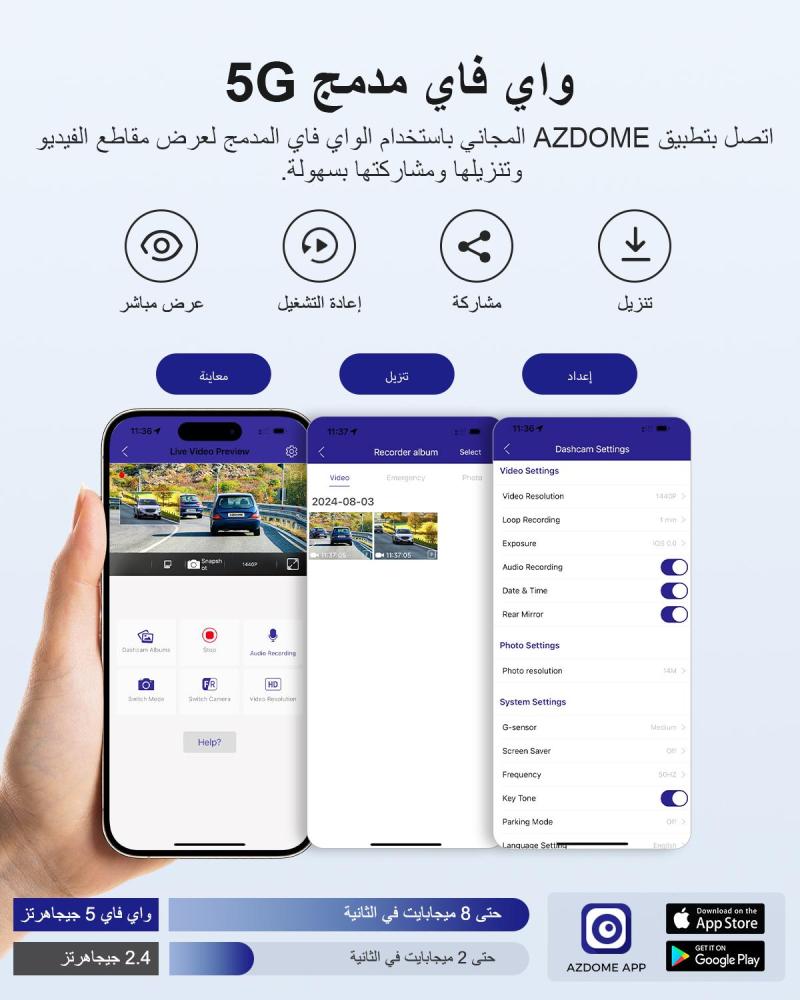
Built-in Wi-Fi 5.8 GHz
The dash camera offers high-speed transmission at 5.8 GHz frequency.
Users can view dashcam videos in real-time through the AZDOME app.
Voice control
The dash camera's voice control function helps enhance your focus on driving.
Users can operate the camera using voice commands.
You can make commands by saying "Take a picture," "Lock video," "Turn on WiFi," etc.
Super night vision
The front and rear dash cameras feature F1.8 apertures.
The dual dash camera can clearly record the vehicle's condition at night.
24-hour parking monitor
The 4K dash camera has a collision detection function.
The dash camera automatically starts recording and locks the video for one minute.
Emergency videos are not overwritten.
First-time use formatting:
Please format the SD card the first time you use your 4K dash camera.
Free 64GB card
The 4K dash camera comes with a free small 64GB SD card.
Users do not need to buy an SD card separately.
170° wide angle
The dual 4K dash camera supports a very wide 170° lens.
The dash camera can capture detailed road conditions.
Loop recording
The front and rear wireless dash cameras automatically replace old footage with new recordings.
The 4K dual dash camera will automatically provide storage space for new videos.
FAQs
Q1: How to connect the M300S Dash Cam to my phone?
Turn on the dashcam Wi-Fi and disable mobile data on your phone completely.
For specific instructions on establishing the connection, please refer to the user manual, which provides detailed setup steps.

From Abha
Questions you might have