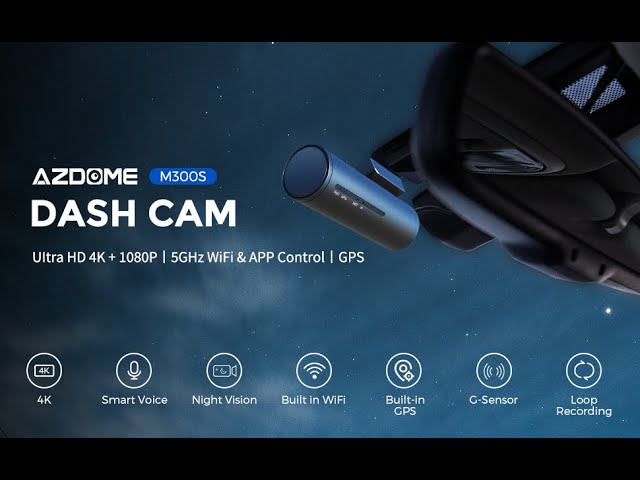




AZDOME M300S front camera 4K and rear 1080P with built-in GPS | Wi-Fi | voice control | night vision
368ر.س
Product description
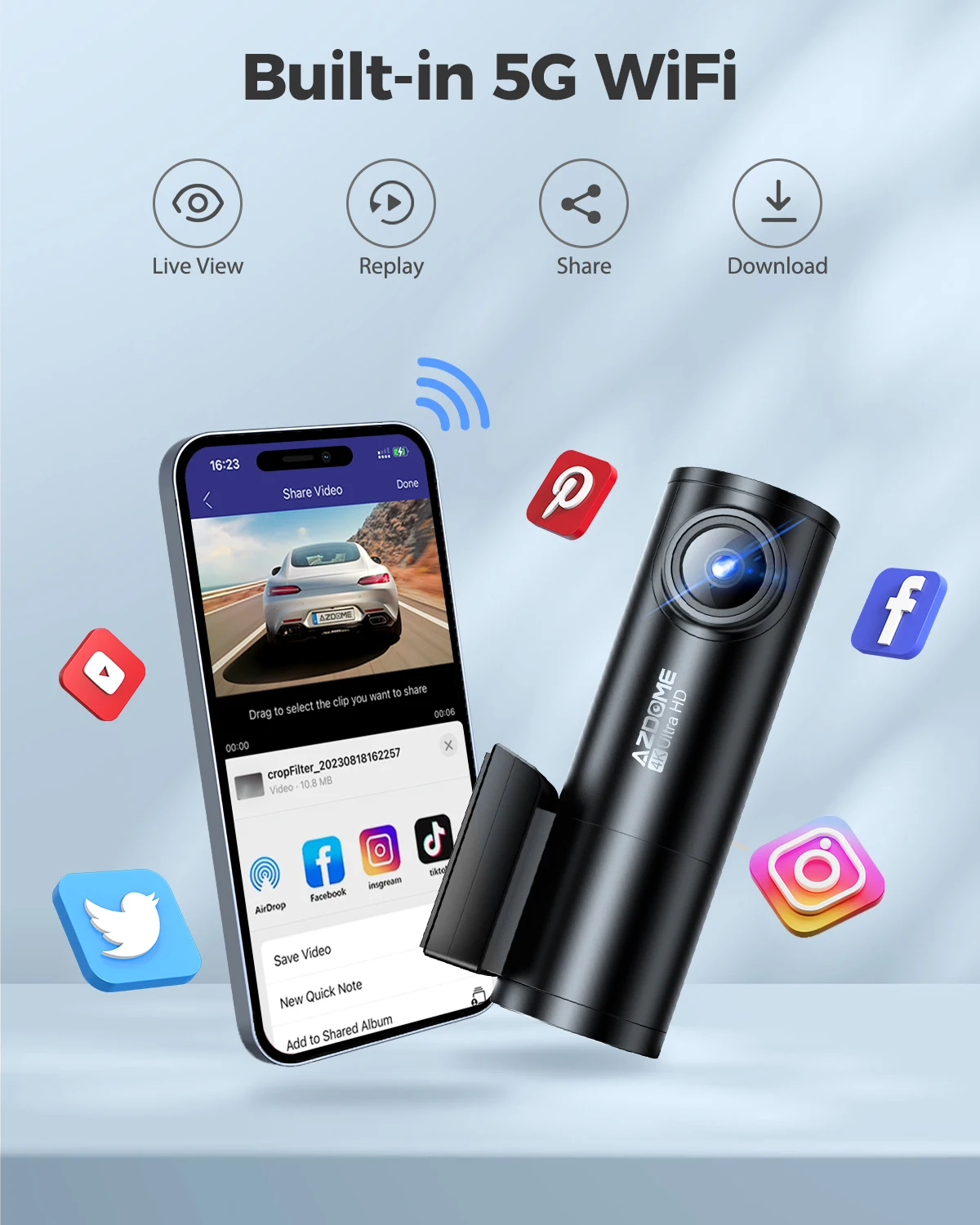
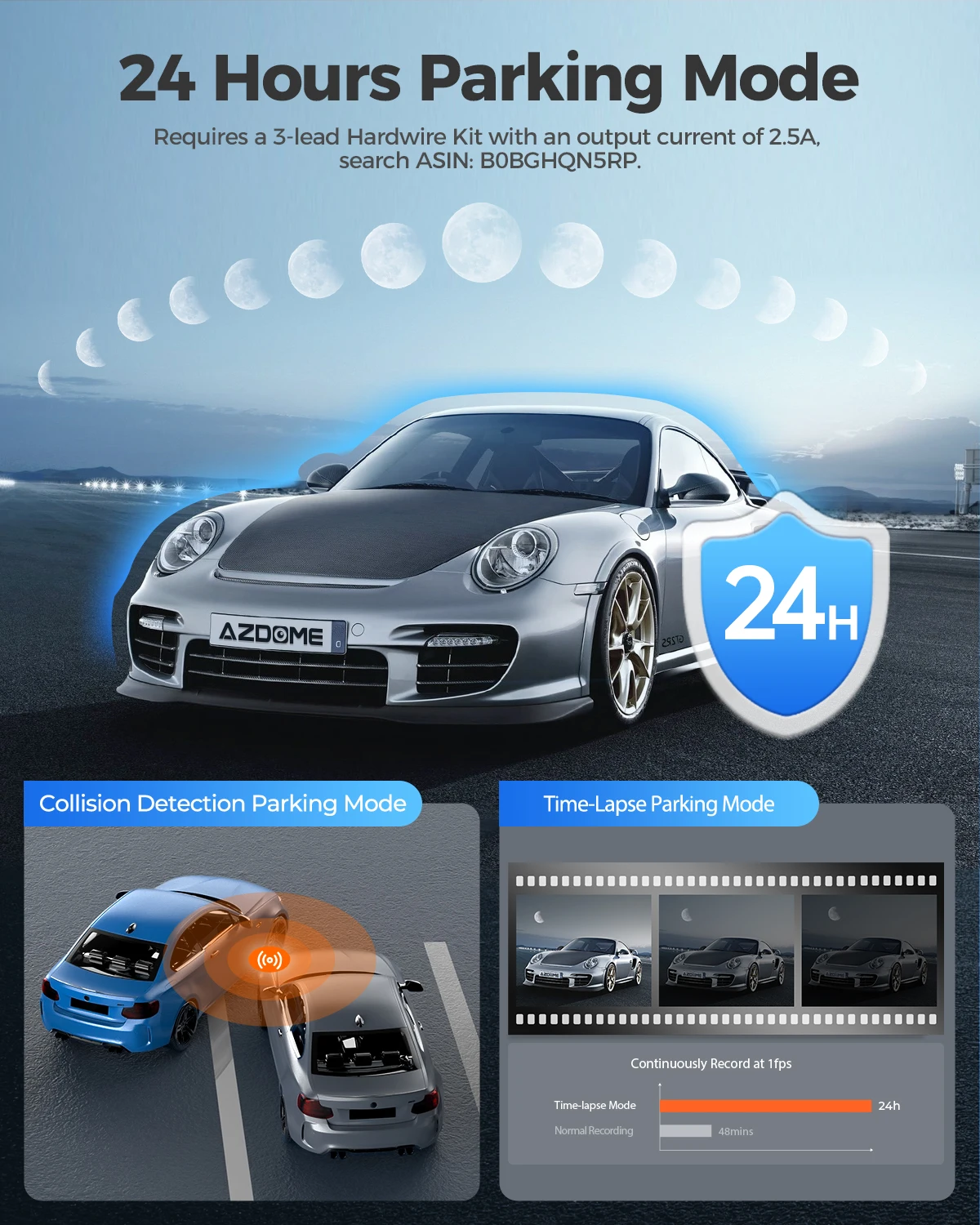
AZDOME M300S dash camera 4K + 1080P car camera rear dash camera 800MP built-in lens GPS Wi-Fi digital video recorder for cars voice control night vision ● UHD 4K front + 1080P rear camera equipped with front and rear cameras can record at the same time. The front camera supports 4K resolution and can clearly capture road information. The rear camera supports 1080 pixels resolution, compared to most cameras with only 720 pixels resolution, and can capture clearer road information at the back of the car, including license plates. ● GPS tracking of driving route the Global Positioning System (GPS) will record the driving route, including information related to location, speed, longitude, and latitude, which can also be displayed on the video with date and time stamp. ● 24-hour parking monitoring a screen to help easily park the car 24 hours only works on an external power source. If someone hits your car and the impact reaches the G sensor level, the camera will turn on and record a video for about one minute, then lock and save it. It is always better to connect the Dash Cam to external power (device set) during use. Please select the "M300S wiring set" option for full functionality when purchasing. ● 5.8 GHz Wi-Fi with app control videos/photos can be viewed and downloaded on the smartphone via Wi-Fi and your AZDOME camera app, no need to remove the TF card to check on the computer. Note: The DVR WiFi network cannot connect to the internet, it only supports about 9 feet for connection to your phone. ● Superior night vision the wide aperture lens F1.8 allows you to capture high-quality images whether at night or during the day. The specialized focal length technology facilitated by the 6-glass wide-angle lens helps capture smaller details like license plates with higher accuracy even in low light. ● Smart emergency recording the digital video recorder for cars will automatically save and lock the video when it receives a G sensor impact signal or collision, and it will skip loop recording of locked videos in emergencies. ● Loop recording new recordings will replace old clips when the memory card is full but will skip locked emergency videos, and locked files will not be overwritten. ● Hands-free voice control (English only) Azdome M300S supports English voice control only to free your hands, such as "turn on/off WiFi, take a picture, start/stop recording, lock video". Contents of the box (1) M300S dash camera (2) rear camera (3) double-sided tape (4) power sticker (5) user manual (6) cable clip (7) lens tool (8) USB car charger There are two options for you to choose from. Option 1: Standard M300S package list = Standard M300S package (as shown in the picture above); Option 2: M300S wiring set = Standard M300S package + solid wiring set with low-profile protection (JYX05) Tips: - Requires a small Class 10 or higher SD card, not a fake card. - The TF card is packed separately in a small white or yellow bubble bag (as shown below), please check carefully upon receipt. ● Specifications: Chipset: Novatek 96670; Sensor: GC4653 (8MP CMOS 16:9)+SC2363H; TF card: supports up to 128GB (Class 10 or higher); Lens aperture: F=1.8; Video resolution: 3840*2160P, 25P + 1920*1080 25P (default); 2560*1440P, 30P + 1920*1080 30P; GPS system: built-in; Wi-Fi: built-in; Microphone: supported; Speaker: supported; G sensor: built-in; Battery: none; Power interface: 5V/2.5A; USB port: for charging only. That's it! Customer FAQs Q: The camera shows "Memory error" or "Please insert Micro SD card" even though the memory card is already installed? A: 1. Make sure to format your TF card using the dash cam for optimal use. Failure to initialize the TF card may cause a card error. 2. Ensure the memory card is at least Class 10 and U3, purchased from trusted sellers like Walmart, Target, Best Buy, Ship & Sold by Amazon, etc. (Many fake cards are online, remember if it's cheap, it's fake). 3. Now go to the camera system settings and format your memory card. After formatting, press and hold the power button to turn off the camera. Now disconnect the power cable, reconnect it, and the camera should turn on automatically and start recording. Q: Does the camera automatically lock many videos? A: Please ensure to increase the G sensor sensitivity. If set higher, it can trigger even with smaller bumps. This setting depends on the type of vehicle or truck you drive and the amount of vibration caused by your car/truck based on the suspension system and road conditions.

From Abha
Questions you might have